P: No se muestra la temperatura ambiente.
A: The device is designed to display the ambient temperature only when it exceeds 122°F (50°C). This is because the thermocouple sensor used in our probe requires a temperature difference between the internal meat temperature and the ambient temperature to operate. If the temperature difference is too close, the thermocouple sensor will not work. Therefore, the device only displays ambient temperatures above 50°C (122°F) due to this technical requirement.
Q: Stand/Probe won’t pair to my phone, Bluetooth won’t connect/Bluetooth connection is stuck on C-1.
A: Please confirm if your operation is correct. You can refer to the video below for detailed steps.
Si no se puede resolver el problema, consulte los siguientes pasos:
Confirma si has otorgado los permisos de Bluetooth y ubicación a la aplicación ChefsTemp, y si todas las sondas están cargadas.
Eliminar conexiones actuales: Asegúrese de haber eliminado todas las conexiones existentes en la aplicación.
Reinicia el dispositivo: Después de eliminar las conexiones, apaga completamente el soporte y luego reinícialo.
Vuelve a emparejarlo desde el principio: Una vez que lo hayas reiniciado, intenta emparejarlo de nuevo desde el principio.
Siga los pasos para eliminar las conexiones:
Si persisten los problemas, envíenos un vídeo del funcionamiento y un vídeo de su aplicación LightBlue para que podamos analizarlos (cuando el soporte y las sondas estén cargados, la palabra "Probe" aparecerá en la pantalla LightBlue para cada sonda, sin numerar, y las palabras "ProTemp Stand" aparecerán para el soporte).
P: Pulso el botón, pero el soporte no responde/el soporte no se enciende.
A: Check if the buttons are stuck and whether the press sensation on both sides of the buttons is the same, to confirm if the buttons are damaged. If the not, use a charger to charge the stand and then restart it. And please note that the button on the left is designed with different press durations for different functions: a press of 2-3 seconds can turn the device on and a longer press, about 4-5 seconds, can switch it off.
P: No puedo cargar otros dispositivos.
A: Please note that the port on the left is for charging the stand, while the port on the right allows the stand to charge other devices.
El ProTemp Plus no es compatible con la carga de teléfonos Apple. Además, el puerto de carga solo admite cables USB-C.
P: ¿Por qué tengo que registrar una cuenta en la aplicación?
A: The purpose of creating an account is to facilitate seamless usage of the device among family members through a single account. Additionally, registering an account enables access to cloud storage services.
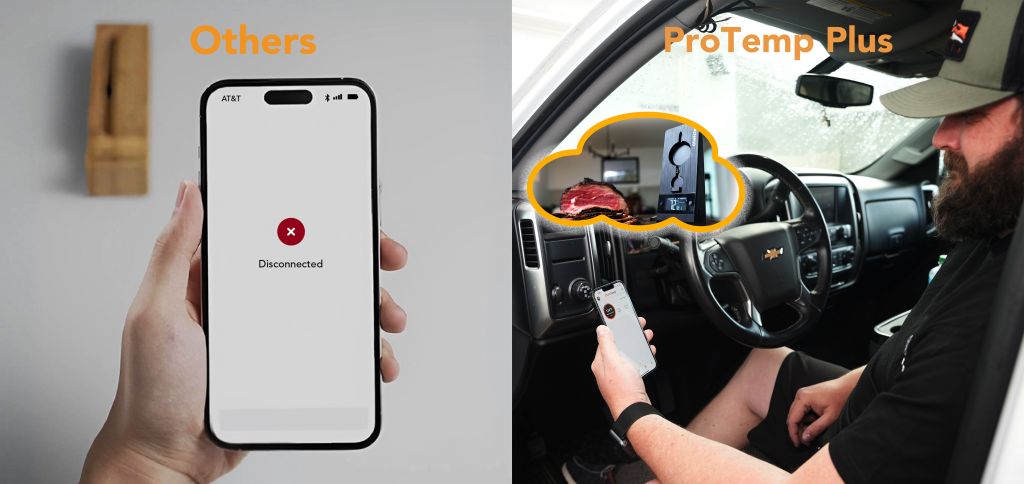
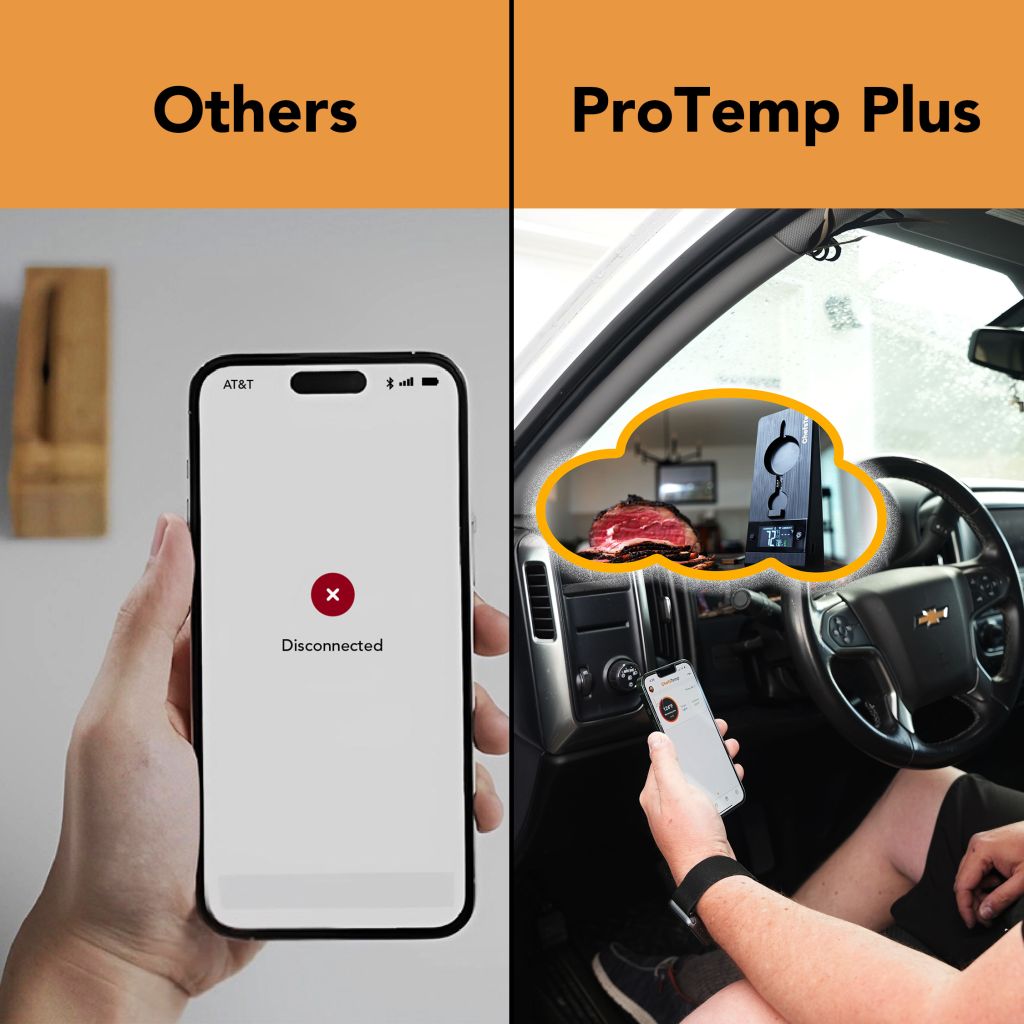
Nuestro producto utiliza Wi-Fi para la transmisión de datos en la nube, lo que garantiza una conectividad fluida y permite a los usuarios acceder a sus datos de temperatura de forma remota. Esta es la característica única de nuestro termómetro que lo distingue de otros termómetros inalámbricos para carne con Bluetooth. Para mantener el acceso a las funciones de datos en la nube, es necesario registrarse.
Tenga la seguridad de que priorizamos la privacidad y la seguridad de la información personal de nuestros clientes. Contamos con estrictas medidas para garantizar que sus datos permanezcan confidenciales y no se divulguen a terceros. Además, nuestra aplicación no enviará mensajes publicitarios.
P: No se pueden cargar las sondas.
A: Please restart the stand, then place the probe on another socket to charge it. (both the front and back sockets can be used to charge the probe) And please clean the remaining grease on the probe before charging.
P: No se puede cargar el soporte.
A: Please note that the port on the left is for charging the stand, while the port on the right allows the stand to charge other devices.
Utilice una toma de corriente de alta potencia para cargar el soporte y tenga cuidado de que el puerto de carga no se moje.
P: La medición de la temperatura de la carne/temperatura ambiente es incorrecta.
A: To ensure accurate ambient temperature readings, when inserting the probe into the meat, ensure that it’s inserted past the safety notch on the probe. Make sure the ceramic handle of the probe is at least 1cm away from the meat or grill racks. Placing it too close can cause the meat to absorb heat from around the probe, leading to lower temperature readings.
La lectura de temperatura ambiente de nuestra sonda inalámbrica puede verse afectada por diversos factores, como la temperatura de la carne o los niveles de humedad. A diferencia de las sondas con cable, el sensor inalámbrico necesita tiempo para ajustarse y proporcionar lecturas; debido a esta sensibilidad, las temperaturas pueden variar según la ubicación.
Tenga cuidado de no permitir que la sonda entre en contacto directo con objetos de alta temperatura, como llamas o hornos, ya que exceder el rango máximo de lectura puede dañar la sonda y provocar lecturas inexactas.
P: La sonda se desconecta durante su uso.
A: If the oven has strong sealing, it may affect the emission of probe signals. Please move the stand to a better signal location to receive the signal emitted by the probe, and test whether the base can receive Wi-Fi signals properly.
Si no se puede resolver el problema, consulte los siguientes pasos:
Eliminar conexiones actuales: Asegúrese de haber eliminado todas las conexiones existentes en la aplicación.
Reinicia el dispositivo: Después de eliminar las conexiones, apaga completamente el soporte y luego reinícialo.
Volver a emparejar desde el principio: Una vez que lo hayas reiniciado, intenta emparejarlo de nuevo desde el principio.
Siga los pasos para eliminar las conexiones:
Q: Wi-Fi won’t connect.
A: please refer to the following steps:
Asegúrate de tener el nombre correcto de la red Wi-Fi. Puedes encontrarlo automáticamente haciendo clic en el icono de la lupa en la página de configuración de Wi-Fi.
Comprueba dos veces que has introducido la contraseña correcta para tu red Wi-Fi.
Utilice una red de 2,4 GHz; el dispositivo debe estar conectado a una red de 2,4 GHz, no a una de 5 GHz.
Asegúrese de que su teléfono también esté utilizando la red de 2,4 GHz durante la configuración.
Para dispositivos Apple, active la opción "Permitir la conexión con dispositivos cercanos" en la configuración. Esta es una actualización reciente de iOS.
Encienda el Bluetooth en su dispositivo.
Concede permiso de ubicación a la aplicación para una mejor conectividad.
Después de verificar que la configuración anterior sea correcta, elimine todas las conexiones actuales, apague el soporte, reinícielo y vuelva a emparejarlo desde el principio. Siga los pasos para eliminar las conexiones:


















jhnsndvmil –
I was super hesitant getting this thermometer but the curiosity was killing so I needed to try it. I’m so glad I did because it’s amazing! The app is really easy to do and it takes care of all the guess work. I’m really happy with this purchase.
annewalker –
The ProTemp Plus is a game-changer! Instant temperature readings and perfect accuracy. It has become an essential part of my cooking routine. Worth every penny!
marymartin –
No more guesswork with meat! ProTemp Plus gives precise readings in seconds, making my cooking flawless every time. Durable, sleek, and incredibly accurate.
supplypump –
Nice, never used a thermometer that was so helpful and accurate. It kept me appraised of the status of my meat as it cooked!! Great product!!
christopherlee –
Superb thermometer! Accurate, fast readings even in high-heat situations. It’s my go-to for grilling and ensures perfectly cooked meals every time.
brugwood1975 –
Great tool. Just insert it in the food and follow the instructions.
Materetekrapide –
It’s a great, well engineered product. I trusted it and followed the instruction for a perfect medium and both times they came out a perfect medium.
morisbaysouth –
Very accurate temp readings when comparing to my normal meat thermometer. The app is easy to use and provides manual cooking options. Worth the investment. I’m a steak guy and have successfully and beautifully cooked a few steaks so far!
eregular52 –
I bought my husband one for Christmas. It works very well and is great because it is wireless and hooks up to your phone!!
devancer823 –
I had no problem setting this up it speaks to you telling you how to cook your protein on multiple platforms, you set the parameters and your ready to go. I am very pleased.