

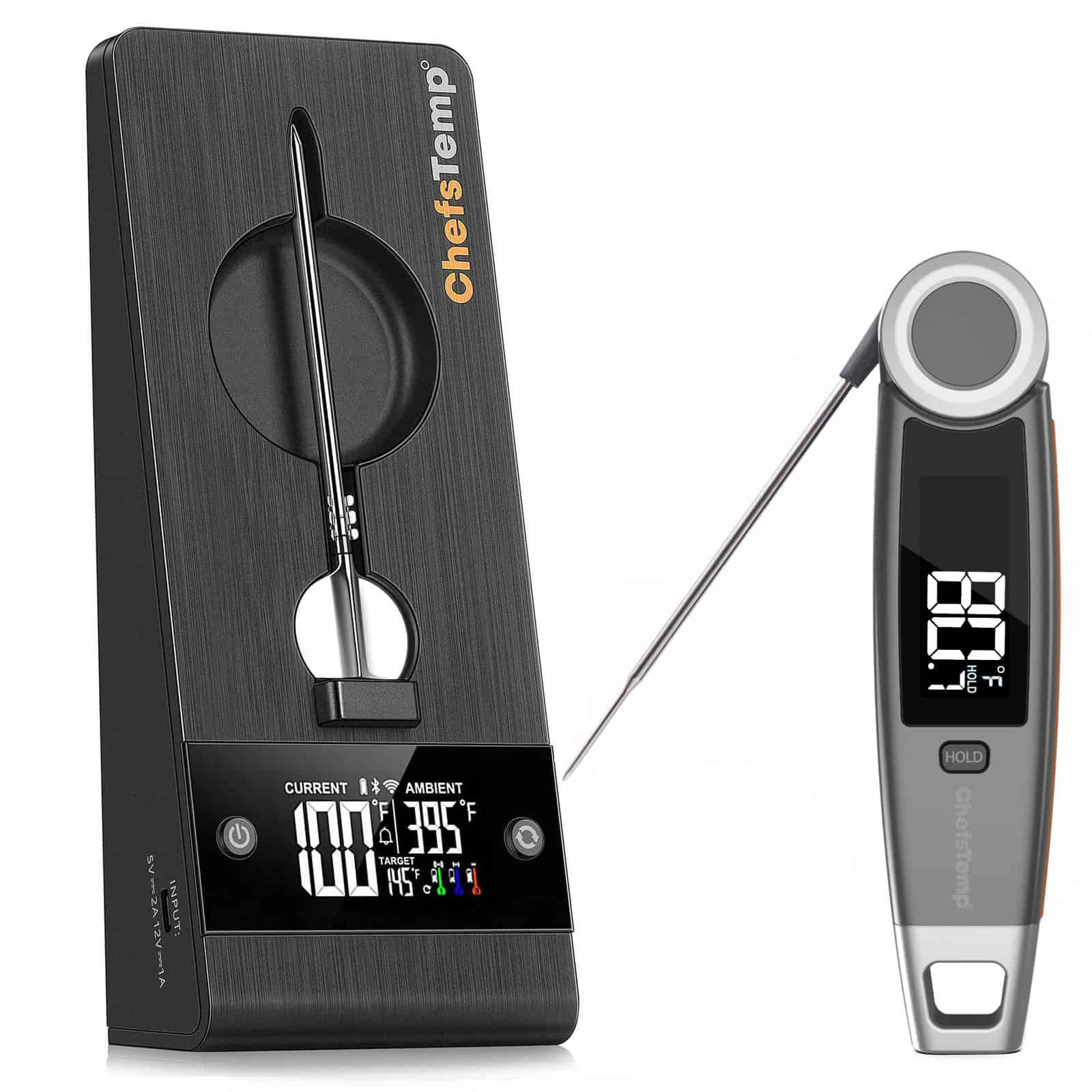
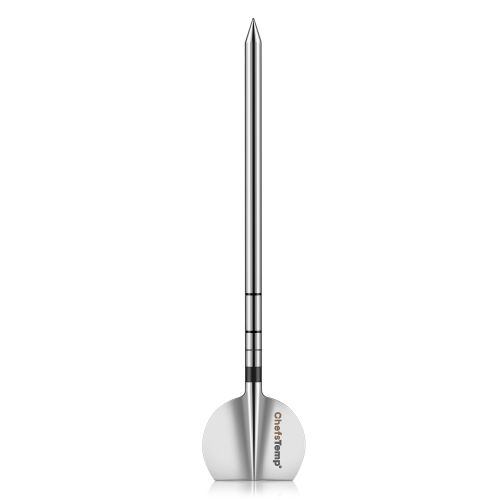
Sonde der 2. Generation & 4-in-1-Ladegerät-Kombination – Ersatzzubehör für ProTemp S1 oder ProTemp 2 Plus (ProTemp S1/2 Plus erforderlich – Kann nicht eigenständig verwendet werden!)
$49.99 $217.95Preisspanne: $49.99 bis $217.95
Sondenspezifikation:
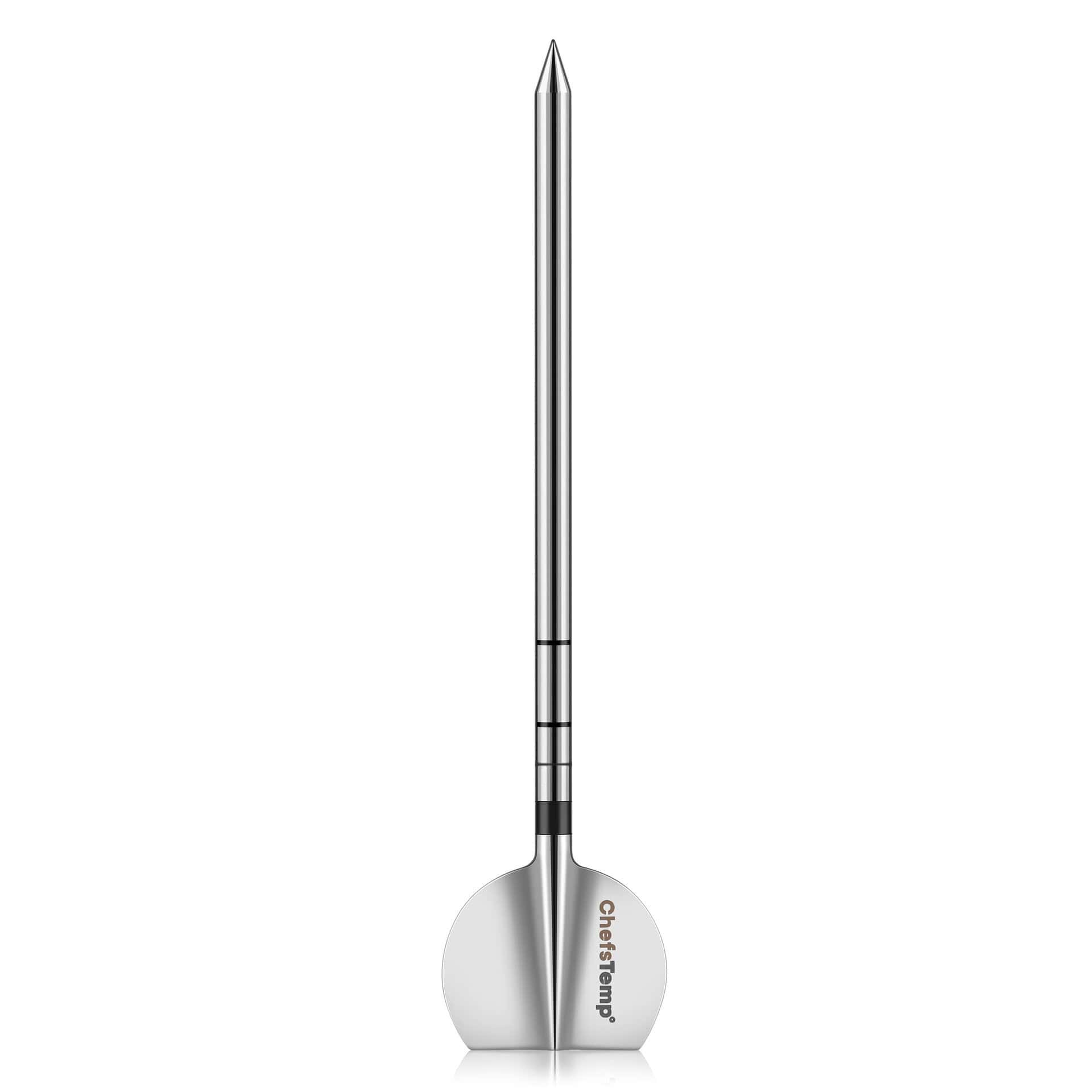
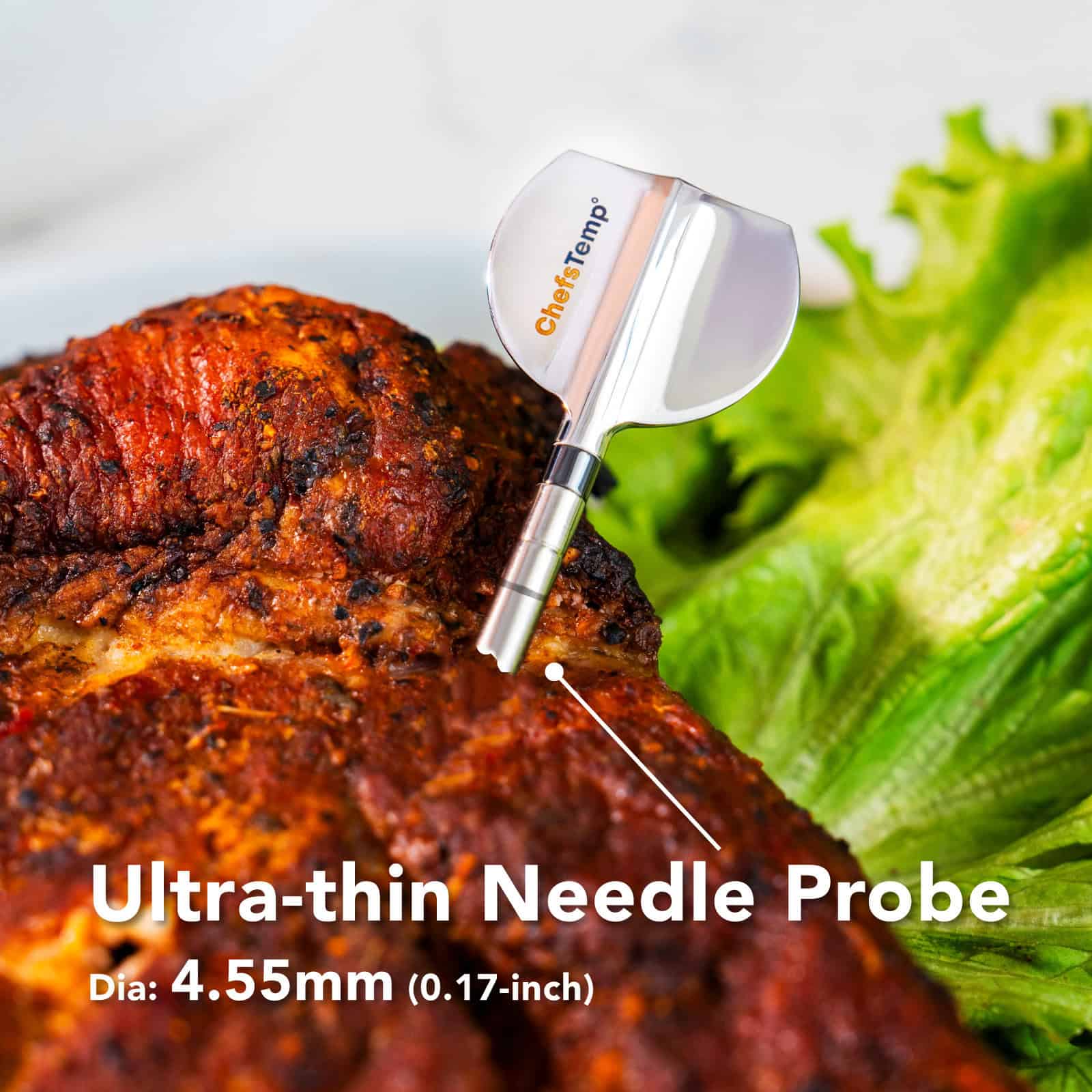
- Sondengröße: 4,92 × 1,10 × 0,17 Zoll (125 × 28 × 4,55 mm)
- Durchmesser: 0,17 Zoll (4,55 mm)
- Genauigkeit: ±0,9°F (±0,5°C)
- Temperaturmessbereich der Sonde: 0 °C – 105 °C (32 °F – 220 °F) Hält Temperaturen bis zu 105 °C (221 °F) stand
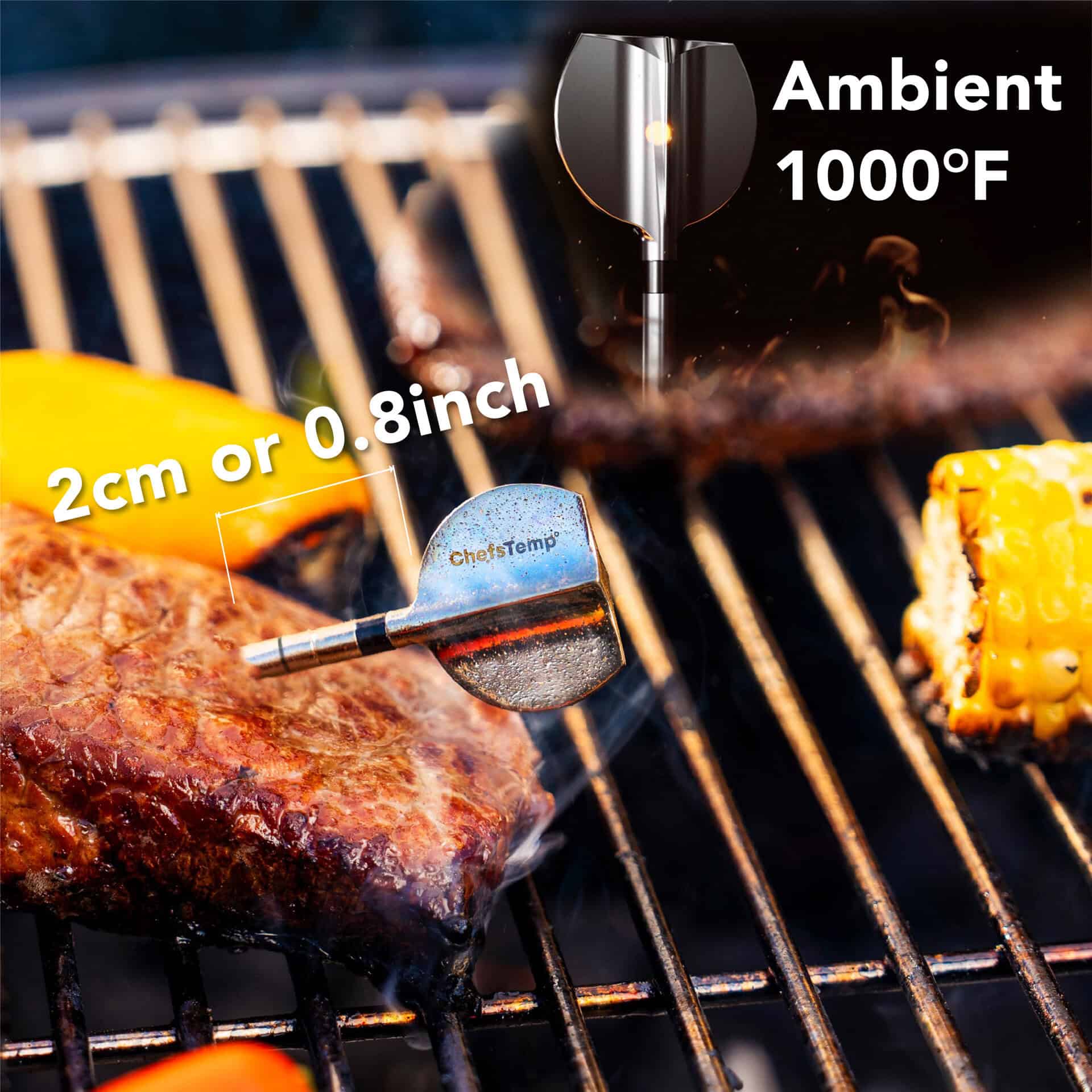
- Umgebungstemperaturbereich: 50 °C – 530 °C (122 °F – 1000 °F) Hält Temperaturen bis zu 530 °C (1000 °F) stand
- Wasserdichtigkeitsgrad der Sonde: IP68
- Material: Edelstahl der Güteklasse 316
- Akkulaufzeit der Sonde: Bis zu 30 Stunden
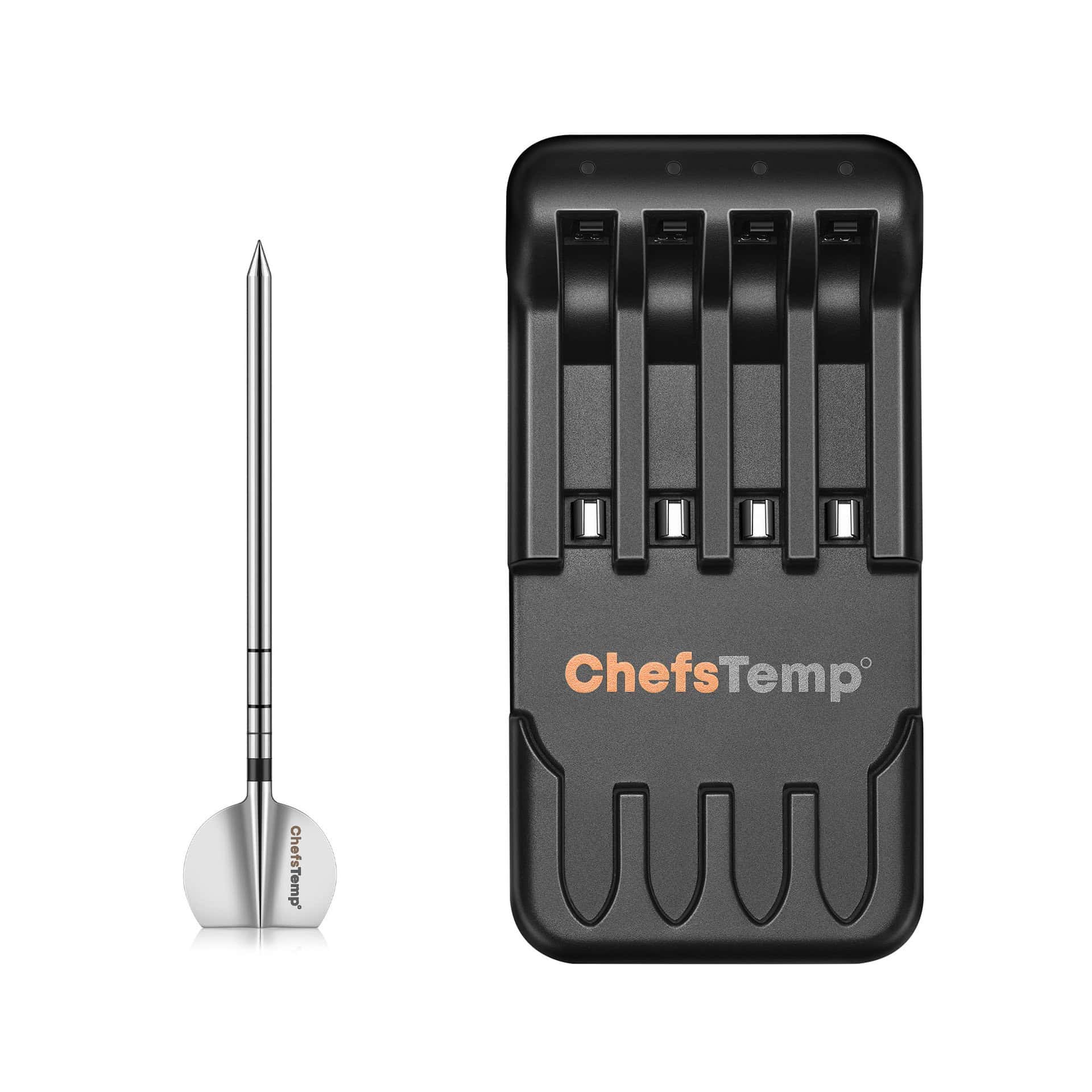
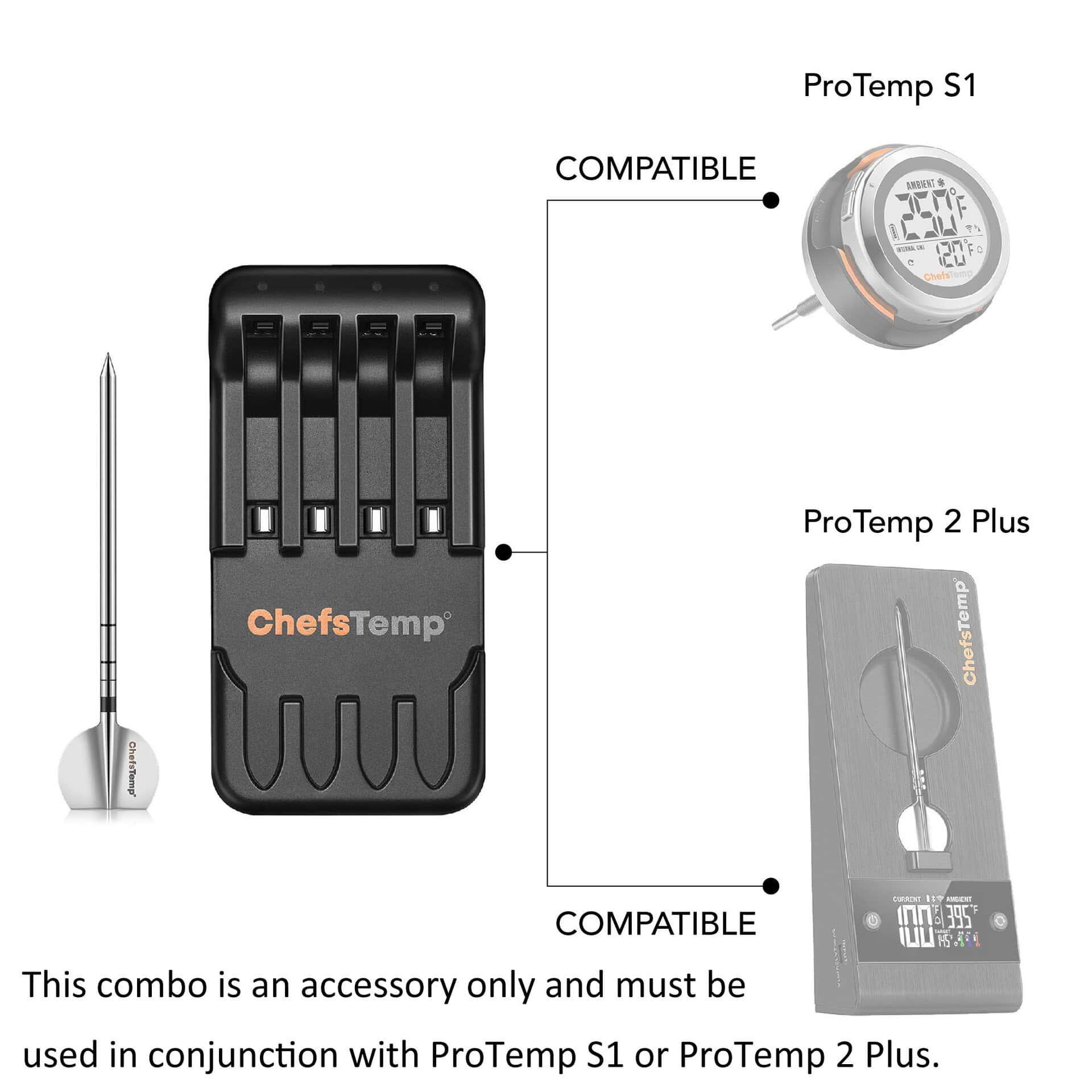
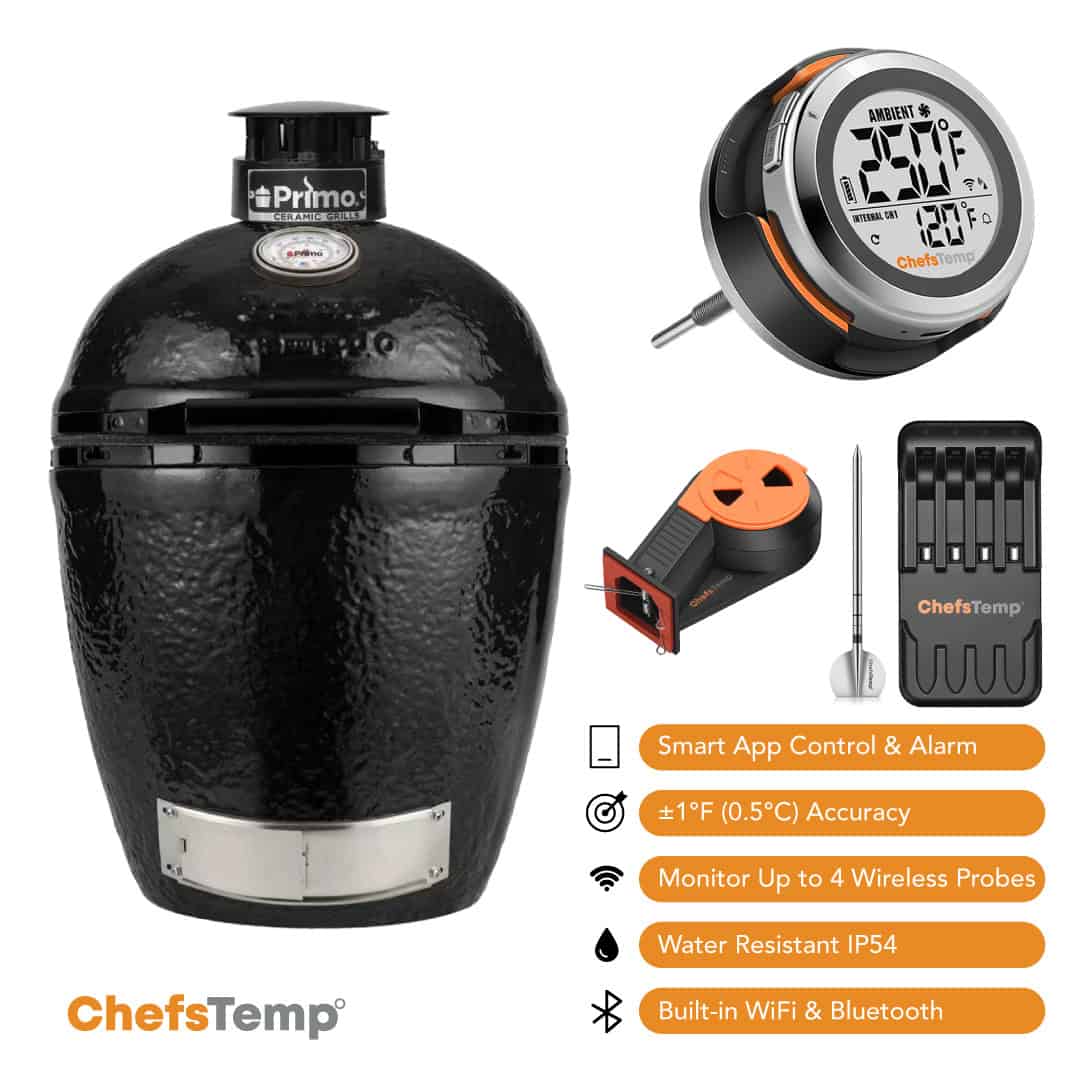
- Kann mit ProTemp S1 und ProTemp 2 Plus verbunden werden und kann auch über das ChefsTemp 4-in-1 Ladegerät aufgeladen werden.
- Vollständige Aufladung in nur 10-15 Minuten: Wir empfehlen, die Sonde vor jedem Gebrauch vollständig aufzuladen.
- Wichtig: Dieses Produkt ist ein Zubehörteil. Bitte vergewissern Sie sich vor dem Kauf, dass Sie bereits einen ProTemp S1 oder ProTemp 2 Plus besitzen. Die Verwendung für Original ProTemp Plus wird nicht empfohlen, da es möglicherweise nicht kompatibel ist.
Die Bedienungsanleitung für das 4-in-1-Ladegerät finden Sie hier.
Produktmerkmale
Ultradünne Sonde & lange Akkulaufzeit: Die nur 4,55 mm dünne Nadel hinterlässt kaum Spuren auf Ihren Lebensmitteln. Der integrierte Akku hält mit einer einzigen Ladung bis zu 30 Stunden.
Hochwertiger Edelstahl 316: Bietet eine überlegene Korrosionsbeständigkeit gegenüber Säuren, Feuchtigkeit und Fetten – weit besser als 304 – und ist gleichzeitig NSF/ANSI-lebensmittelzertifiziert, um das Auslaugen von Metallen zu verhindern und so eine sichere, hygienische und langlebige Leistung zu gewährleisten.
Hochtemperaturbeständigkeit: Hält Umgebungstemperaturen bis zu 530 °C (1000 °F) und Kerntemperaturen von Lebensmitteln bis zu 105 °C (221 °F) stand. Ideal zum Grillen, Frittieren, Räuchern und vielem mehr.
SchnellladenIn nur 10-15 Minuten vollständig aufgeladen, empfehlen wir, den Akku vor jedem Gebrauch vollständig aufzuladen. (Hinweis: Überladung kann die Lebensdauer des Akkus verkürzen. Da die Sonde keinen Ein-/Ausschalter hat, entlädt sie sich bei Nichtgebrauch auf natürliche Weise langsam. Ist der Akku vollständig entladen, laden Sie ihn einfach vor dem nächsten Kochen wieder auf 100% auf.)
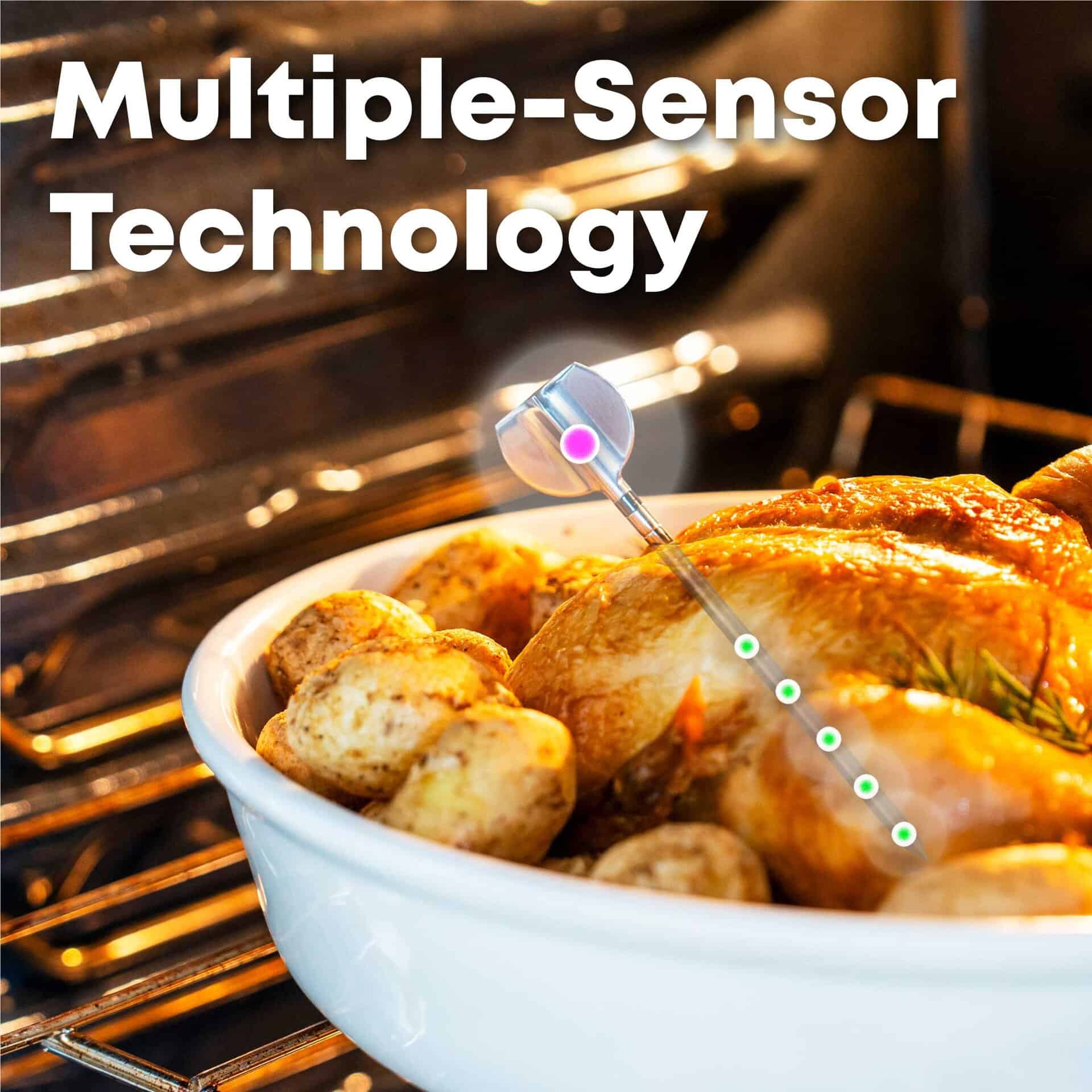
Präzision mit mehreren Sensoren: Fünf Sensoren an der Spitze messen die Kerntemperatur der Speisen punktgenau. Ein Sensor am Griff überwacht die Umgebungstemperatur (Grill/Ofen) in Echtzeit.
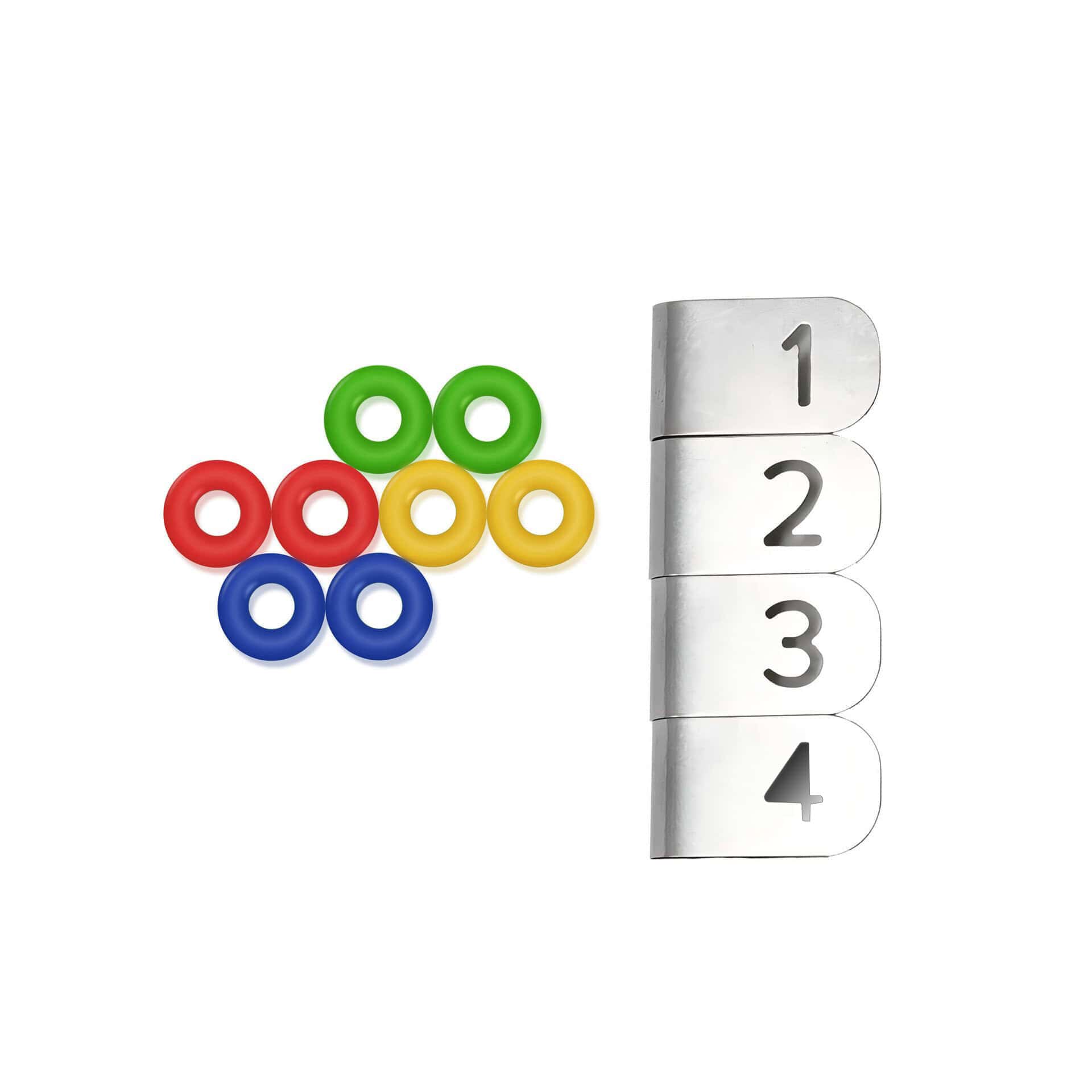
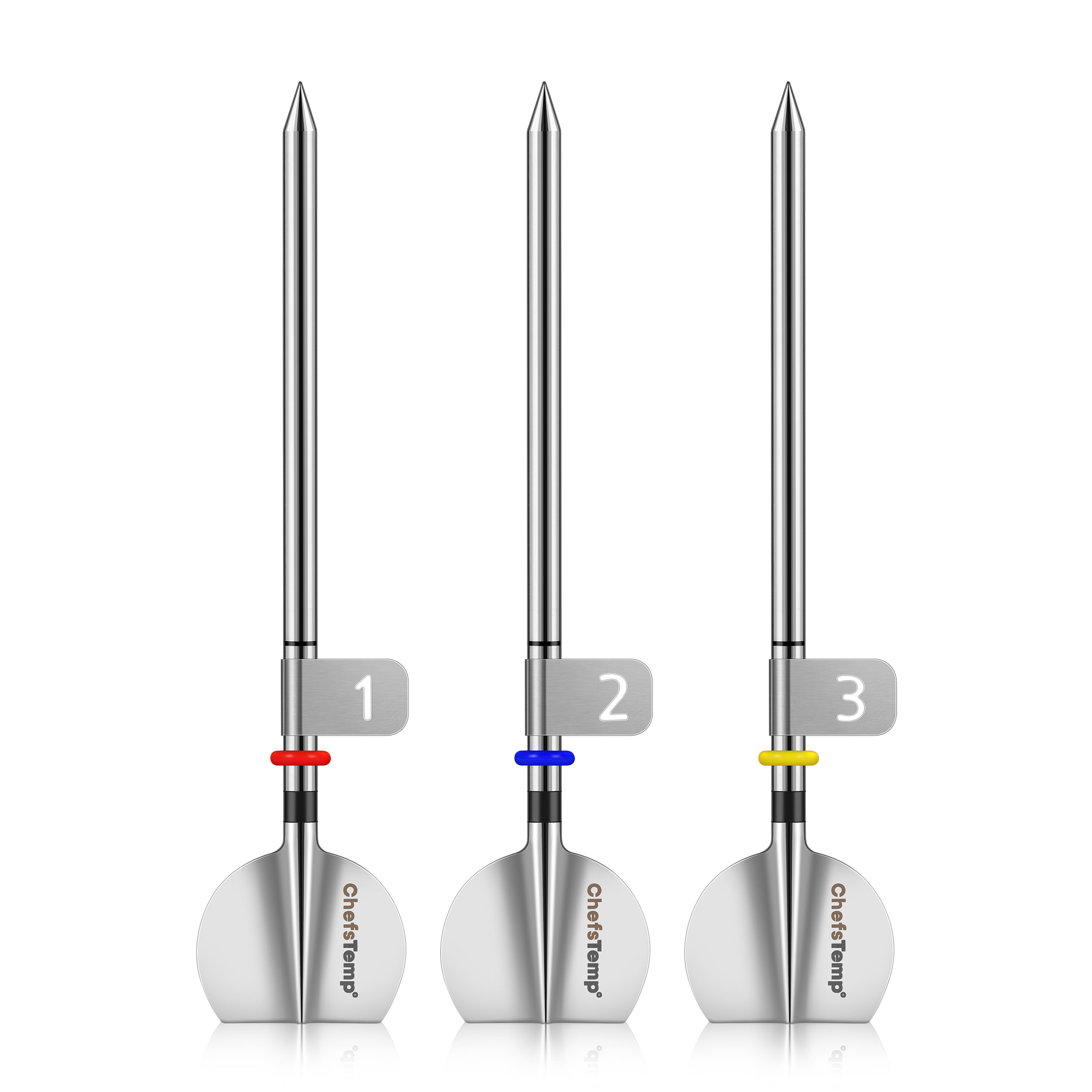
Sondennummernclips: Vier mit Metallklammern nummeriert, lassen sich zur sofortigen Kanalidentifizierung auf die Sonden aufstecken. 4 mm Durchmesser; kompatibel mit der neuen Sonde der 2. Generation.
Um zu überprüfen, ob Ihre Sonde am 4-in-1-Ladegerät ordnungsgemäß geladen wird, überprüfen Sie bitte Folgendes:
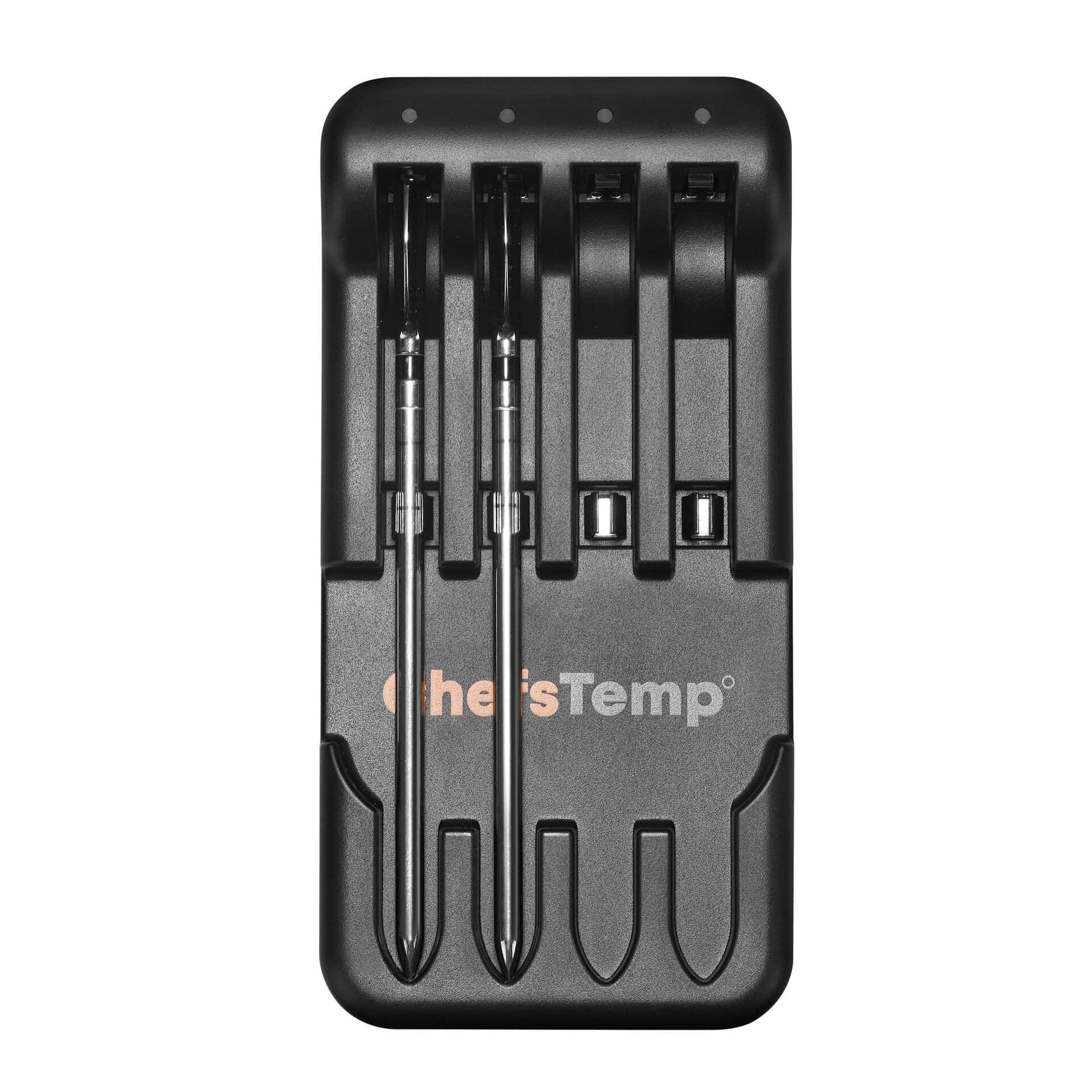
- LadeanzeigeWährend des Ladevorgangs leuchtet am entsprechenden Ladeanschluss eine blaue Kontrollleuchte auf. Sobald die Sonde vollständig geladen ist, erlischt die Leuchte und signalisiert damit ihre Einsatzbereitschaft für mindestens 30 Stunden.
- Sondenausrichtung: Stellen Sie sicher, dass die Sonde richtig eingesetzt ist und ihr Ende vollständig Kontakt mit der Metallplatte im Steckplatz des Ladegeräts hat.
If you are not sure if the probe has been fully charged or if it is unable to be charged, please go to My Connections >> My Paired Probes >> Tap your probe to check its battery.
Sollte das Problem weiterhin bestehen, versuchen Sie bitte Folgendes:
- Laden Sie die LightBlue-App herunter und prüfen Sie, ob “Sonde” in der Geräteliste angezeigt wird. Jede geladene Sonde sollte als separater Eintrag erscheinen.
- Record a short video showing the probe charging and send it to [email protected]. We’ll review it promptly and resolve the issue.
If your Charger can power on (red light on), but all probes do not display when charging:
Place the probe in reverse on the Charger, with the probe tip touching the metal plate at the bottom of the charging slot and the probe touching the middle spring. Check if the Charger lights up blue and flashes. If the blue light is on, it indicates that the Charger is functioning properly and the problem lies with the probe itself. If there is no blue light, it indicates that the Charger has malfunctioned.
If you experience connection issues with your probes (can not connect the probes to ProTemp S1/ProTemp Plus Series, or the probe is disconnected during use), please try the following step-by-step guide:
- Delete all your connection in the app, including ProTemp S1, ProTemp Plus/ProTemp 2 Plus and probes.
- Uninstall the ChefsTemp app and reinstall it, ensure that your app is the latest version.
- Fully charge everything: Place all probes in the 4-in-1 Charger or ProTemp Plus/ProTemp 2 Plus Stand for at least 15 minutes.
- Pair probes one at a time: Take only one probe out of the Charger/Stand to pair. Wait for it to connect successfully, then put it back, and repeat with the next probe (Click on “…” in the upper right corner of the app homepage, click on “My Connections”, click on “Add New Probe”, and then click on “Probe” in “SEARCHING FOR NEARBY PROBES”).
- Ensure that your ProTemp S1 and ProTemp Plus/ProTemp 2 Plus Stand are located close to the probe to ensure smooth transmission of probe signals.
This method avoids signal interference between probes and helps the app detect them correctly.
If your probe still cannot connect, you can perform the following confirmation steps:
- Click on the probe icon on the probe page to perform fault diagnosis. You can watch this video to perform the operation: New ChefsTemp App Update Guide | How to Diagnose Disconnection Issues
- After charging the probes, remove them from the Charger/Stand, download and open the LightBlue app, search for “Probe”, and see if you can find them. Each charged and removed probe will display a line of “Probe”.
- Please take a video of your complete connection operation, screenshots of the app homepage and diagnostic information, as well as LightBlue screenshots and send them to us. We will analyze and provide a solution for you.













Rezensionen
Es gibt noch keine Rezensionen.