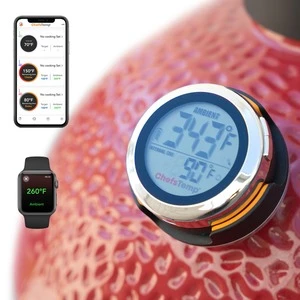
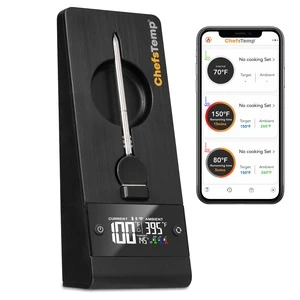
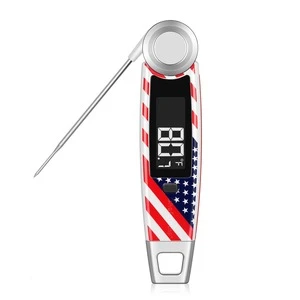
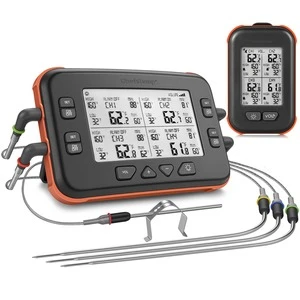
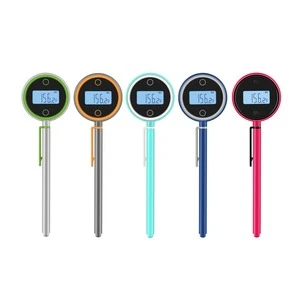
Open the ChefsTemp app, select the relevant device, and look for the temperature-unit option in its settings. Choose °F for Fahrenheit or °C for Celsius. The option's location can vary by app version.
If you cannot find it, send Customer Support your phone model, app version, and a screenshot of the device settings. Confirm the displayed unit before comparing readings or reviewing temperature-alert thresholds.
CHEFSTEMP SUPPORT
App: How do I change Celsius to Fahrenheit in the ChefsTemp app?
WE’RE HERE TO HELP
Still need help?
Contact our support team for help with your ChefsTemp products.