

In this step-by-step tutorial, we’ll show you two easy ways to access or create a dedicated 2.4GHz network:
- Explain why your device might only show 5GHz, and finish with a complete pairing guide for your ProTemp S1 or ProTemp 2 Plus.
- Separating your router’s 2.4GHz and 5GHz bands by turning off Smart Connect or Band Steering.
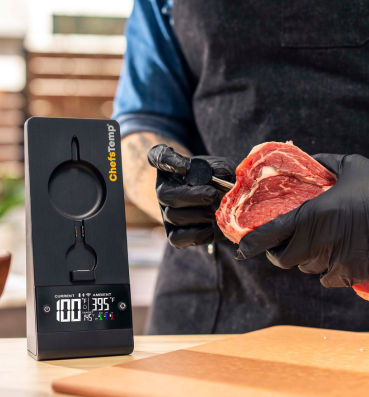
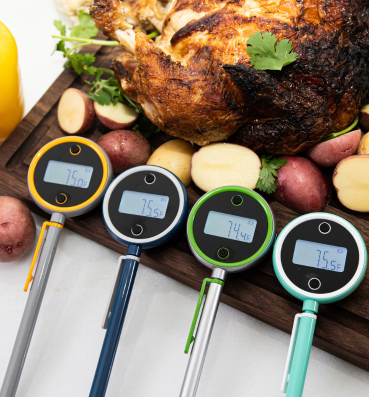
- Setting up a guest network specifically for IoT devices like your ChefsTemp thermometer.












Leave A Comment
You must be logged in to post a comment.