


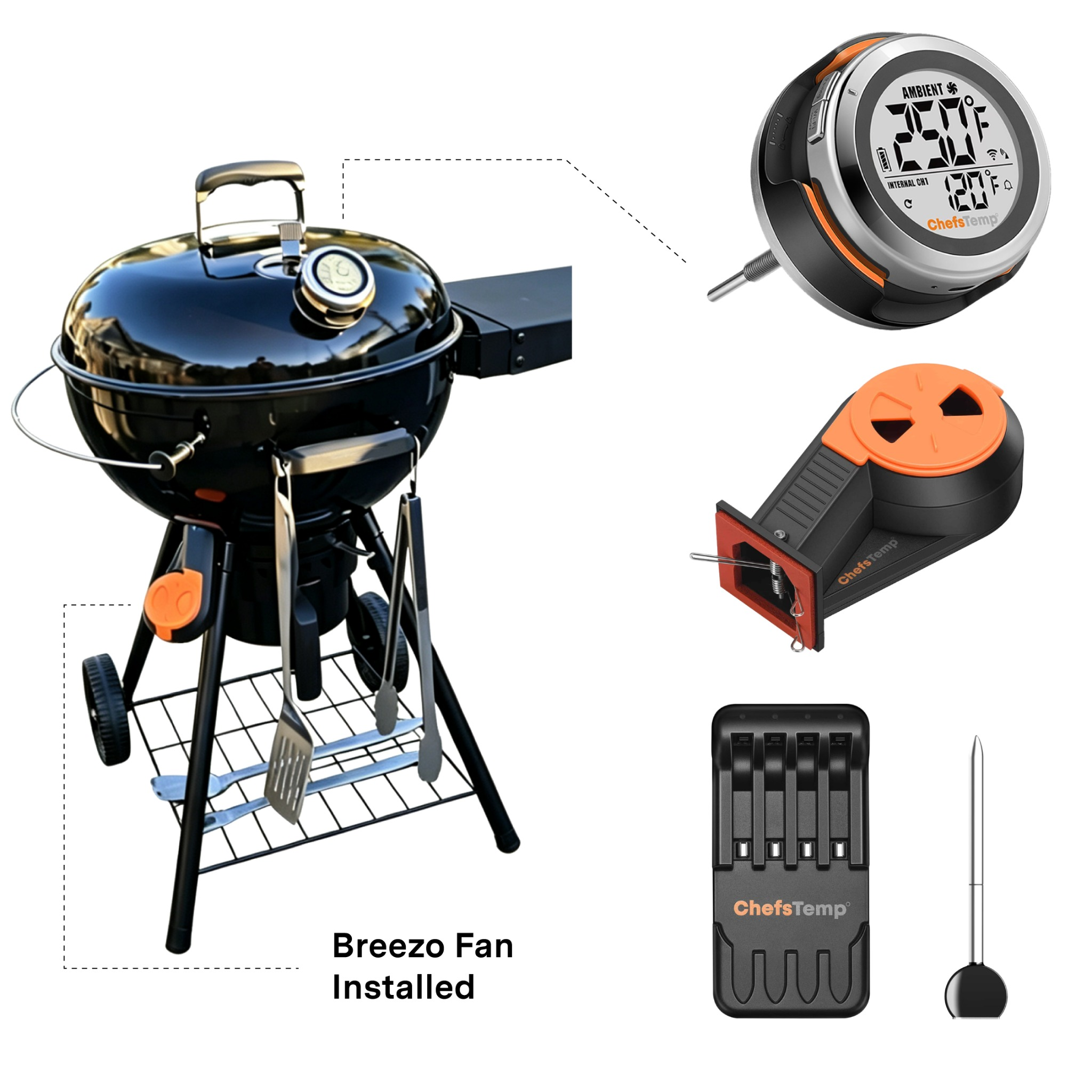






Why Upgrade Your Slow 'N Sear with S1 Bundle?
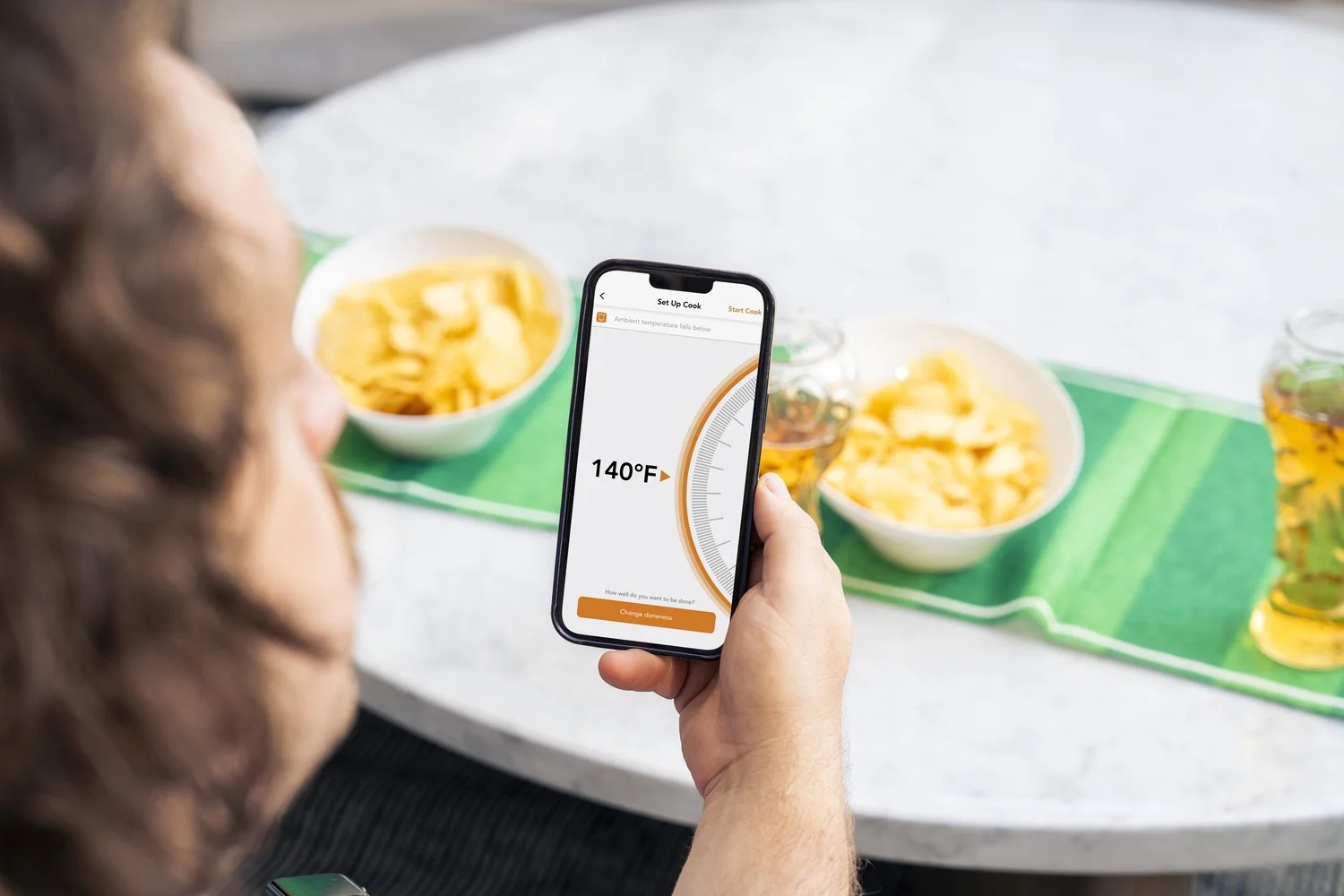
Wi-Fi & Bluetooth Monitoring
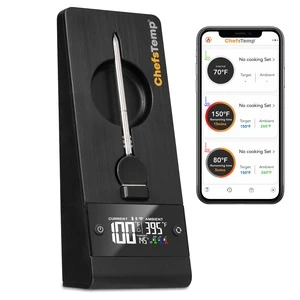
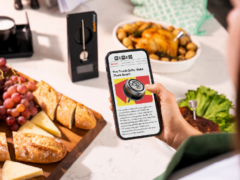
Track grill and meat temperatures remotely on your phone or Apple Watch via Wi-Fi & Bluetooth. Monitor your cook from anywhere—day, night, heat, cold, rain, or while sleeping.

No Wires, No Dead Batteries
Say goodbye to messy wires cluttering your cook station. With 40 hours of battery life on a single charge, you can handle overnight smokes without battery anxiety and manage everything right from your phone or Apple Watch.
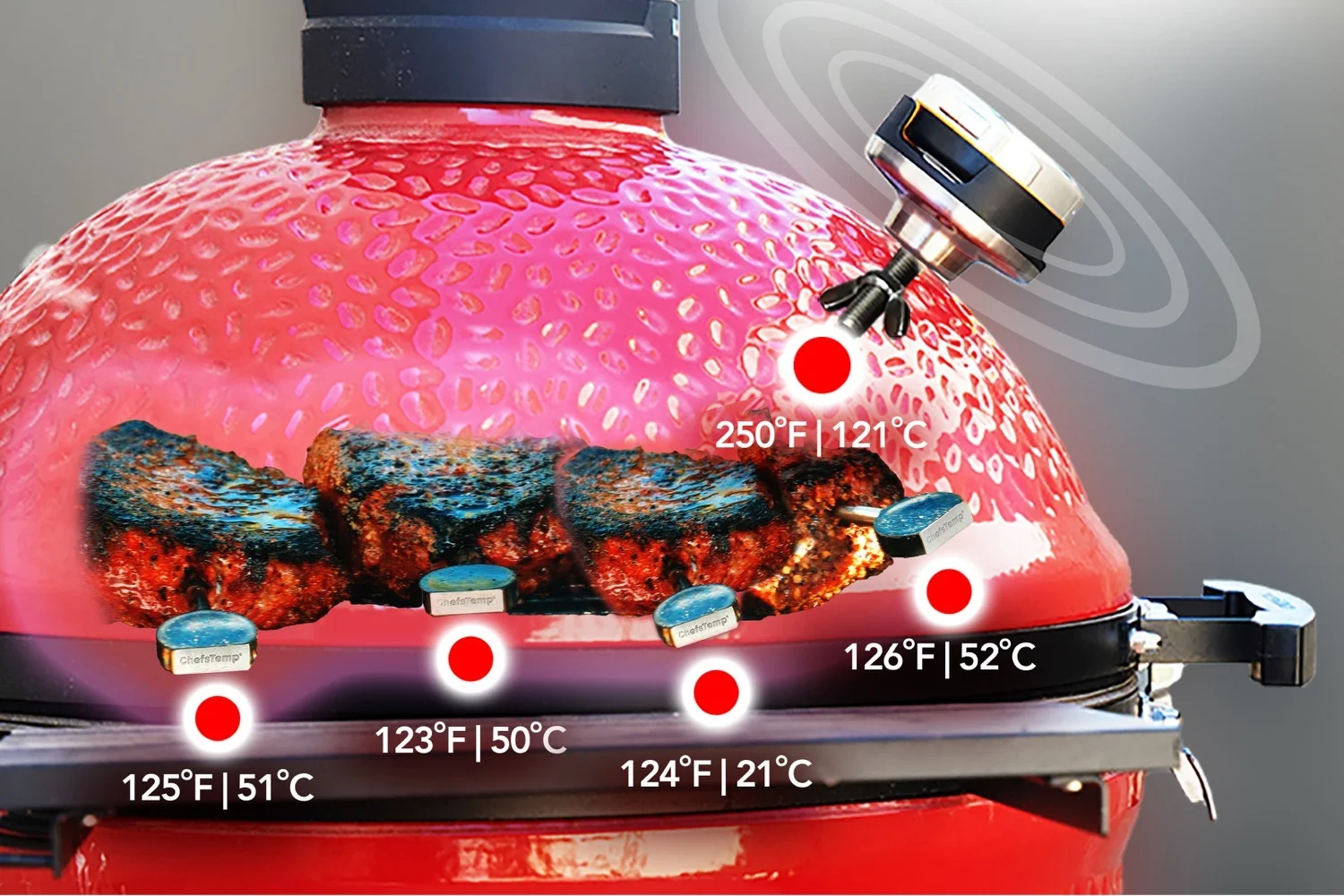
Stop Guessing Your Pit Temps
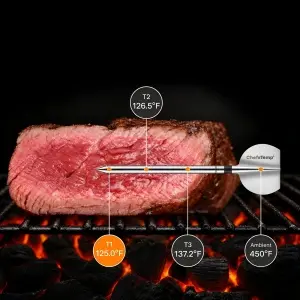
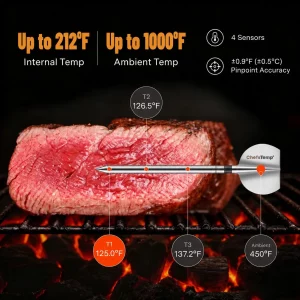
Original dome gauges are rarely accurate. Upgrade to a pro-grade Platinum sensor rated up to 1000°F and track up to 4 probes (each equipped with 5 sensors) at once for real-time accuracy across every cut of meat.
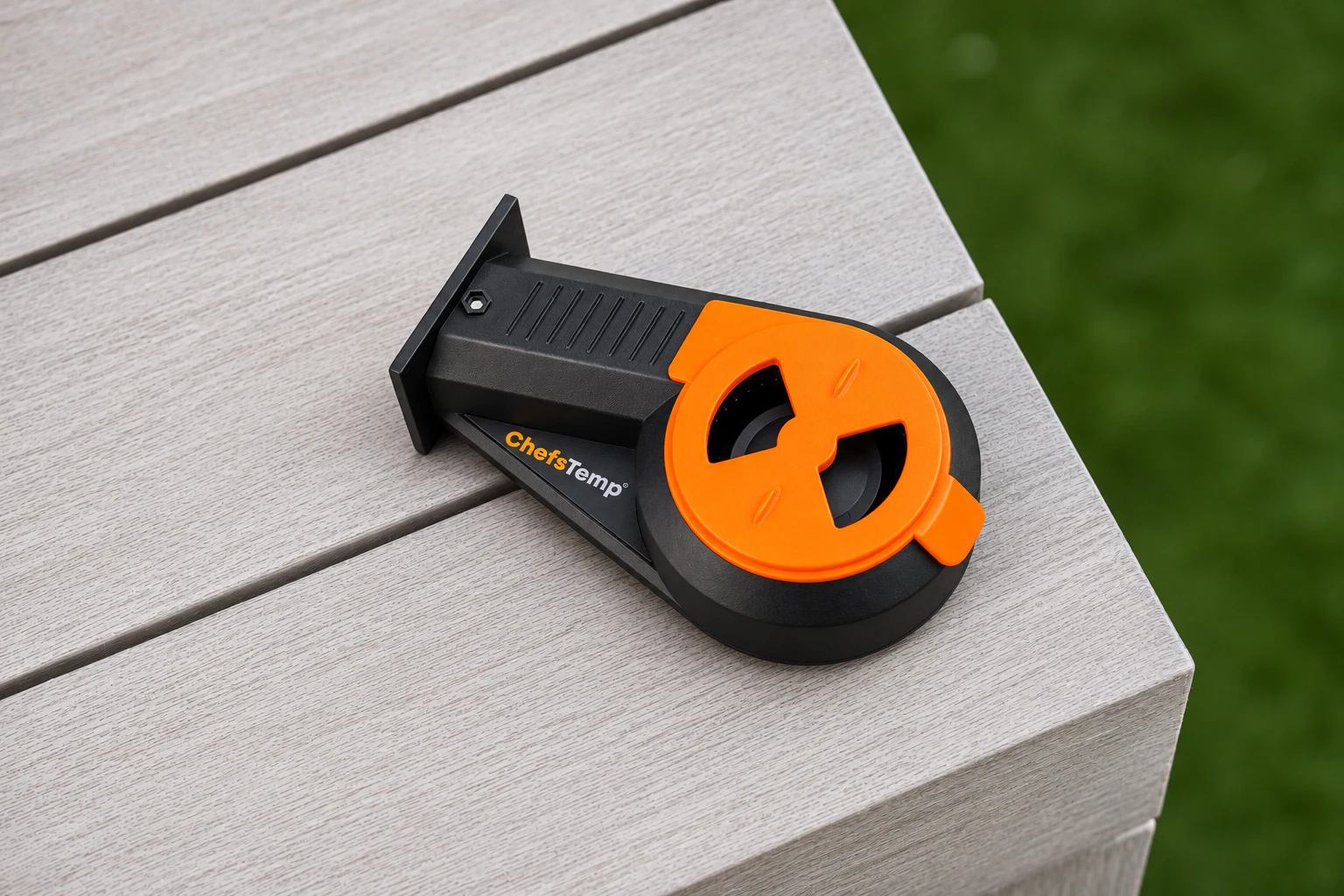
Automatic Airflow. Steadier Temps.
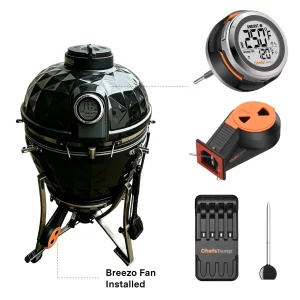
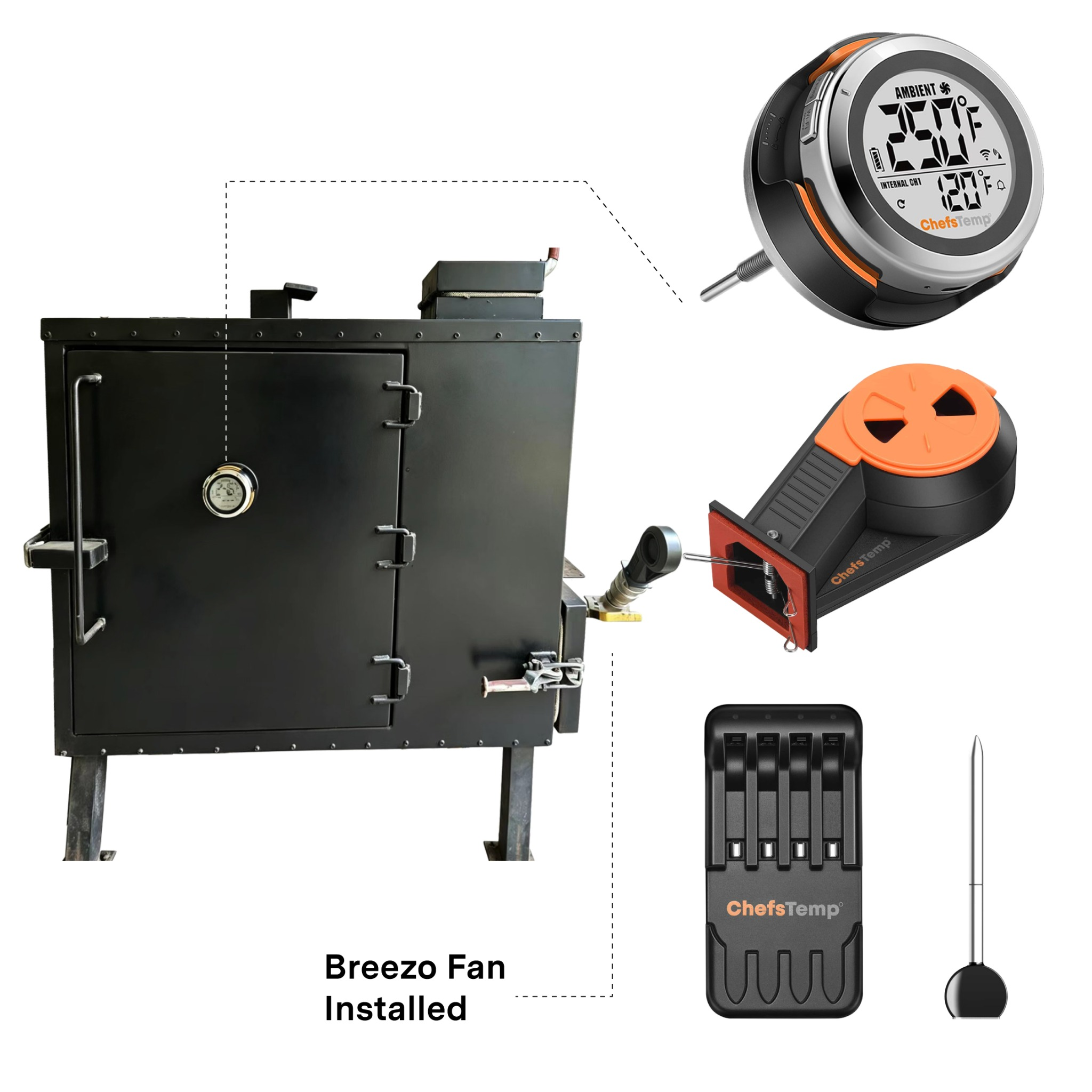
Working with ProTemp S1, the Breezo fan automatically adjusts airflow to help maintain your target pit temperature. Spend less time adjusting vents and more time enjoying the cook—especially during long, low-and-slow sessions.
Perfect Match for Your Slow 'N Sear Grill

SnS Grills Home 'N Roam Travel Kettle Grill

Slow 'N Sear Black Edition 22" Charcoal Kettle Grill

SnS Grills 22" MasterKettle Charcoal Grill
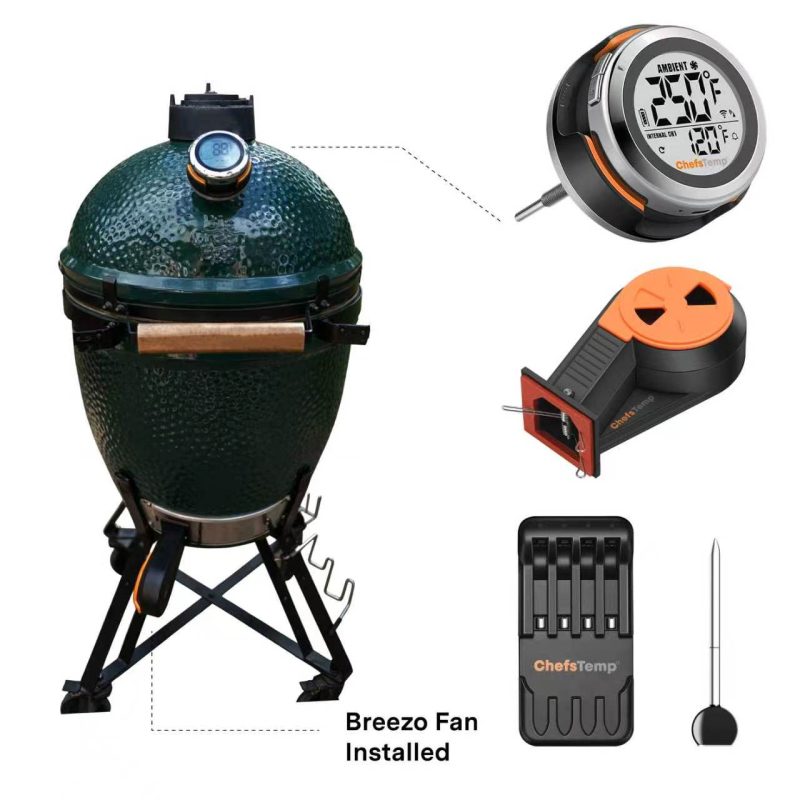
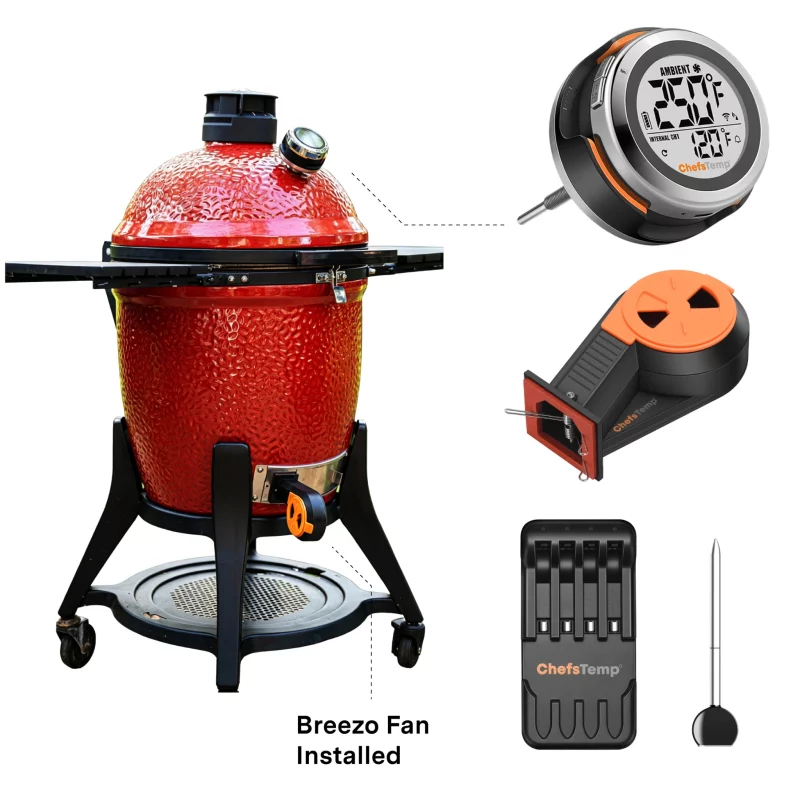
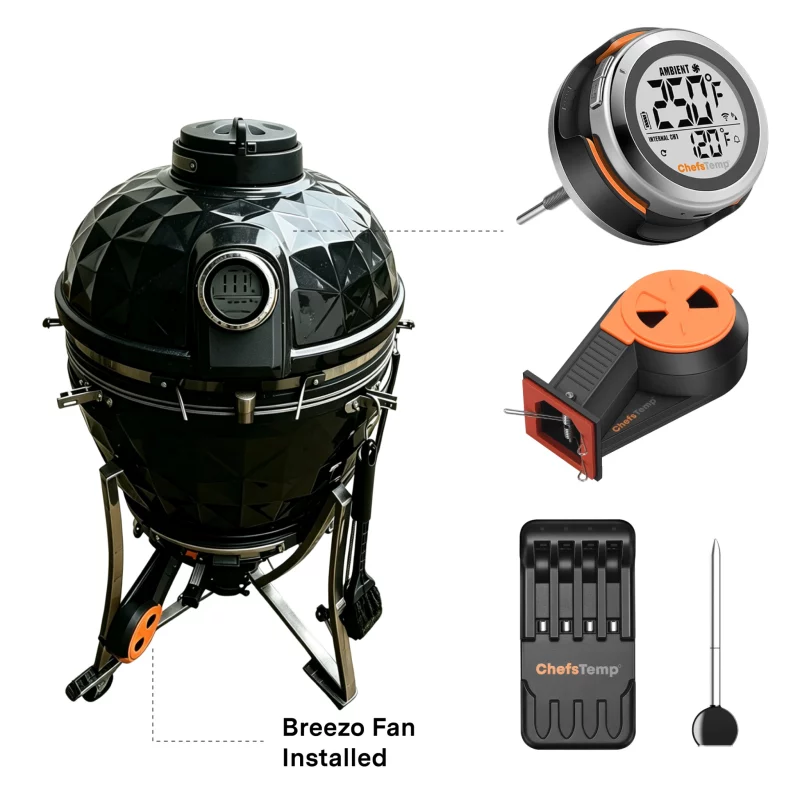
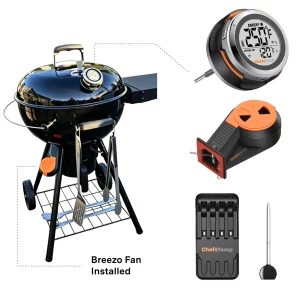
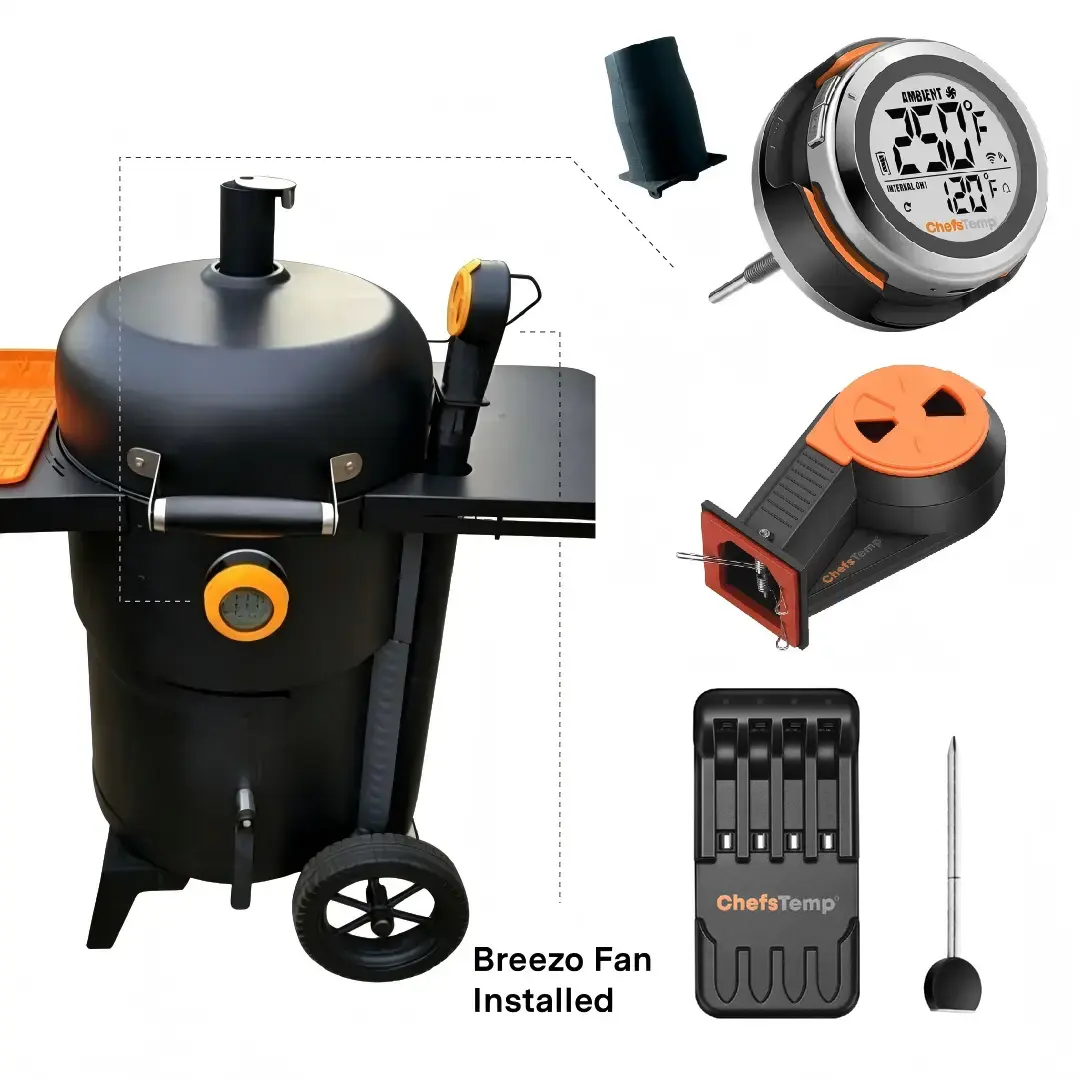
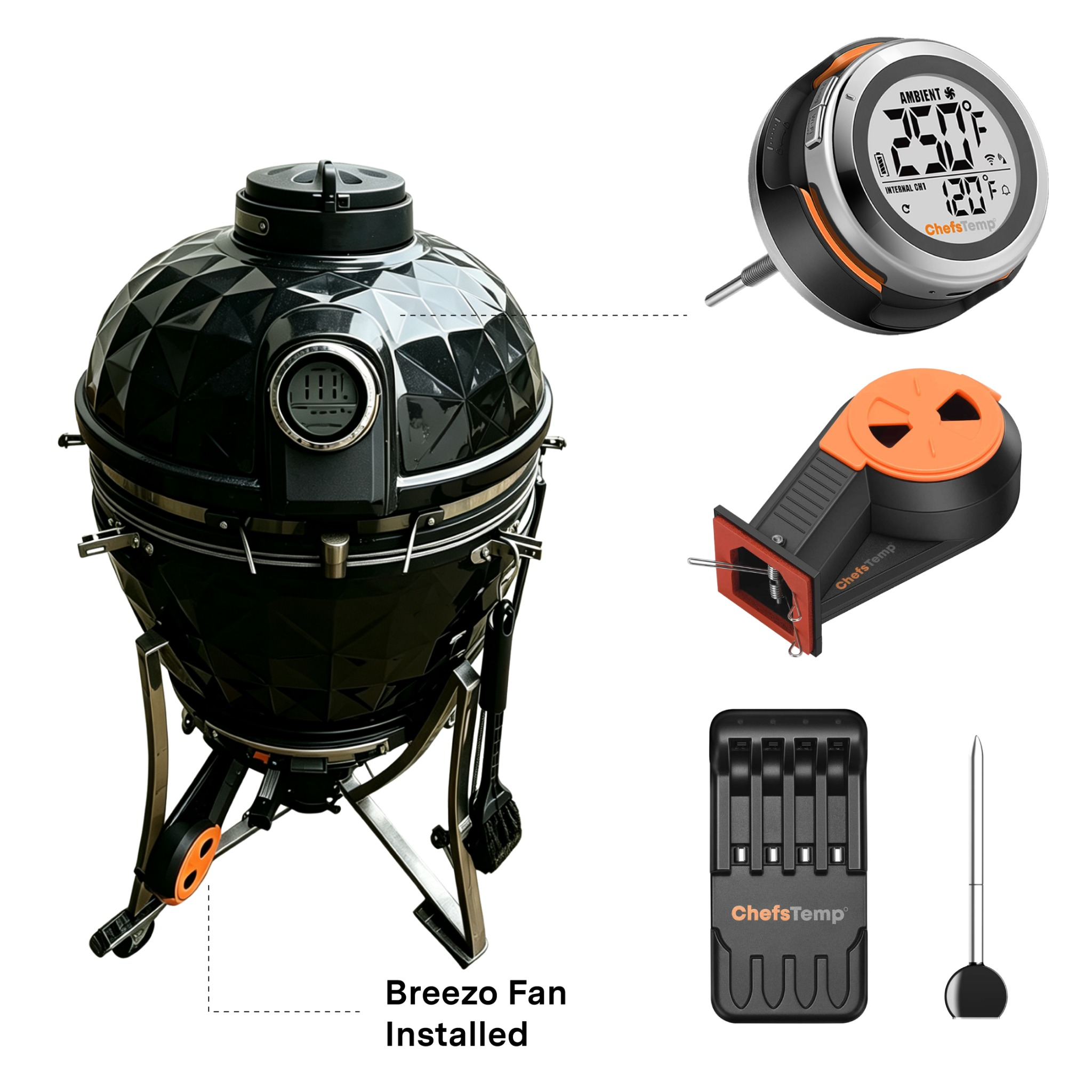
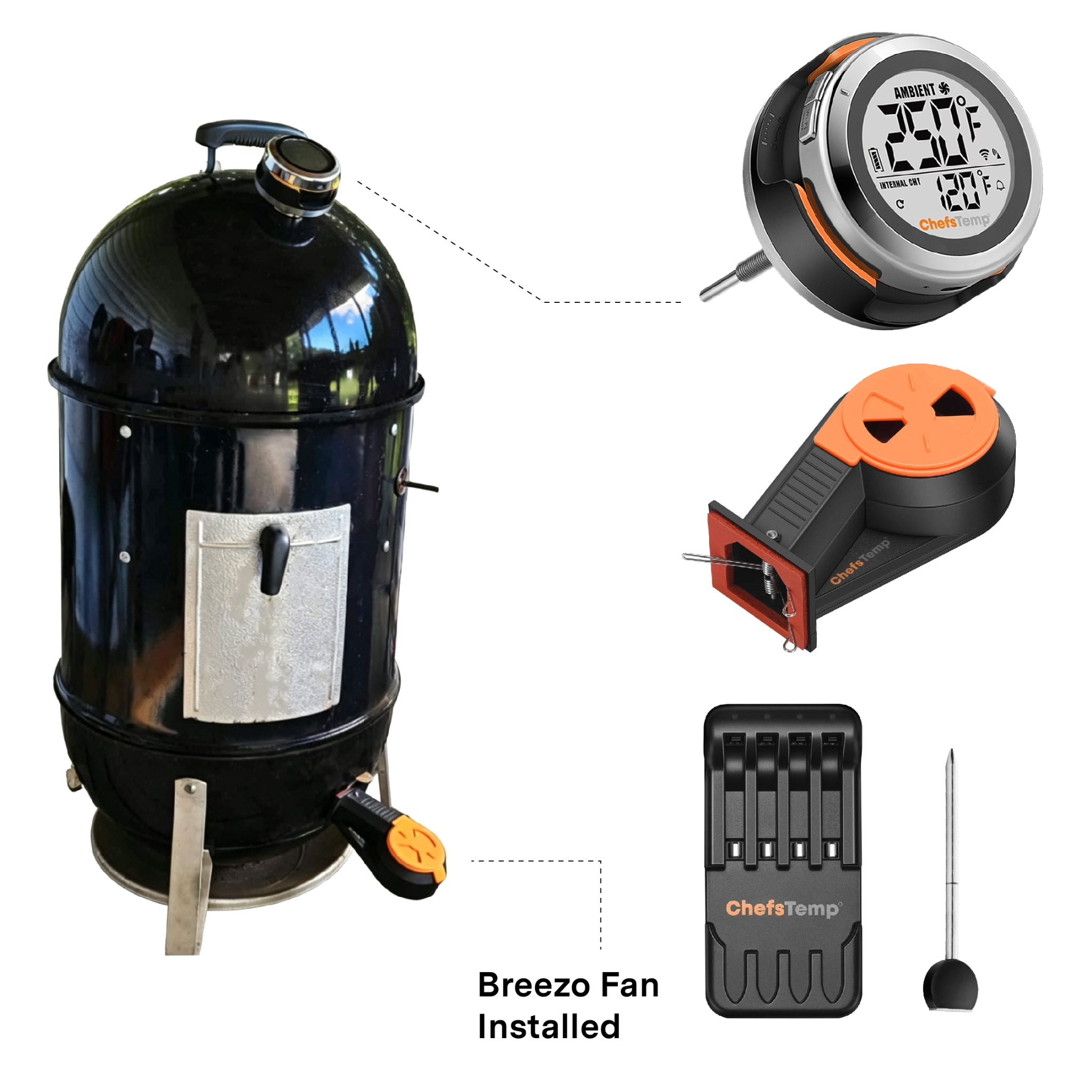
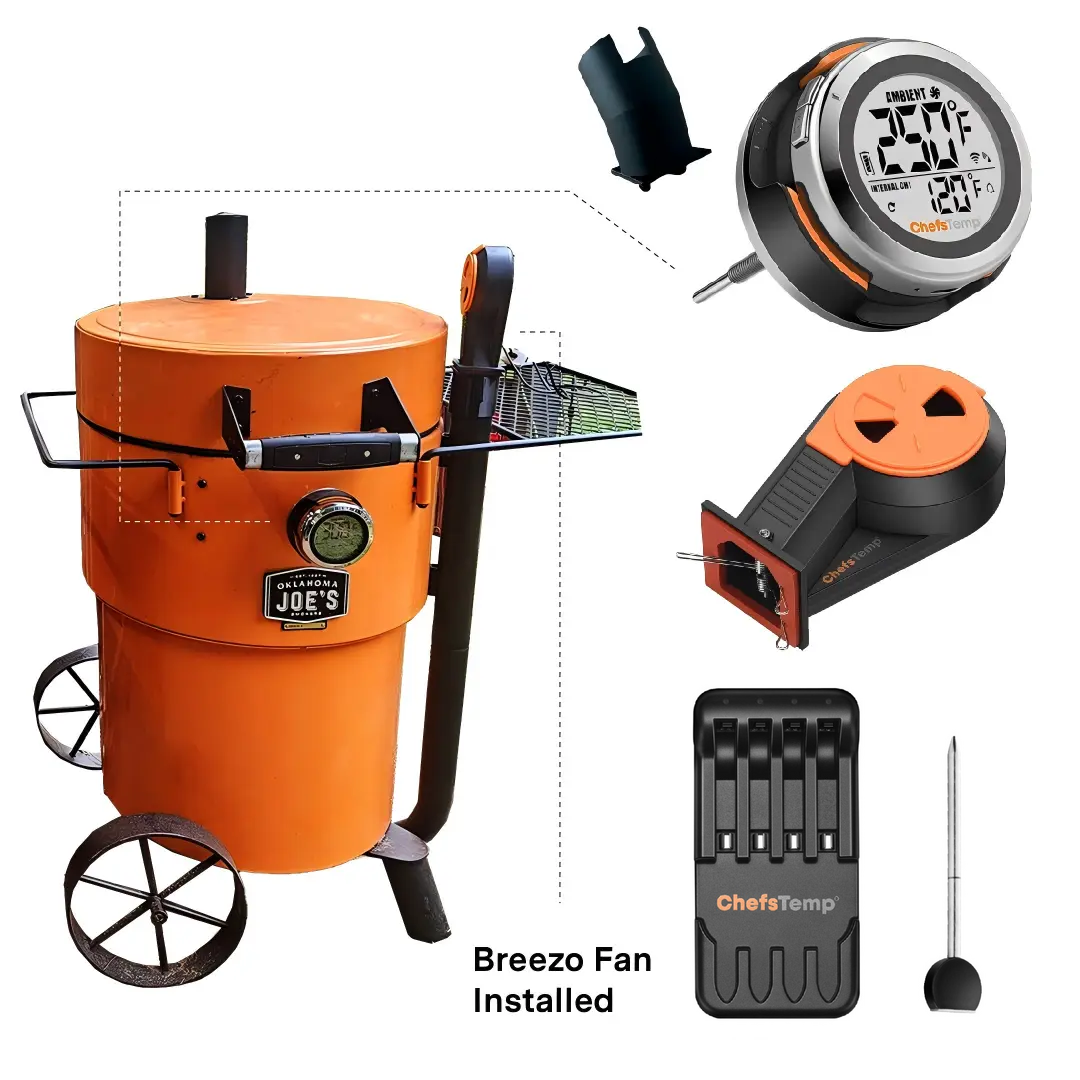
Engineered for a seamless, custom fit, this bundle works with virtually every Slow 'N Sear model. Whether you're firing up the portable Roam Travel Kettle Grill, the classic MasterKettle Charcoal Grill, or the premium Black Edition 22" Charcoal Kettle Grill, our custom bundle installs in seconds with zero tools or drilling required—delivering an airtight seal for effortless, pinpoint temperature control.
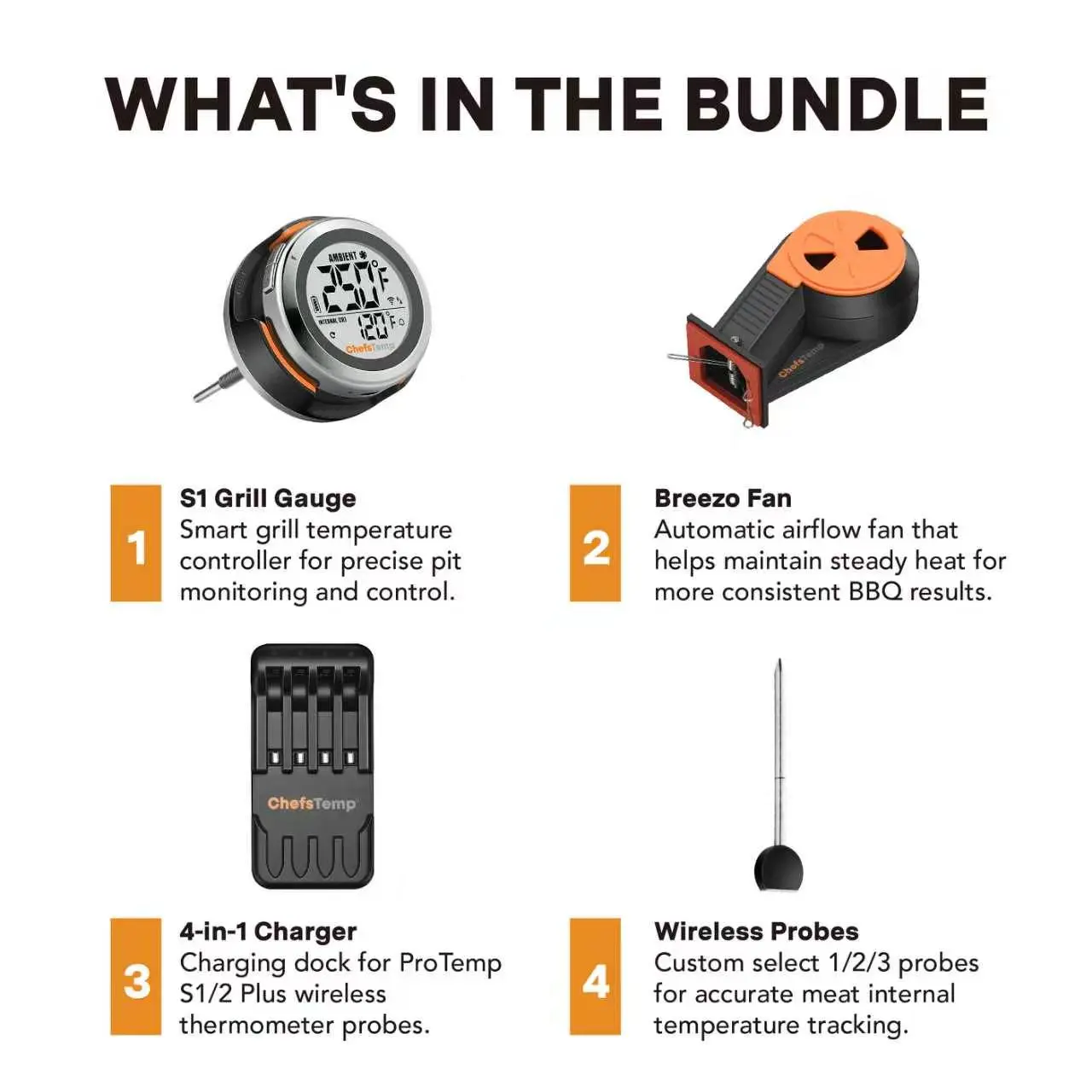
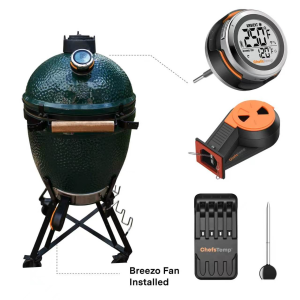
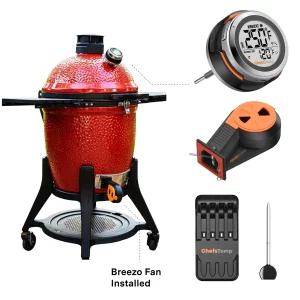
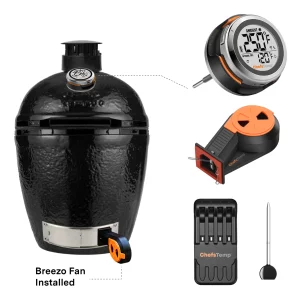
What’s Included in the Bundle
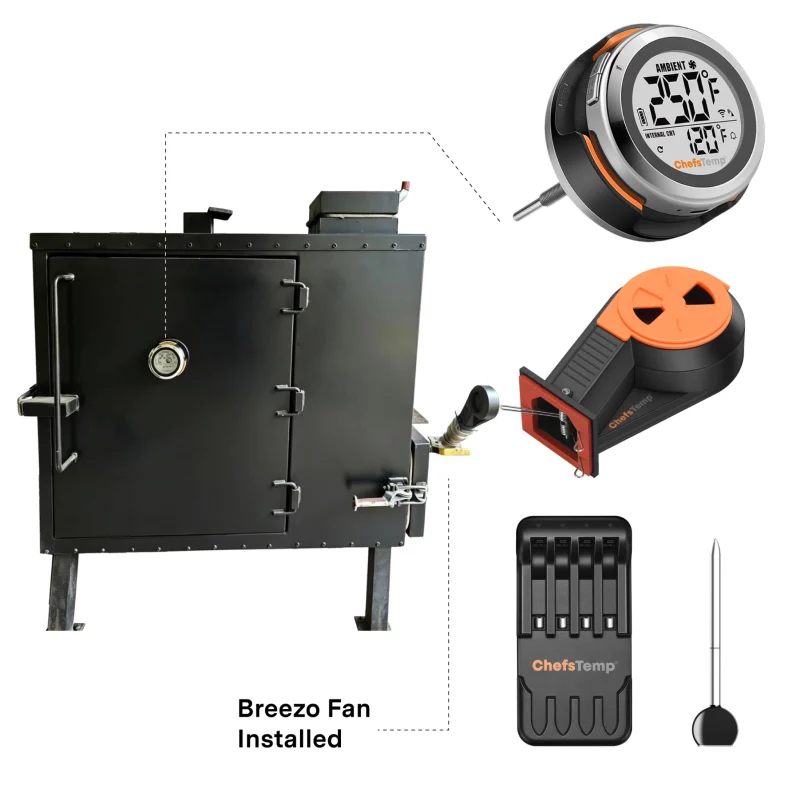
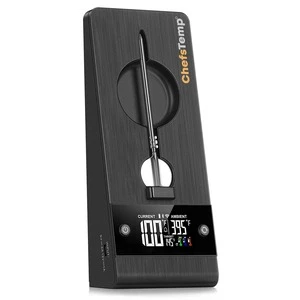
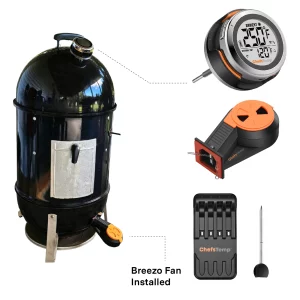
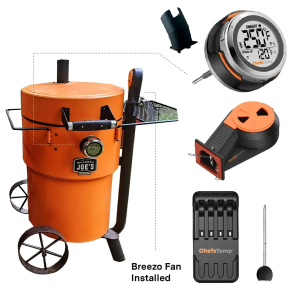
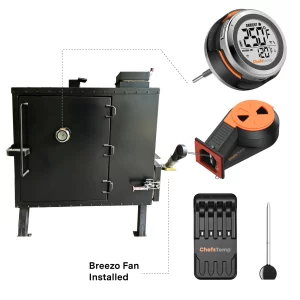
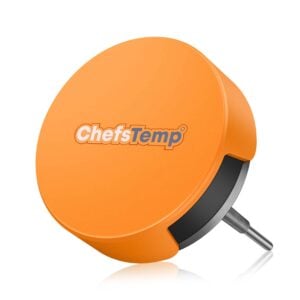
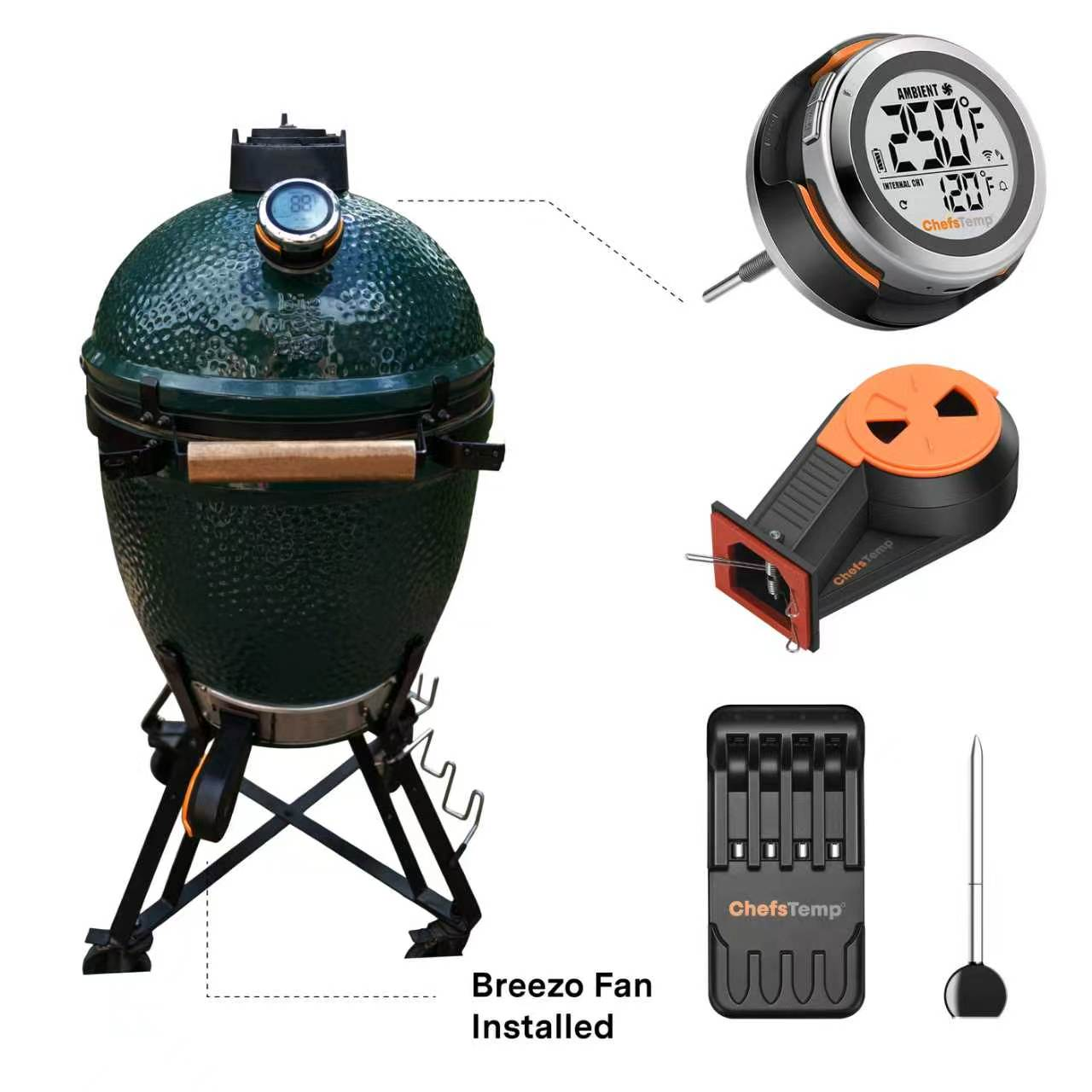
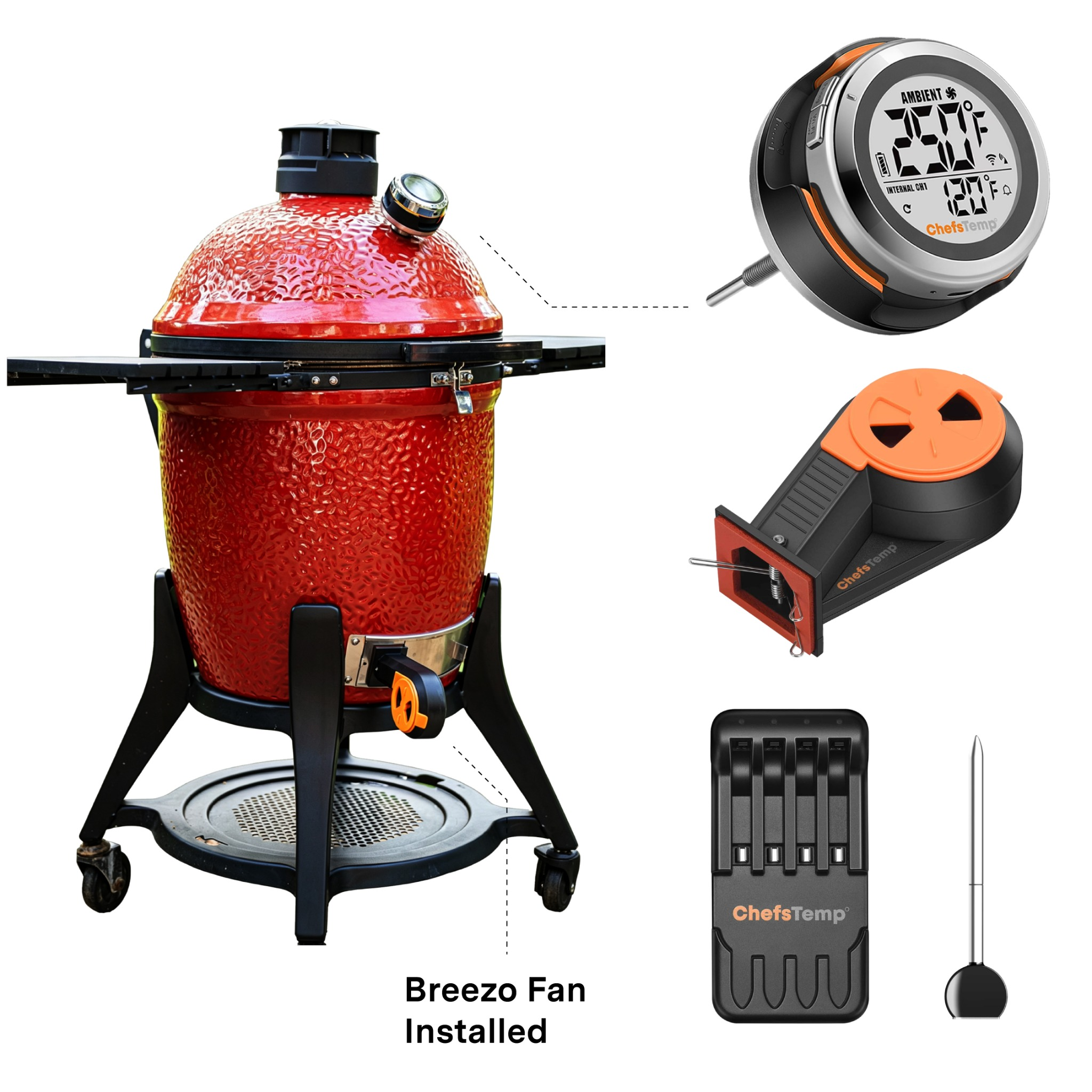
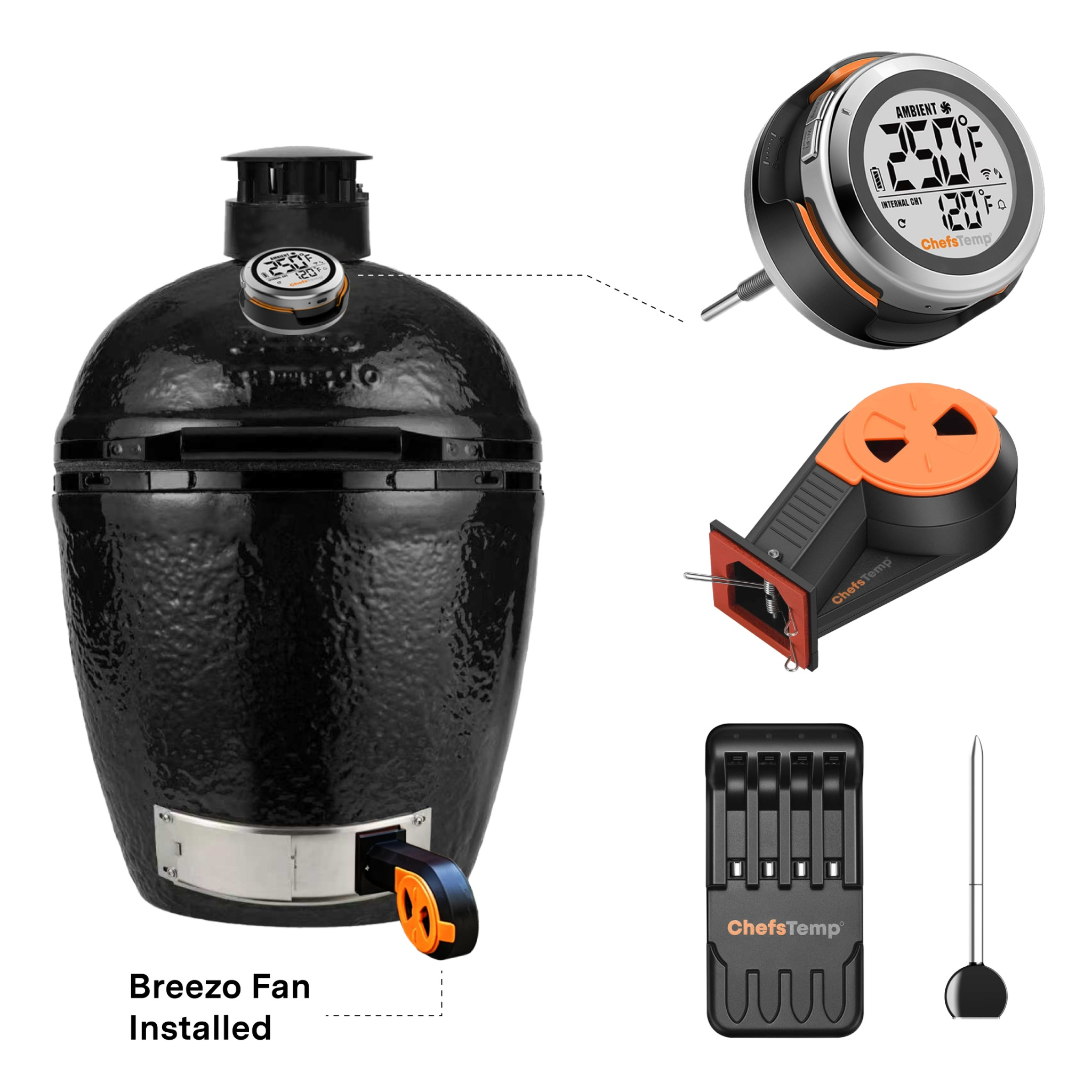
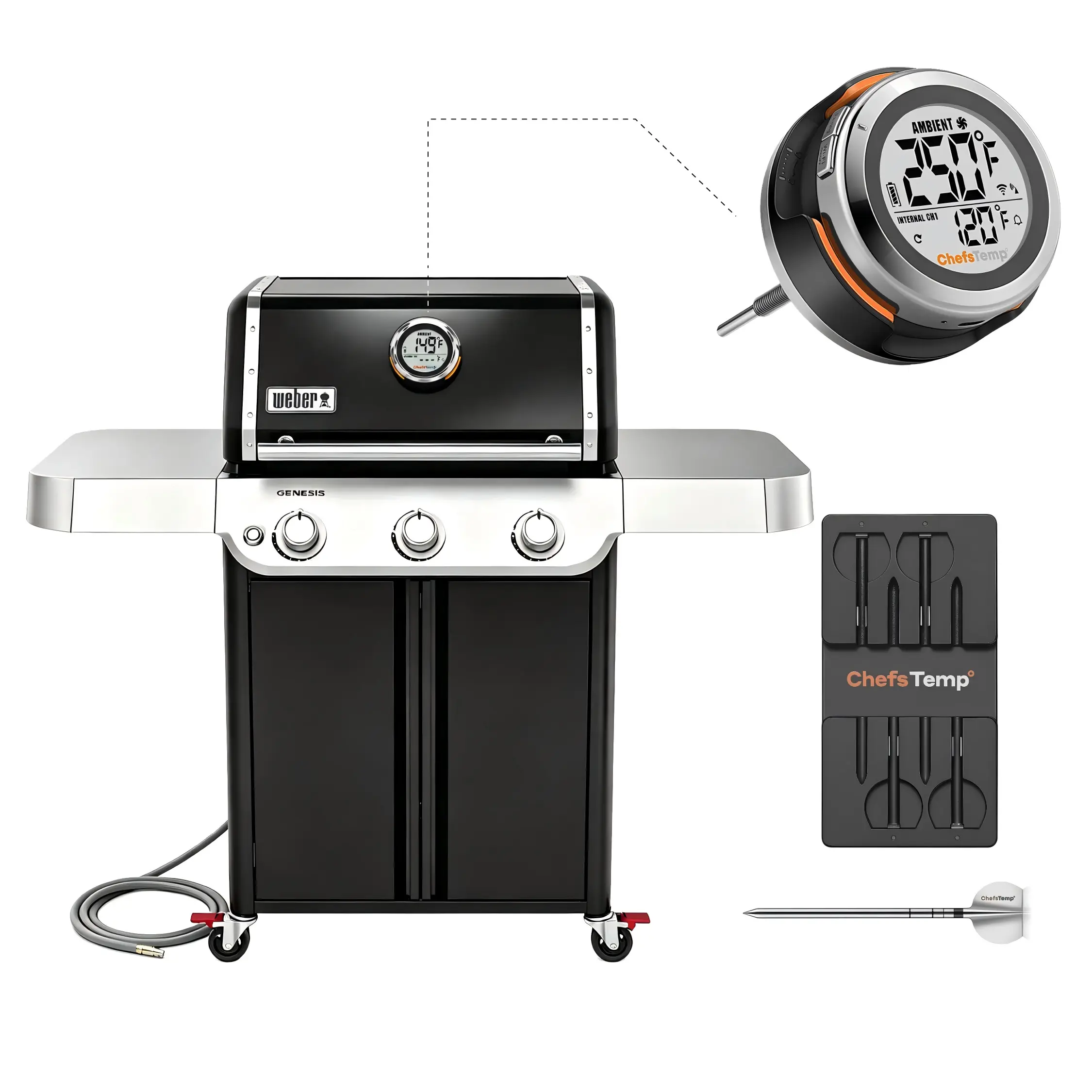
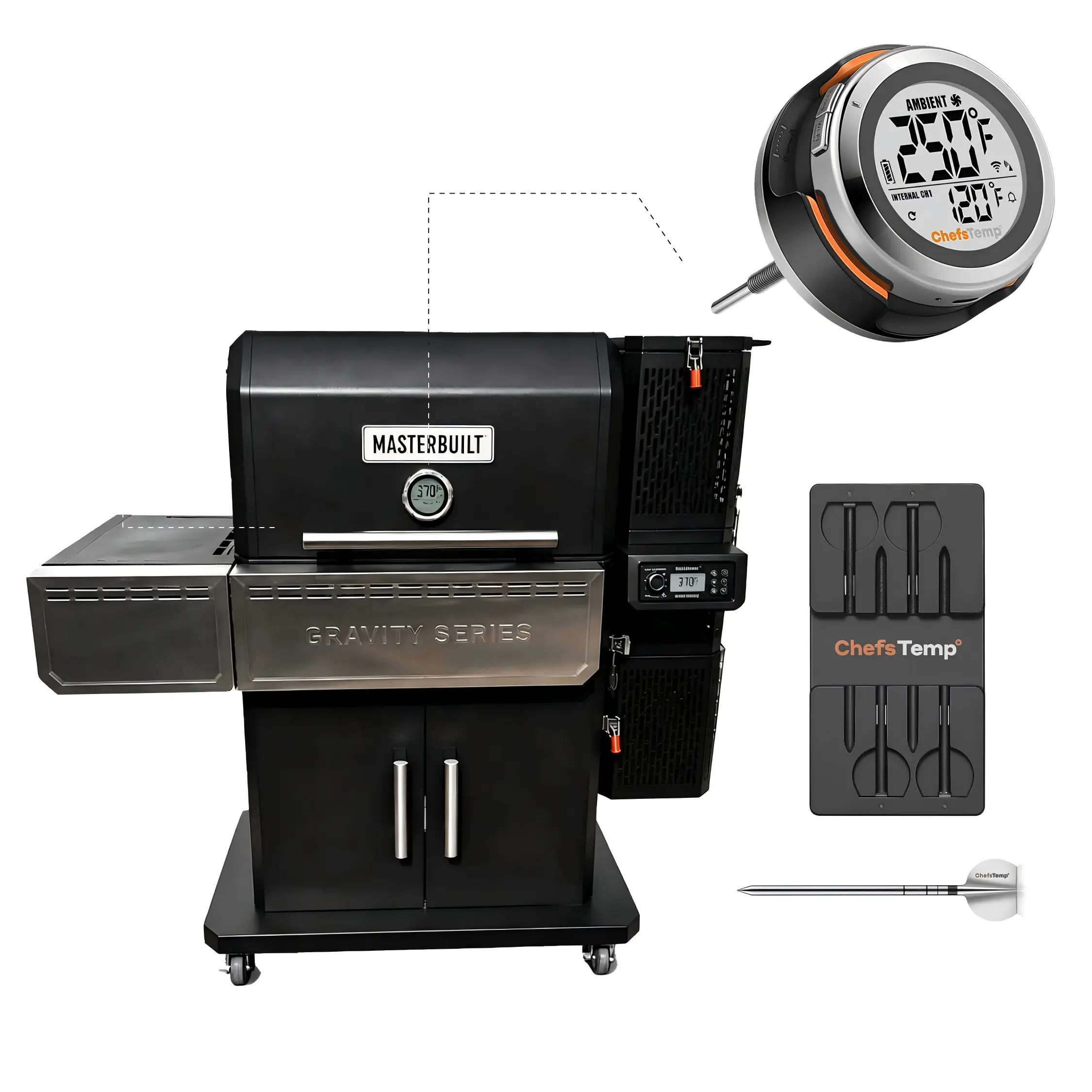
S1 Grill Gauge
Smart grill temperature controller for precise pit monitoring and control.

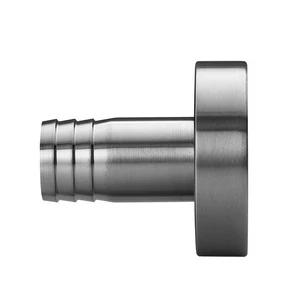
Breezo Fan
Automatic airflow fan thathelps maintain steady heat formore consistent BBQ results.
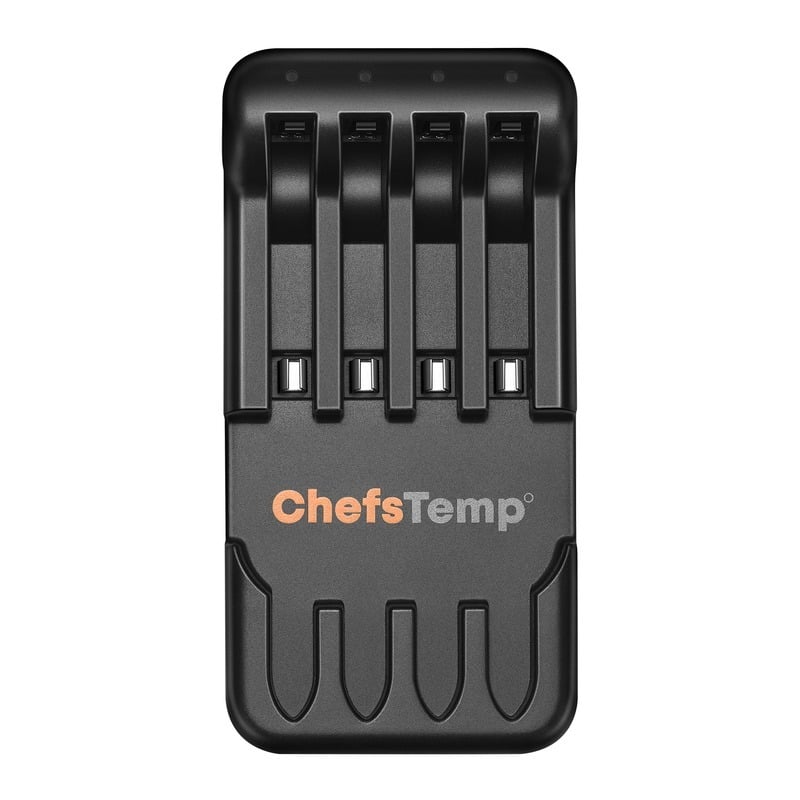
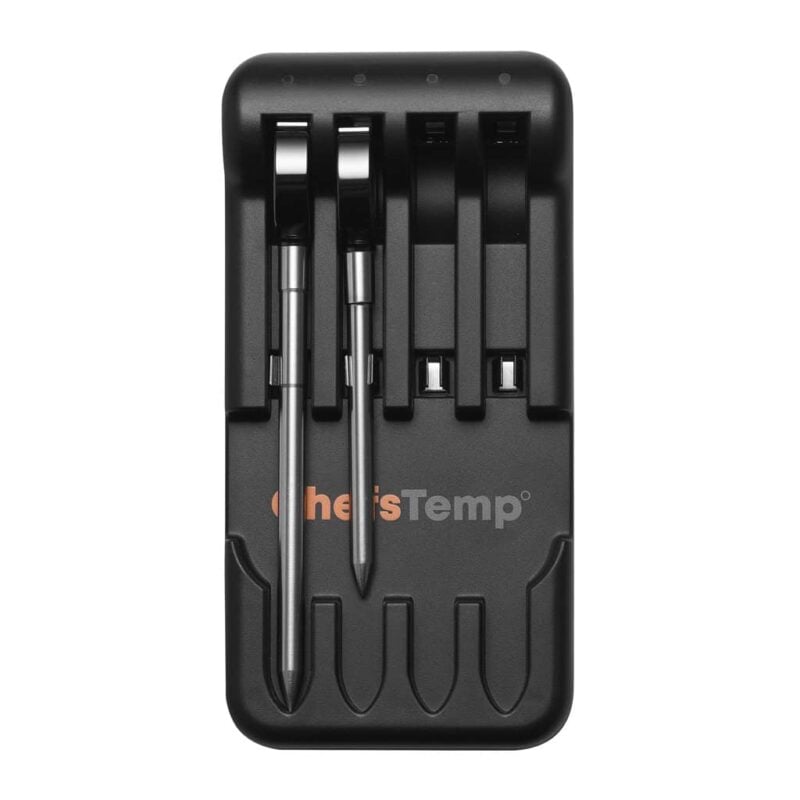
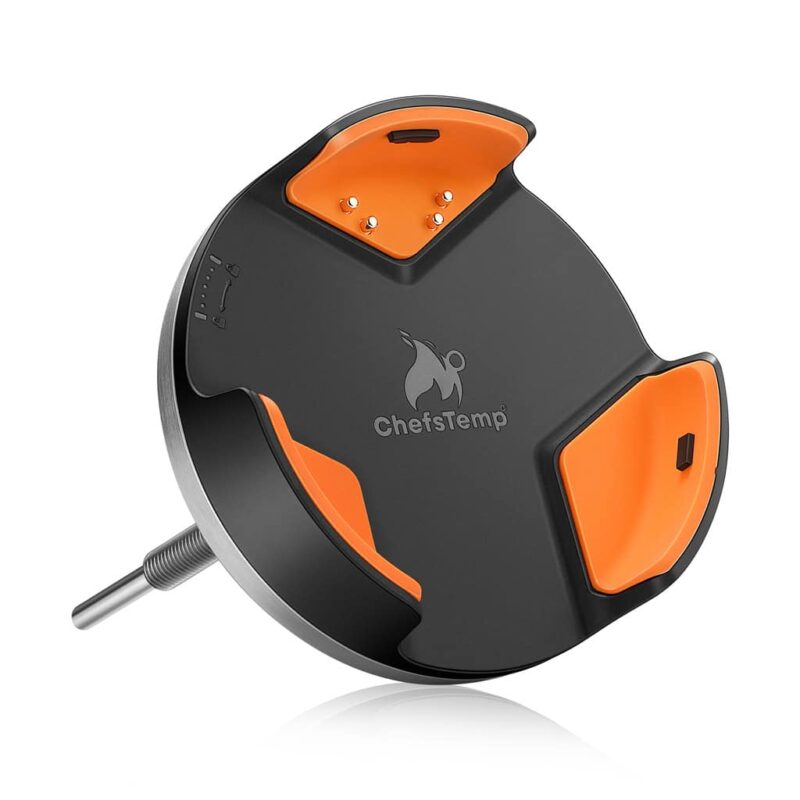
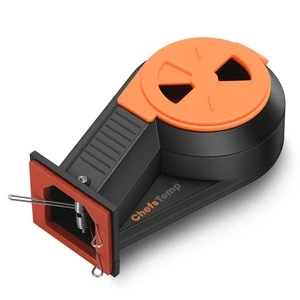
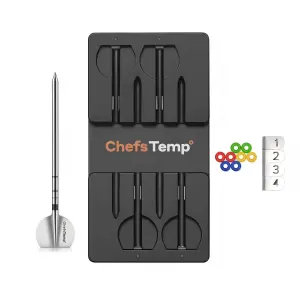
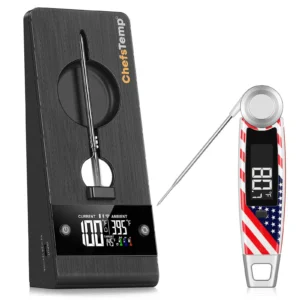
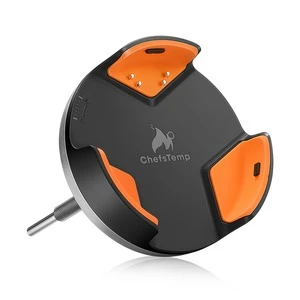
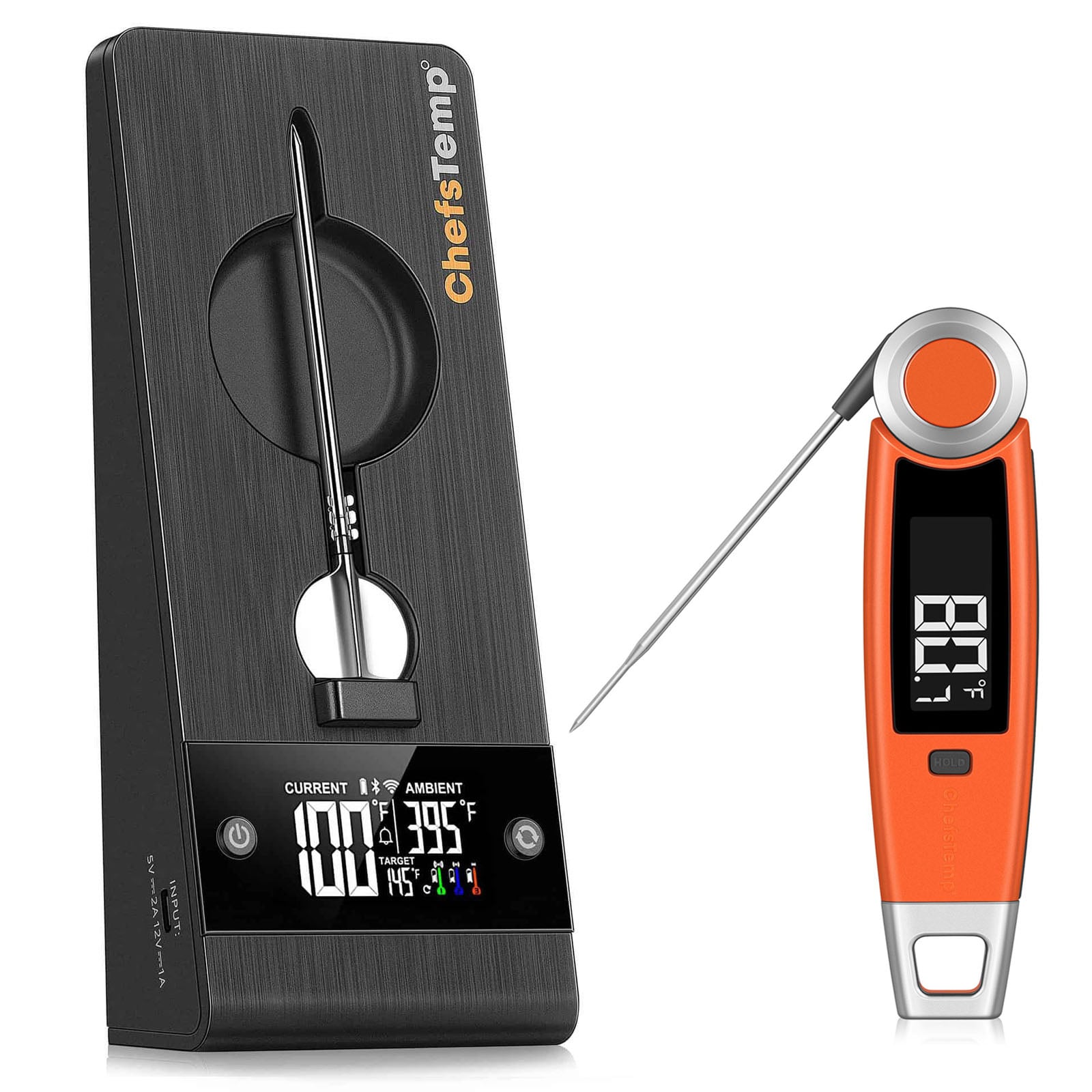
4-in-1 Charger
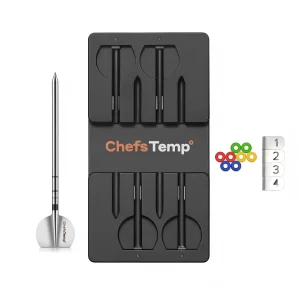
Charging dock for ProTemp S1/2 Plus wireless thermometer probes.

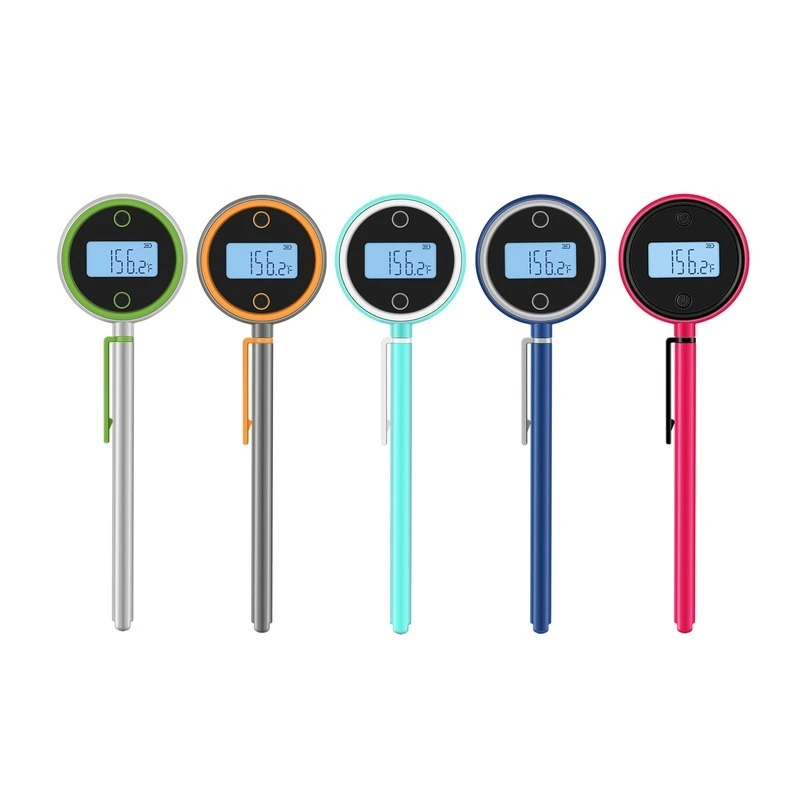
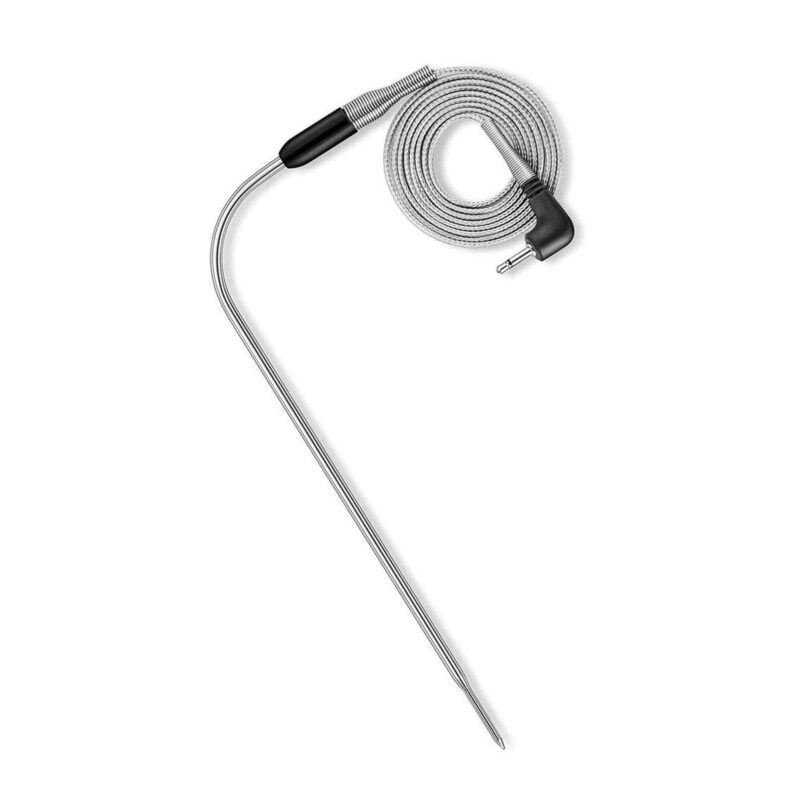
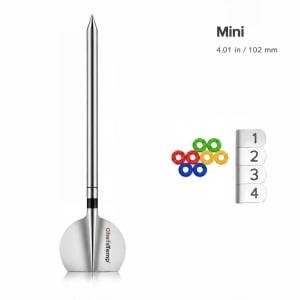
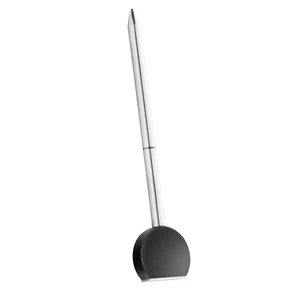
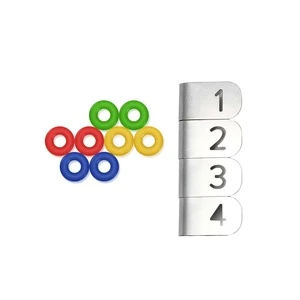
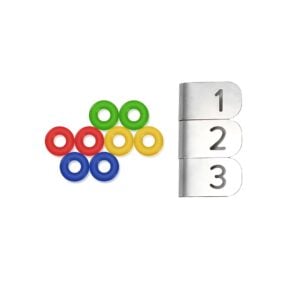
Original Wireless Probe
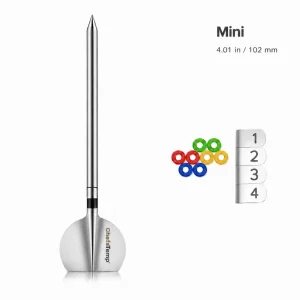
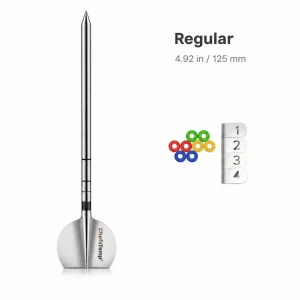
Custom select 1/2/3 probes for accurate meat internal temperature tracking.
See How to use S1 Bundle Work with SNS Grill
FAQ
How Do I Choose the Right ProTemp S1 Model for My Grill?
1. Universal Version (3.54" Stem): Suitable for Weber Original Kettle, Master-Touch, Performer, Smokey Mountain, Summit Kamado, Summit Charcoal, Spirit, Q, Jumbo Joe, Smokey Joe, Go-Anywhere, Ranch Kettle, Searwood, and SmokeFire; Kamado Joe Classic Joe I/II/III, Big Joe I/II/III, Joe Jr., and Kettle Joe; Char-Griller AKORN, Grand Champ XD, Gravity Fed 980, Smokin’ Pro, Competition Pro, Legacy, Super Pro, Wrangler, Patio Pro, and Pro Deluxe; Oklahoma Joe’s Bronco, Bronco Pro, Highland, Longhorn, Laredo, Tahoma 900, Judge, Bandera, Rambler, Marshal Centerbox, and Canyon Combo; Broil King Keg 2000/4000, Smoke Charcoal Grill 500, Regal 400 Charcoal Offset, and Regal Offset 500; Char-Broil Kettleman, American Gourmet, C-Line, Deluxe Gas & Charcoal Combo, Gas2Coal, and Kamander; Vision Classic B-Series, Professional C-Series, Icon 101, and Cadet; Old Country Brazos, Pecos, G2, G3, All-American Angus, Smokehouse, and Wrangler; Masterbuilt Gravity Series and AutoIgnite 545; Pit Barrel Junior, Classic, PBX, and Badger Barrel; Gateway Straight Up, Sizzle, and Drum Smoker; and the catalog-listed models from Camp Chef, Dyna-Glo, Expert Grill, Goldens’ Cast Iron, Grilla Grills, Hasty Bake, Lang, M Grills, Nexgrill, Pit Boss, PK Grills, recteq, Royal Gourmet, Traeger, Workhorse Pits, Yoder, Louisiana Grills, Grill Dome, Backwoods, Kamado Bono, Saffire, The Bastard, Keveri, Meadow Creek, American Barbecue Systems, Hunsaker, MONOLITH, Barbecook, Forest Grill, Lone Star Grillz, Coyote, Stump’s Smokers, 270 Smokers, Napoleon PRO22K, Z Grills, NewAge Products, Blaze, Spider Grills, Assassin Smokers, Komodo Kamado, Kamado Sumo, Victory, and Outlaw Smokers. Installation requires a suitable opening for the 7.8 mm mounting stem and sufficient internal clearance. Some models require drilling a suitable metal mounting location. Kamado Joe Konnected Joe and generic, homemade, or custom-built cookers require individual installation verification.
2. Big Green Egg Version (4.3" Stem): Designed for Big Green Egg 2XL, XLarge, Large, Medium, Small, MiniMax, Primo Oval XL 400, Oval Large 300, Oval Junior 200, Round All-In-One, and Primo Oval XXL 500, subject to verification of the existing thermometer opening and mounting clearance. Verify the factory thermometer-port diameter, clearance for the 4.3" stem, and mounting hardware before purchase. The BGE Version has a 4.1 mm mounting-stem diameter. Do not drill or enlarge ceramic lids or bodies.
3. Short Stem 1.5" Version: Assigned to Weber Genesis E-325s, E-335, S-335, S-435, II E-310, E-325W, and E-330; Weber Summit FS38 E and E-350; Napoleon Rogue 425, Rogue PRO 425, Rogue PRO-S 525 RSIB and 625 RSIB, Freestyle 365 and 425, Prestige 500 RSIB and 665 RSIB, Prestige 500 Connected RSIB and 665 Connected RSIB, and Prestige PRO Series; Slow ’N Sear Deluxe Kettle, Black Edition 22" Kettle, and MasterKettle; DCS Series 9 36"; TrueFlame TF32; Grillstream Classic 4 Burner with Side Burner; Broil King Imperial XLS 6-Burner and Imperial 670; Lynx L42PSFR-LP; and Char-Broil Performance Series 4-Burner 463351021. Confirm that the thermometer opening accommodates the 7.8 mm mounting stem and that the lid has sufficient internal clearance. Weber Genesis E-325W requires a separate metal mounting location; E-330 installation depends on the exact configuration.
4. 5.5" Stem Special Edition: Designed for Old Country Insulated Gravity-Fed BBQ Smoker (OCGF) and compatible smokers that require an extended thermometer stem to reach farther into the cooking chamber. This version also includes the Broil King Keg 5000, Royal Gourmet CC1830S, Workhorse Pits 1975, and Yoder Loaded Wichita. These additional assignments require verification of the thermometer opening, mounting position, insertion depth, and internal clearance before purchase.
Is the Breezo Fan Compatible with My Grill, and How Do I Install It?
Breezo compatibility depends on your grill’s air-intake design and mounting configuration. Compatibility with ProTemp S1 does not automatically mean compatibility with Breezo.
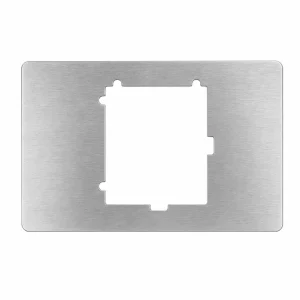
1. Installation with the Included Mounting Plate: Suitable for Big Green Egg Large, XLarge, 2XL, Medium, Small, and MiniMax; Kamado Joe Classic Joe I/II/III, Big Joe I/II/III, and Joe Jr.; Char-Griller AKORN Kamado, AKORN Jr., AKORN Kamado Kooker, AKORN Auto-Kamado, E16620, and E56720; Goldens’ Cast Iron 20.5" Cooker and 14" Mini Cooker; Grilla Grills Kong; Primo Oval XL 400, Oval Large 300, Oval Junior 200, and Round All-In-One; Vision Classic B-Series, Professional C-Series, Icon 101, and Cadet; Pit Barrel Junior 14", Classic 18.5", PBX 22.5", and Badger Barrel 16.5"; Kamado Bono Limited; and Pit Boss K24 Ceramic Charcoal Grill (PBK24 / 71240). Install Breezo at the lower intake vent using the appropriate included mounting plate, ensuring a secure fit and seal.
2. Direct Installation through an Existing Opening: Suitable for Weber Smokey Mountain Cooker 14", 18", and 22"; Weber Summit Kamado E6; Broil King Keg 5000; PK Grills PK360; and Char-Griller Smokin’ Pro E1224 and Patio Pro E1515. Install Breezo through the existing lower intake opening or designated fan connection, depending on the model. Seal connection gaps and unused intake holes with high-temperature aluminum foil tape as required. Direct-fit compatibility applies only to the specific models listed.
3. Installation with Additional Hardware or Modification: Includes the catalog-listed Weber Original Kettle, Master-Touch, Performer, Jumbo Joe, Smokey Joe, and Ranch Kettle models; Char-Griller offset and barrel-style models; Oklahoma Joe’s Bronco, Bronco Pro, Highland, Longhorn, and other listed charcoal models; and the listed models from Broil King, Old Country, Hasty Bake, Lang, M Grills, Dyna-Glo, Royal Gourmet, Workhorse Pits, Yoder, Backwoods, Saffire, Meadow Creek, Hunsaker, Stump’s Smokers, 270 Smokers, and American Barbecue Systems. Additional examples include Slow ’N Sear Deluxe Kettle, Black Edition 22" Kettle, and MasterKettle; Pit Boss Mahogany Champion PBV24CB; Louisiana Grills K24; MONOLITH JUNIOR 2.0; Keveri H1; Lone Star Grillz 20" × 42" Offset; PK300 Classic Silver; and Char-Broil American Gourmet Firebox 21201715.
Depending on the exact model, installation may require a ChefsTemp mounting kit, a third-party adapter, a custom plate, or drilling a suitable metal intake location. Old Country OCGF uses the 1.5" threaded Breezo Fan Mounting Kit, while the listed Slow ’N Sear models use their corresponding custom mounting hardware. Existing controller ports, including the Komodo Kamado 23" Ultimate Auto Temp faceplate, require Breezo interface verification. Canyon Combo supports consideration only on its charcoal side, and Grillstream Classic 4 Burner only in charcoal mode. Contact ChefsTemp to confirm the required hardware and installation method before purchase or modification.
4. Individual Compatibility Confirmation Required: Includes Kamado Joe Konnected Joe and Kettle Joe; Broil King Keg 2000; The Bastard Original Urban Large and Medium Complete; MONOLITH ONE.55; Barbecook Kamal 2.0 XL; Forest Grill Kamado 18"; Coyote C1CHCS; NewAge Platinum 22" Kamado; Blaze 20" Cast Aluminum Kamado; Assassin 24 Gravity-Fed; Kamado Sumo Classic Maxi; Nexgrill Oakford 1150 Reverse Flow; Victory 21" Kamado; Char-Broil Kamander; Lone Star Grillz El Patron; Outlaw Ringo; Primo Oval XXL 500; Grill Dome Infinity X2 Large; and generic, homemade, or custom-built cookers. Provide your exact model, photos of the lower air intake, and intake dimensions so ChefsTemp can verify the mounting method. Brand similarity or compatibility with another fan controller does not confirm Breezo fit.
5. Models without a Currently Supported Breezo Setup: Includes the catalog-listed gas and pellet models from Camp Chef, Traeger, recteq, Weber, Napoleon, Pit Boss, and other brands; Masterbuilt Gravity Series 560/600/800/1050/1150/XT and AutoIgnite 545; Gateway Straight Up 30G/55G, Sizzle 55G, and Drum Smoker 55G; Spider Grills Huntsman 22"; Weber Summit Charcoal Grill, Summit Charcoal Grilling Center, and Go-Anywhere; Nexgrill Oakford Homestead 24; Royal Gourmet CD1824G and CD1519; and the specific Char-Broil, Dyna-Glo, and Expert Grill charcoal models marked unsupported in the compatibility list. These classifications apply to the listed models, not every grill from those brands. ProTemp S1 compatibility should be checked separately.
My ProTemp S1 cannot turn off, the backlight does not dissappear.
If you cannot turn off by holding down the power button, you can perform a reset operation:
1. Prepare a thin needle, toothpick, or paper clip.
2. Find the RESET hole next to the charging port of S1 Main Unit.
3. Insert the fine needle into the RESET hole and gently press until the screen briefly disappears and lights up to indicate that the reset is complete.
If it still cannot be resolved, please contact our customer service email [email protected] Please provide your order number and instructional video. We will provide further diagnosis and support.
Bluetooth won't connect/Bluetooth connection is stuck on C-1.
If your S1 is unable to connect to Bluetooth or is stuck on C-1 during pairing, please follow these steps to resolve the issue:
- 1. Check App Permissions: Make sure the ChefsTemp app has all required permissions—especially location access—enabled on your device.
- 2. Clear Existing Connections: Ensure all previous connections are removed from the ChefsTemp app. Then, reconnect by following our tutorial video: How to Pair Your ProTemp S1 with Bluetooth and Wi-Fi | Step-by-Step
- 3. Reset the S1: Press the RESET button next to the charging port.
- 4. Test with LightBlue App: If the issue persists, download the LightBlue app and check for “ProTemp S1 Base” in the device list.
If there are still issues, please contact our customer service via phone or email for support.
My wireless probes keep disconnecting and won't reconnect to the ProTemp S1.
If you experience connection issues with your probes (can not connect the probes to ProTemp S1/ProTemp Plus Series, or the probe is disconnected during use), please try the following step-by-step guide:
- Delete all your connection in the app, including ProTemp S1, ProTemp Plus/ProTemp 2 Plus and probes.
- Uninstall the ChefsTemp app and reinstall it, ensure that your app is the latest version.
- Fully charge everything: Place all probes in the 4-in-1 Charger or ProTemp Plus/ProTemp 2 Plus Stand for at least 15 minutes.
- Pair probes one at a time: Take only one probe out of the Charger/Stand to pair. Wait for it to connect successfully, then put it back, and repeat with the next probe (Click on “…” in the upper right corner of the app homepage, click on “My Connections”, click on “Add New Probe”, and then click on “Probe” in “SEARCHING FOR NEARBY PROBES”).
- Ensure that your ProTemp S1 and ProTemp Plus/ProTemp 2 Plus Stand are located close to the probe to ensure smooth transmission of probe signals.
This method avoids signal interference between probes and helps the app detect them correctly.
If your probe still cannot connect, you can perform the following confirmation steps:
- Click on the probe icon on the probe page to perform fault diagnosis. You can watch this video to perform the operation: New ChefsTemp App Update Guide | How to Diagnose Disconnection Issues
- After charging the probes, remove them from the Charger/Stand, download and open the LightBlue app, search for “Probe”, and see if you can find them. Each charged and removed probe will display a line of “Probe”.
- Please take a video of your complete connection operation, screenshots of the app homepage and diagnostic information, as well as LightBlue screenshots and send them to us. We will analyze and provide a solution for you.
Can not connect the ProTemp S1 to Wi-Fi.
Please watch our tutorial video to ensure you’re following the correct Wi-Fi setup process: How to Pair Your ProTemp S1 with Bluetooth and Wi-Fi | Step-by-Step.
If you are still stuck on the Wi-Fi connection step, please check the following tips:
- 1. Confirm the Wi-Fi icon on your S1 screen is solid (not flashing). A missing icon indicates Wi-Fi is off, while a flashing icon suggests an unstable connection.
- 2. Check App Permissions: Make sure the ChefsTemp app has all required permissions—especially location access—enabled on your device.
- 3. Check Wi-Fi Settings: Ensure your Wi-Fi is on a 2.4GHz network. If 5GHz Wi-Fi only, simply create a guest 2.4GHz Wi-Fi network in the router app, making it easier for smart devices to join.
- 4. Password and SSID: Use the orange magnifying glass to auto-detect the SSID, and double-check that the Wi-Fi password is entered correctly, as spell-check may alter it.
- 5. Router Settings: Disable fast roaming (e.g., 802.11r) on your router, as it may prevent the S1 from connecting.
My router is quite far from ProTemp S1 and the Wi-Fi cornnection is unstable. How can I fix it?
If your router is far from ProTemp S1, you can install a Wi-Fi extender (such as TP Link Omada EAP610 Outdoor) to ensure that S1 can receive Wi-Fi signals.
The ambient temperature is not correct.
The ProTemp S1 is designed to replace the original grill thermometer, providing reference temperature data. Since temperature differences within various areas of the grill/smoker can be significant, sometimes varying by over 100°F, we recommend installing the ProTemp S1 in the original thermometer port for more accurate readings.
If your grill/smoker does not have a thermometer port, you may need to create one and position the ambient probe of ProTemp S1 closer to the meat for more accurate temperature measurements.
If there are still issues, please contact our customer service via phone or email for support.
Remove the S1 Main Unit from the Base first, then charge the S1 Main Unit. Do not charge ProTemp S1 on cooking equipment!
If your S1 isn’t fully charging or has a short battery life, try the following:
1. Use a different power supply and charging cable, then recharge the device.
2. Ensure your S1 firmware is updated to the latest version.
3. Reset S1 by press the RESET Button next to the S1 charging port
If it still fails, please send a video of the issue (showing the charging progress) to our support e-mail: [email protected], we will help you further.
I can not charge the ProTemp S1.
When charging your S1, a charging animation will appear on the battery icon. A flashing, fully charged icon indicates the S1 is completely charged. A fully charged S1 provides at least 40 hours of usage. For optimal charging, use the original charging cable with a power source not exceeding 20W.
Remove the S1 Main Unit from the Base first, then charge the S1 Main Unit. Do not charge ProTemp S1 on cooking equipment!
If your S1 isn’t fully charging or has a short battery life, try the following:
1. Use a different power supply and charging cable, then recharge the device.
2. Ensure your S1 firmware is updated to the latest version.
3. Reset S1 by press the RESET Button next to the S1 charging port
If it still fails, please send a video of the issue (showing the charging progress) to our support e-mail: [email protected], we will help you further.


















Reviews
Clear filtersThere are no reviews yet.