CHEFSTEMP HELP CENTER
Pre-Order Questions
Find answers, product video tutorials, and support for your next cook.
48 answers
Browse all FAQs →Order: What can I do if one item in my ChefsTemp order is out of stock?
Order: What can I do if one item in my ChefsTemp order is out of stock?
Contact ChefsTemp Customer Support with your order number and ask which item is delaying fulfillment. Depending on the order's status, ask whether available items can ship first, the complete order can wait until all items are ready, or cancellation is still possible. Confirm your preferred option and wait for support to acknowledge the arrangement.
If the order is split, check which products and quantities each shipment covers. A restock estimate or a message that an order is ready does not confirm dispatch. Use the shipping confirmation and tracking details to follow each parcel, and contact support again if the agreed arrangement has not progressed.
Order: What should I do if tracking says delivered but I have not received my ChefsTemp order?
Order: What should I do if tracking says delivered but I have not received my ChefsTemp order?
Check the carrier's delivery date, delivery location, and photograph, if available. Look in your usual delivery areas and check with household members, building reception, or neighbors. If tracking identifies a PO Box or another collection location, check that location too.
If the order is still missing, contact ChefsTemp Customer Support with your order number, tracking number, and the delivery details that do not match what happened. If you received a different parcel, keep its packaging and send photos of the item and label for review. Support will investigate with the fulfillment or delivery provider and confirm the appropriate next step; a delivered scan alone does not settle a reported delivery discrepancy.
Order: Can I correct my shipping address after placing a ChefsTemp order?
Order: Can I correct my shipping address after placing a ChefsTemp order?
Contact ChefsTemp Customer Support as soon as you notice an incorrect shipping address. Provide your order number and the complete corrected address, including any apartment or unit number, postal code, and destination country. Ask support to confirm whether they can still update the order before dispatch.
If the package has already shipped, include its tracking number so support can review the available options. An address-change request is not a guarantee that a dispatched parcel can be redirected. Wait for confirmation that the correction has been applied.
Order: I forgot to apply a discount code before paying. What should I do?
Order: I forgot to apply a discount code before paying. What should I do?
Contact [email protected] with your order number and the discount code you intended to use. Our team will check whether the promotion was valid for your order and whether we can adjust the price.
If we approve an adjustment, we will confirm the refund amount and return it to the original payment method. Contact us before cancelling or placing a duplicate order; you may not need to return or reorder. Eligibility depends on the promotion’s terms and your order details.
Order: Why might I need to provide a phone number before my international order ships?
Order: Why might I need to provide a phone number before my international order ships?
Some international carriers require a valid recipient phone number to verify delivery and for shipment-related contact. If we don't receive the required information, we may place your order on hold while we request it.
If your order has not shipped, check the email address used at checkout, including its spam or junk folder, for any request from ChefsTemp. Reply with your order number and the requested contact details, including the international country code for your phone number.
If you cannot find a request or are unsure why your order is delayed, contact [email protected] so our team can check the order status.
Order: What should I do if my ChefsTemp product arrives damaged?
Order: What should I do if my ChefsTemp product arrives damaged?
Contact [email protected] promptly with your order number and a description of the damage.
Please include clear photos of the damaged product, the outer shipping box, and the internal packaging. Please let us know whether the packaging appeared damaged on arrival and whether you noticed the product damage before first use.
Keep the product and packaging until our support team confirms the next steps. We will review the information and advise on the appropriate resolution. Avoid attempting repairs before contacting support.
Order: What information should I provide when shipping an approved return?
Order: What information should I provide when shipping an approved return?
Before shipping a return, contact ChefsTemp Customer Support to confirm the return address and instructions for your order.
To help us identify and process your return, please provide:
● Your order number
● The names and quantities of the items being returned
● Photos of the items and packaging before sealing the box
● The return shipment’s tracking number
If your entire order is unopened, let our support team know so they can confirm which photos are needed. Keep your shipping receipt and tracking information until we resolve the return.
Refunds are subject to the applicable return policy and inspection of the returned items.
Order: What should I do if I receive the wrong product or accessory?
Order: What should I do if I receive the wrong product or accessory?
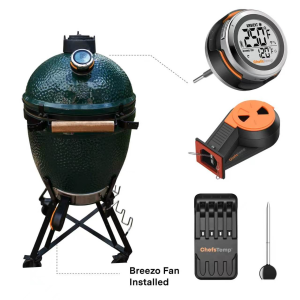
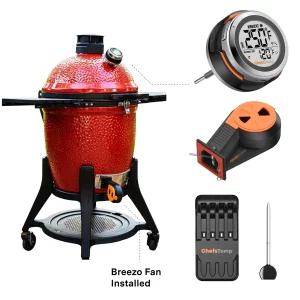
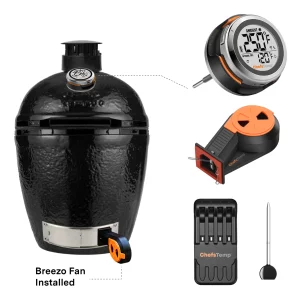
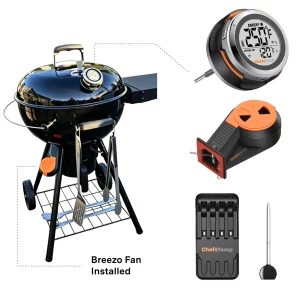
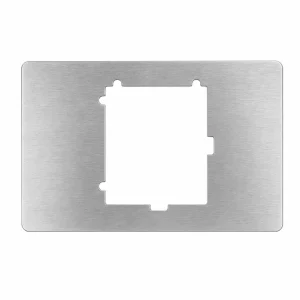
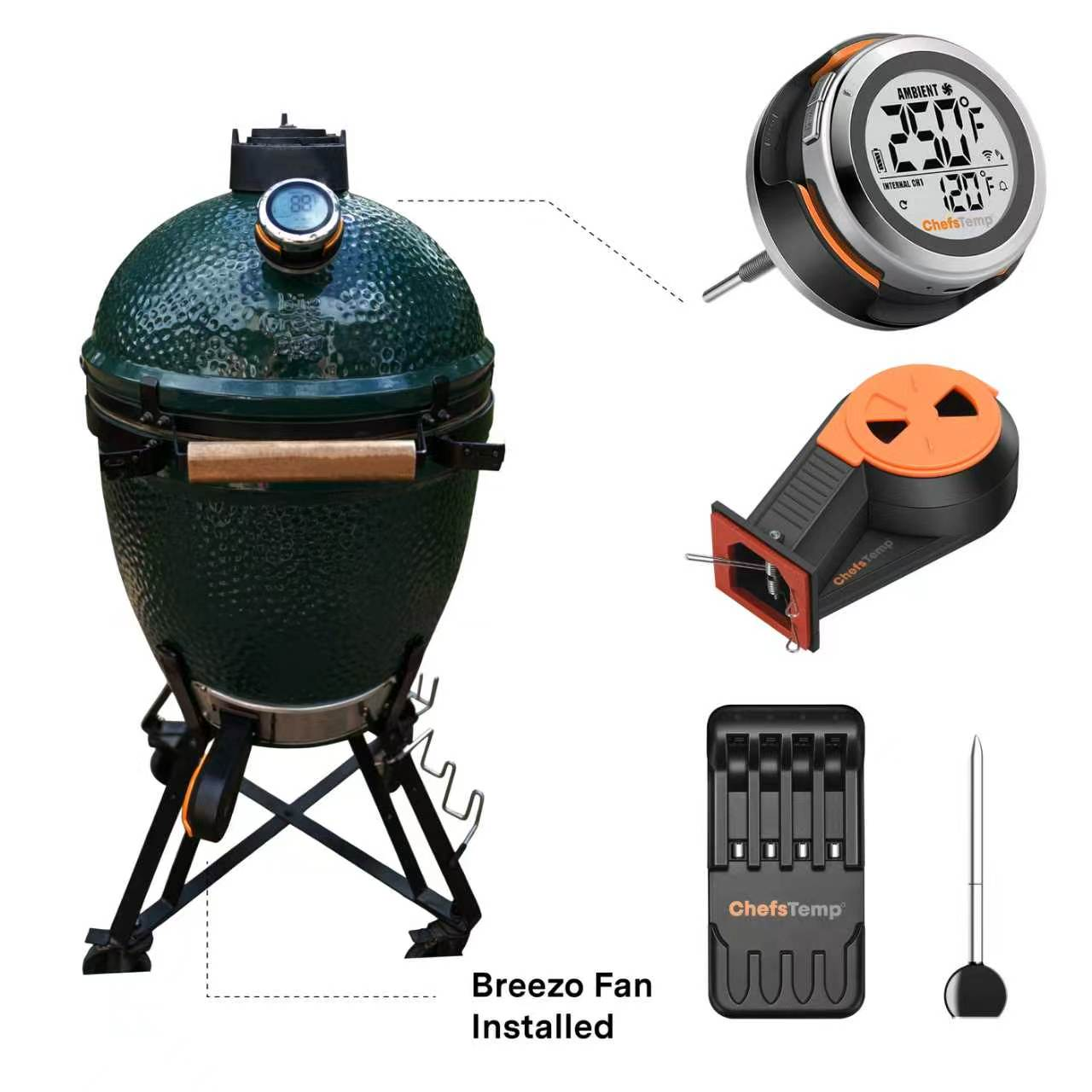
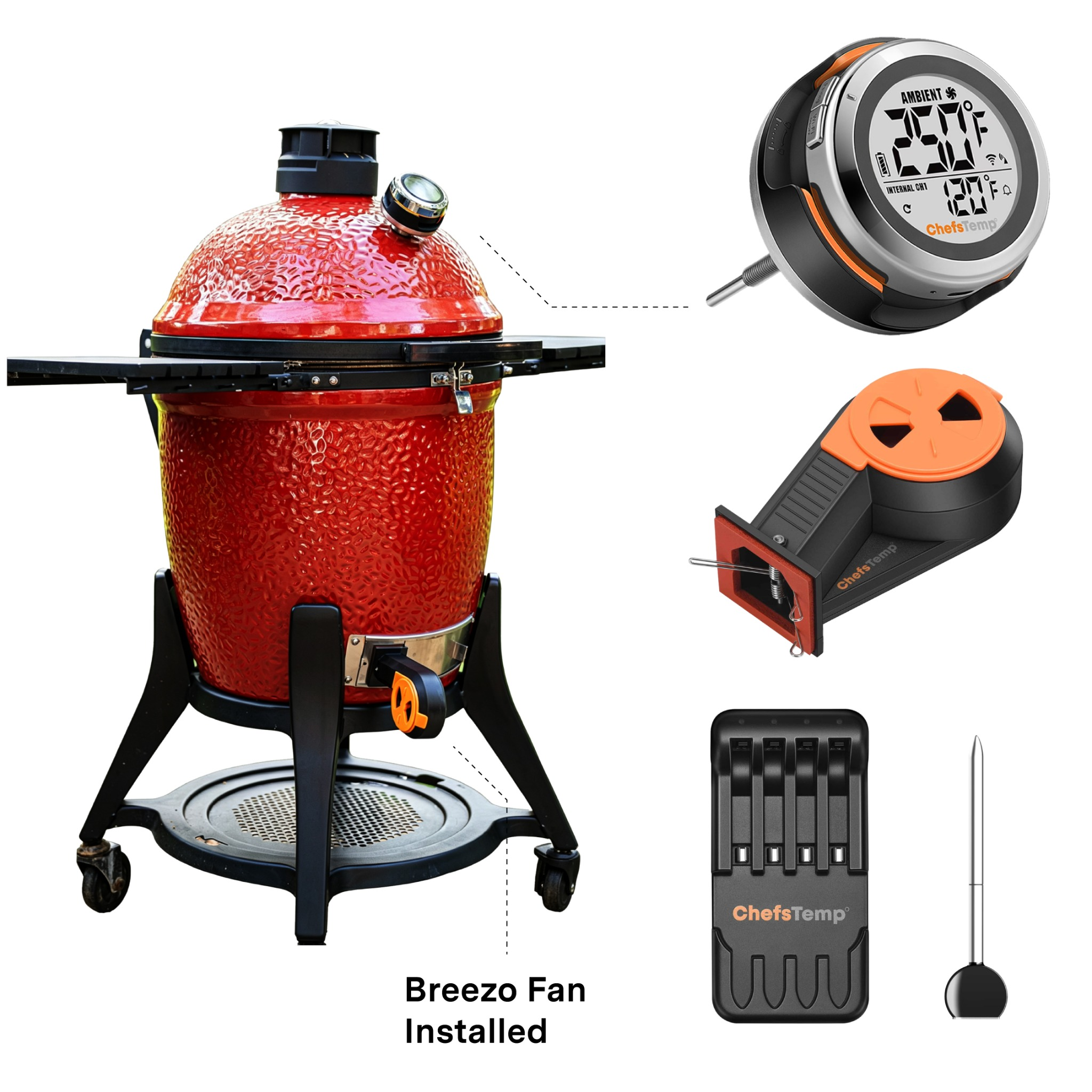
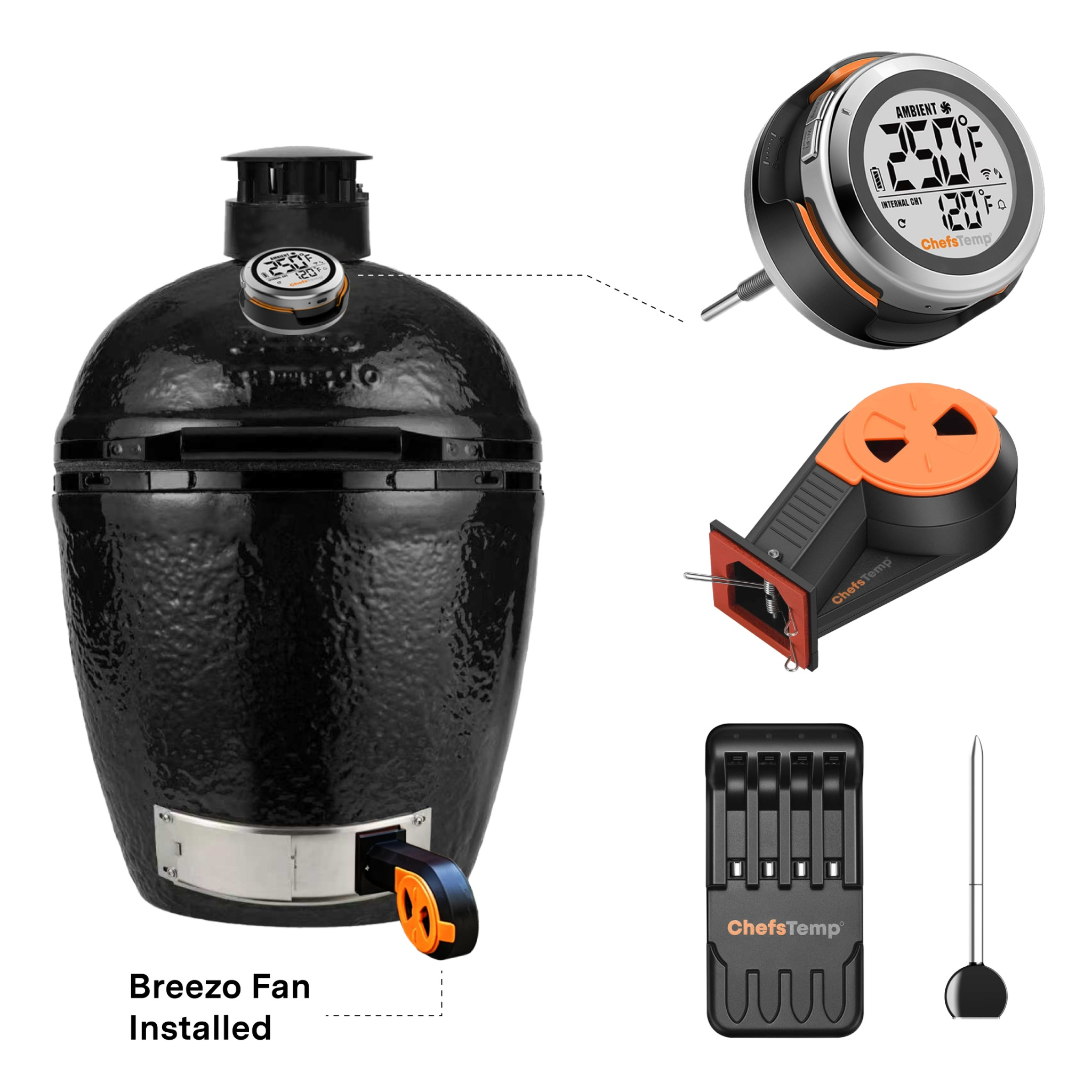
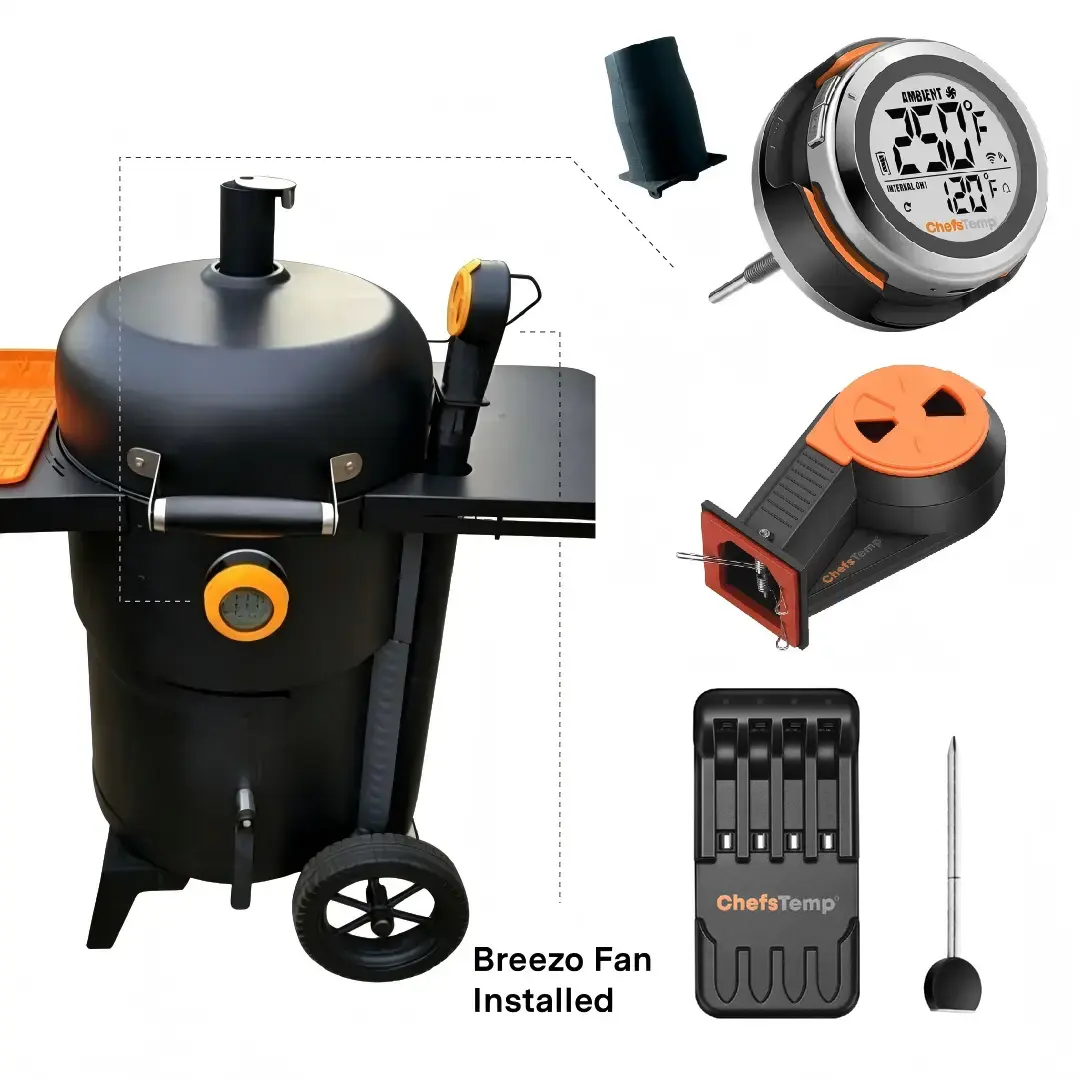
If your Breezo mounting accessories are missing, compare what you received with the listing for your exact package, and send photos of all included parts. If a mounting plate doesn't fit, include the grill brand, model, and size, plus measurements and photos of the vent and every plate you received. An XL Big Green Egg may require a different plate from one supplied for a smaller opening; support should confirm the correct part for the order.
If the product or accessory you receive does not match your order, contact ChefsTemp Customer Support at [email protected].
Please provide:
● Your order number
● The product or accessory you ordered
● Clear photos of the item you received
● Photos of the packaging and any product or shipping labels
Keep the item and its packaging until our support team confirms the next steps. We will review the information and help arrange the appropriate resolution.
4-in-1 Charger: Can I connect it with the wireless probes?
4-in-1 Charger: Can I connect it with the wireless probes?
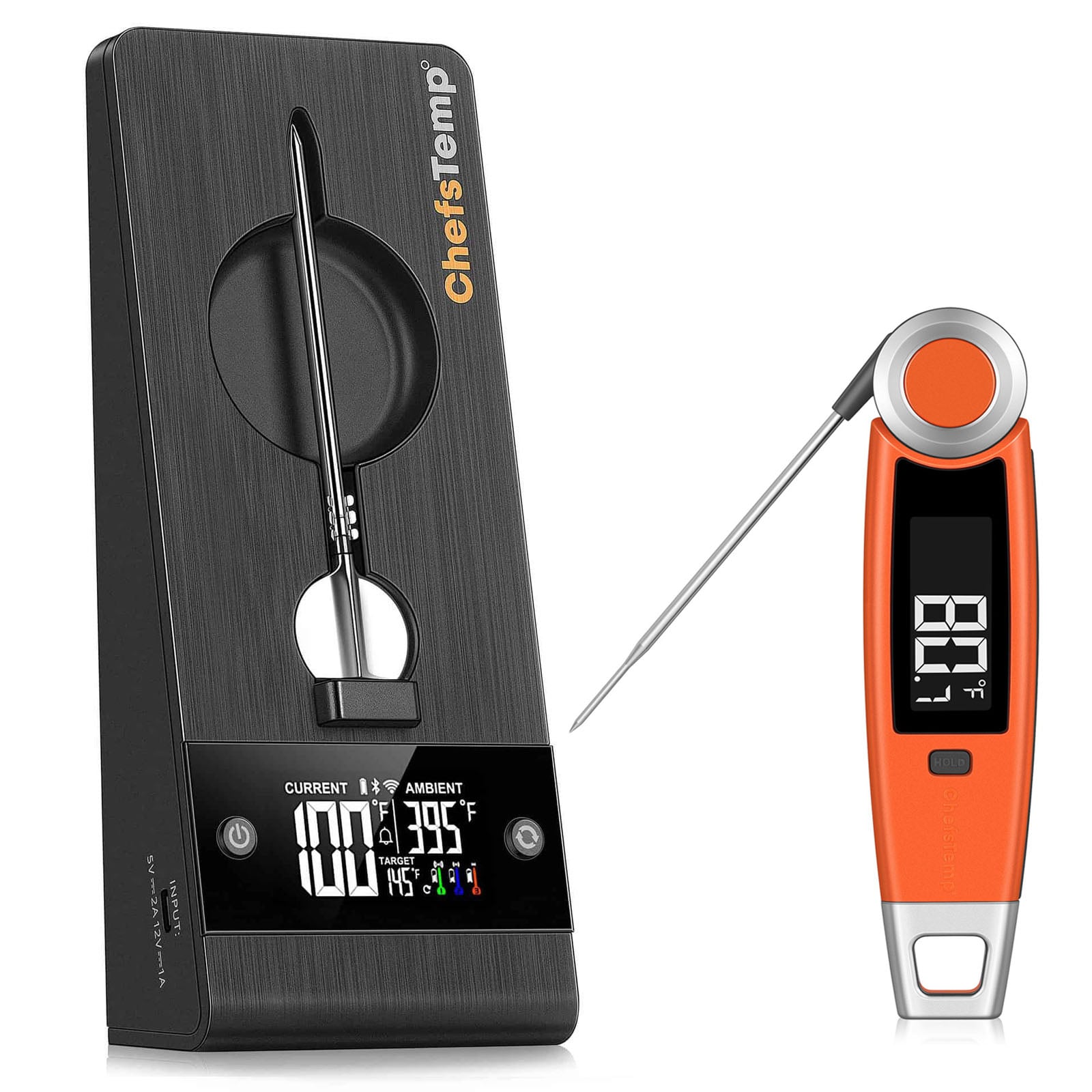
The 4-in-1 Charger can charge multiple wireless probes simultaneously, but it can't pair them.
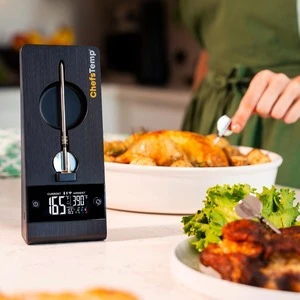
The 4-in-1 Charger is not a replacement for the ProTemp 2 Plus Stand. It charges compatible probes but does not provide the stand’s display or receive and relay probe temperature data.
If you need a replacement ProTemp 2 Plus Stand, contact [email protected] with the exact model and your purchase details so we can check the appropriate replacement options. Do not order a 4-in-1 Charger expecting it to replace the complete stand. Please confirm availability and compatibility for your device.
Order: My package has been sent to another state. Is it normal?
Order: My package has been sent to another state. Is it normal?
We're sorry for any concern caused by the delay in your package delivery. According to our records, USPS may have rerouted your package to another state, but it's still on track to be delivered to your address. Please allow a few more days for it to arrive. We’re actively monitoring its progress and will continue to ensure it reaches you as smoothly as possible.
If you notice any unusual updates or issues with your shipment, please don’t hesitate to contact us at [email protected]—we’ll be happy to investigate and assist.
A shipment passing through another state can be part of normal carrier routing. However, you should check tracking statuses such as “returned to sender,” “undeliverable,” or “lost” with our support team rather than treating them as routine routing updates.
Contact [email protected] with your order number, tracking number, latest tracking status, and full delivery address, including any apartment or unit number. We will review the carrier information and advise on the next steps. If we arrange a replacement shipment, we will provide the new tracking information.
S1&Breezo: What are the outdoor operating temperature limits for the S1 thermometer and control fan?
S1&Breezo: What are the outdoor operating temperature limits for the S1 thermometer and control fan?
For optimal performance and longevity, we recommend placing both the S1 thermometer and the Breezo control fan in environments where the temperature stays within safe operating limits.
- Minimum temperature: Avoid prolonged exposure below 50°F (10°C), as this may significantly reduce battery life and affect overall functionality.
- Maximum temperature: The fan is heat-resistant up to 302°F (150°C), while the S1 thermometer is rated for up to 140°F (60°C).
Given that winter temperatures can dip below the recommended minimum, and high-heat cooking zones may exceed safe limits, we advise using the product in a protected or temperature-controlled setting to ensure reliable operation. Proper placement and shielding will help extend the life of your device and maintain accurate performance.
S1: Is it waterproof?
S1: Is it waterproof?
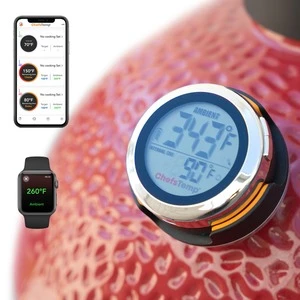
The Base Unit of ProTemp S1 is fully waterproof. However, the Main Unit has an IP54 rating, which provides limited protection against dust and splashing water. Please avoid exposing the unit to water. For enhanced protection, we recommend installing the optional ProTemp S1 Waterproof Silicone Protective Cover (sold separately).
S1: Why does the ProTemp S1 battery only last about 40 hours?
S1: Why does the ProTemp S1 battery only last about 40 hours?
The S1 has a large 6000mAh built-in rechargeable battery designed for constant Wi-Fi use. Unlike Bluetooth-only devices, Wi-Fi consumes much more power, resulting in ~40 hours of real-world runtime. This larger battery provides better portability without needing constant charging.
Breezo Fan: Is there a temp range to use Breezo Fan?
Breezo Fan: Is there a temp range to use Breezo Fan?
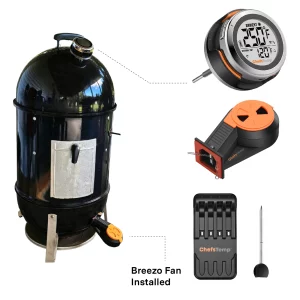
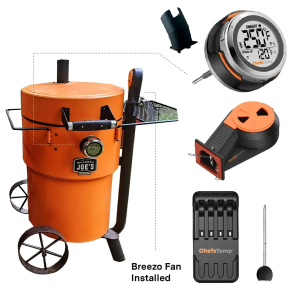
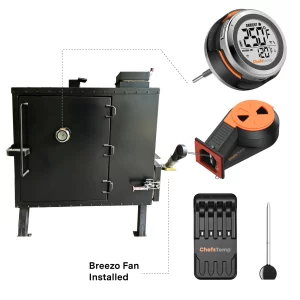
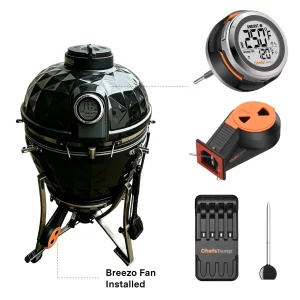
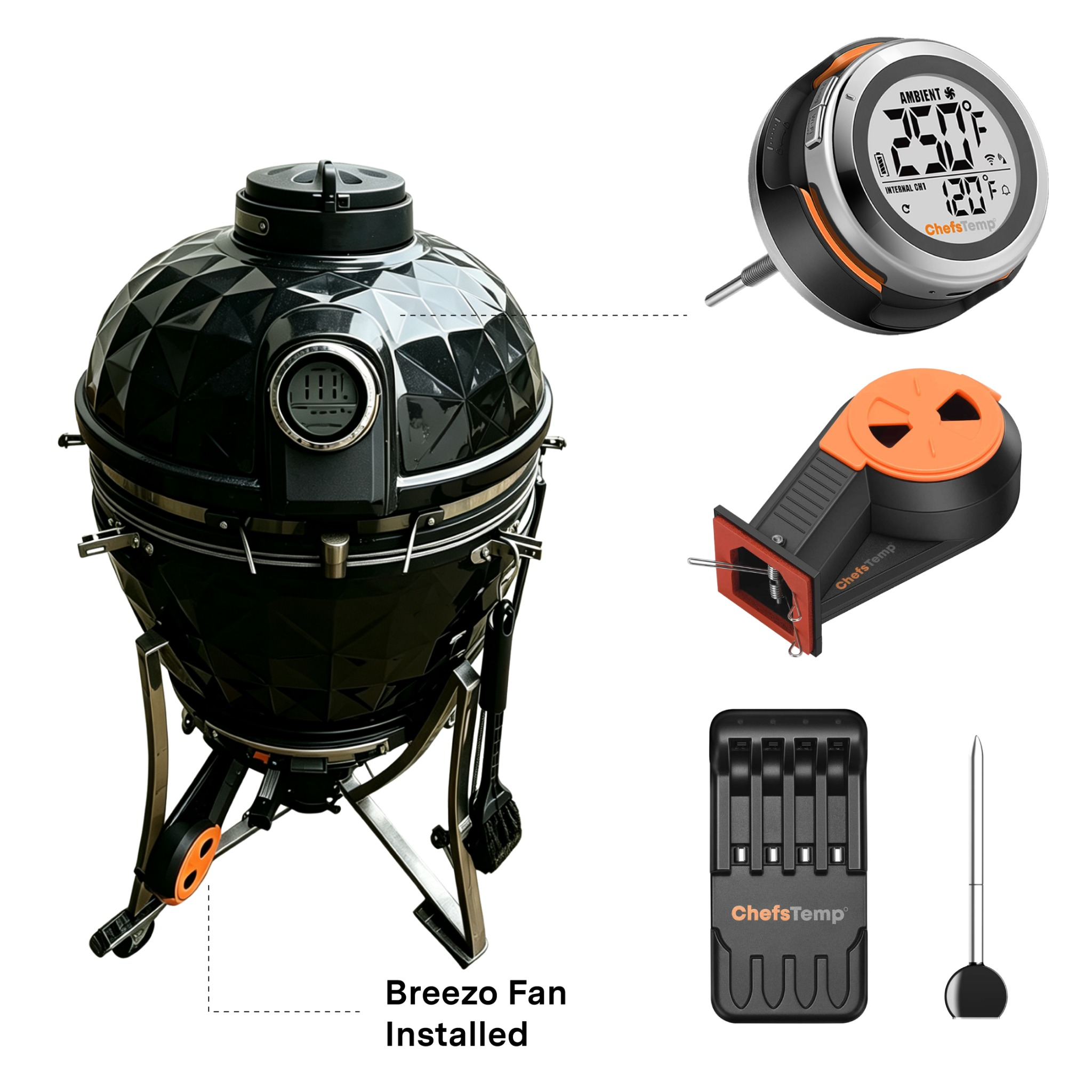
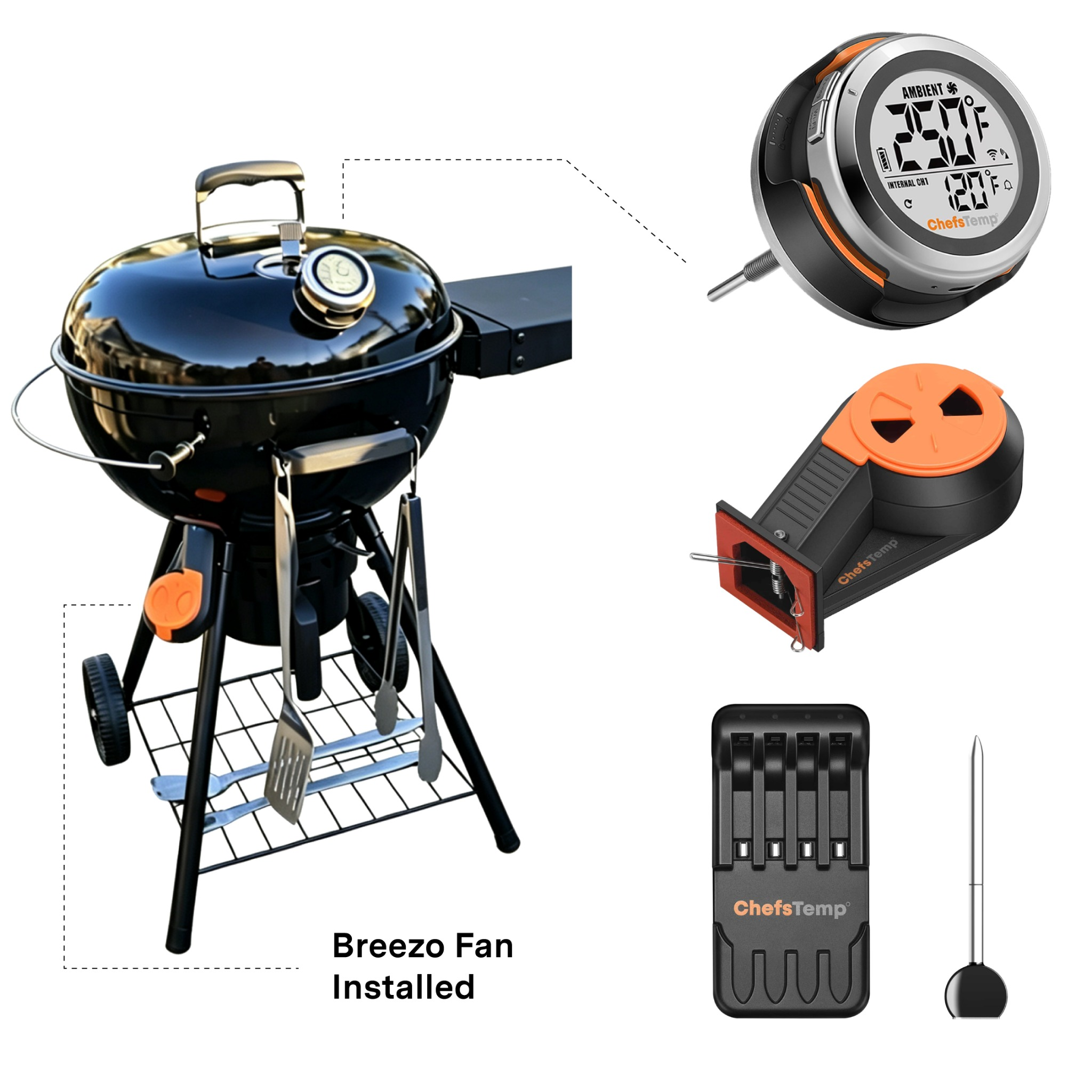
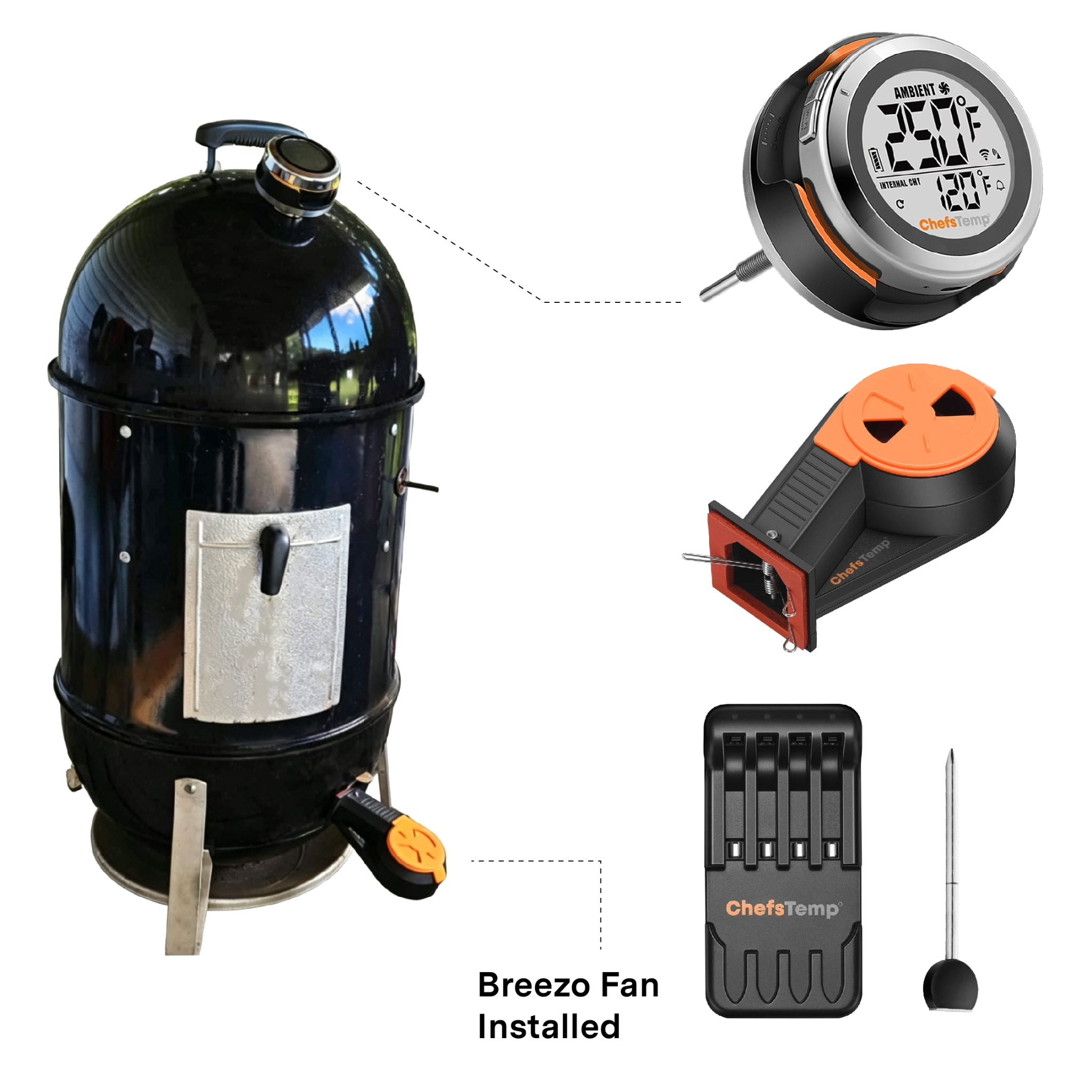
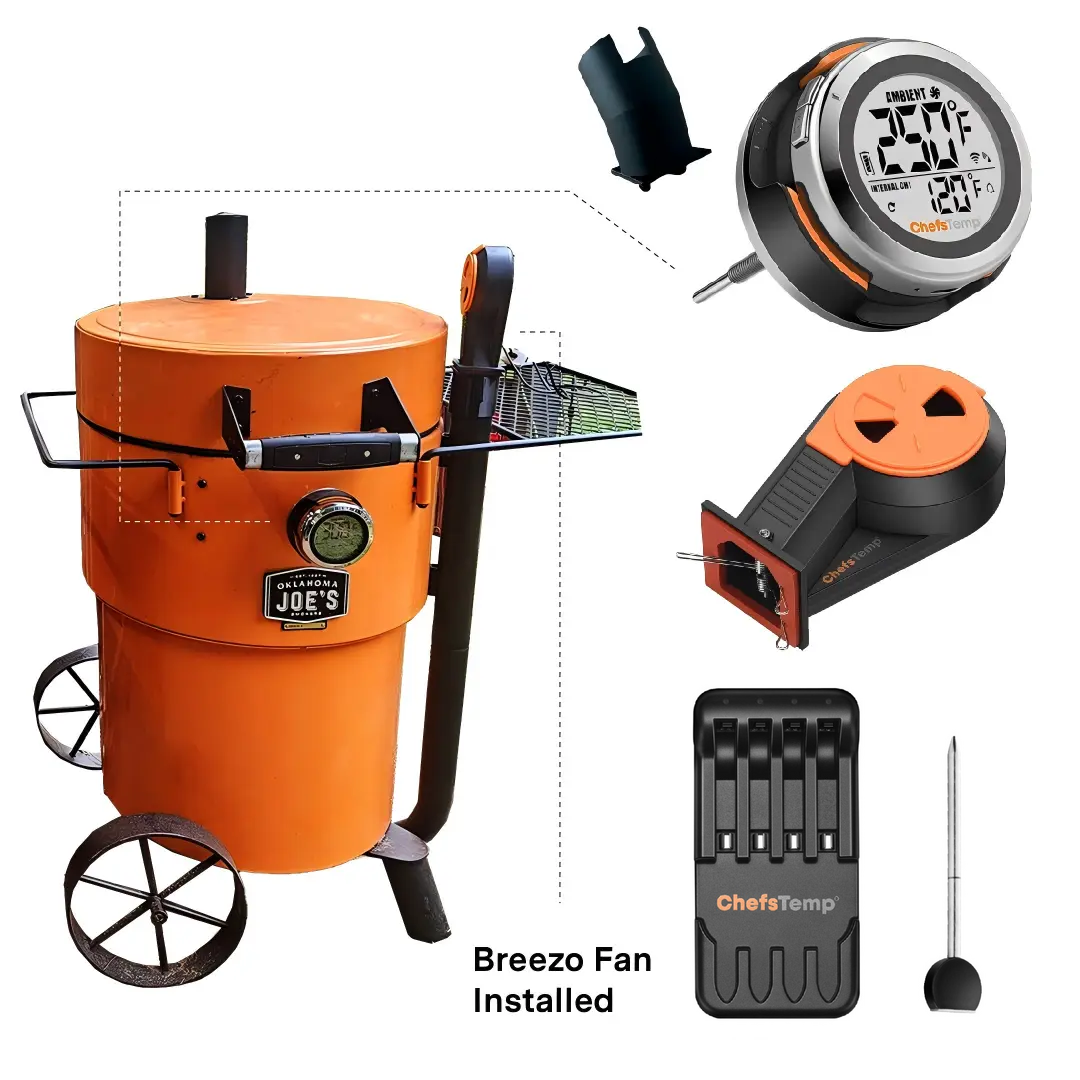
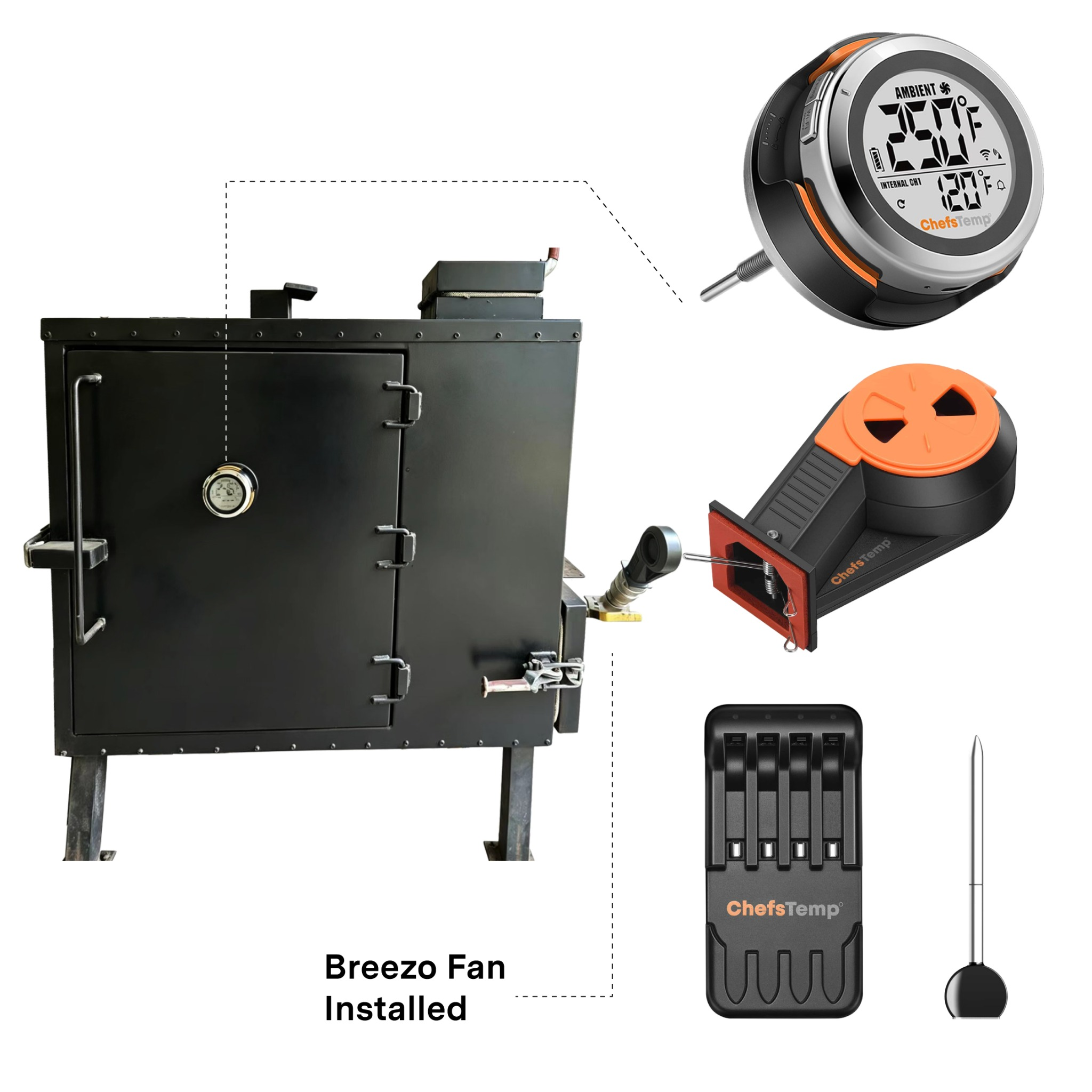
Please note that the fan itself is designed to withstand temperatures of up to 302°F (150°C). For safe and reliable operation, we recommend keeping the fan within this range during use. Alternatively, you may use a compatible Breezo mounting kit to position the fan at a safe distance from the grill.
Probe: Can I use the probe in my oven?
Probe: Can I use the probe in my oven?
Yes, the probe is safe for use in a conventional oven. However, do not use it in a microwave, pressure cooker, or steam oven.
ChefsTemp app: Are my website order and app accounts linked?
ChefsTemp app: Are my website order and app accounts linked?
No—accounts for our official website (ChefsTemp.com) and the ChefsTemp app are not automatically connected. To access both platforms, you’ll need to register separately. You may use the same email address for both accounts.
Order: Can I use more than one discount code?
Order: Can I use more than one discount code?
Please select the code that best suits your order, as only one discount code may be applied per purchase.
4-in-1 Charger: Is there a power adaptor or cable inluded its package?
4-in-1 Charger: Is there a power adaptor or cable inluded its package?
Simply connect it to a 5V2A power adapter and a Type-C charging cable (adapter and cable are not included) for effortless charging.
- When the Charger is successfully connected, the red indicator light next to the Type-C socket will light up.
- When the probe is charging, the blue indicator light above the probe will light up. Generally, a probe without power will be fully charged after 10-15 minutes. When the probe is fully charged, the blue indicator light will turn off.
- If there is a short circuit in the charging case, charging will immediately stop, and all four blue indicator lights will flash. Please reconnect the charging cable and reinsert the probe to resume charging.
ProTemp Plus Series: Is it waterproof?
ProTemp Plus Series: Is it waterproof?
The ProTemp Plus Series is built for reliable outdoor performance, featuring a durable stand with IP55 water resistance and a fully waterproof probe rated IP68. It performs well even in rainy conditions—ideal for extended BBQ sessions, rain or shine. However, for the best results and long-term durability, we recommend avoiding direct exposure to heavy rain during outdoor use. A covered cooking area or light shielding can help protect the device while maintaining accurate readings.
S1: Do I need to drill a hole to install the ProTemp S1?
S1: Do I need to drill a hole to install the ProTemp S1?
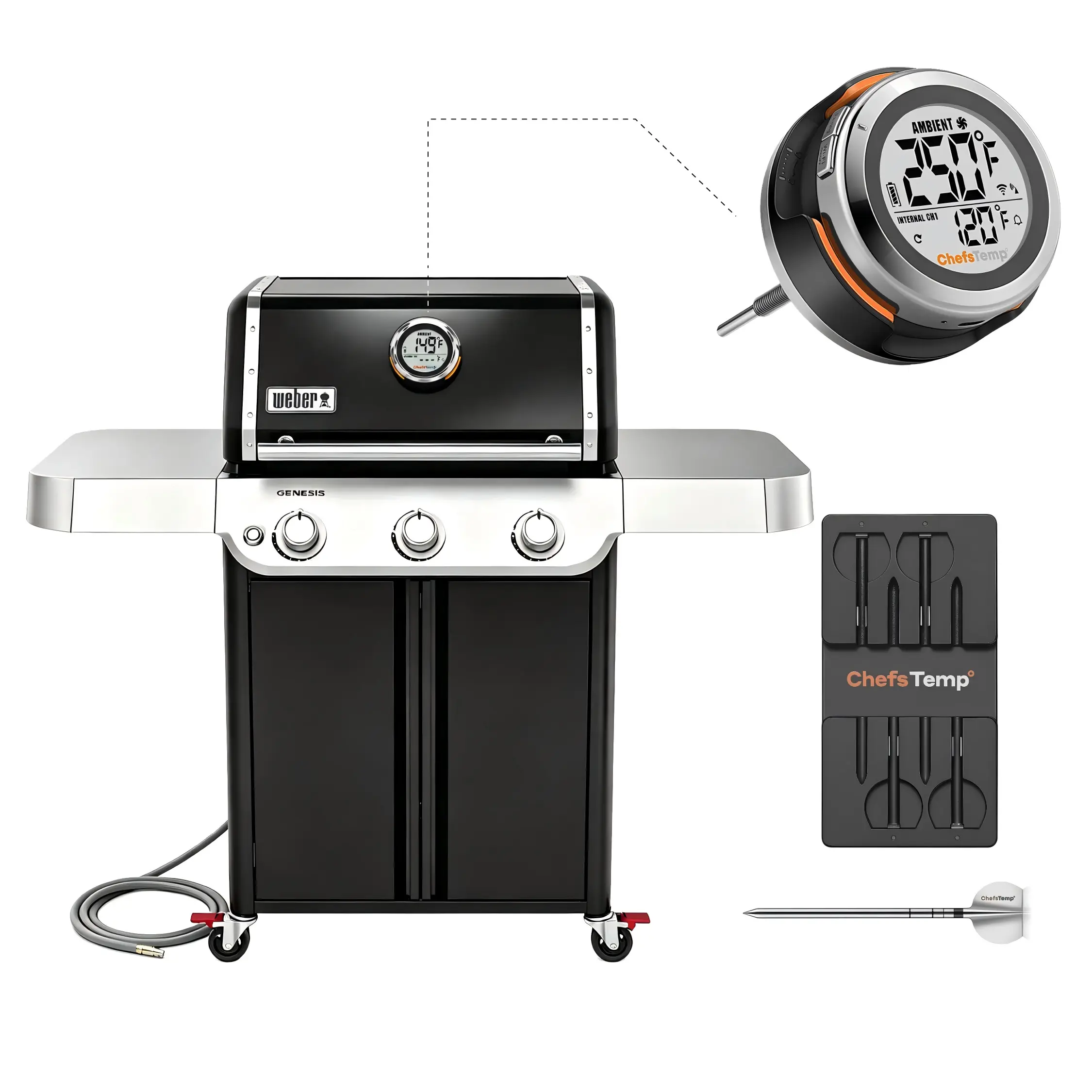
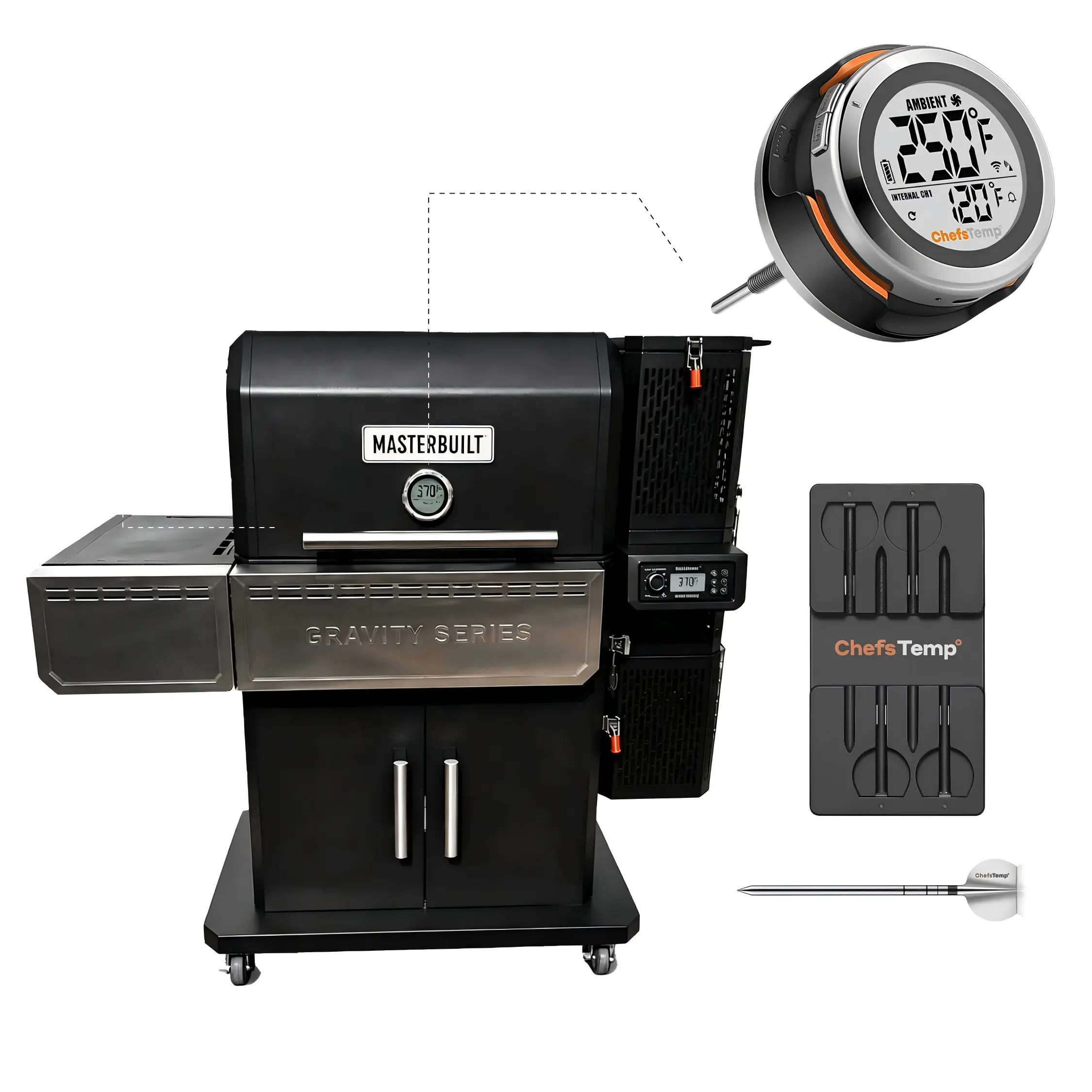
No need if your grill has an analog thermometer—just replace it. If there's no hole (like on some offset smokers), you can drill one. Just skip drilling on ceramic grills.
WE’RE HERE TO HELP
Still need help?
Contact our support team for help with your ChefsTemp products.