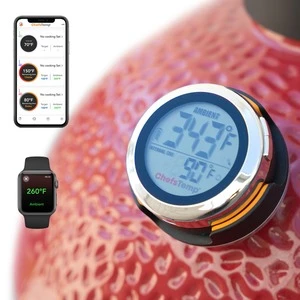
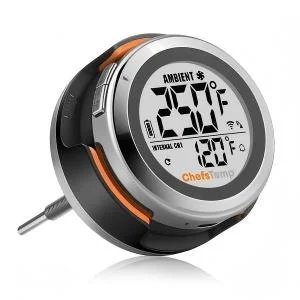
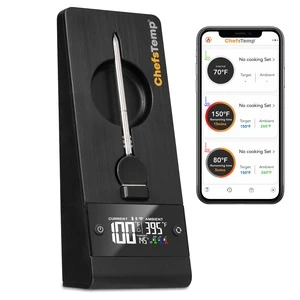
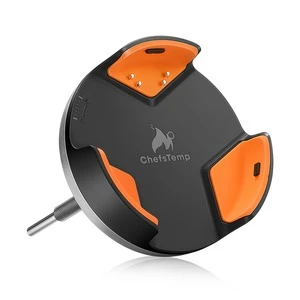
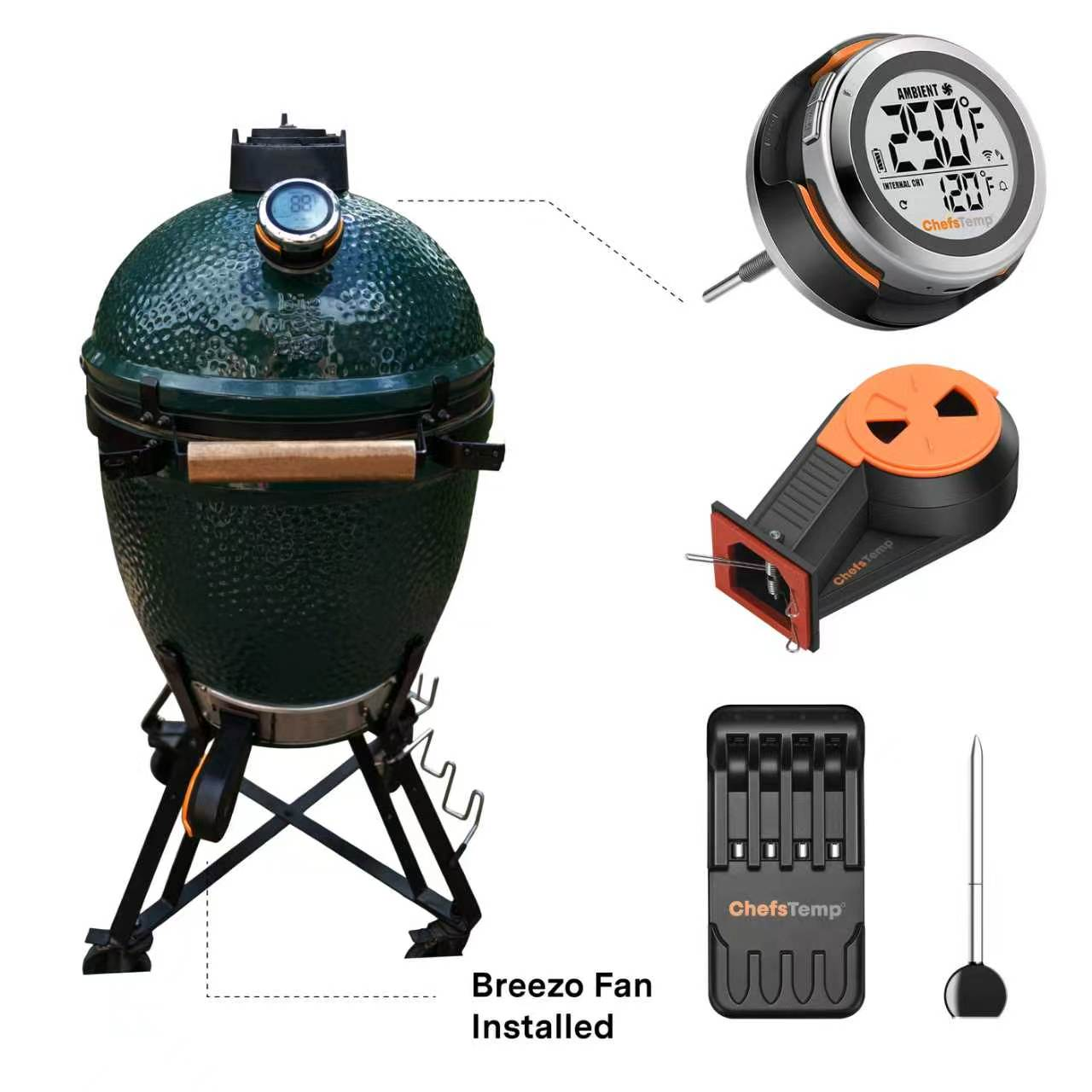
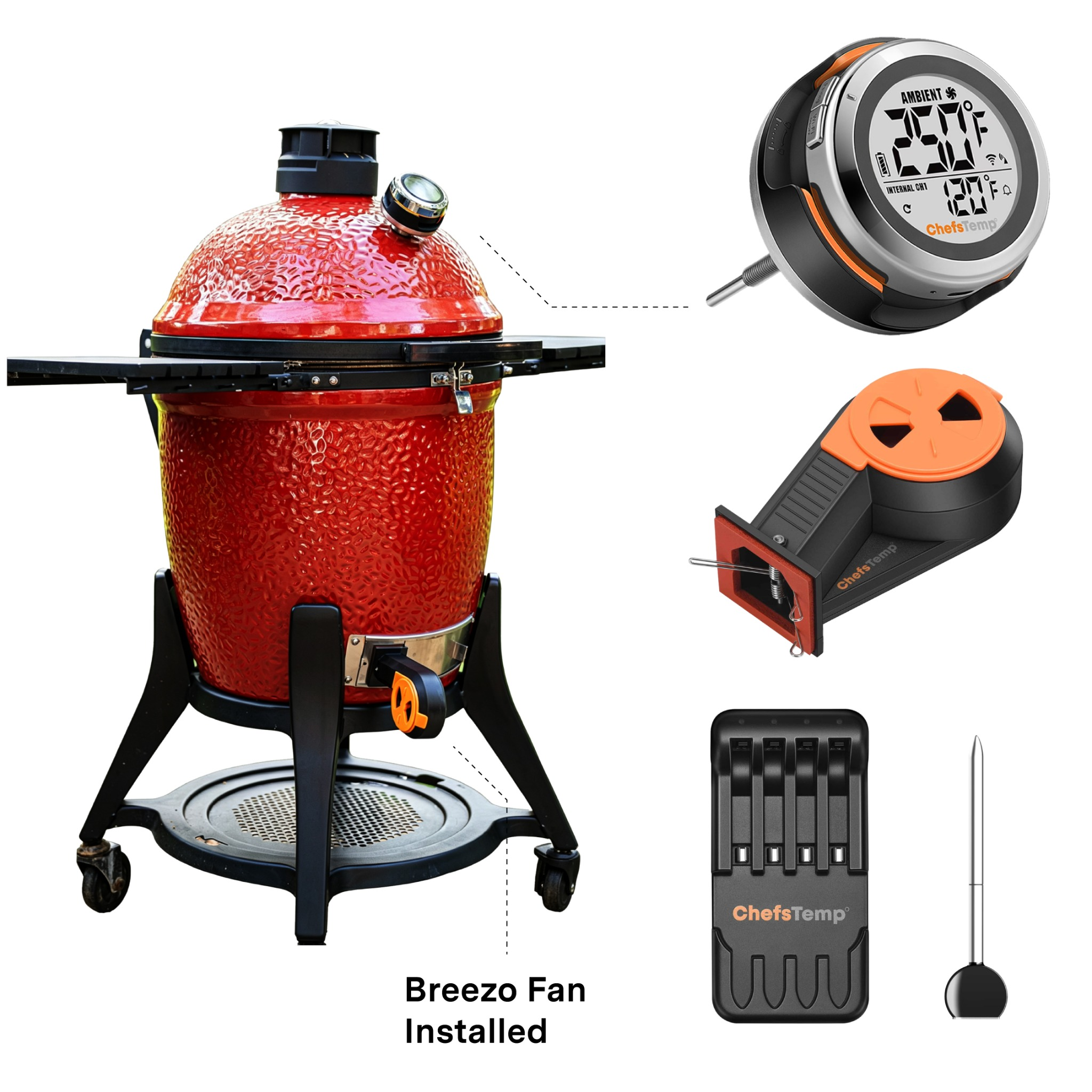
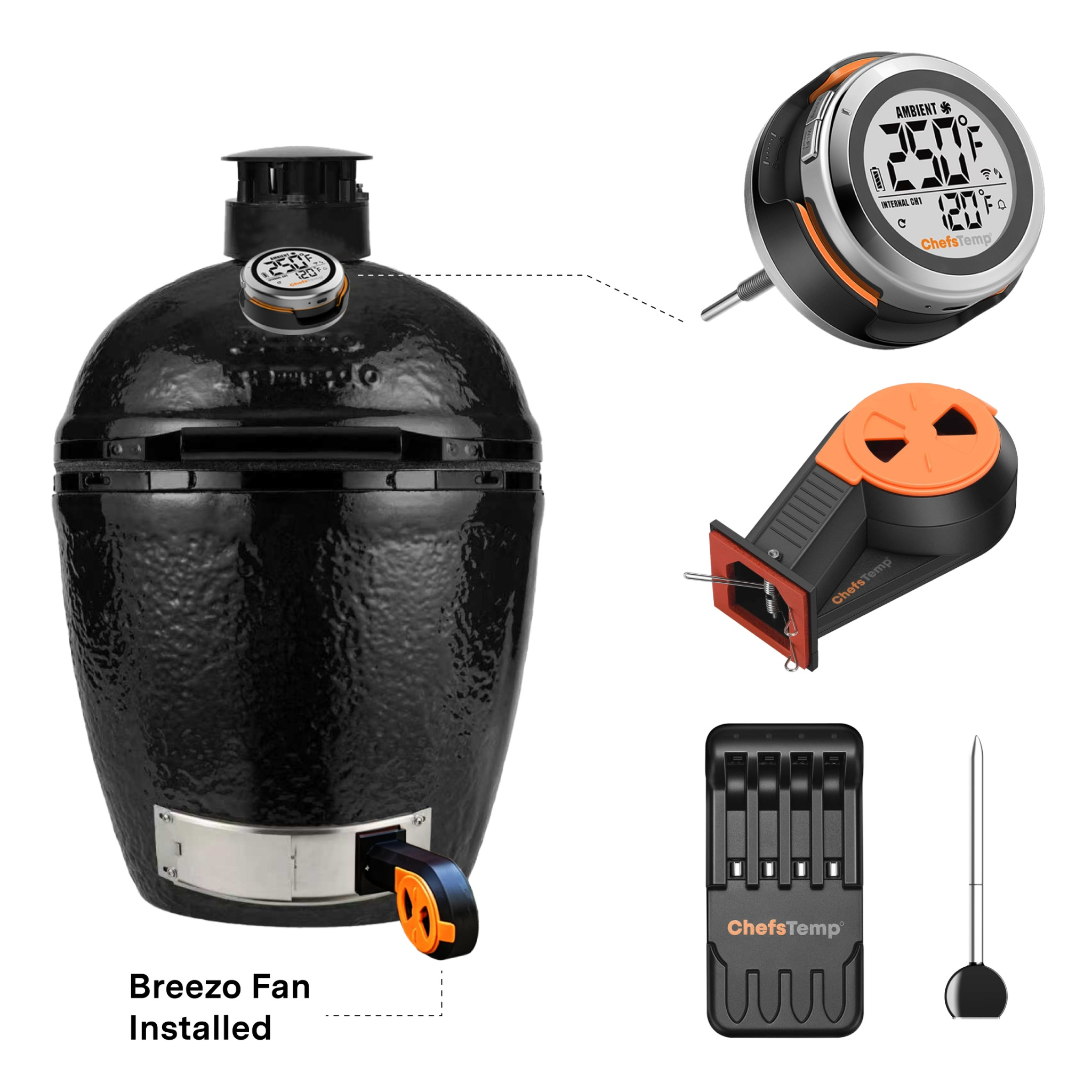
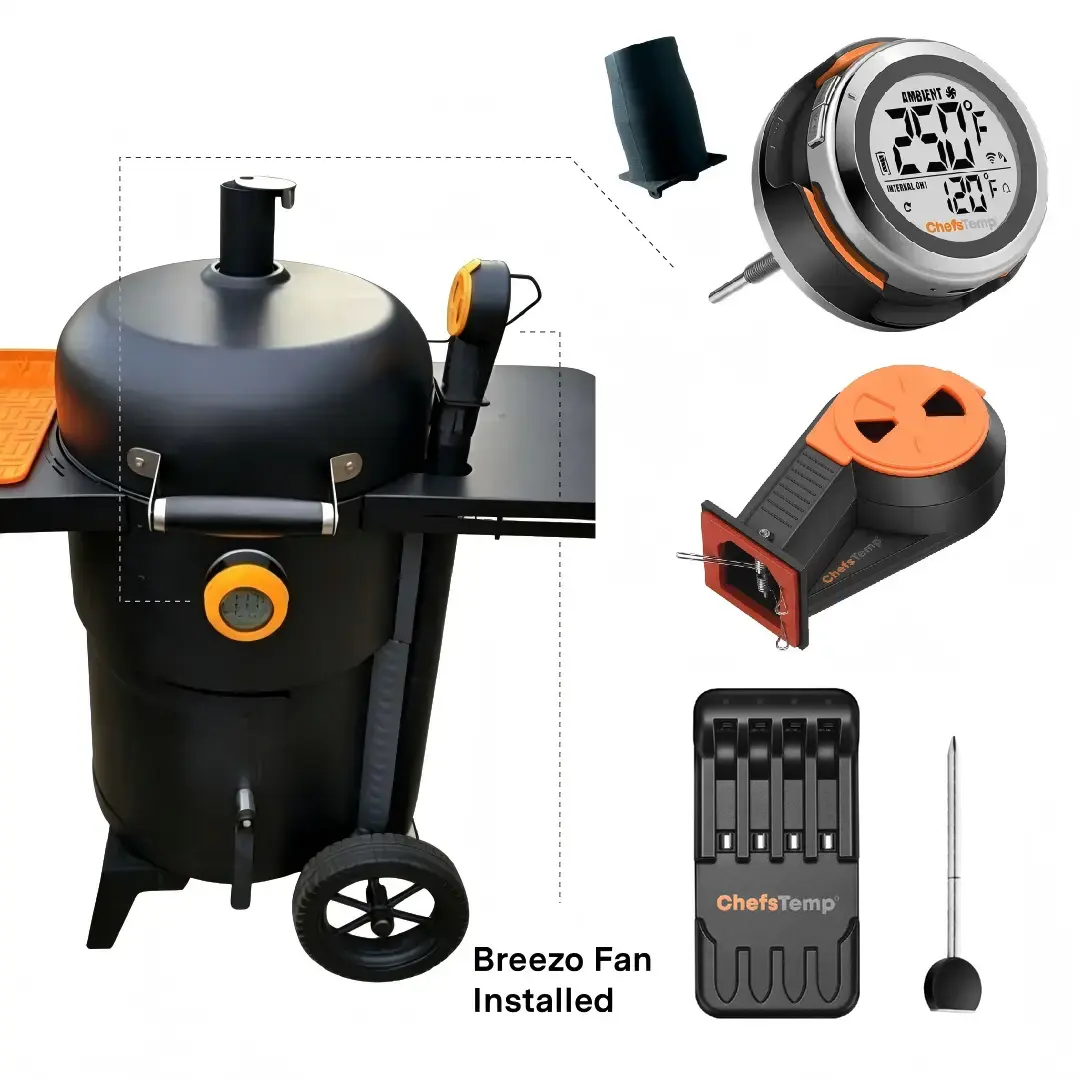
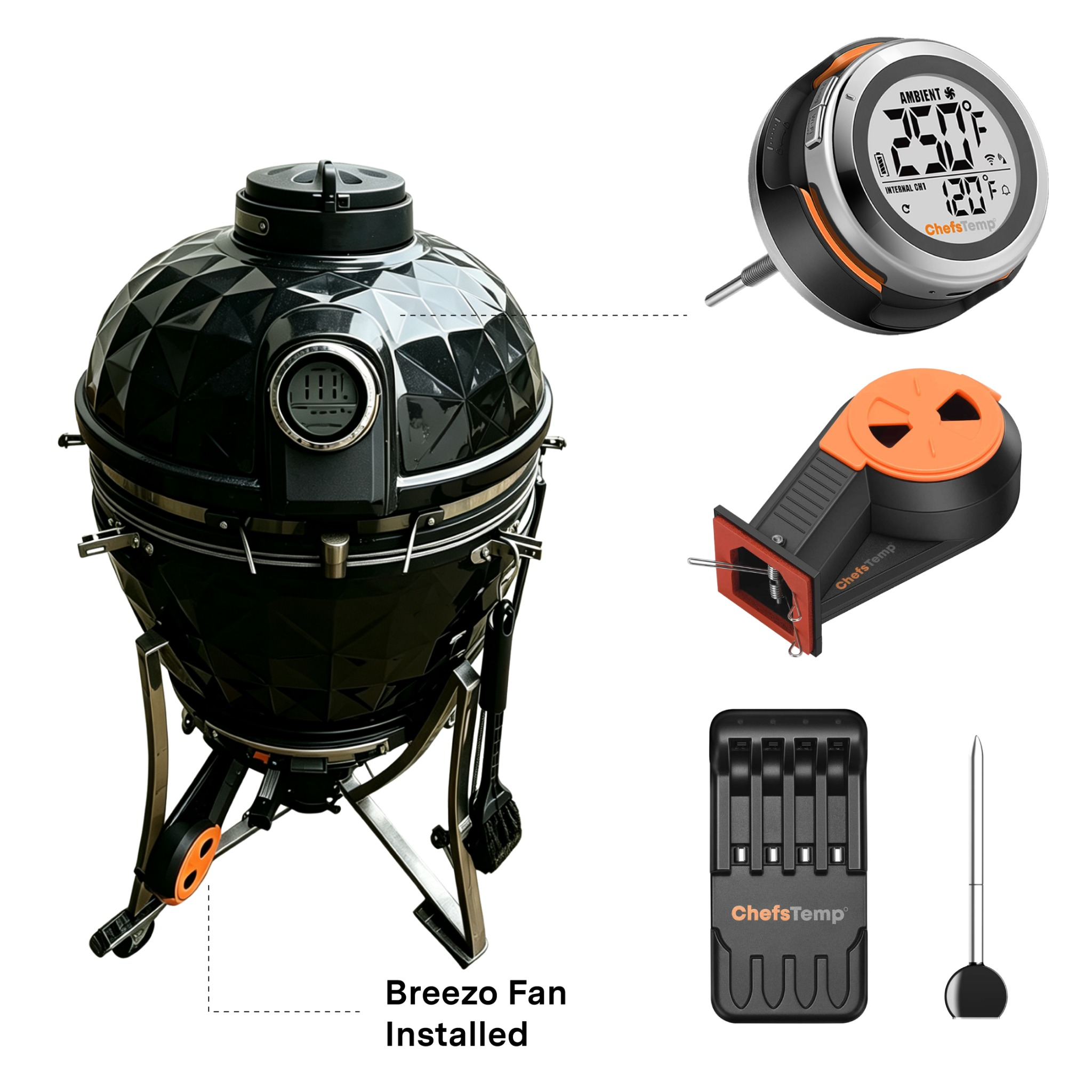
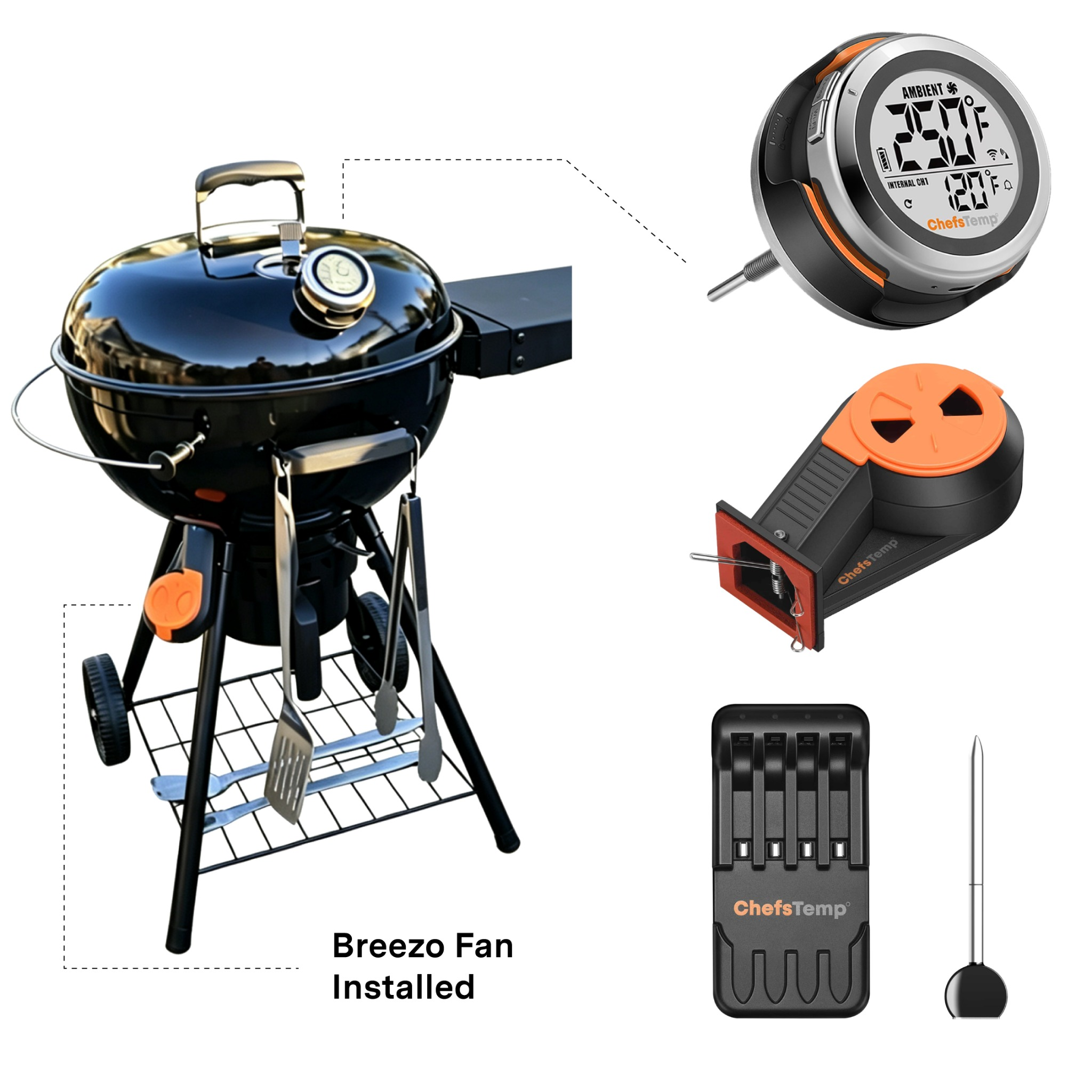
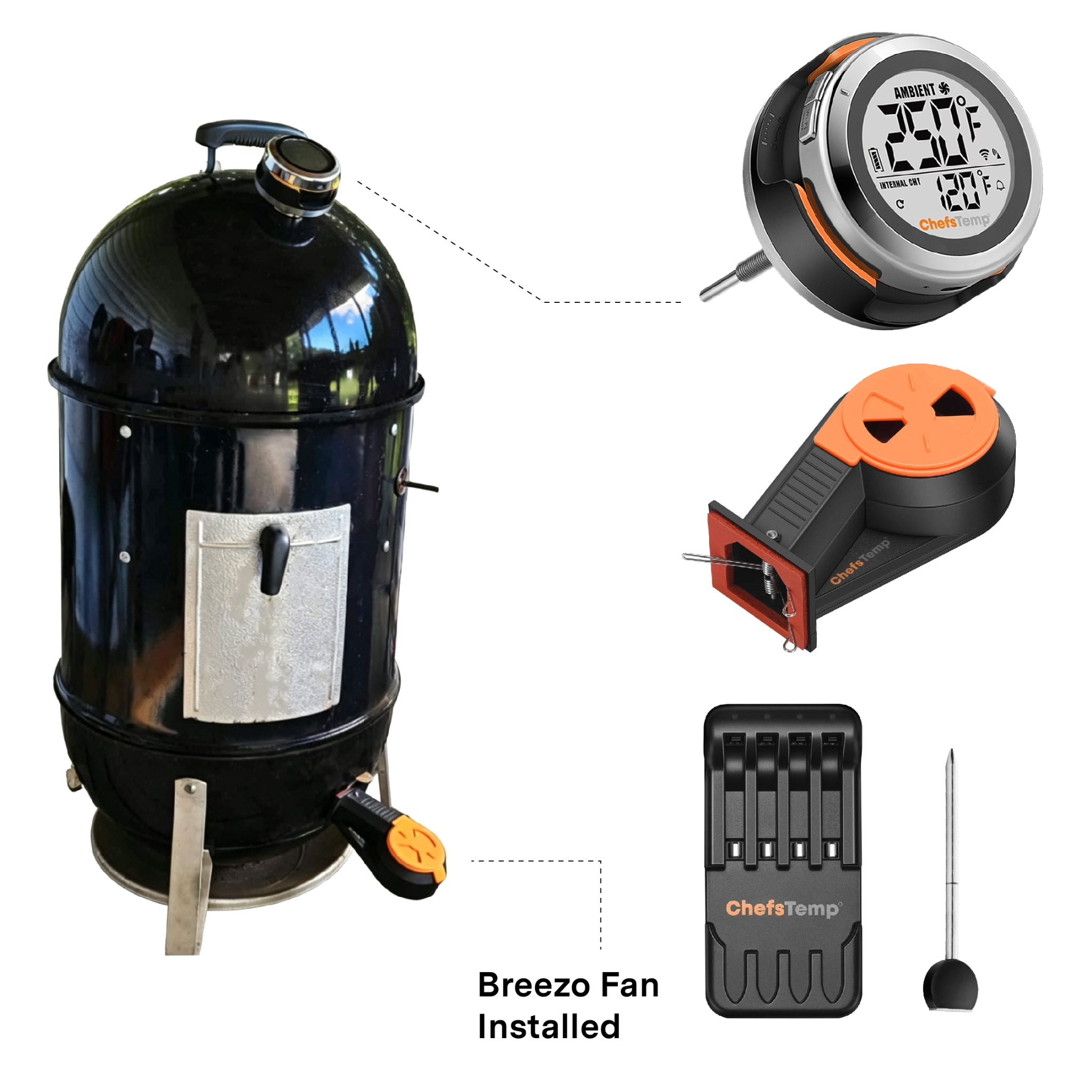
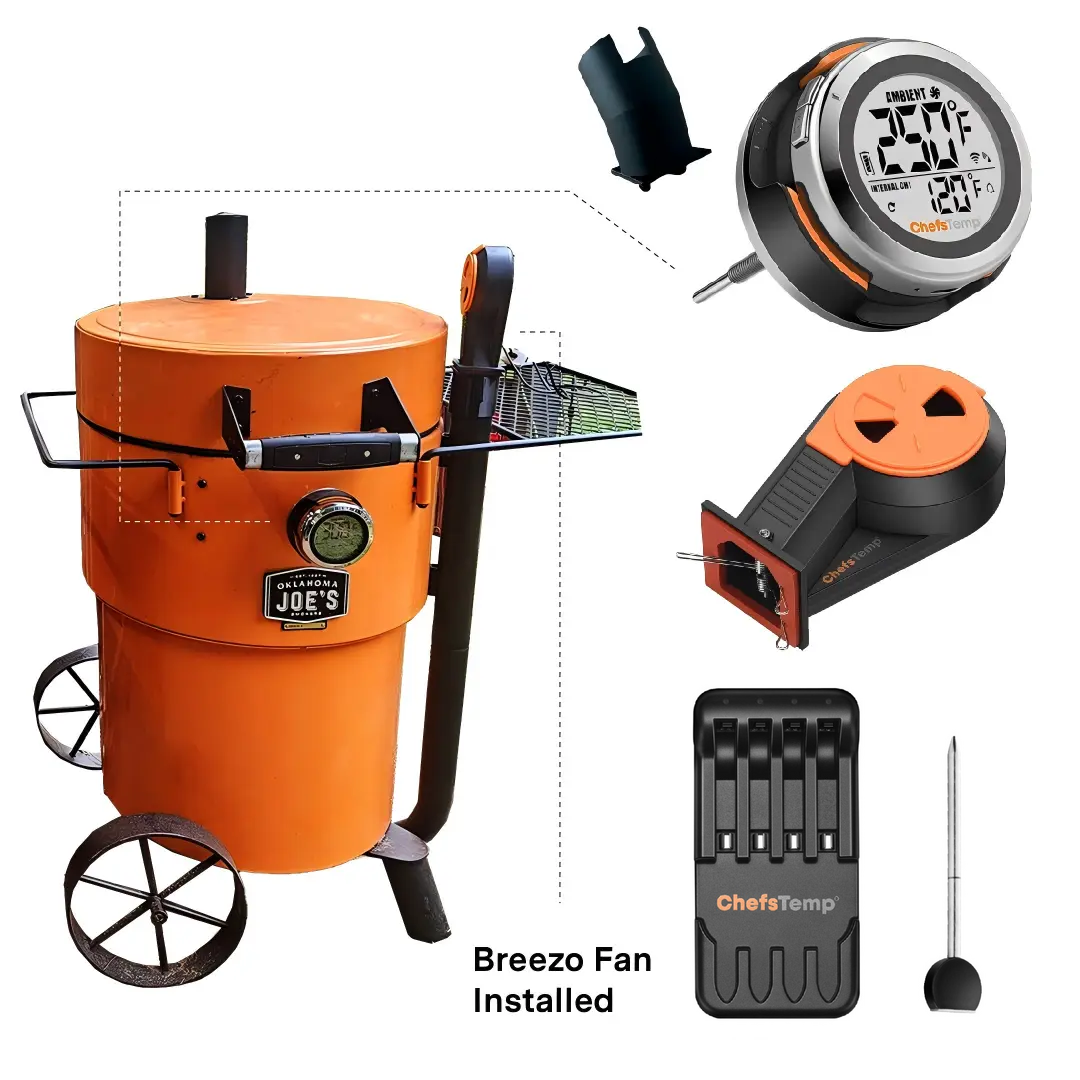
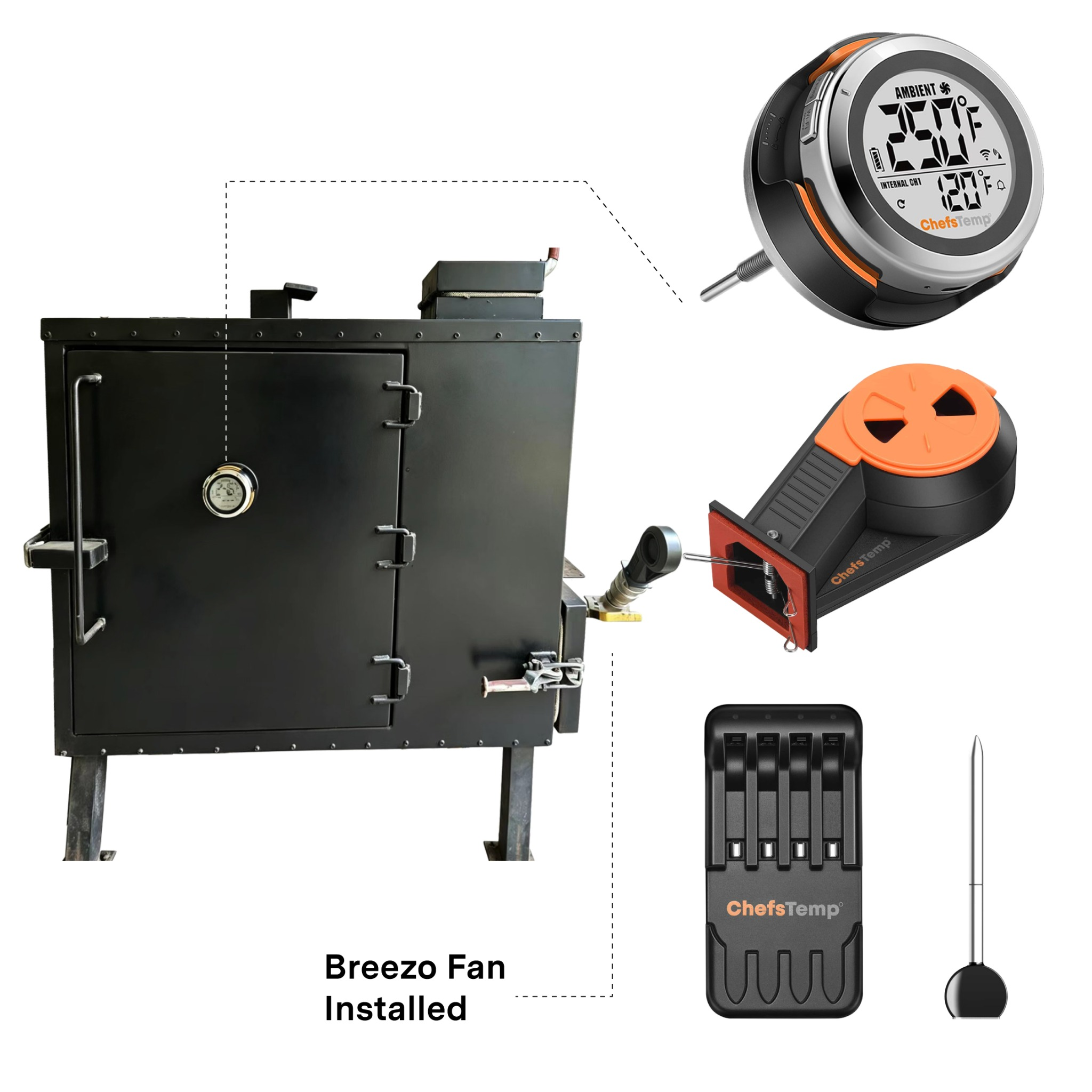
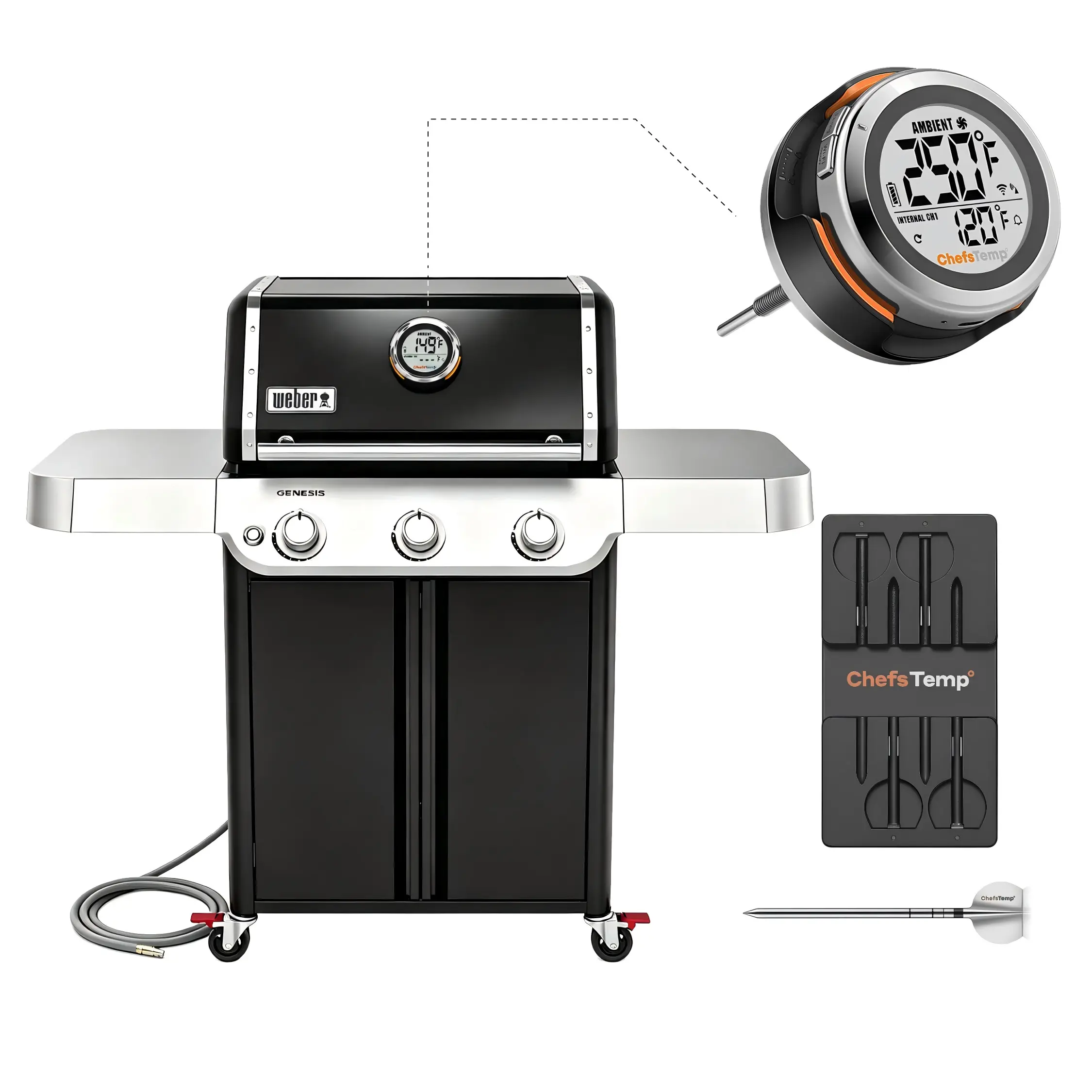
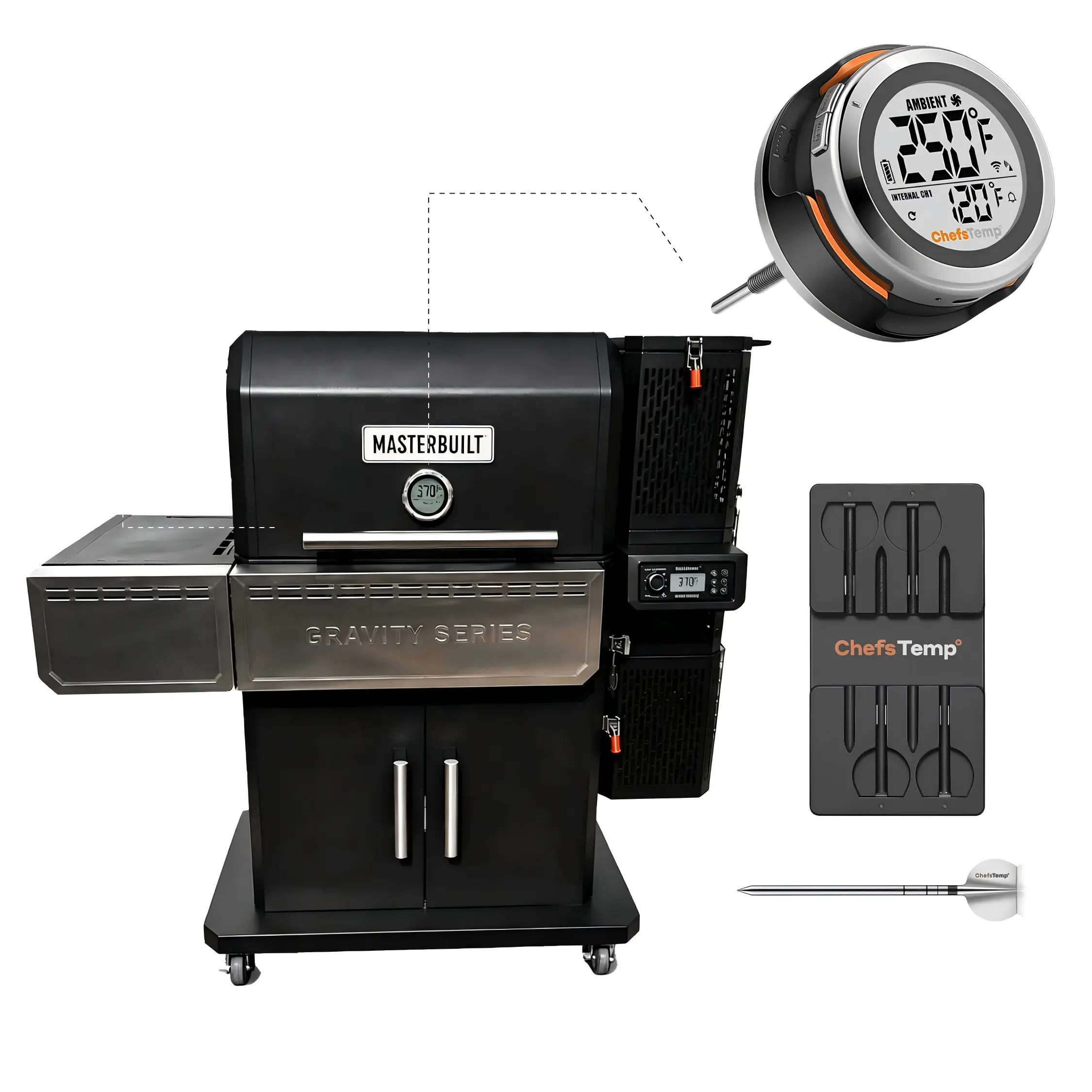
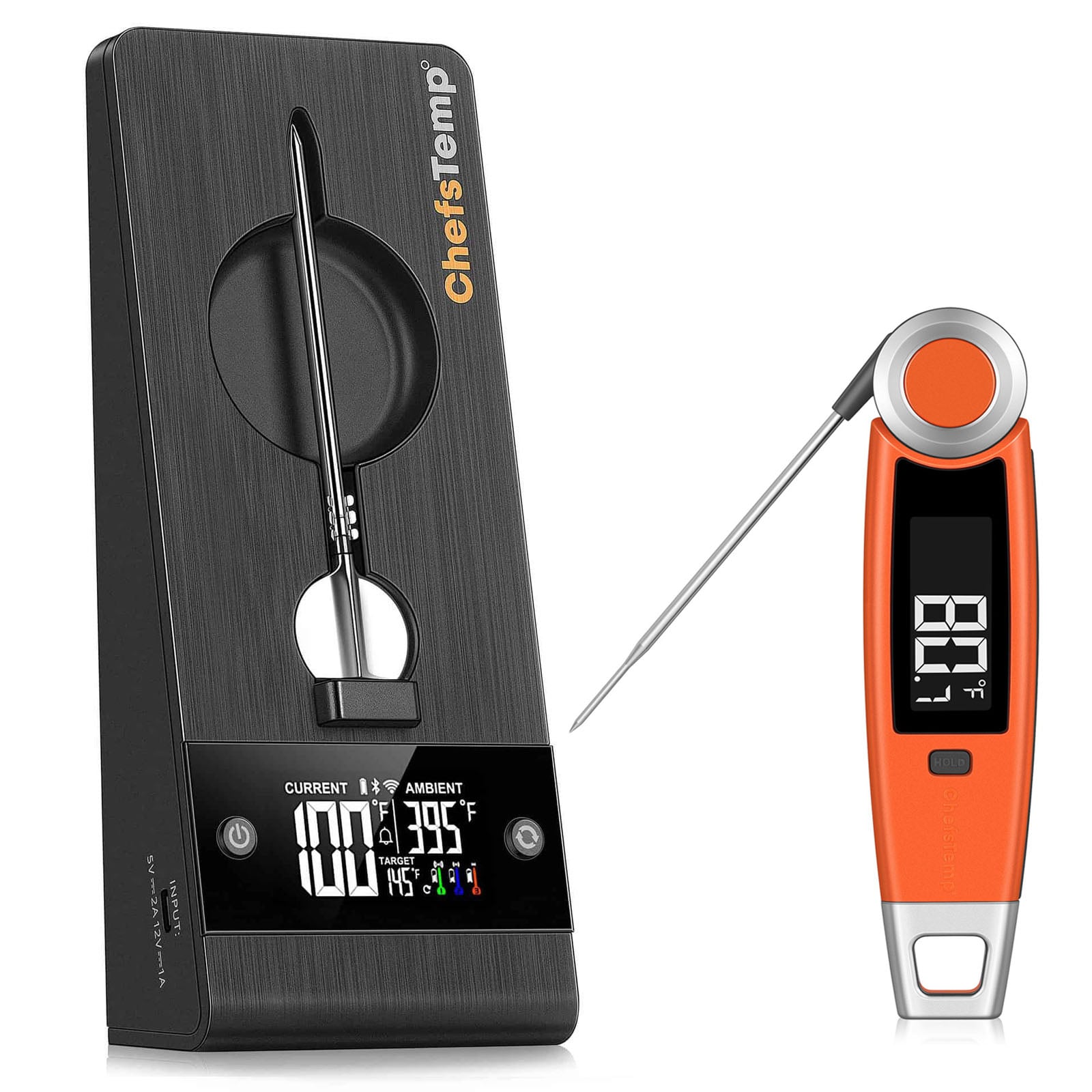
Before starting Wi-Fi setup, seat the ProTemp S1 Main Unit securely on its Base and confirm that the S1 displays a grill-temperature reading. The temperature sensor is in the Base. A powered-on screen or battery indication alone does not confirm that the Main Unit is receiving temperature data.
If setup reports “failed to receive probe data,” first record whether the S1 itself shows a temperature and whether you are adding the S1 or a separate wireless food probe. Check the Main Unit-to-Base contact before repeating router changes. If the reading is present but setup still fails, continue with the Wi-Fi checklist and send support the exact error and a video showing the assembled S1 and setup process.
CHEFSTEMP SUPPORT
S1: What should I check before connecting ProTemp S1 to Wi-Fi?
WE’RE HERE TO HELP
Still need help?
Contact our support team for help with your ChefsTemp products.