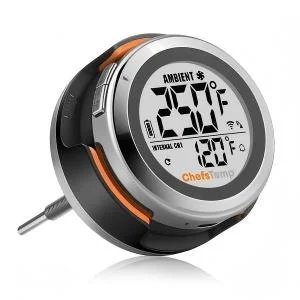
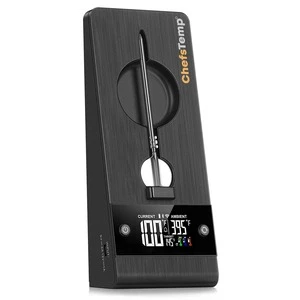
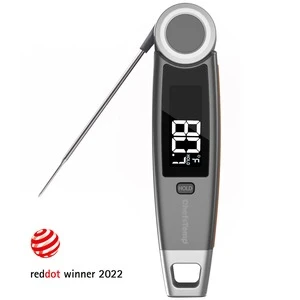
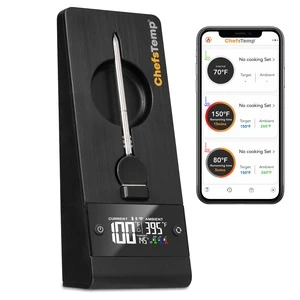
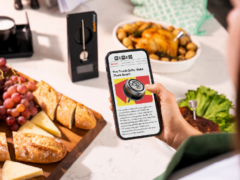
Open the relevant probe page in the ChefsTemp app and tap the bell or alarm icon. Check the alert that matches the notification you are receiving:
• Internal temperature alerts refer to the temperature measured inside the food.
• Ambient temperature alerts refer to the cooking temperature measured around the probe.
For example, if you receive “Ambient Low Reached,” check the “Ambient temperature falls below” setting. Adjust the threshold or turn off that alert if you don't want it. Turning off an internal-temperature alert will not disable an ambient-temperature alert.
If an in-app alert includes a “Got it” button, acknowledge it there. If notifications continue after you disable the relevant alert, update the app and contact [email protected] with the exact notification text, a screenshot of the alert settings, your phone model, and an app error log. Menu labels may vary by app version.