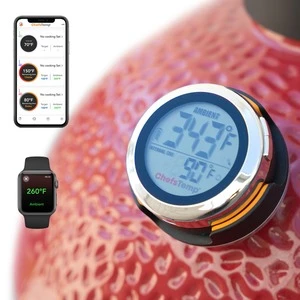
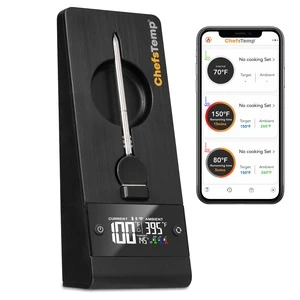
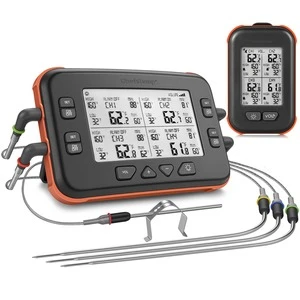
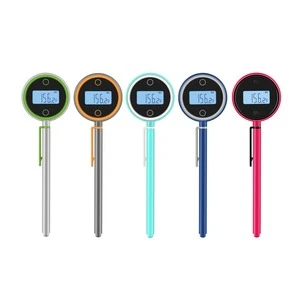
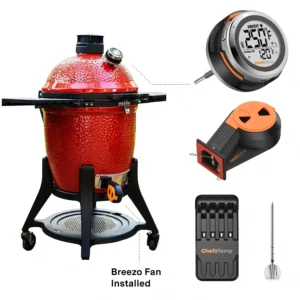
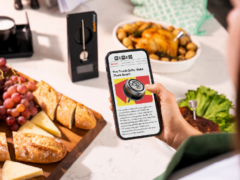
Update the ChefsTemp app to the latest available version, fully close it, and reopen it. Check whether your connected device is still showing live temperature readings and whether the problem affects one screen or the whole app.
If the graphics remain missing, send support a screen recording showing how you open the affected page, together with your phone model, operating system, app version, and device model. This helps distinguish a display problem from missing temperature or connection data.
CHEFSTEMP SUPPORT
APP: What should I do if graphs or graphics are missing in the ChefsTemp app?
WE’RE HERE TO HELP
Still need help?
Contact our support team for help with your ChefsTemp products.