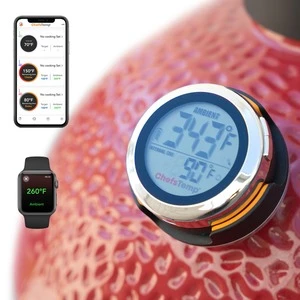
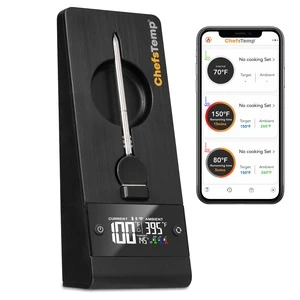
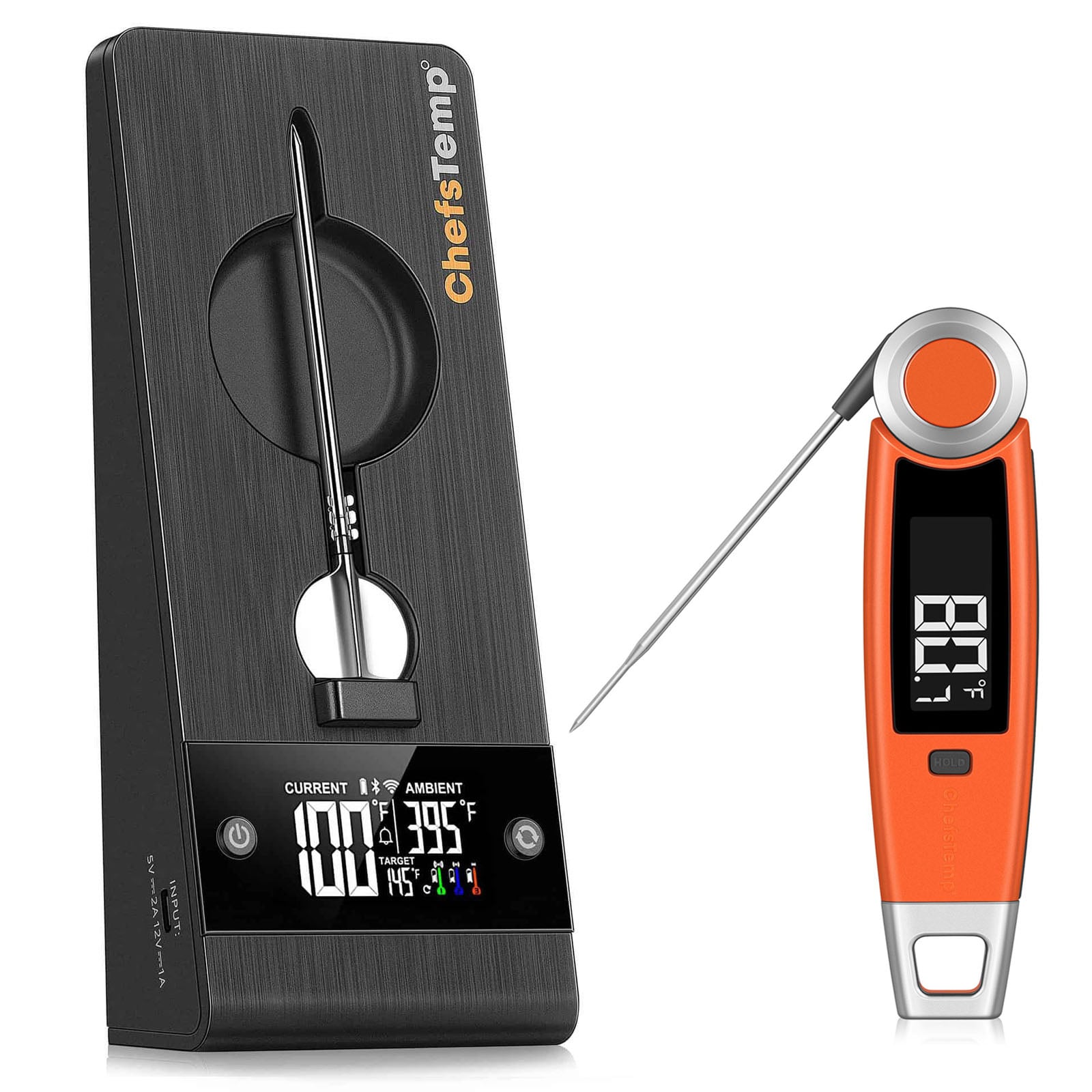
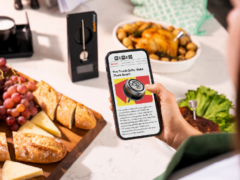
First, check that you have started a cooking session for the probe and selected the food type and target temperature or doneness. Then confirm that the app is receiving current temperature readings from that probe. An active connection icon alone does not confirm that fresh probe data is arriving.
Check the Apple App Store or Google Play for an available ChefsTemp update, then close and reopen the app. If temperature readings are also missing, troubleshoot the connection before the time estimate.
If live readings work but the estimate remains blank, send ChefsTemp Customer Support a screenshot of the cooking screen, your device and probe models, phone and app versions, and an error log captured while the problem is present. Include when you started the session and whether the issue occurs with every cook. The estimate is a planning aid; use measured temperature to assess cooking progress.