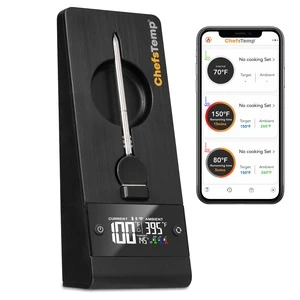
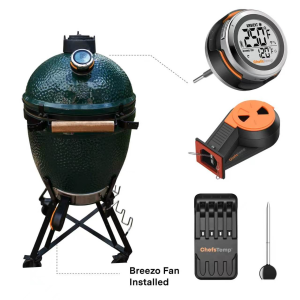
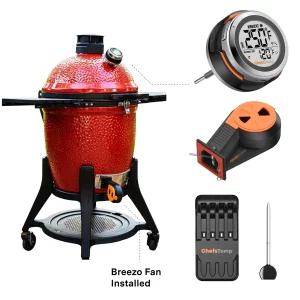
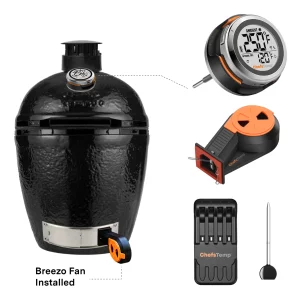
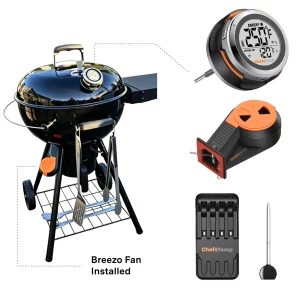
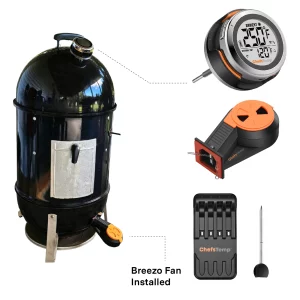
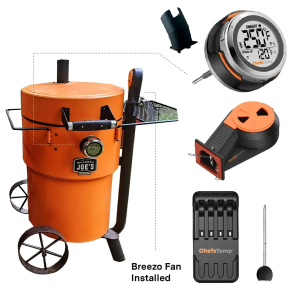
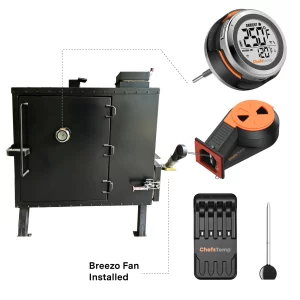
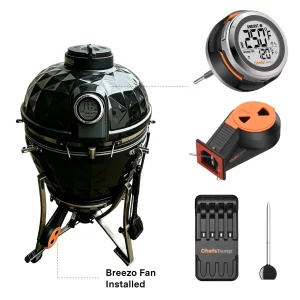
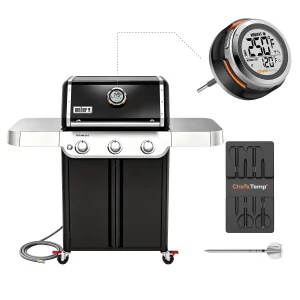
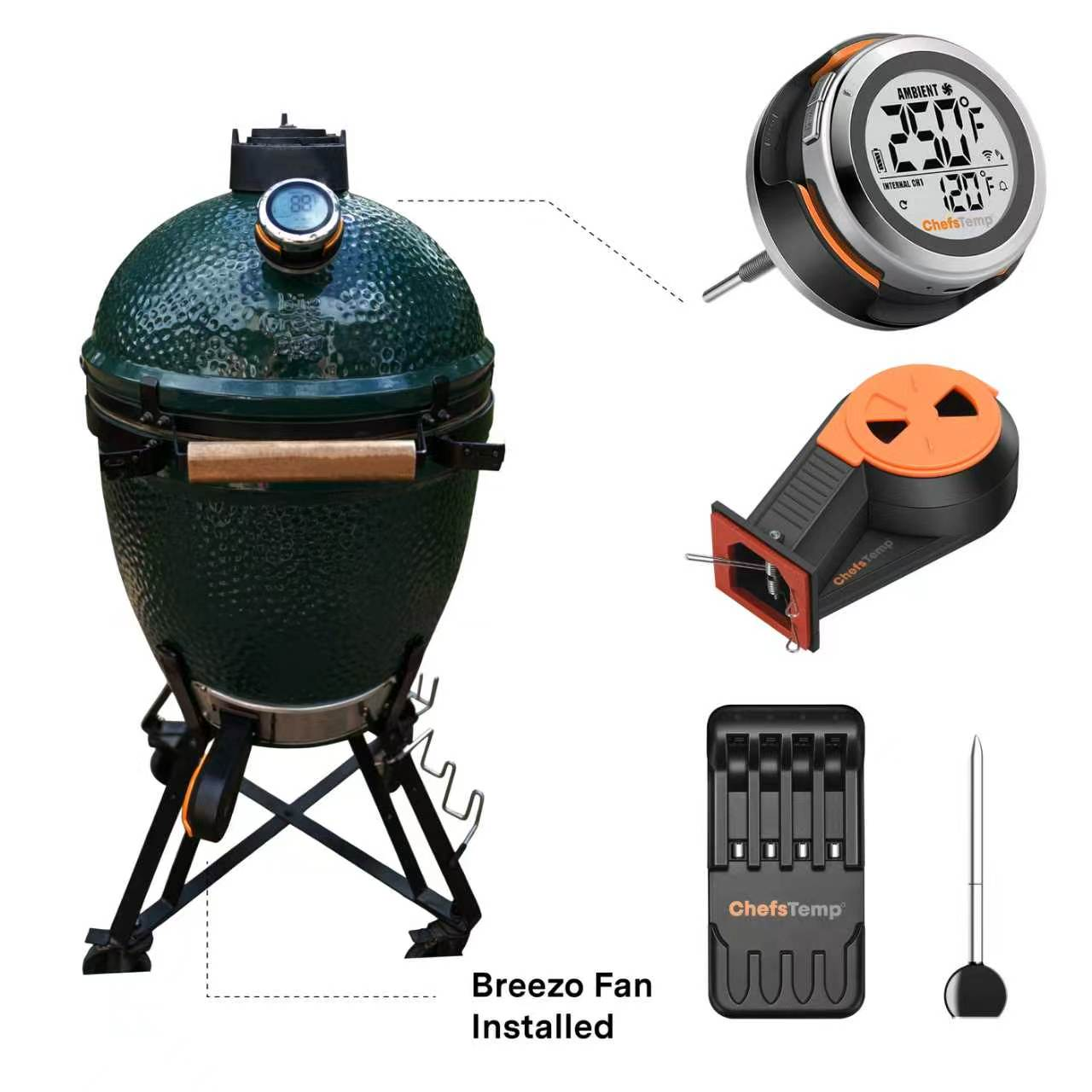
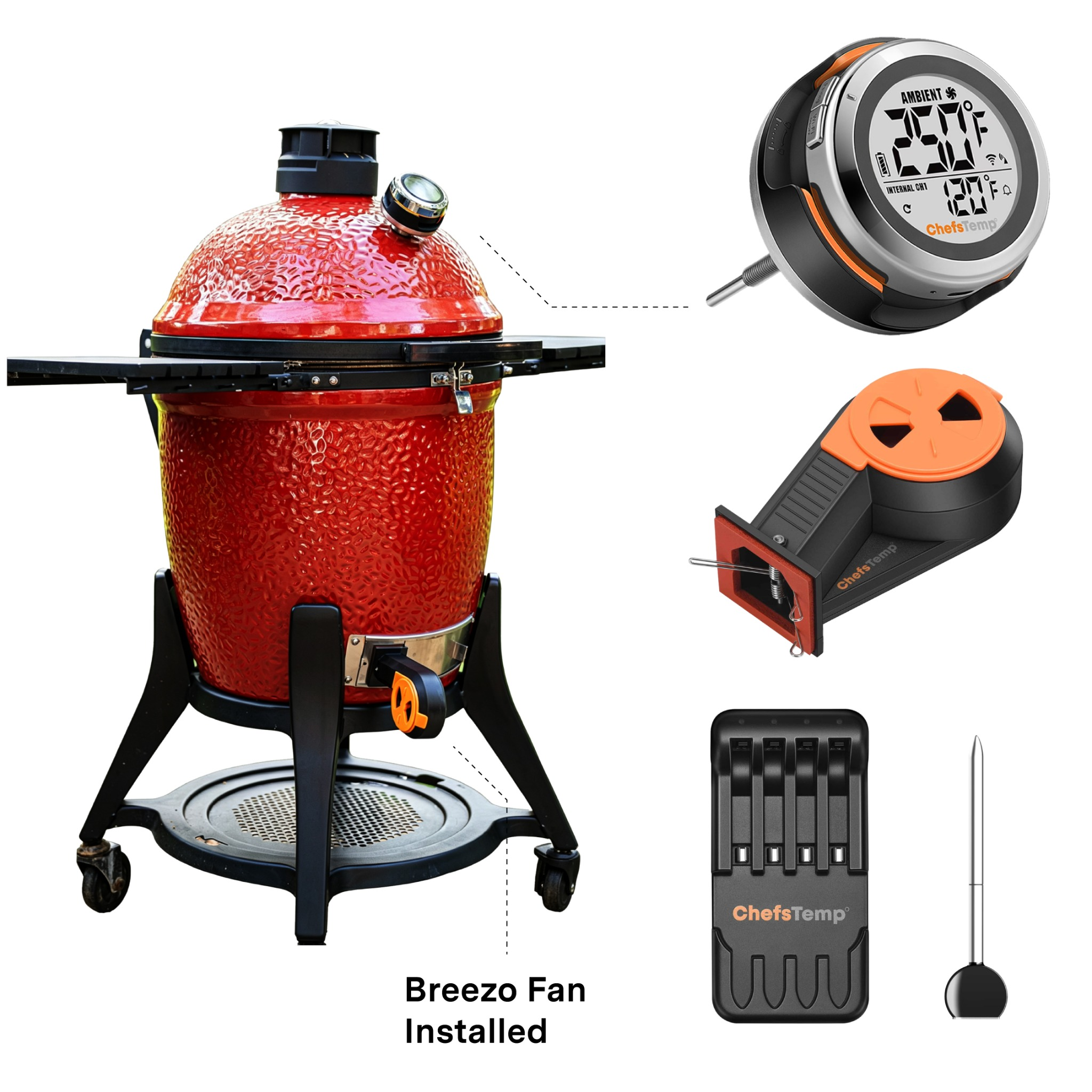
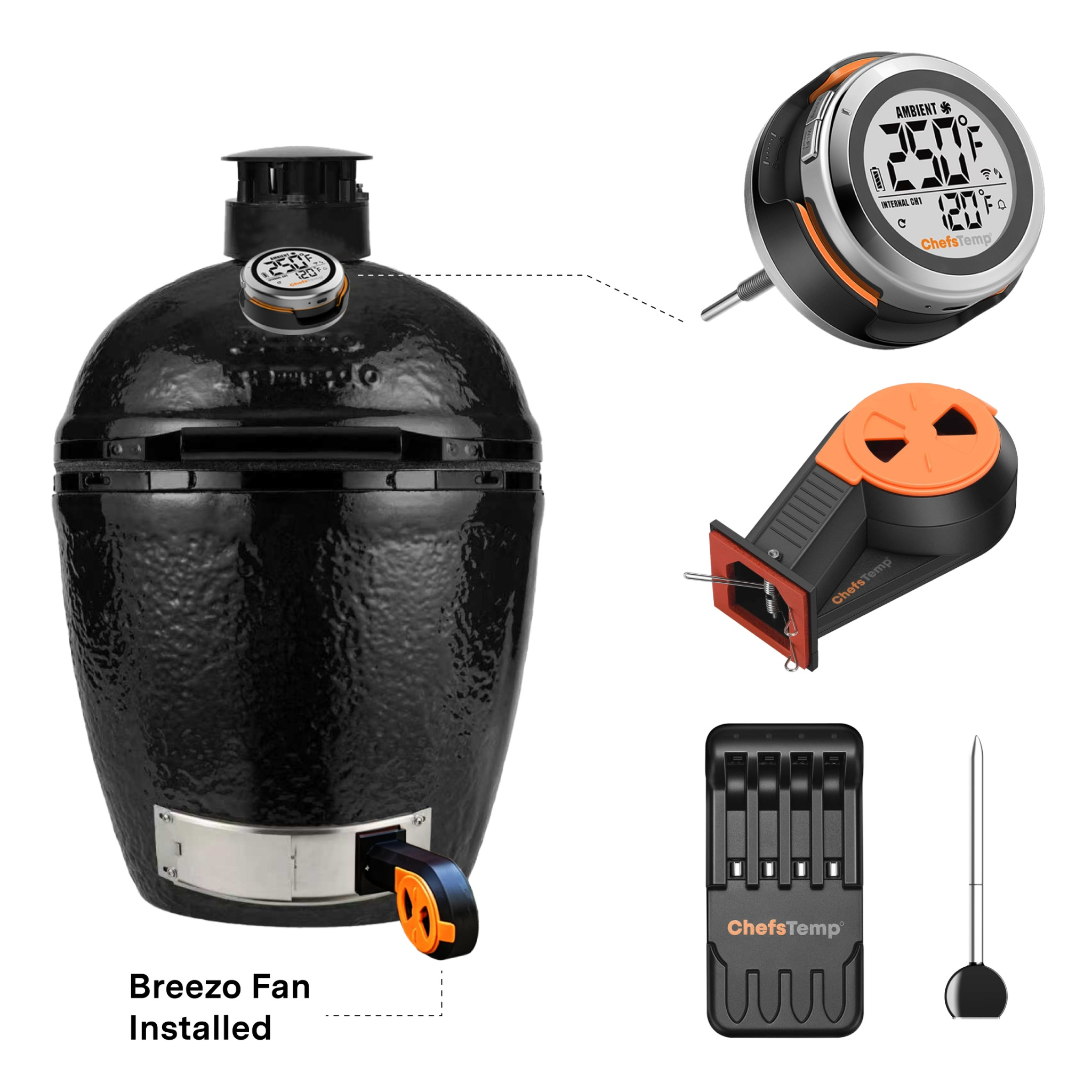
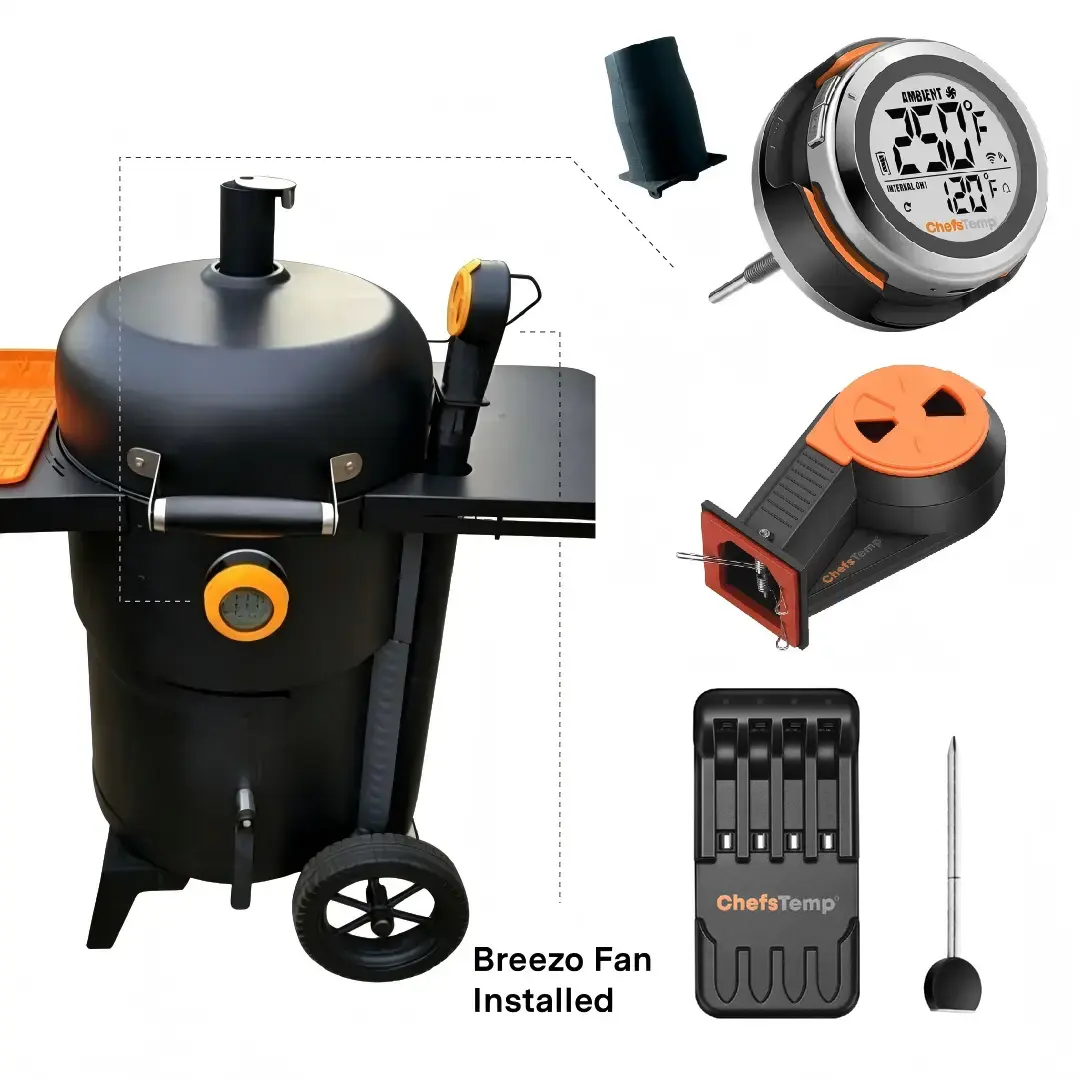
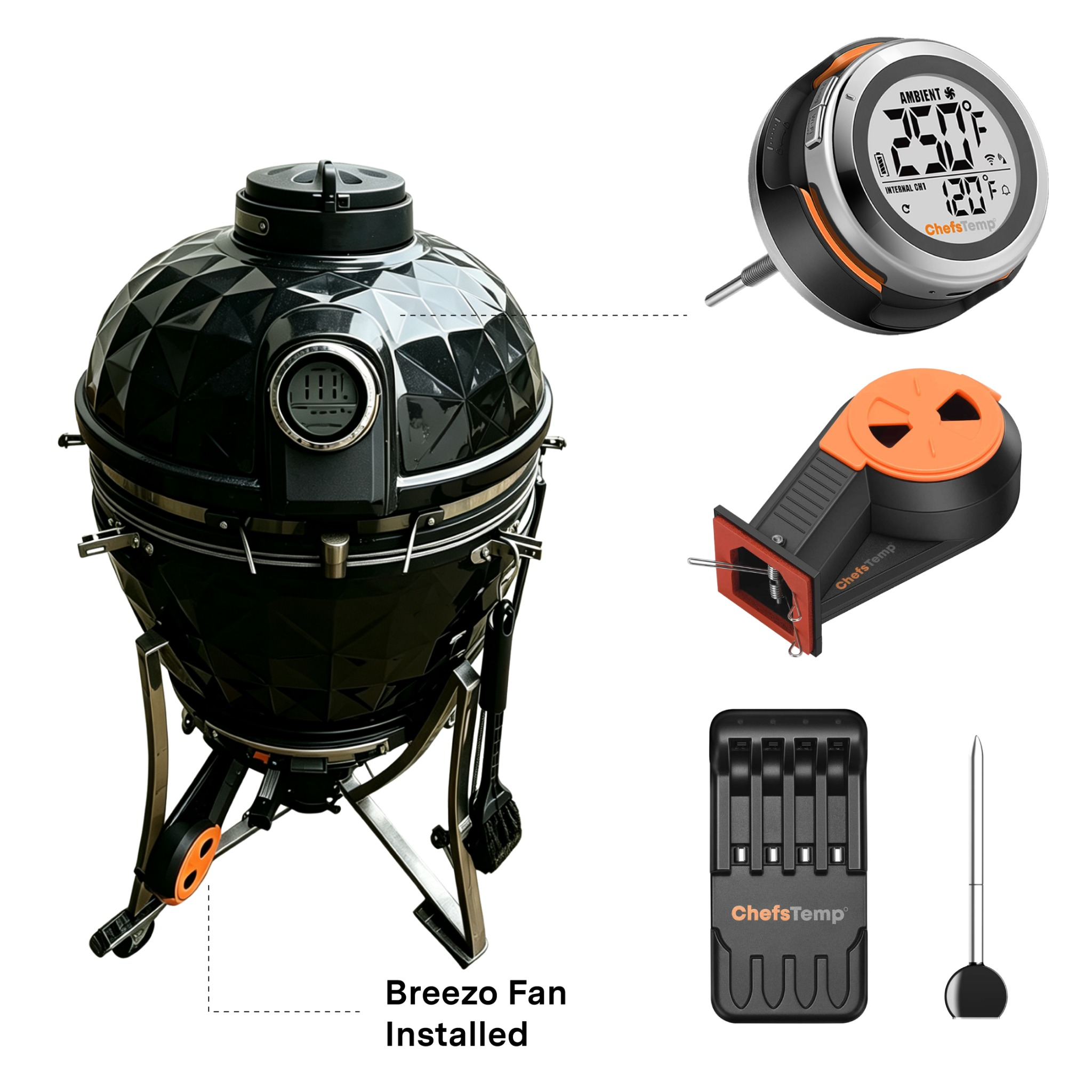
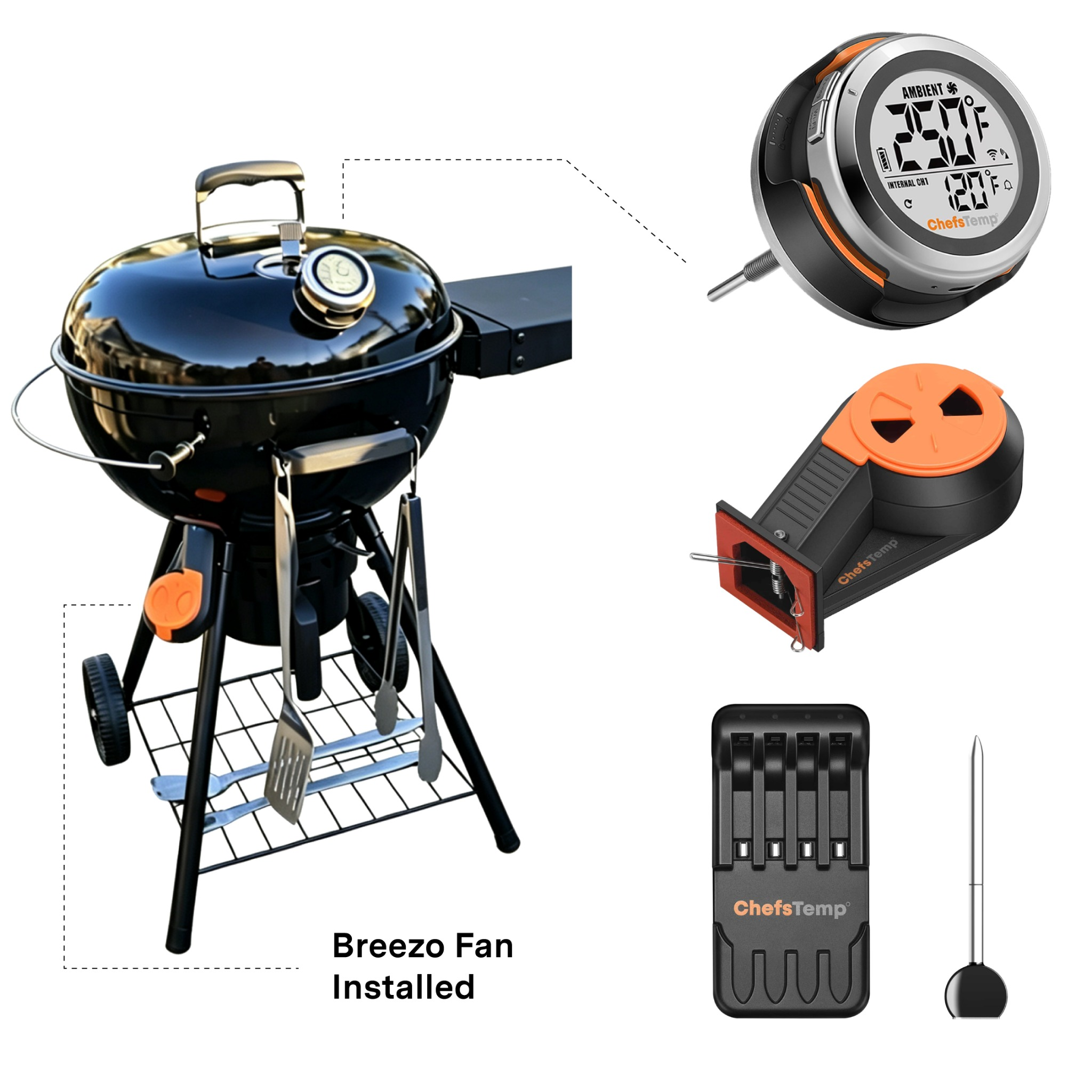
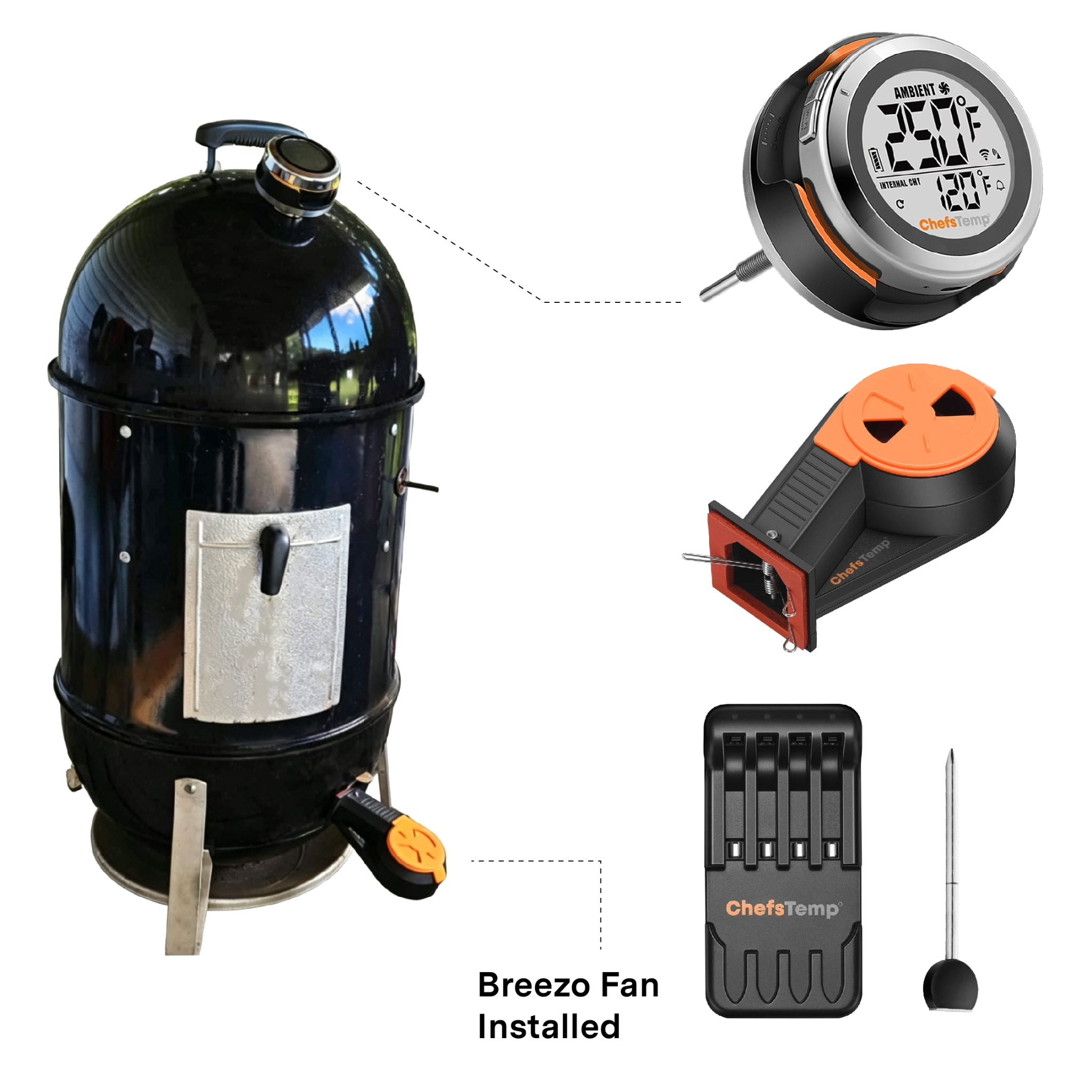
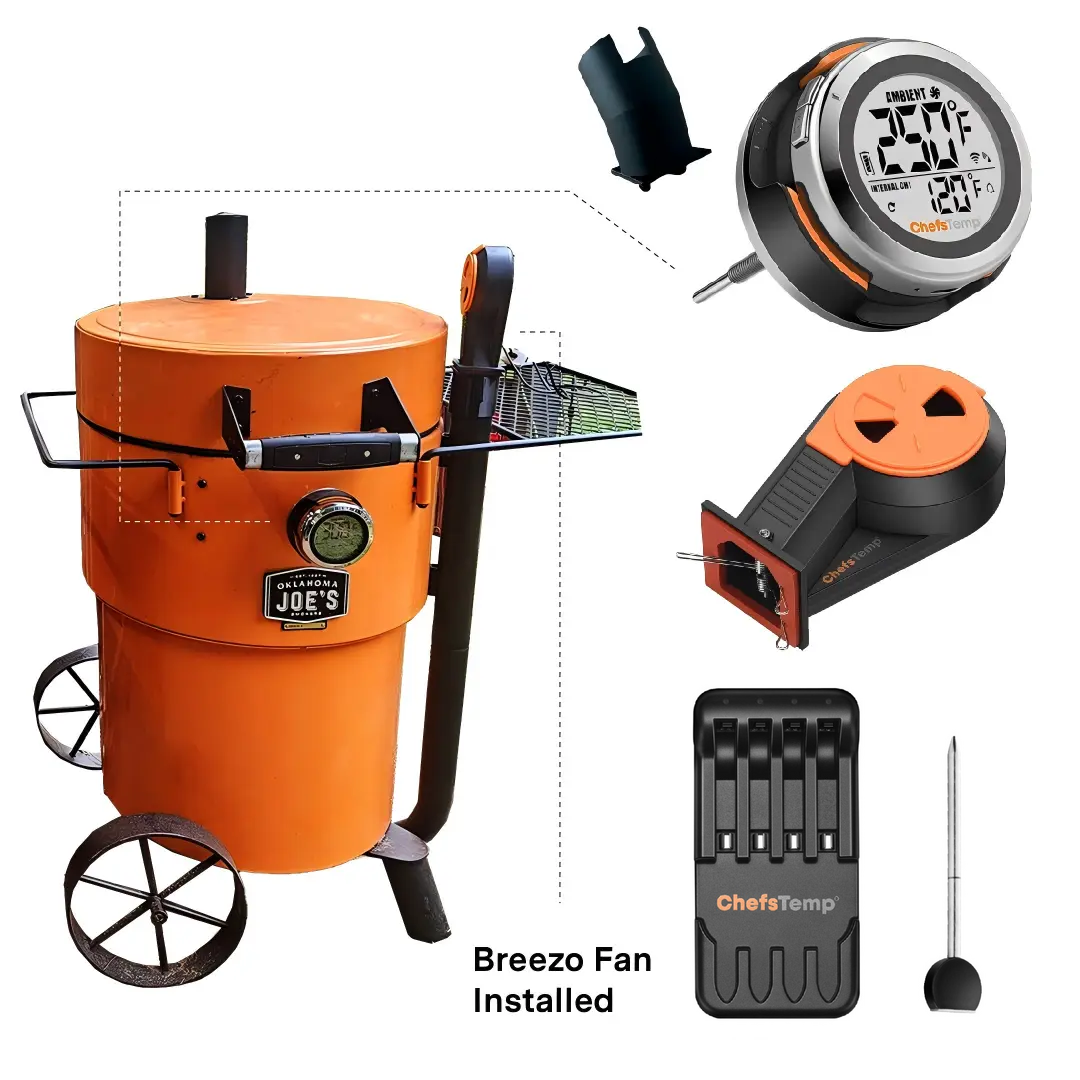
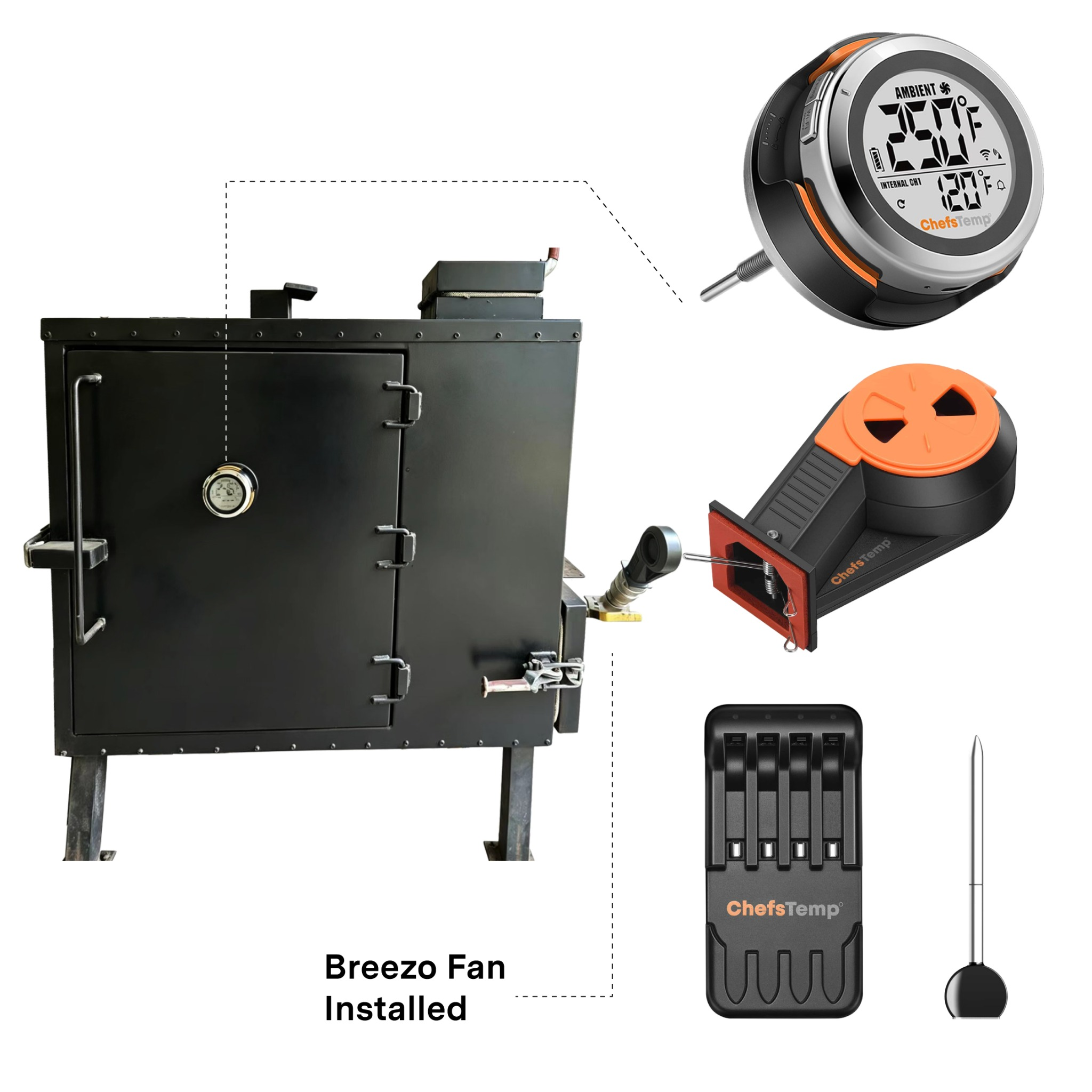
The ProTemp S1 page can show a Breezo control area before you add a fan. Seeing that control area does not confirm that a physical Breezo Fan is paired or responding.
When adding a new fan, confirm power and complete the pairing procedure for your Breezo model. Then check whether commands in the app actually operate that fan. If the button response differs from the setup guide, send support a video of the button action and a screenshot of the S1 fan-control page, together with the fan model and app version.
CHEFSTEMP SUPPORT
Breezo Fan: Does a Breezo icon in the ChefsTemp app mean my fan is connected?
WE’RE HERE TO HELP
Still need help?
Contact our support team for help with your ChefsTemp products.