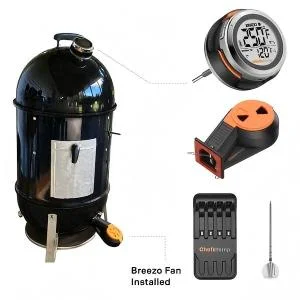
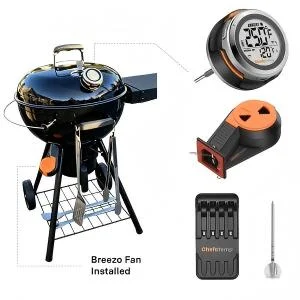
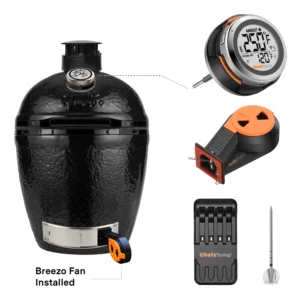
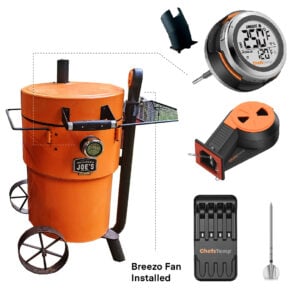
Compare the two power conditions to help determine which part of the setup needs attention.
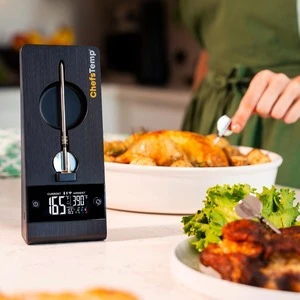
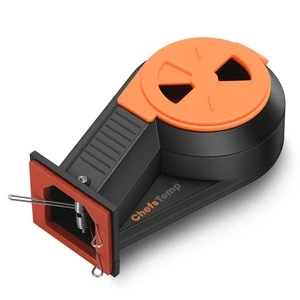
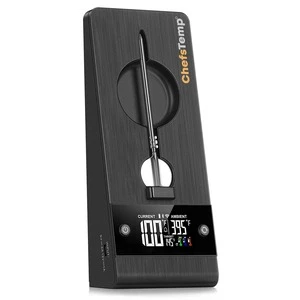
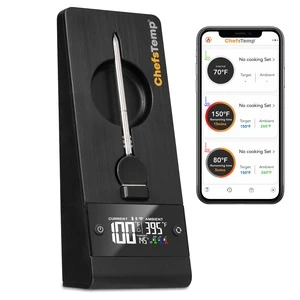
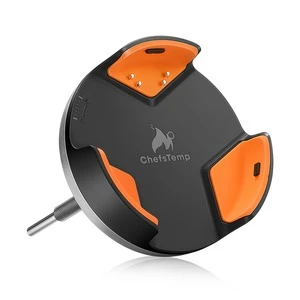
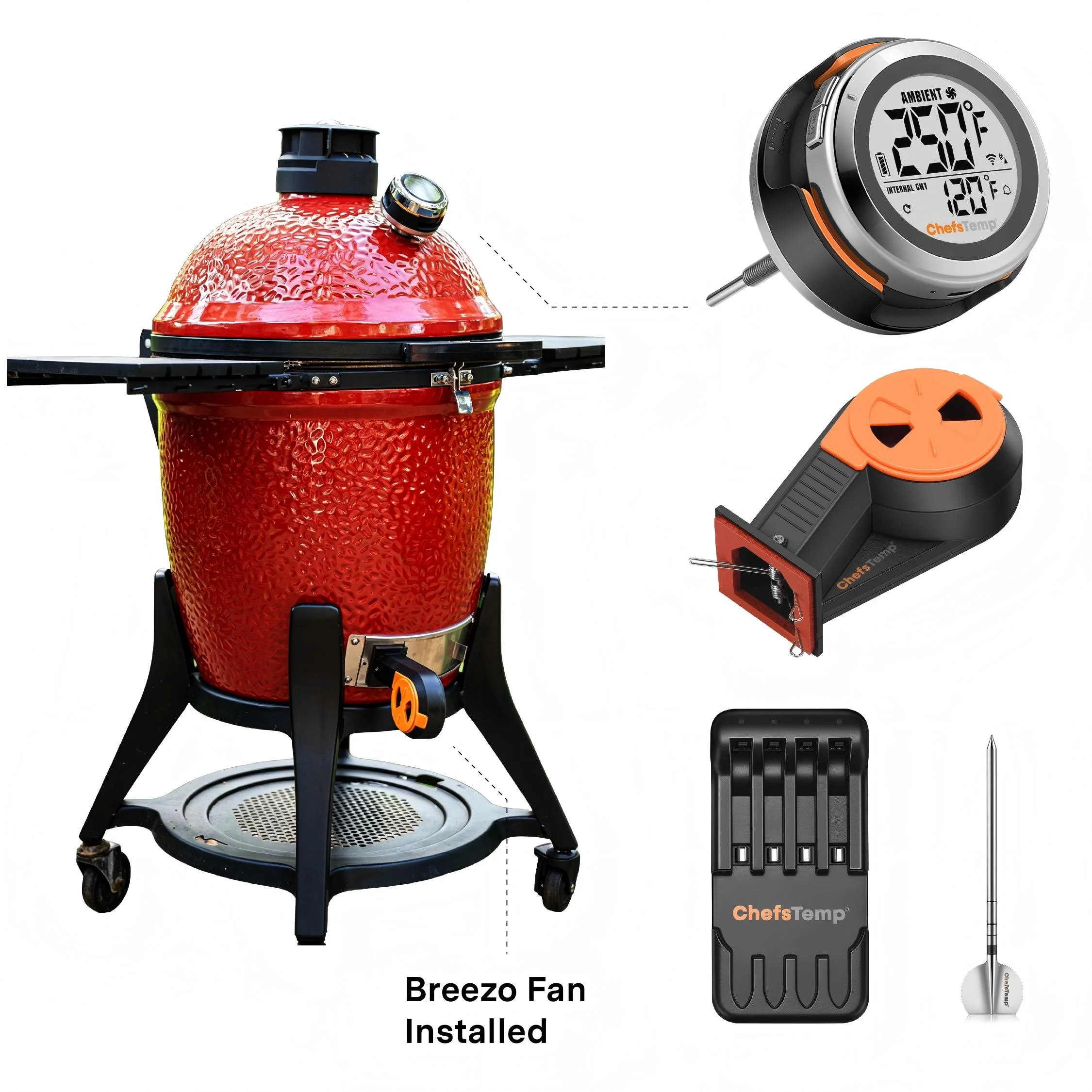
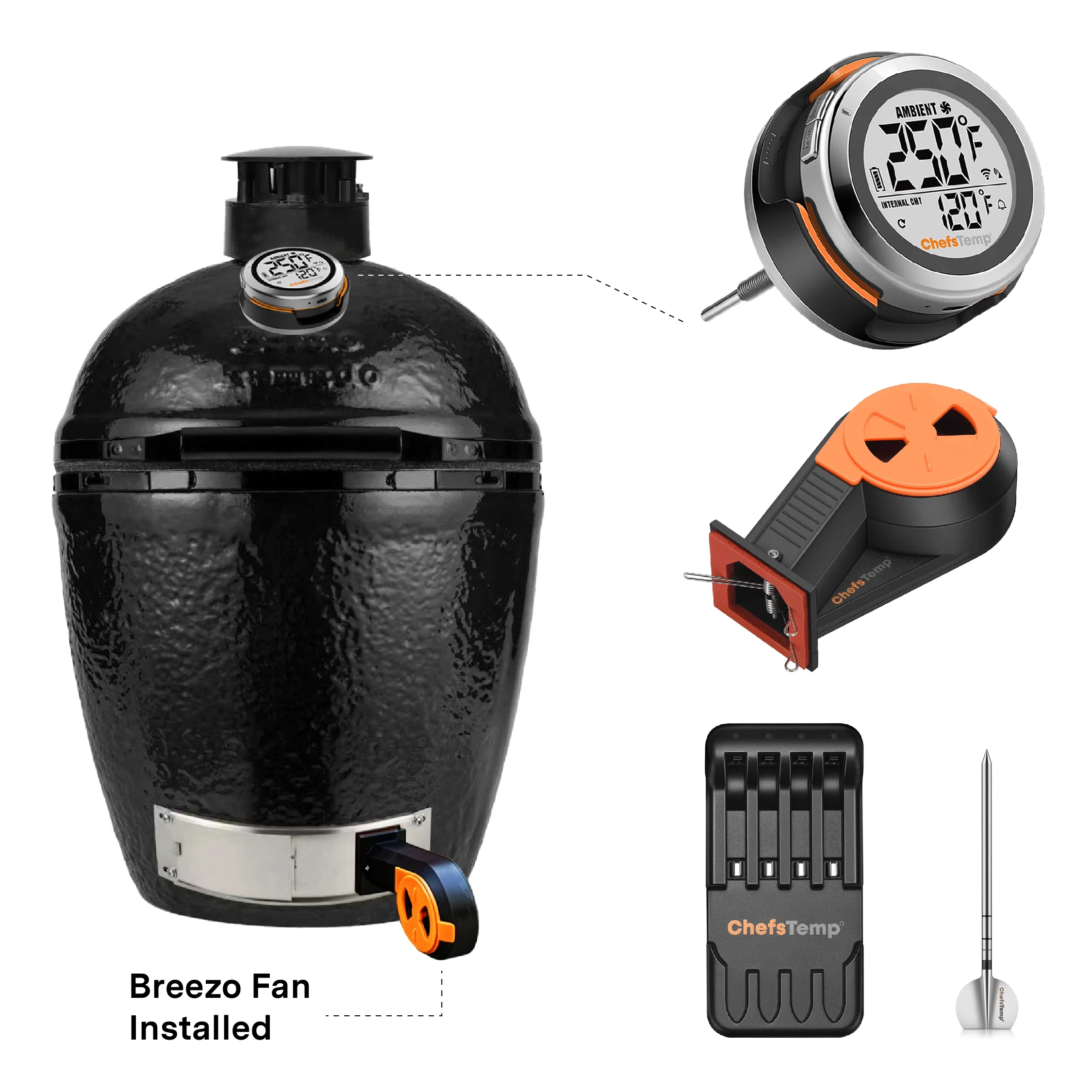
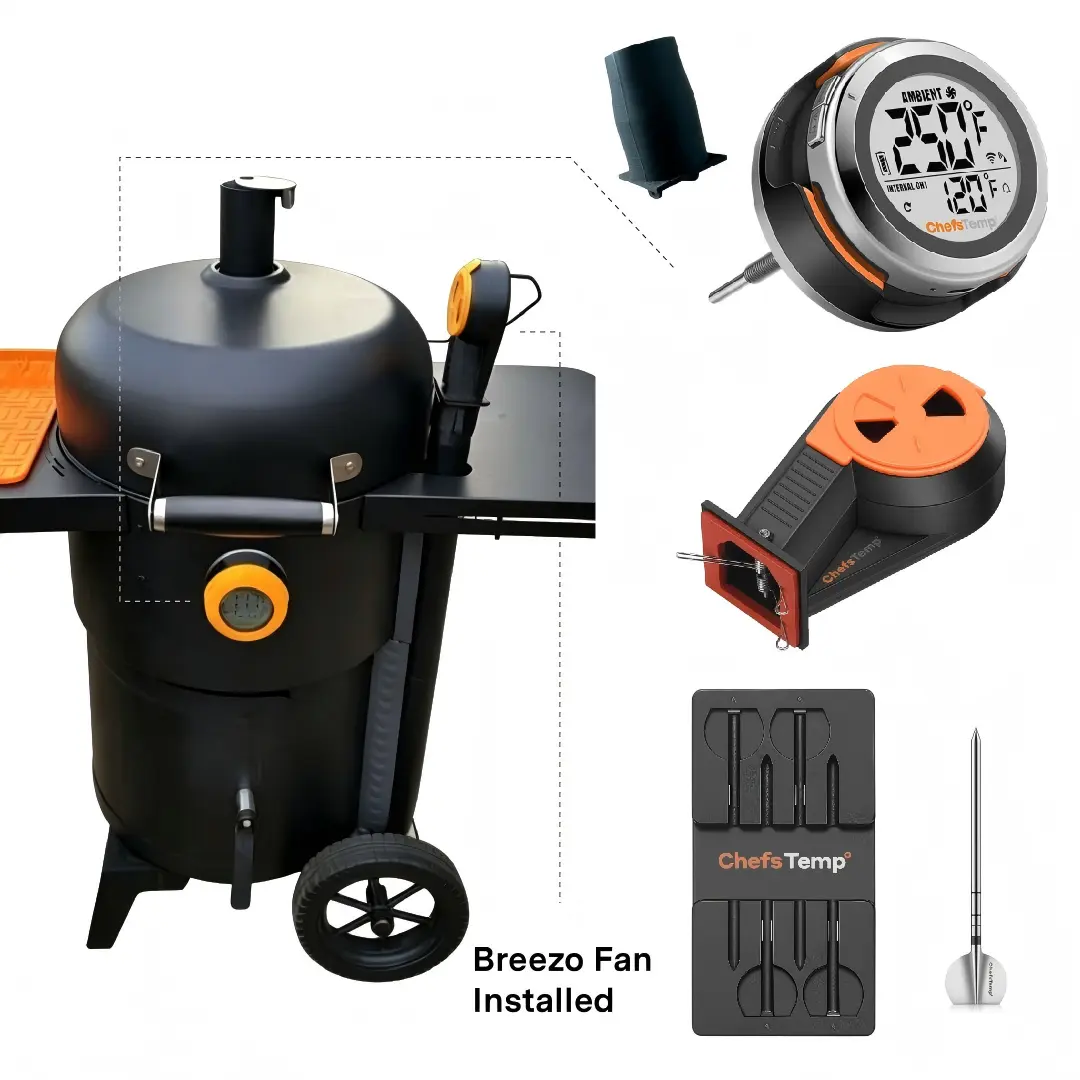
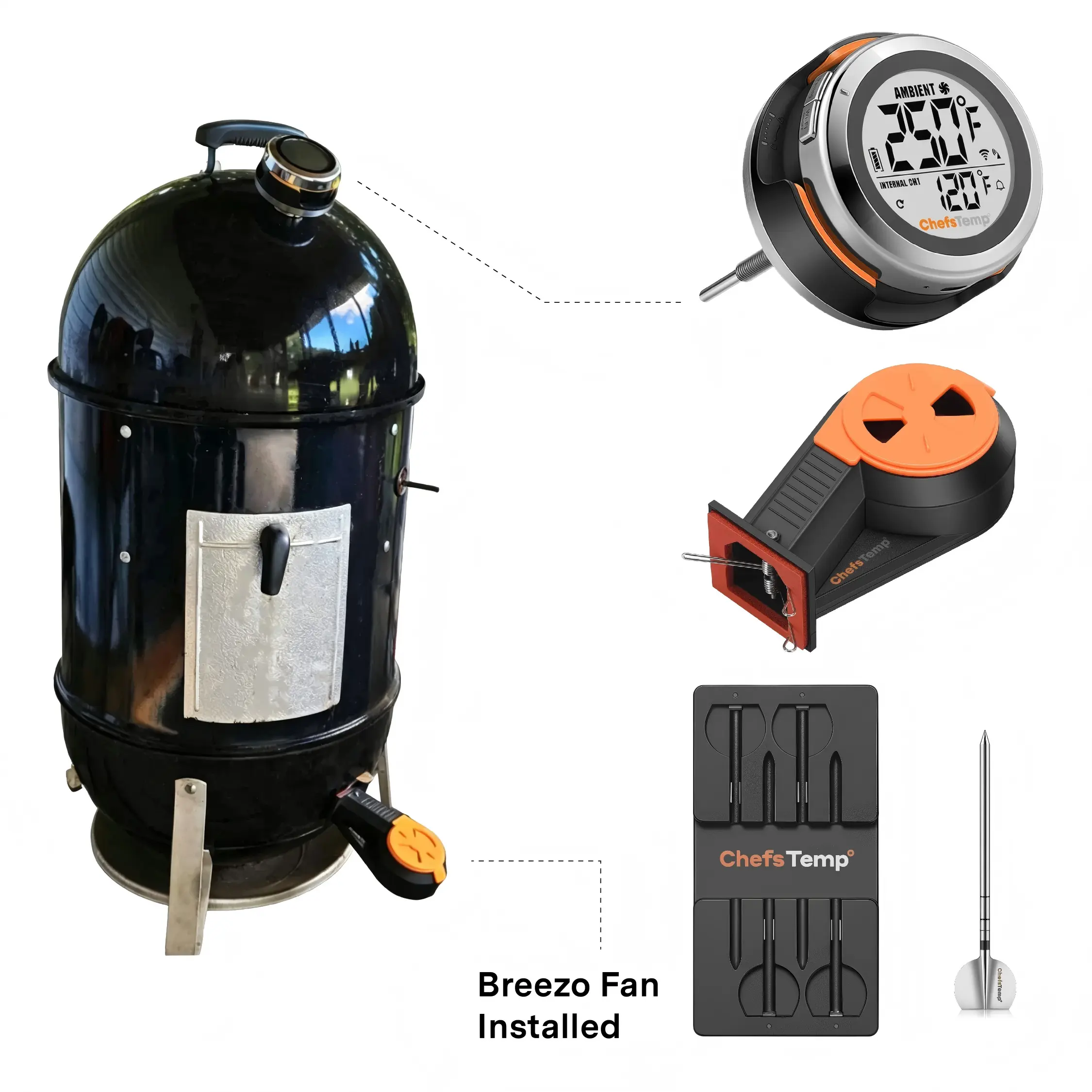
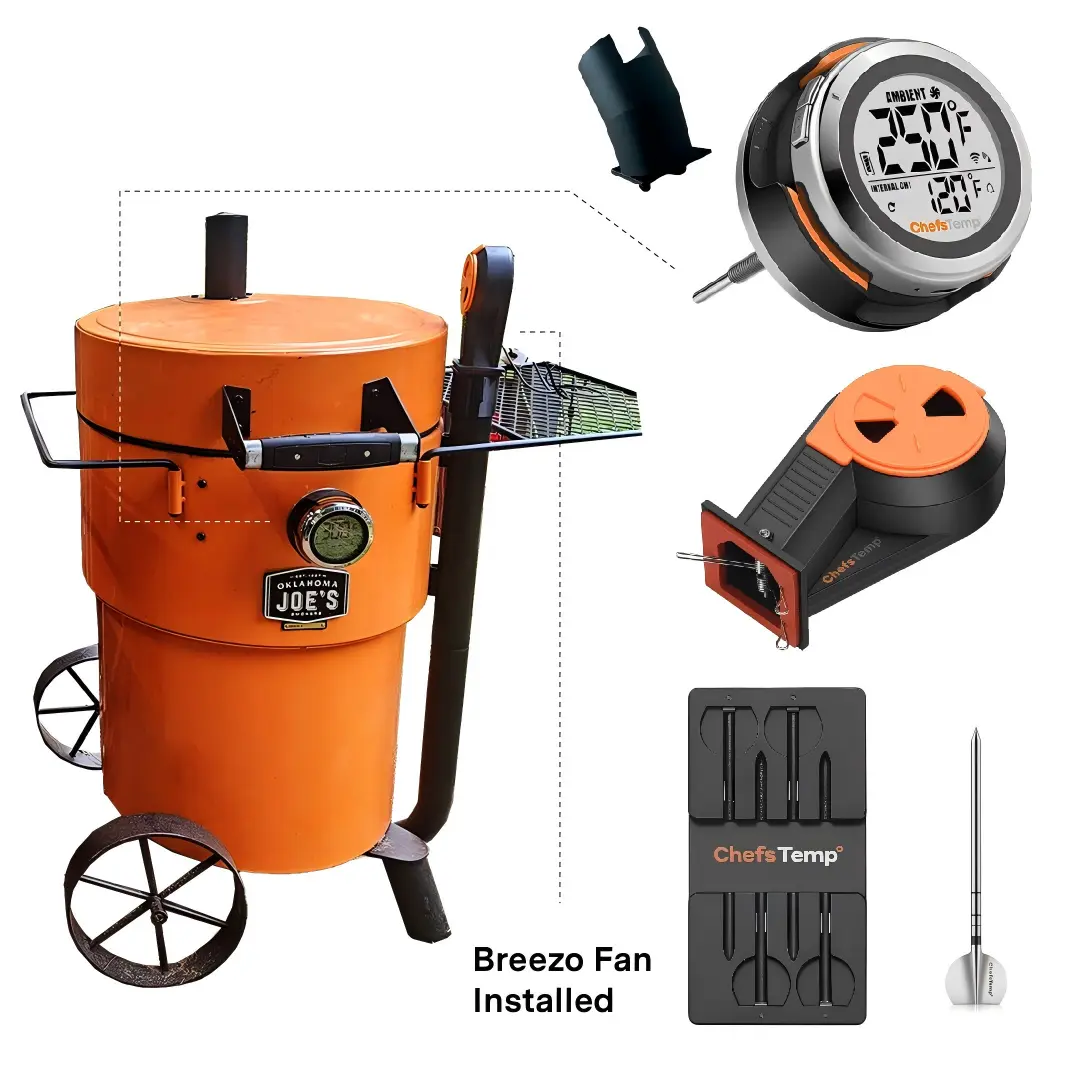
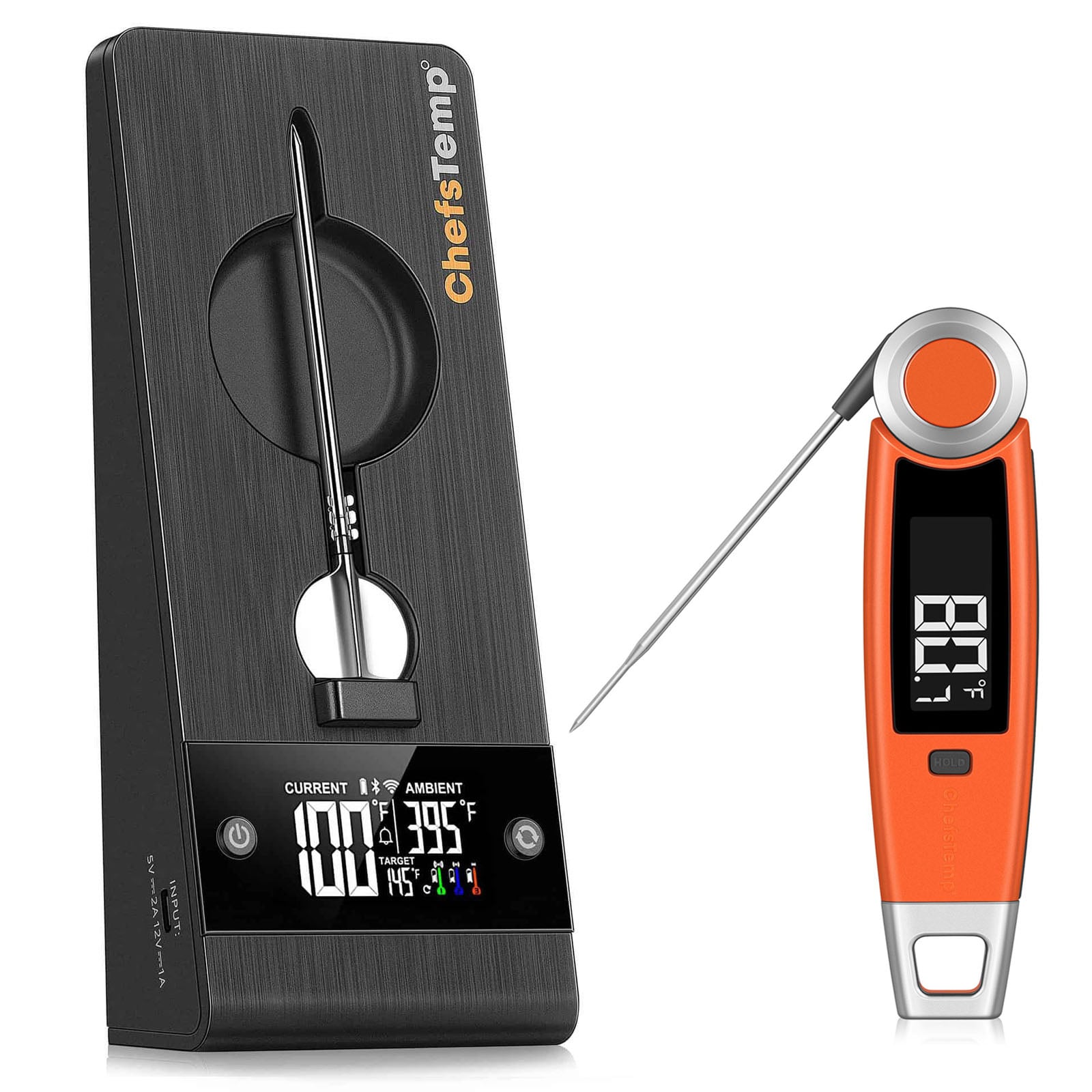
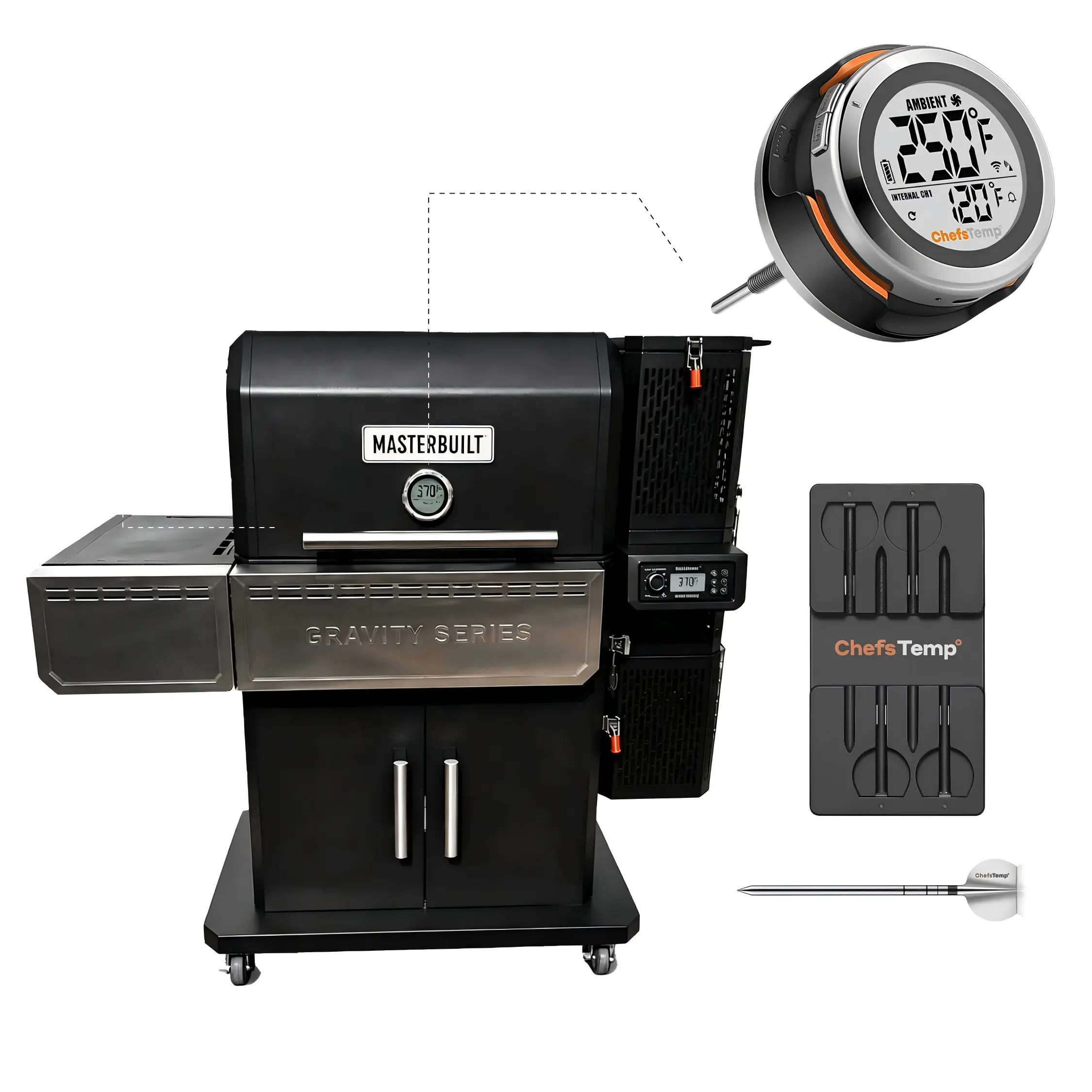
Fully charge the ProTemp 2 Plus Stand using the recommended adapter and cable. Check that the fan is connected to the correct output port. Then note whether the fan runs normally with external power and what changes when you disconnect it.
If the fan slows immediately, stops unusually quickly, or the stand also loses power or connection, send [email protected] a short video showing both conditions. Include the stand’s battery indication, the cable and power setup, and approximately how long the fan runs before stopping.
For an extended cook, use a stable external USB power source for Breezo. Depending on the supported setup, keep external power connected to the Stand input while Breezo uses its output, or power Breezo separately from a compatible power bank with the specified cable. Runtime depends on the power source and fan load; don't treat a battery-runtime estimate as a guaranteed duration.
This information helps our technical team distinguish a fan issue from a stand or power-delivery issue. A fan slowing or stopping after a few minutes shouldn't automatically be treated as normal battery behavior, and replacing the fan alone may not resolve the problem.