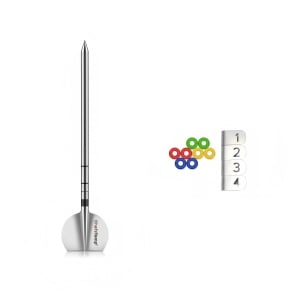
A reading that stays fixed when you move the probe between temperatures needs troubleshooting; it is different from a small calibration offset.
First, check the thermometer in a properly prepared ice bath: fill a glass with crushed ice, add enough cold water to fill the gaps, stir, and place the probe tip in the center without touching the glass. Observe whether the reading changes.
If it remains fixed, remove the batteries for two to three minutes, then reinstall suitable fresh batteries with the correct polarity according to your model’s instructions. Repeat the check.
If the reading still does not respond, contact [email protected] with your model, purchase details, and a short video showing the unchanged reading during the test. Do not rely on the frozen reading to determine whether food is cooked. Our support team will assess the appropriate next steps.
CHEFSTEMP SUPPORT
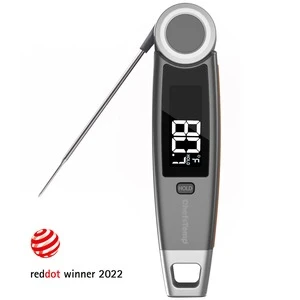
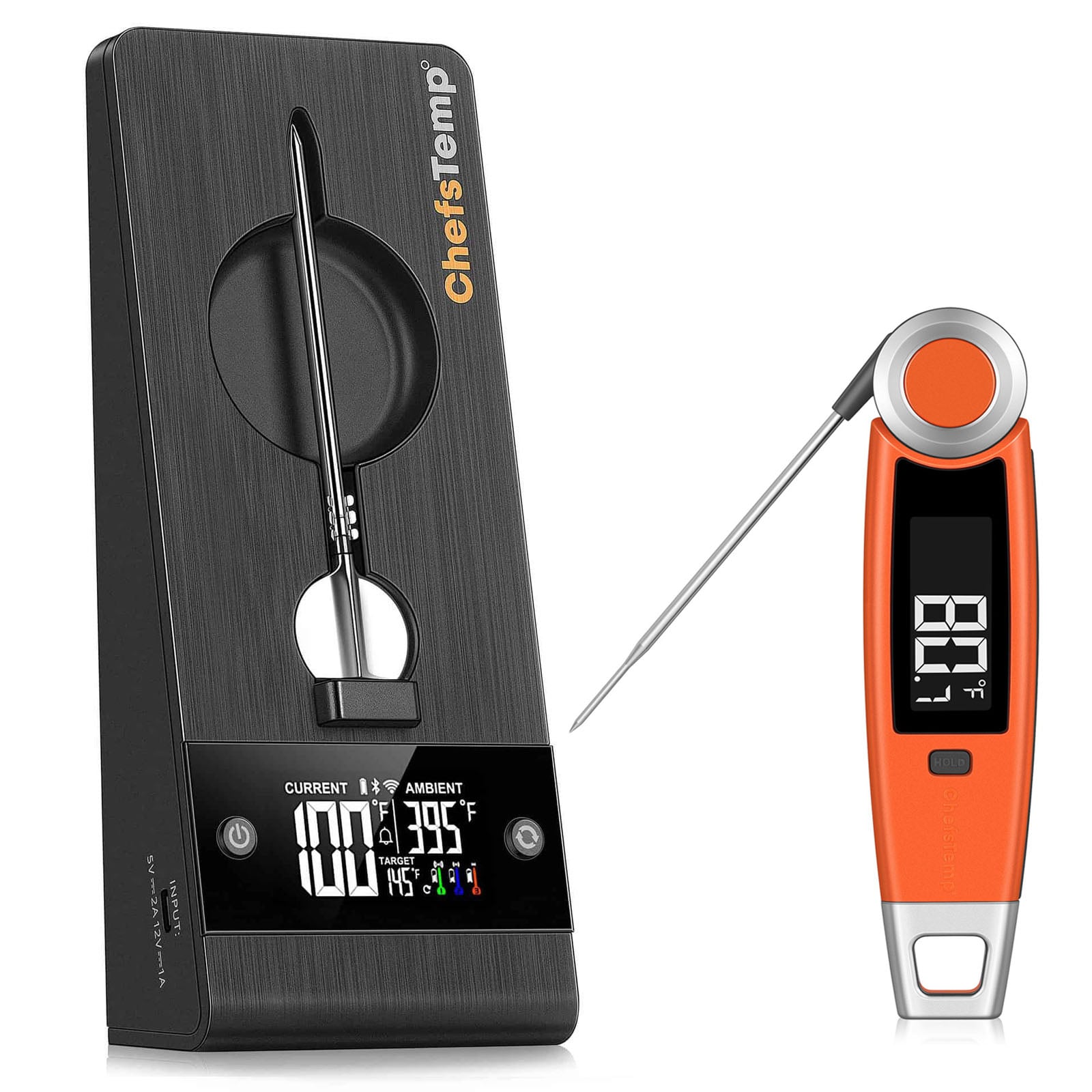
X10: What should I do if my FinalTouch X10 or X10 Lite reading stays fixed and does not change?
WE’RE HERE TO HELP
Still need help?
Contact our support team for help with your ChefsTemp products.