CHEFSTEMP HELP CENTER
Pre-Order Questions
Find answers, product video tutorials, and support for your next cook.
48 answers
Browse all FAQs →S1: What kind of batteries does it use? Is it rechargeable?
S1: What kind of batteries does it use? Is it rechargeable?
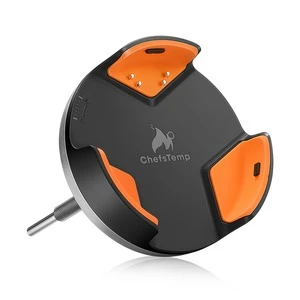
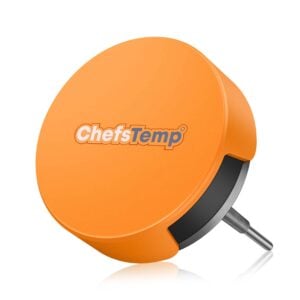
Thanks for your question! The ProTemp S1 is equipped with built-in rechargeable lithium batteries, offering up to 40 hours of use via Wi-Fi or up to 300 hours with Bluetooth. It charges easily using the included USB-C cable. The main unit is removable from the base, allowing flexible placement and convenient charging.
S1: What is the difference between BGE Version and Universal Version?
S1: What is the difference between BGE Version and Universal Version?
The main difference lies in the probe thickness. The BGE Version features a thinner base stem diameter of 4.1 mm (0.16 inches), specifically designed for Big Green Egg grills and other models with smaller gauge holes, such as the Primo Oval XL. In contrast, the Universal Version is compatible with most grills and smokers.
Note: For Primo XL grills, since the thermometer hole size may vary by production year, we recommend measuring the hole diameter before purchasing the ProTemp S1 to ensure a proper fit.
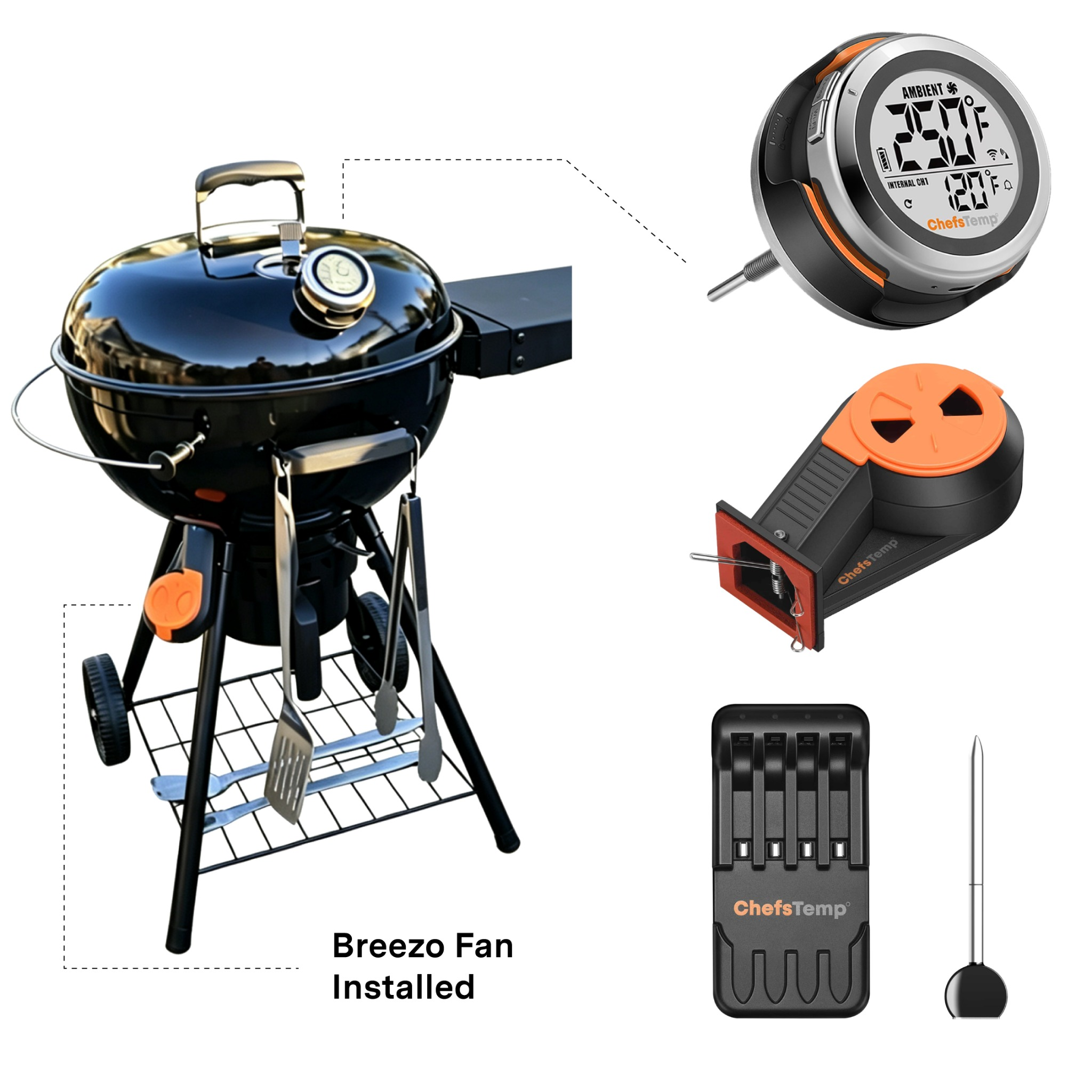
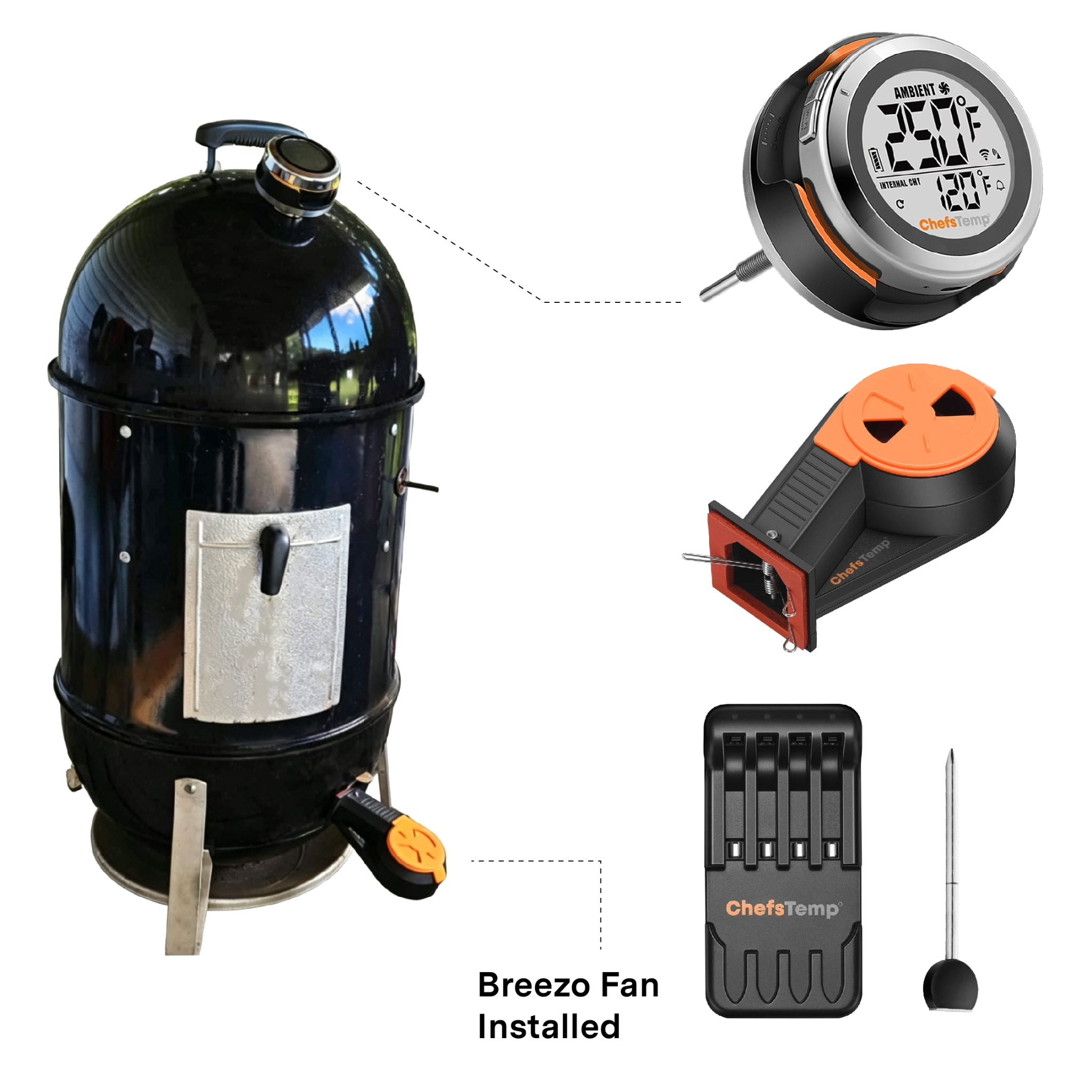
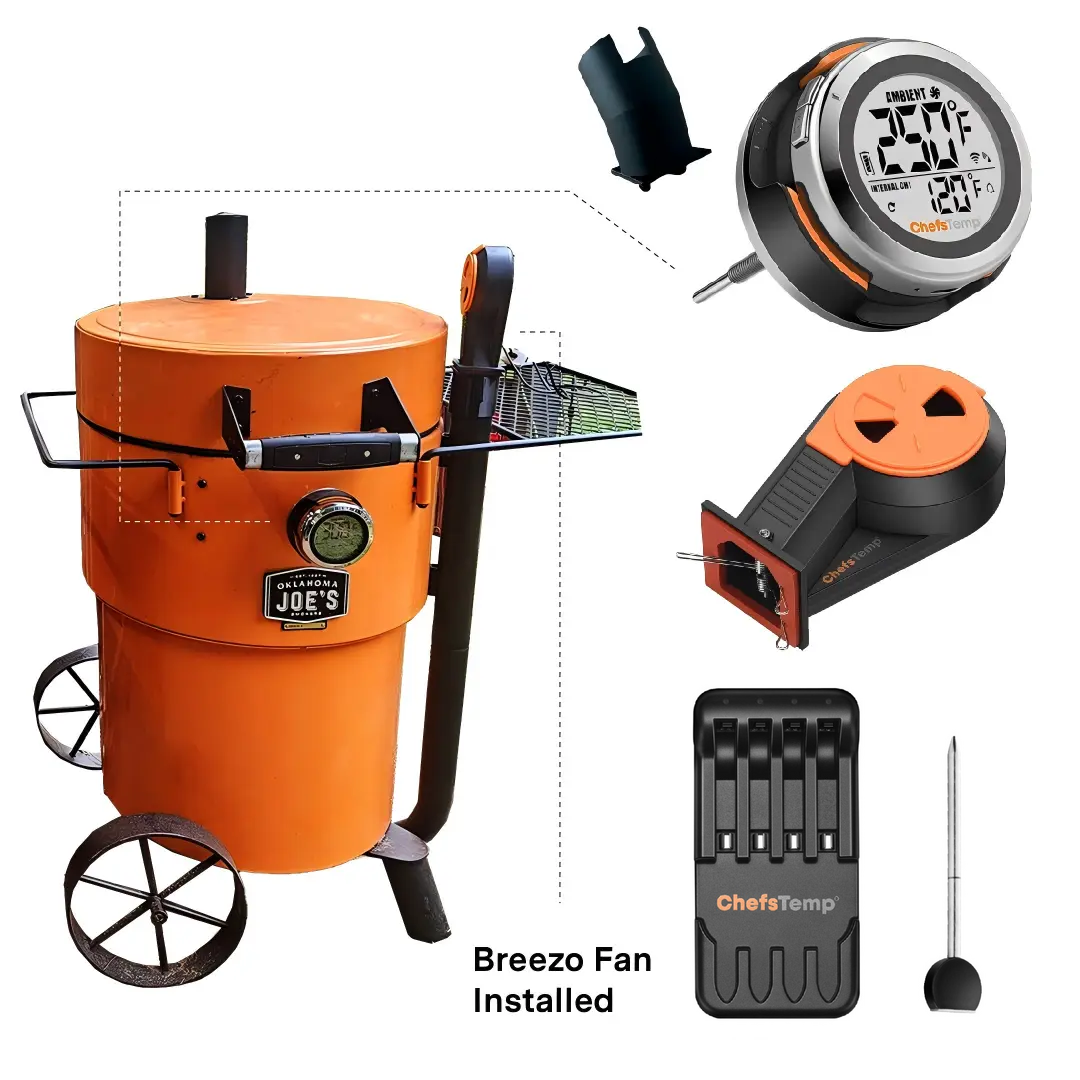
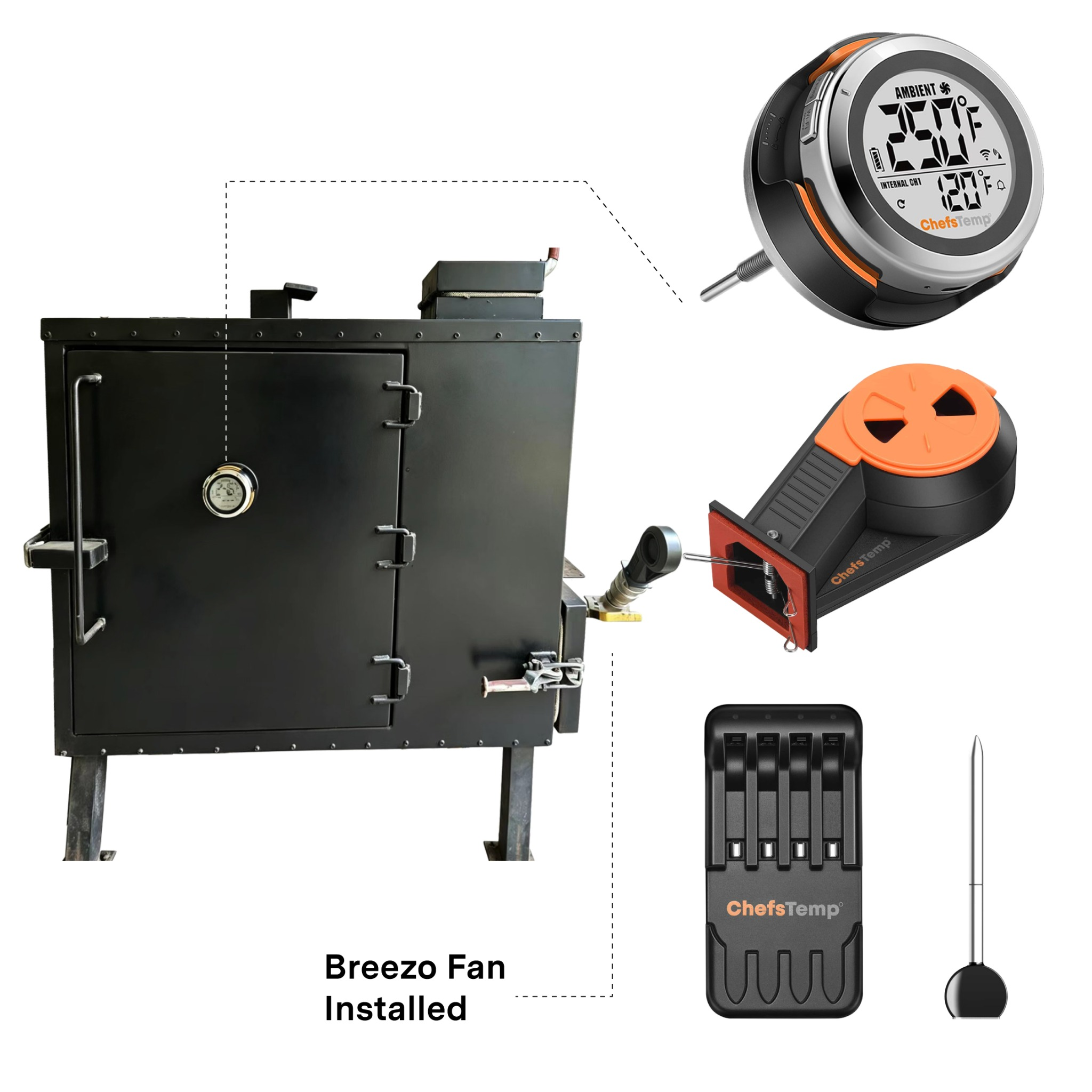
Breezo Fan: Where should I install the Breezo on my smoker or grill?
Breezo Fan: Where should I install the Breezo on my smoker or grill?
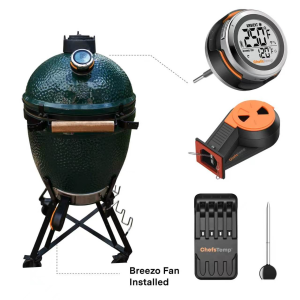
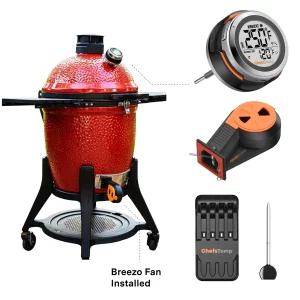
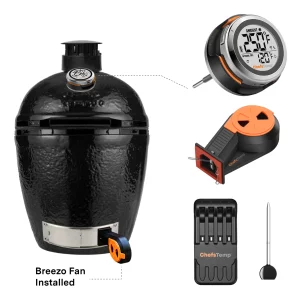
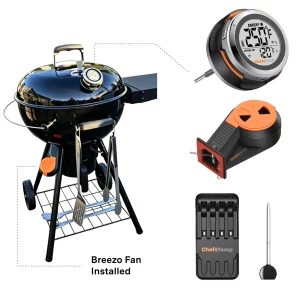
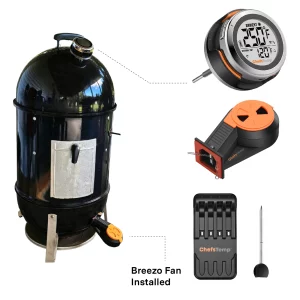
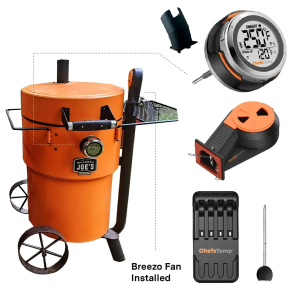
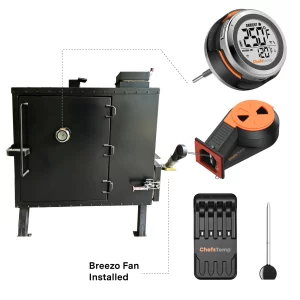
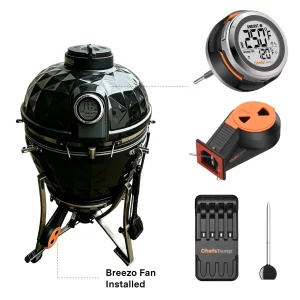
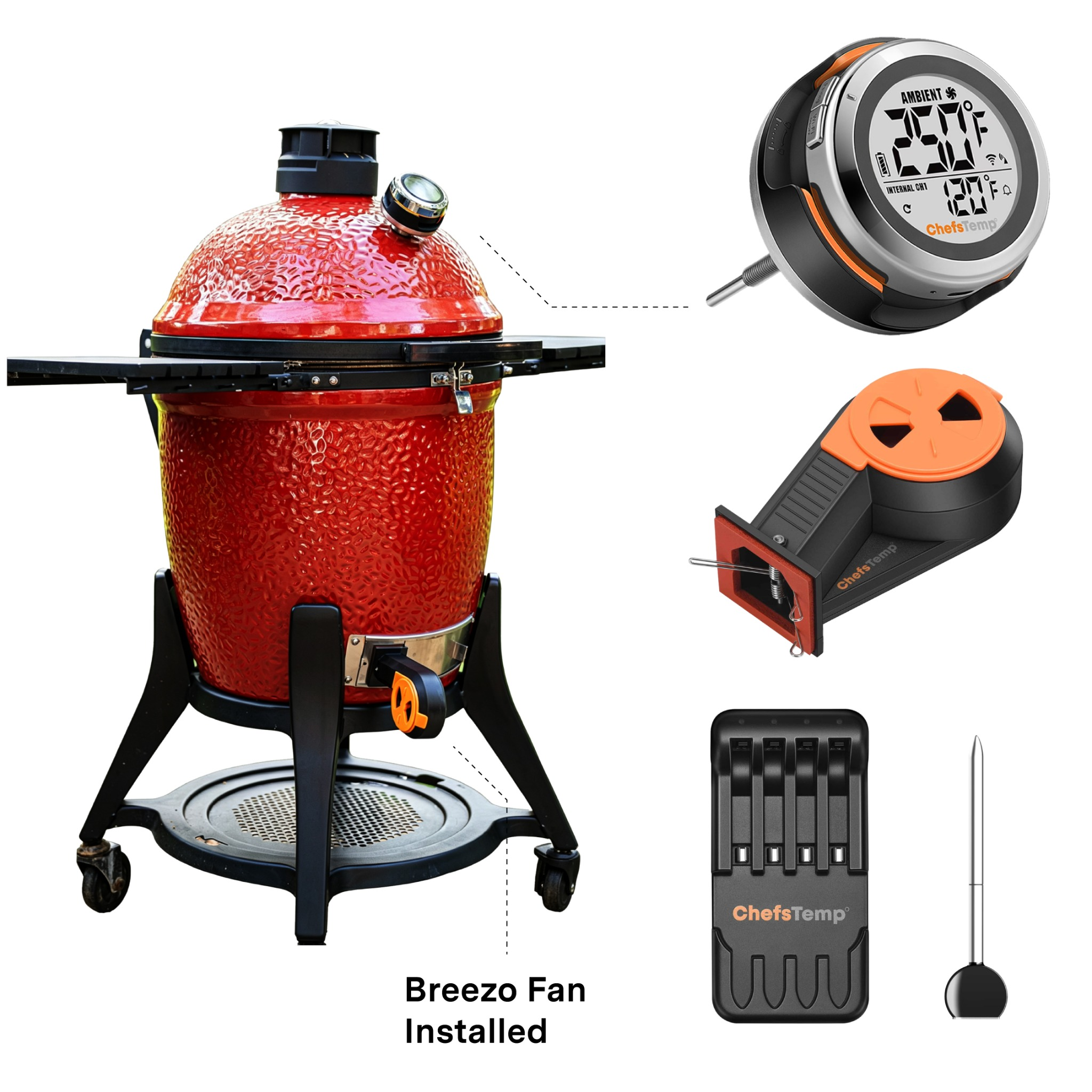
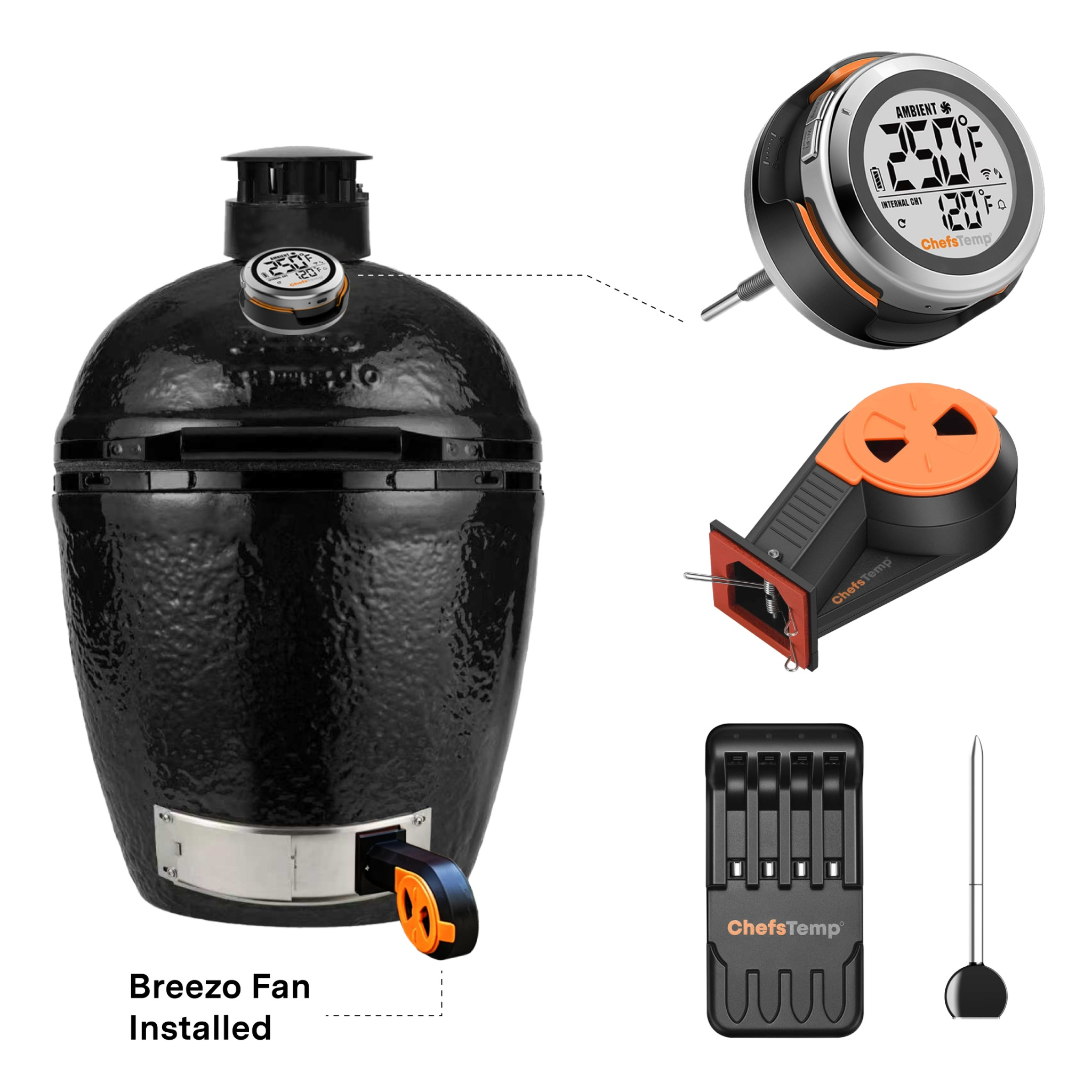
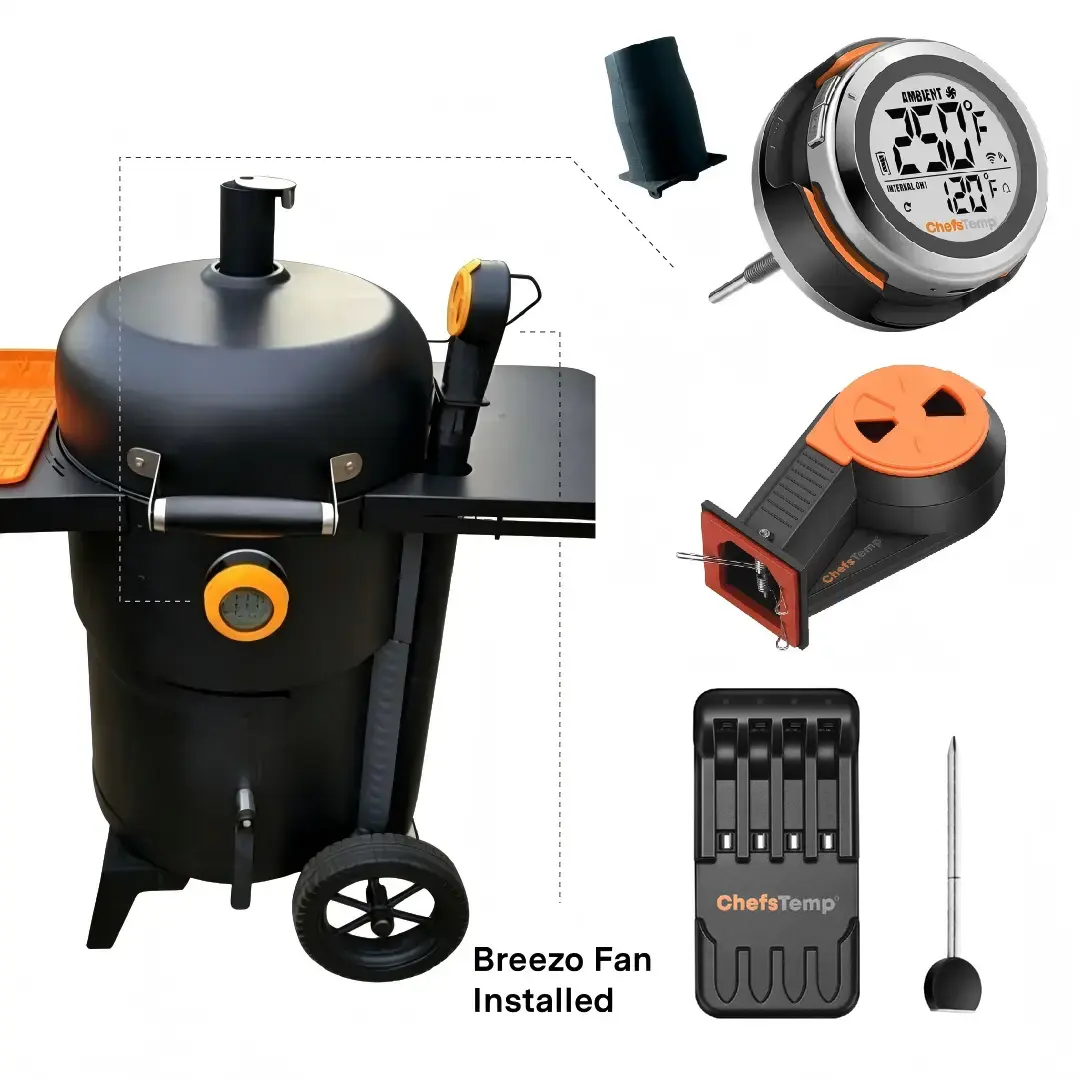
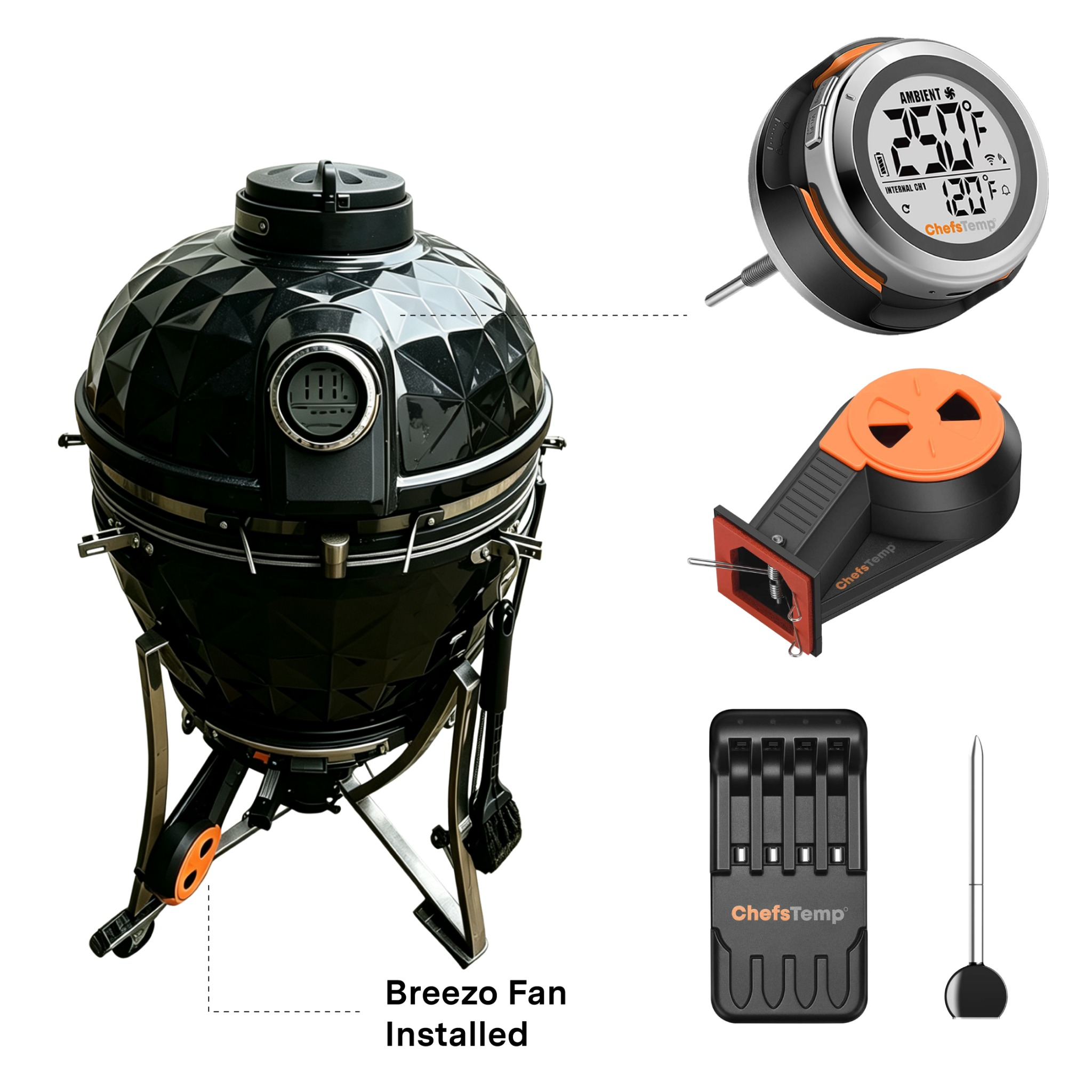
The Breezo Fan should replace your smoker’s vent system. Locate the vent on your smoker and, if it has an existing opening or hole, position the Breezo Fan to block it, sealing any gaps with high-temperature tape. You can also check the product description above for common models and recommended mounting methods.
S1: Which version of ProTemp S1 should I order for the Kamado Joe?
S1: Which version of ProTemp S1 should I order for the Kamado Joe?
Thanks for your interest. Please order the universal version of ProTemp S1 for Kamado Joe. This model has a base stem diameter of 7.8 mm (0.3 inches) and is compatible with most grills and smokers. It's ideal if your grill's gauge hole is approximately 0.3 inches or larger.
ChefsTemp app: Why do I have to register an APP account?
ChefsTemp app: Why do I have to register an APP account?
The purpose of creating an account is to facilitate seamless usage of the device among family members through a single account. Additionally, registering an account enables access to cloud storage services.
Our product utilizes Wi-Fi for cloud data transmission, ensuring seamless connectivity and allowing users to access their temperature data remotely. This is the unique aspect of our thermometer that sets it apart from other Bluetooth-based wireless meat thermometers. To maintain access to cloud data features, account registration is necessary.
Please rest assured that we prioritize the privacy and security of our customers’ personal information. We have stringent measures in place to ensure that your data remains confidential and is not disclosed to any third parties. And our app will not send advertising messages.
More: How do I manage multiple ProTemp S1 devices in the ChefsTemp app?
A: To remove an inactive S1 entry, open the ChefsTemp app, tap the three-dot menu on the main page, and choose My Connections. Under the paired ProTemp S1 section, select the inactive S1 and tap Delete on its details page.
If more than one S1 is listed, confirm the selected device before deleting it. Menu wording can vary by app version. Remove only the entry you intend to retire; clearing every device is unnecessary for removing one inactive entry.
Why would I need the Breezo Fan with my ProTemp S1? Do I need it for a pellet grill or gas grill?
Why would I need the Breezo Fan with my ProTemp S1? Do I need it for a pellet grill or gas grill?
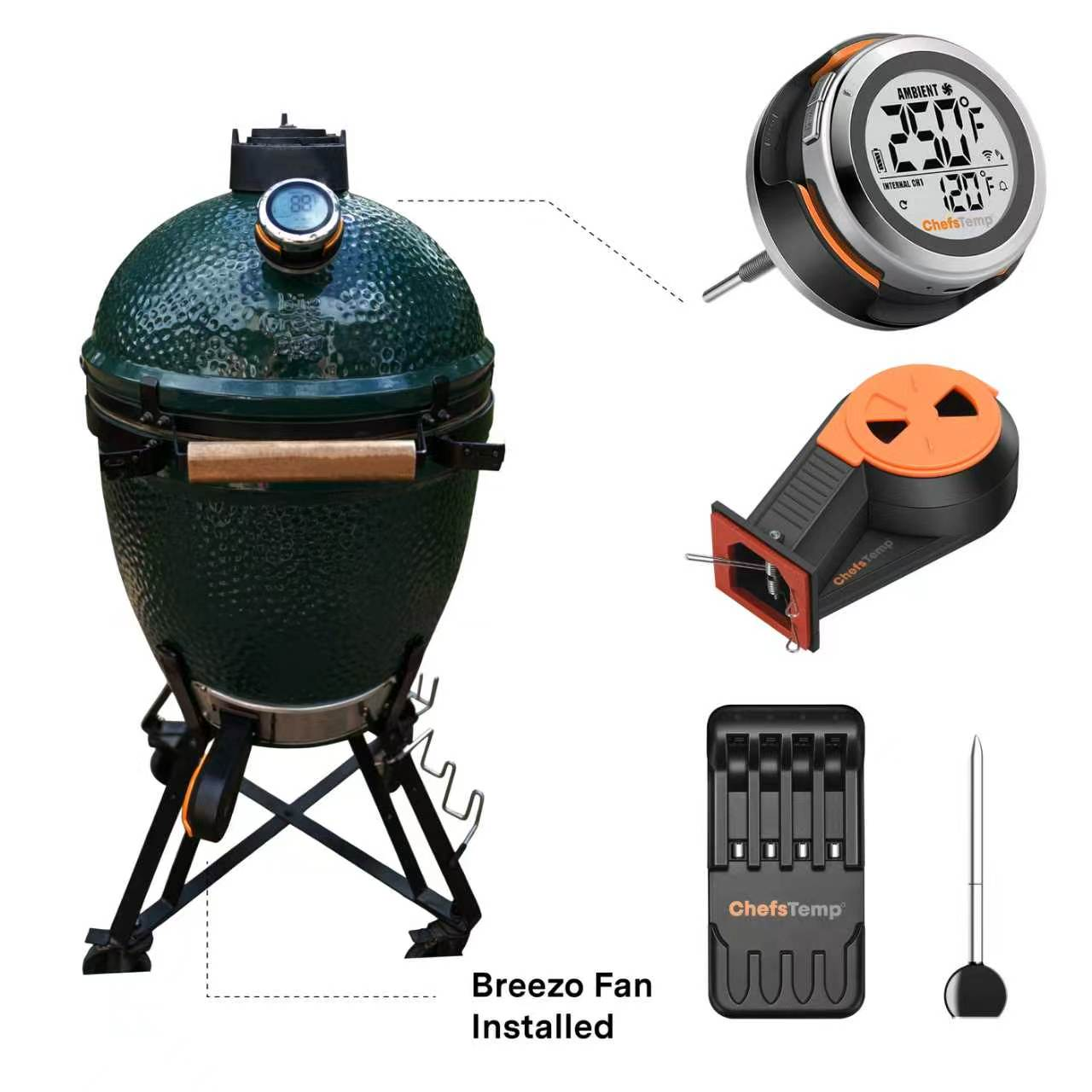
The ProTemp S1 monitors your grill's temperature, while the Breezo Fan adds automatic temperature control for compatible charcoal- and wood-fired grills and smokers.
When paired with the S1, Breezo automatically adjusts airflow to help regulate combustion and maintain your target cooking temperature, reducing the need for manual vent adjustments.
Breezo is particularly useful for compatible kamado grills, charcoal smokers, and certain offset smokers. However, compatibility depends on your grill's airflow design and whether the fan can be properly installed.
If you have a pellet grill or gas grill, you do not need the Breezo Fan. These grills already use their own fuel or temperature control systems. You can still use the ProTemp S1 independently to monitor cooking temperatures.
Not sure which setup is right for your grill? Use our Find My S1 Setup tool to check compatibility and find the recommended configuration for your specific model.
Order: Why I cannot purchase on your website?
Order: Why I cannot purchase on your website?
If you encounter issues adding items to the cart or placing an order, please first check whether the product page has fully loaded. Click on the product thumbnails and confirm whether the images switch normally.
- If the images switch correctly, the page has fully loaded, and the add‑to‑cart or checkout process should function properly.
- If the images do not switch, please refresh the page in a stable network environment, try a different browser, or use another smart device.
- If the issue persists, please contact our Support Team with the relevant screenshots, and we'll resolve it promptly. Thank you!
If checkout asks you to verify that you are human, complete the verification prompt displayed on the page. If the prompt is missing or does not load, refresh the page and try again. If needed, clear the browser cache or try another browser or device. If you still cannot continue, send [email protected] a screenshot of the message and let us know which browser and device you are using. Hide payment details and other sensitive information from the screenshot. Do not send passwords or verification codes.
We also recommend registering and logging into our website before placing an order to ensure you receive a confirmation email once your payment is successfully completed.
Bonus: What should I do if payment appears in my wallet but I cannot find a ChefsTemp order?
Contact ChefsTemp Customer Support before submitting another payment if your wallet or bank shows a transaction, but you have no order confirmation. Provide the email used at checkout, transaction time, amount, payment method, and transaction reference, so support can check for an order.
An order confirmation and a payment notification are separate records. Ask the payment provider to clarify the transaction status if needed; a wallet notification alone does not establish whether an order was created or whether a charge has completed. Hide card numbers and other unnecessary payment details in screenshots, and never send passwords or verification codes.
S1: Why someone said the ProTemp S1 does not fit Big Green Egg grill (BGE)?
S1: Why someone said the ProTemp S1 does not fit Big Green Egg grill (BGE)?
Please choose ProTemp S1 BGE version instead of Universal version. The ProTemp S1 BGE version is specifically made for Big Green Egg grill and other grills with smaller gauge holes like Primo Oval XL, this version has a thinner base stem diameter of 4.1 mm (0.16 inches).
WE’RE HERE TO HELP
Still need help?
Contact our support team for help with your ChefsTemp products.