Smart & hands-free temperature control for your BBQ.
What's Include:
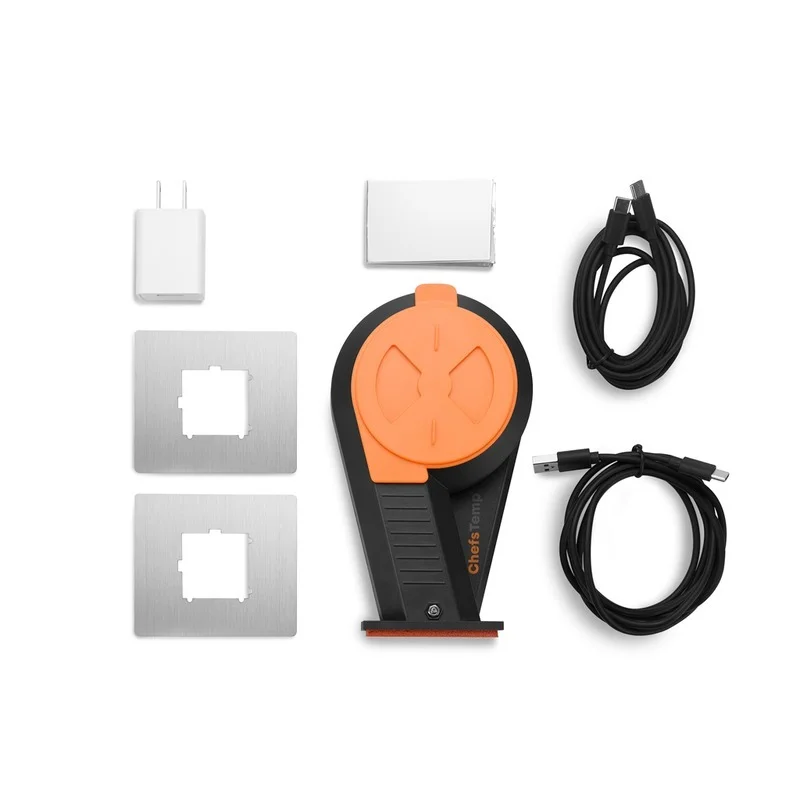
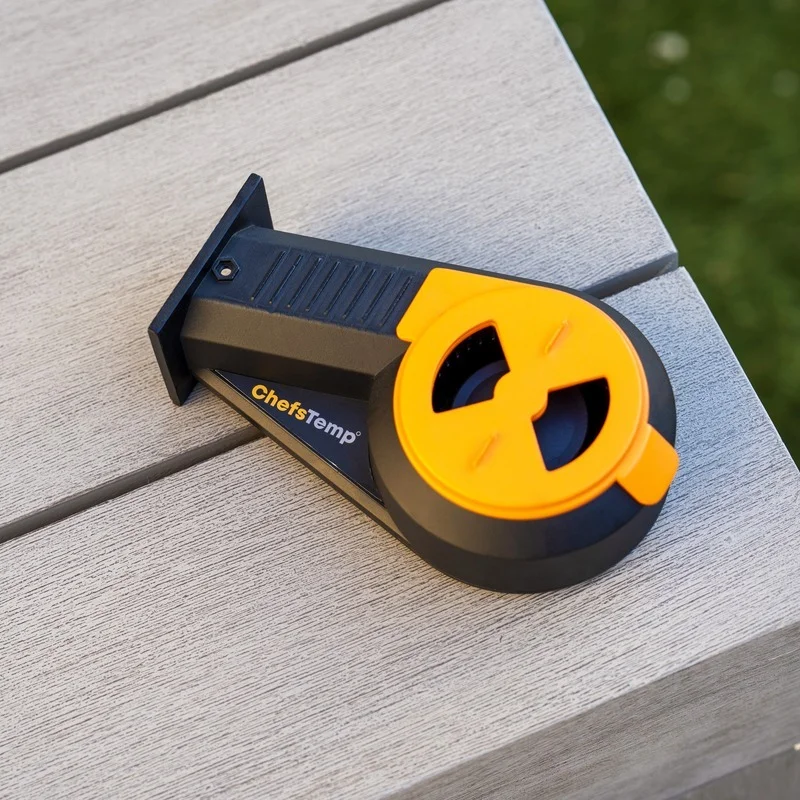
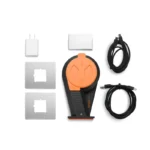
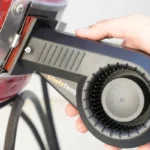
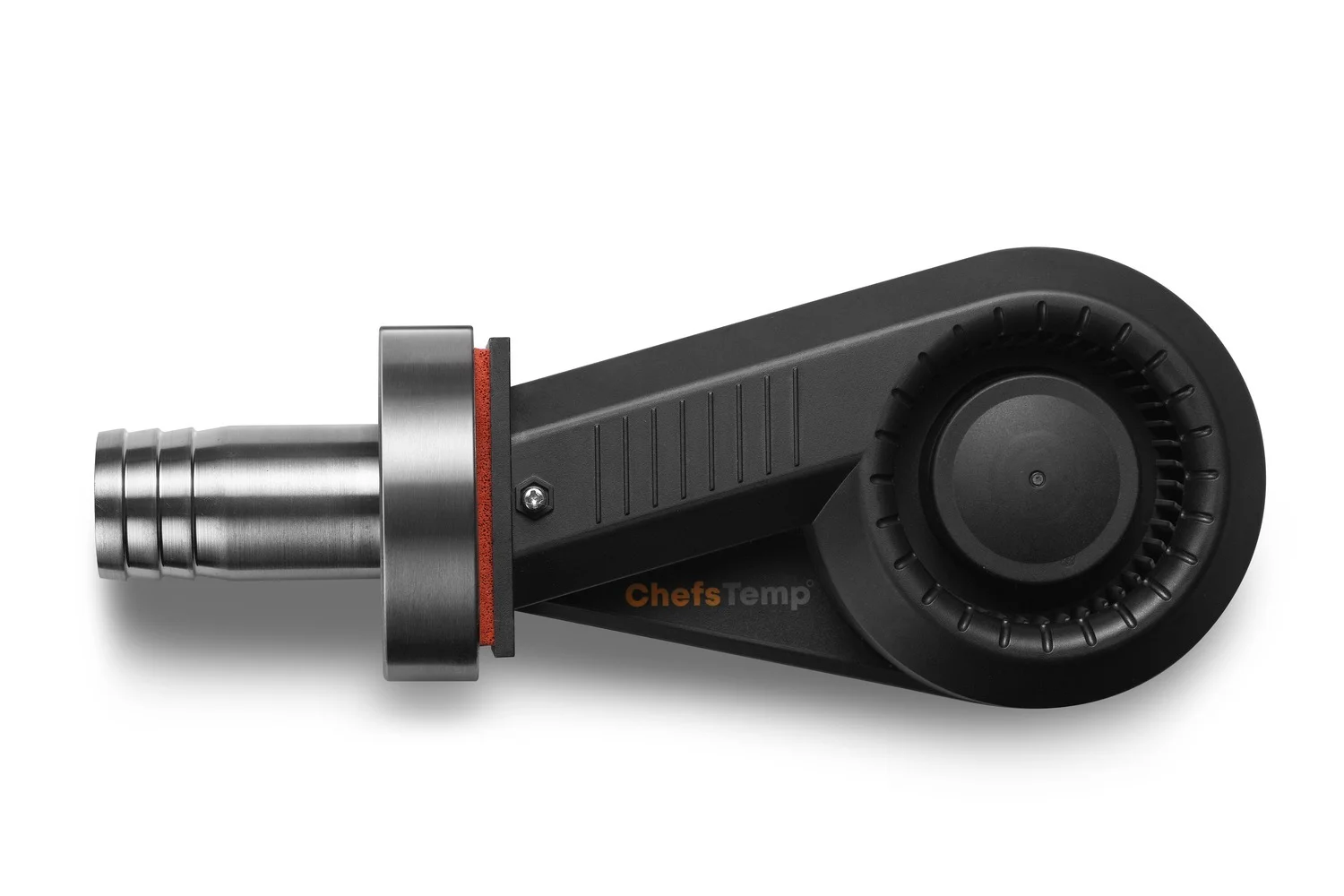
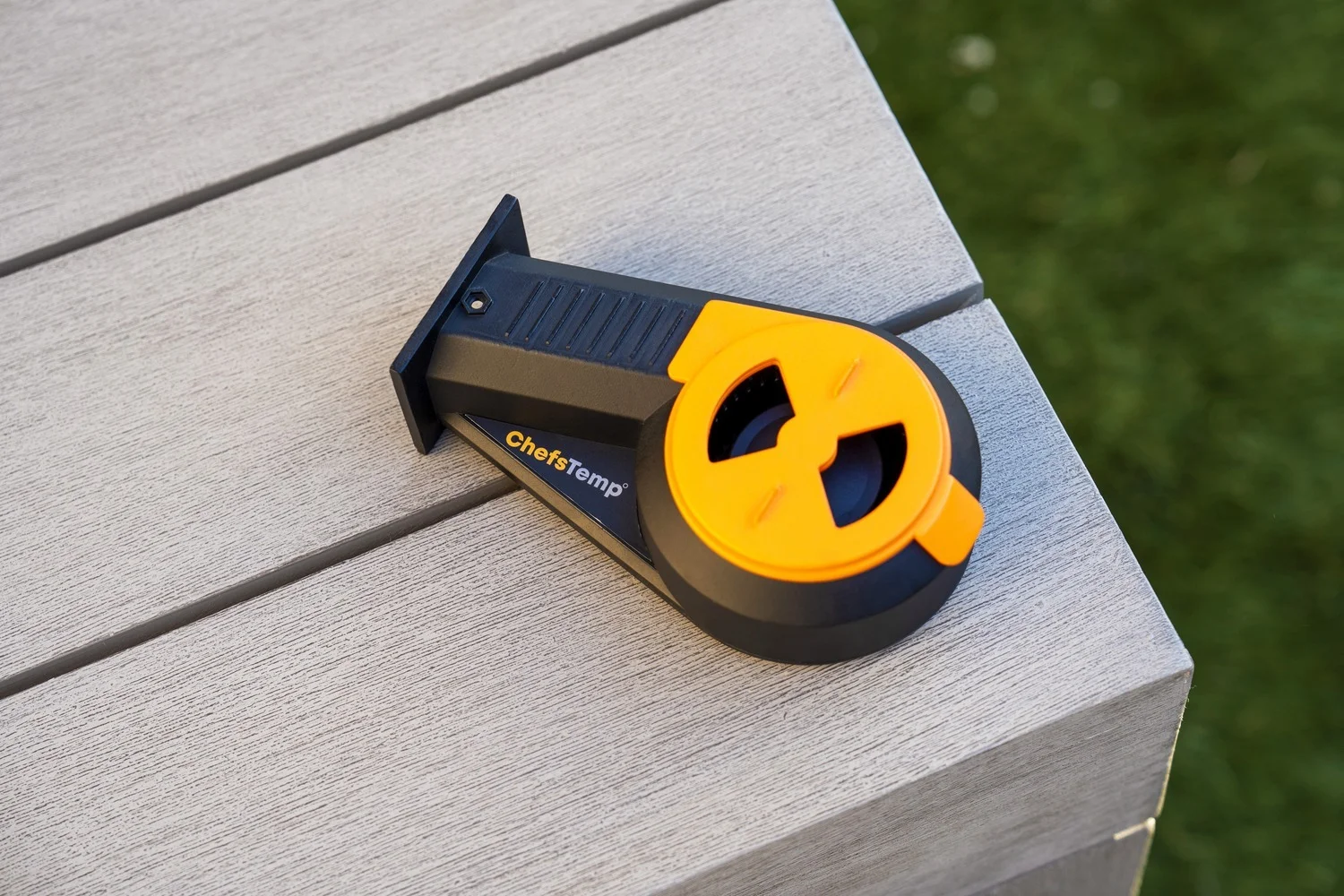
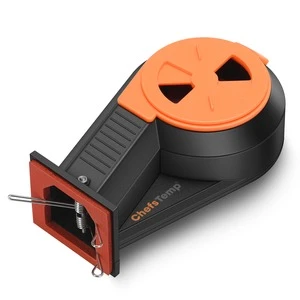
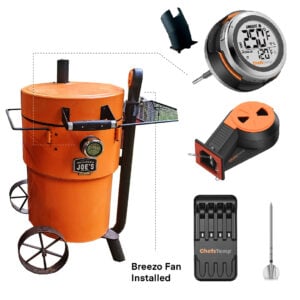
1 * Breezo Fan
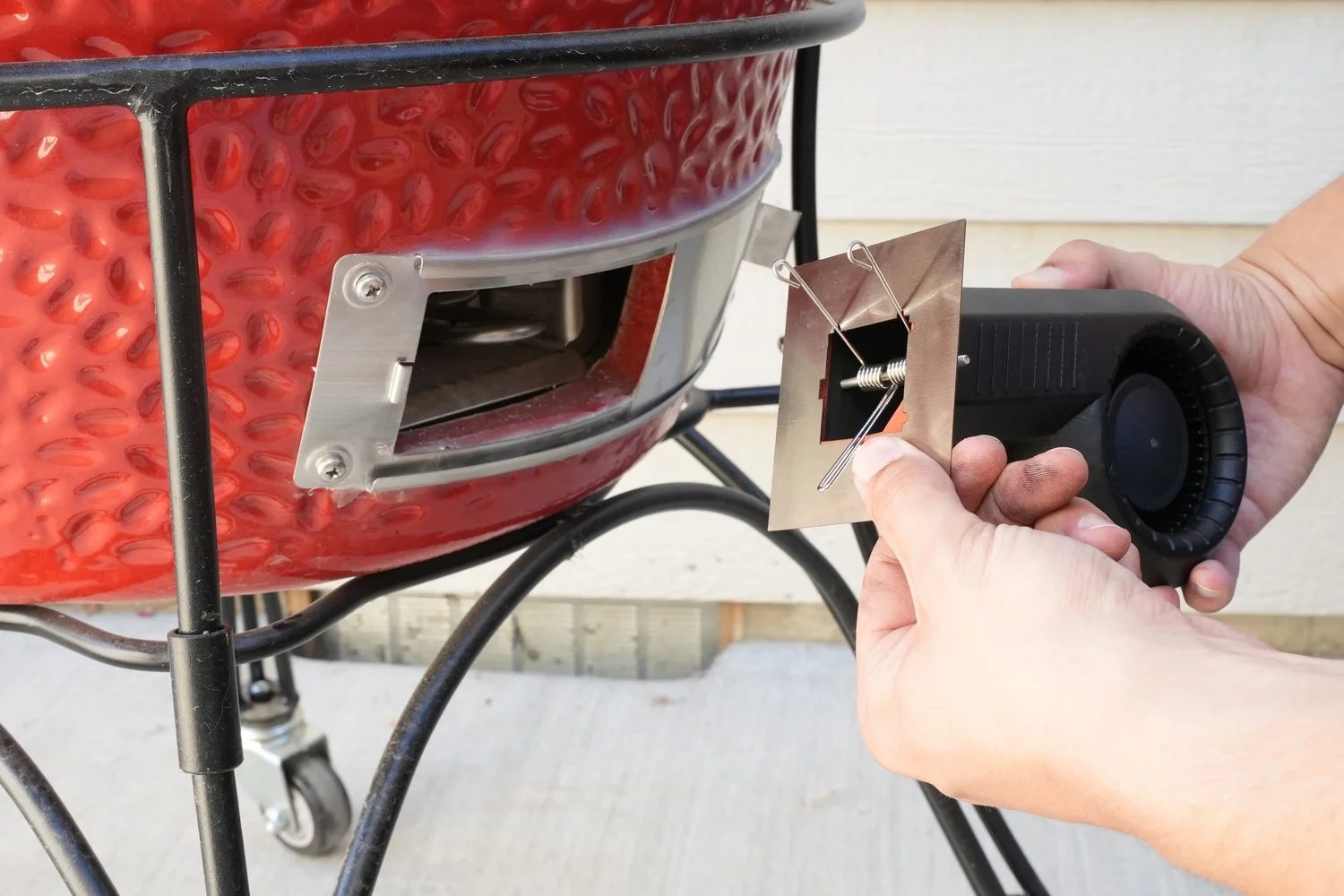
1 * Fan Spring
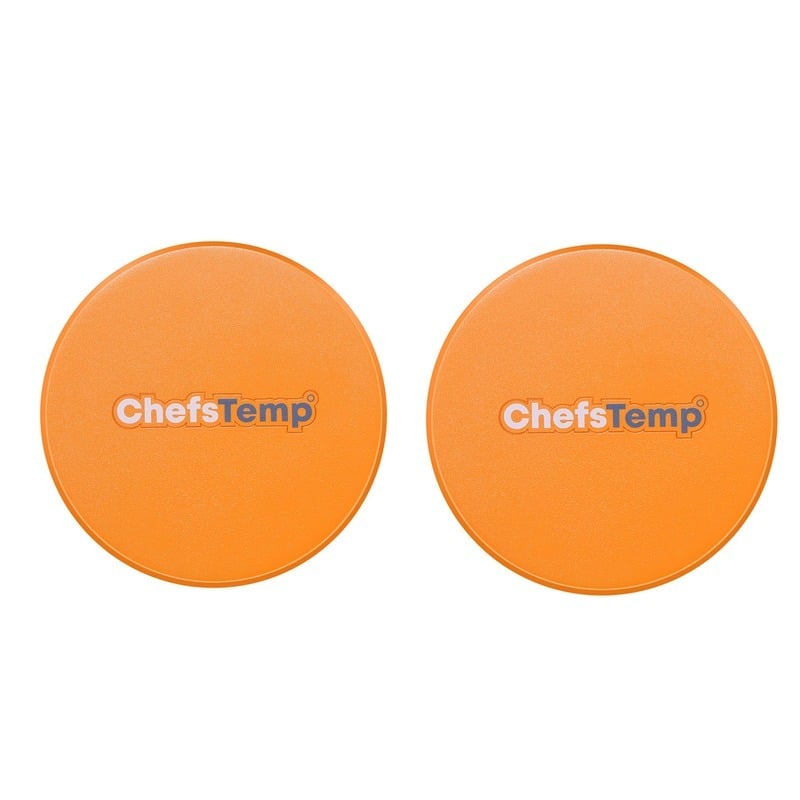
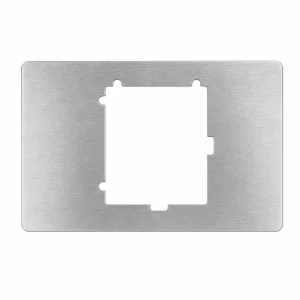
2 * Kamado Style Mounting Plates (1 piece 90*76 mm/3.5*3 inch and 1 piece 79*70 mm/3.1*2.8 inch)
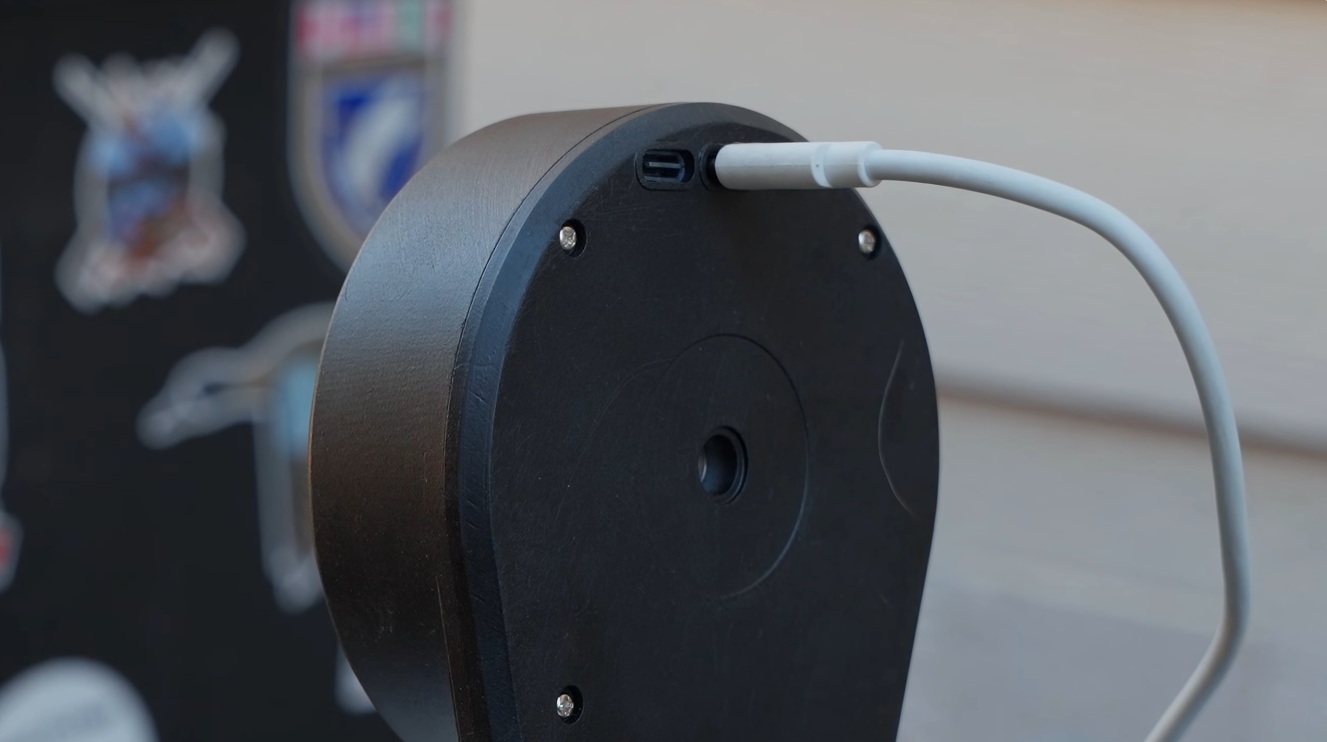
1 * USB-C to USB-C Cable
1 * 5V 3A DC Power Adapter
1 * Aluminum Foil Tape
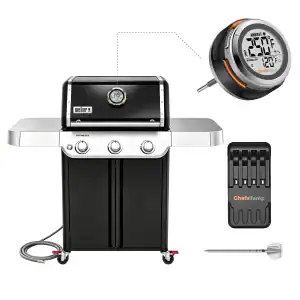
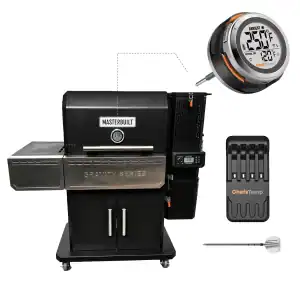
I have a pellet grill or gas grill. Why do I need the Breezo Fan?
The Breezo Fan is specifically designed for charcoal grills. If you are using a pellet or gas grill, you likely don't need it. The temperature-controlling fan works by automatically managing air intake, saving you the time and effort of frequent adjustments.
Additionally, it helps maintain a steadier ambient temperature and keeps it closer to your target temperature for more consistent cooking results.
Where should I install the Breezo on my smoker or grill?
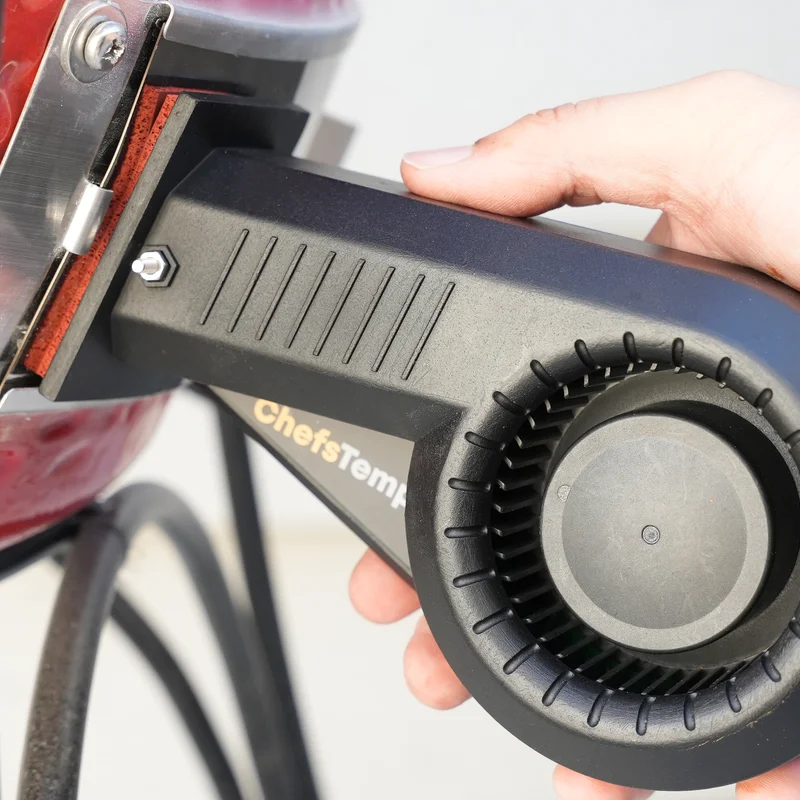
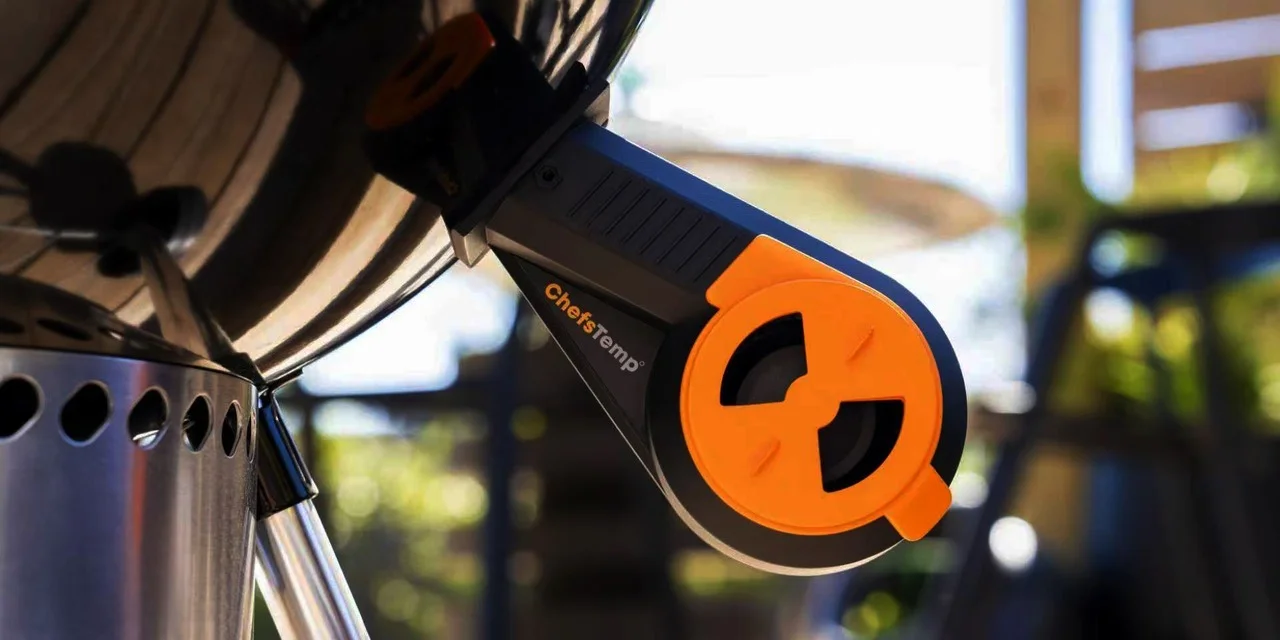
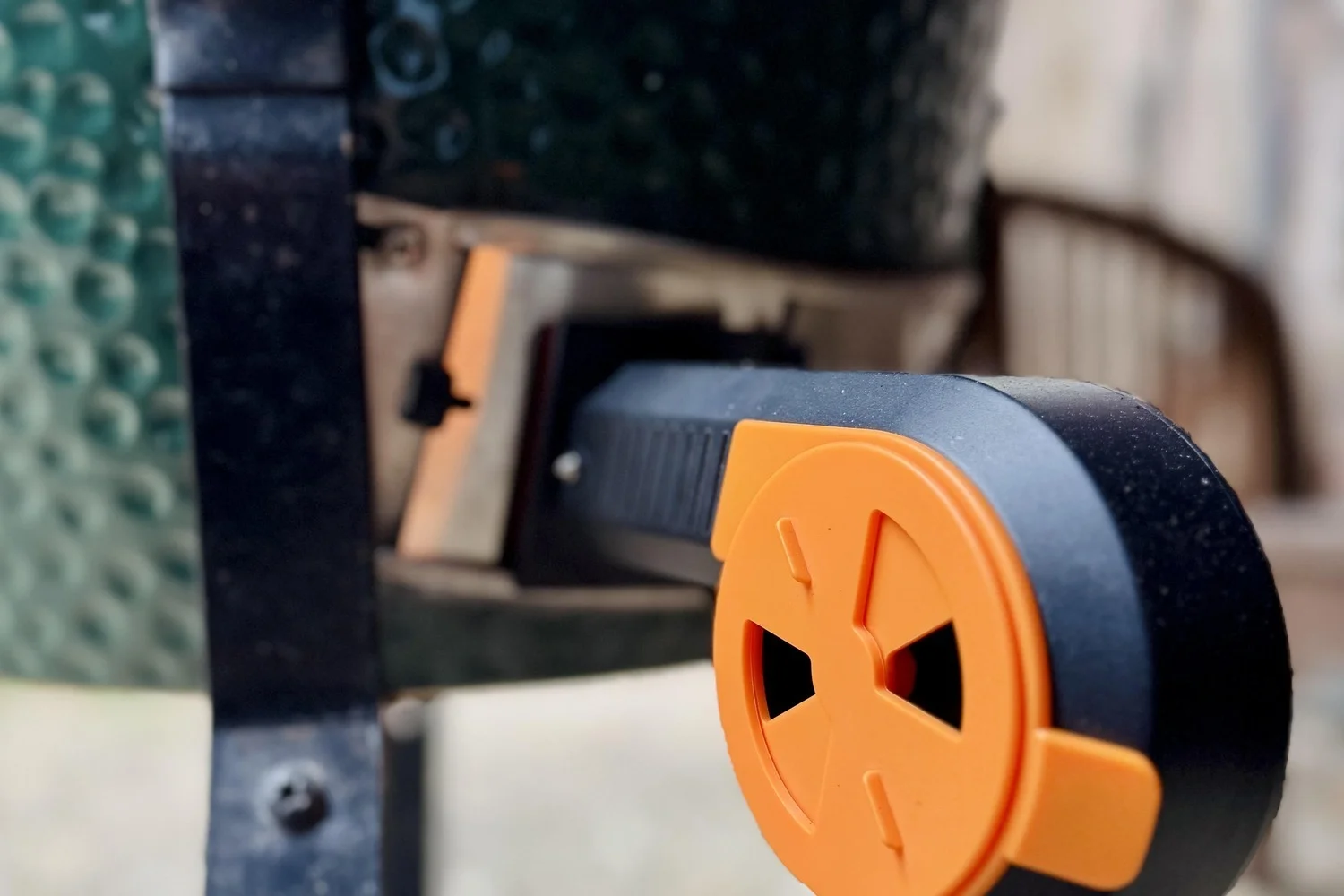
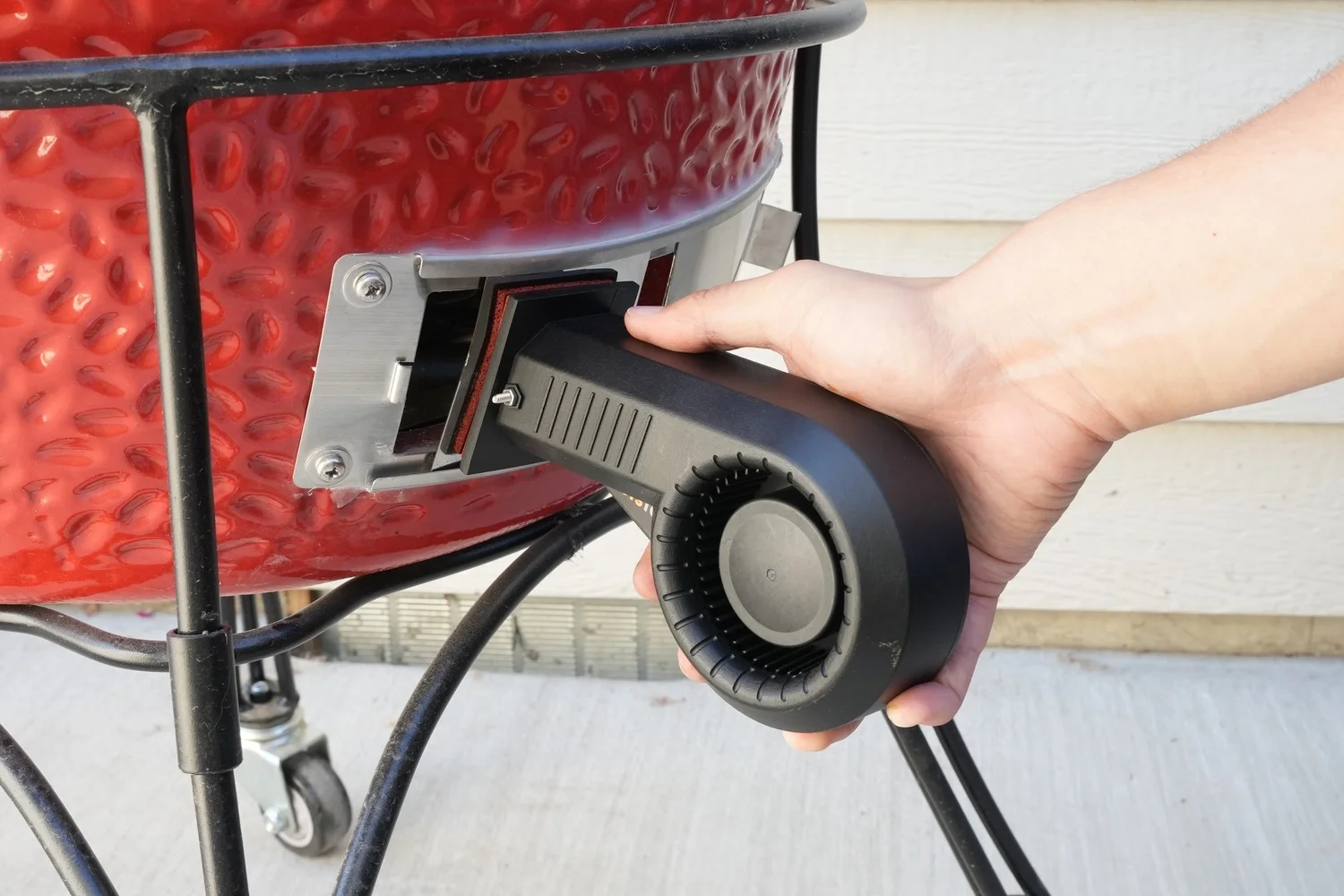
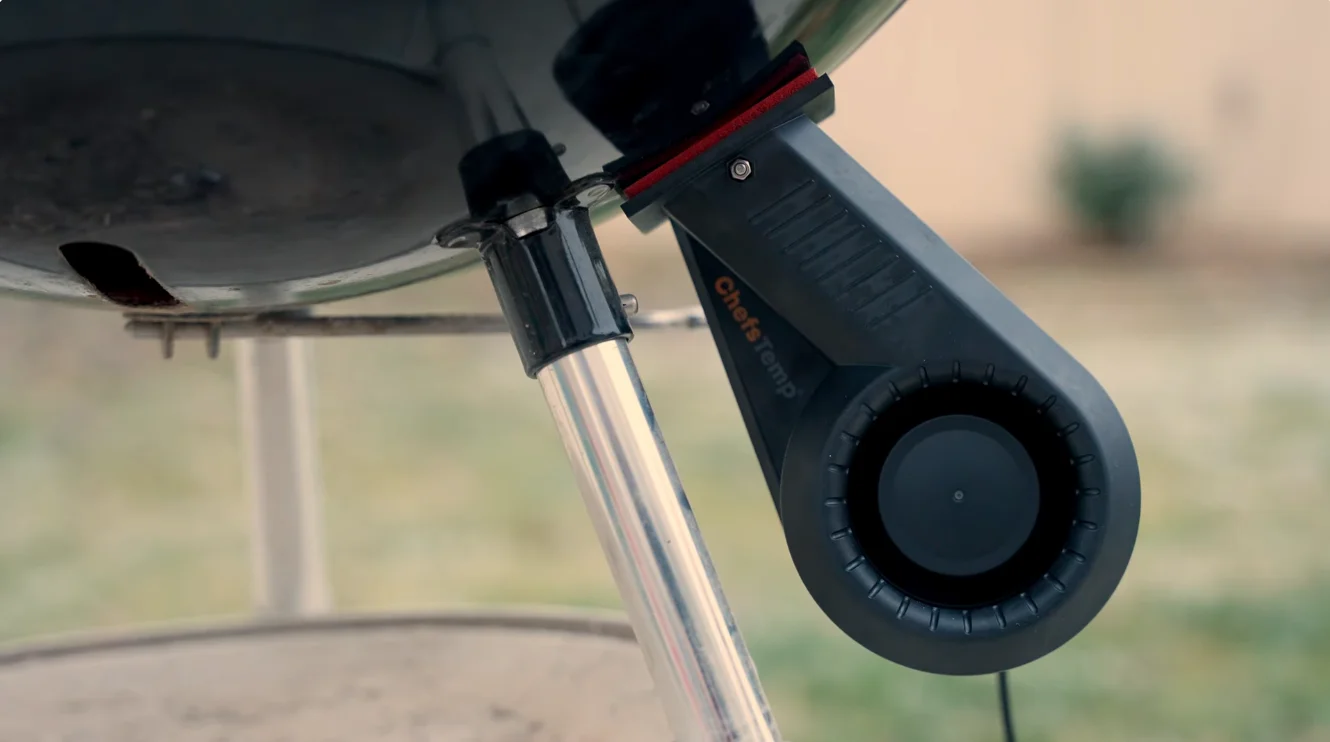
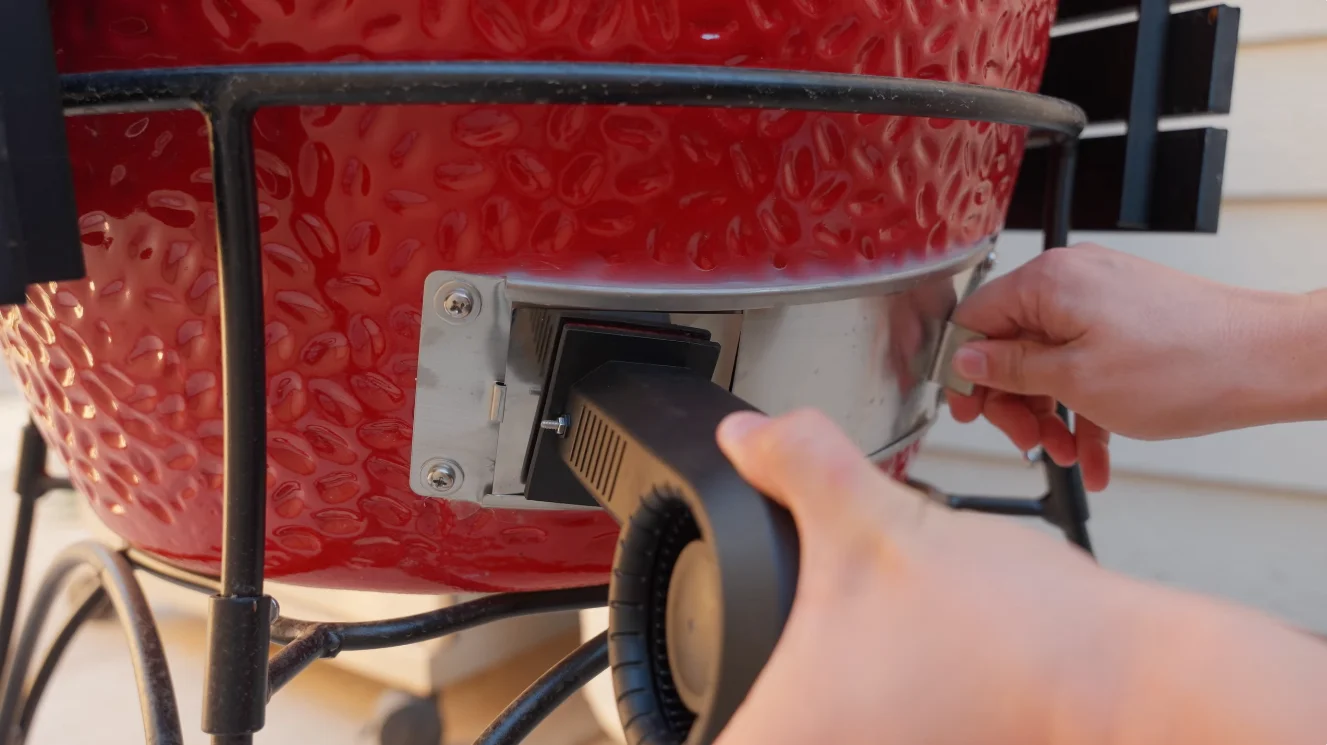
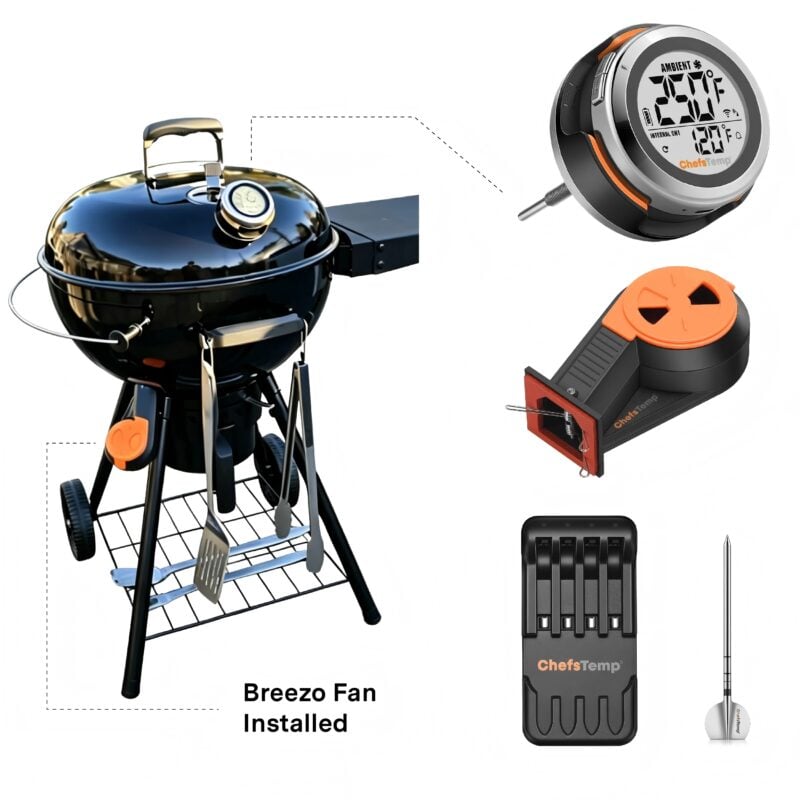
The Breezo Fan should replace your smoker’s vent system. Locate the vent on your smoker and, if it has an existing opening or hole, position the Breezo Fan to block it, sealing any gaps with high-temperature tape.
You can also check the product description above for common models and recommended mounting methods.
Attention: Please note: The maximum temperature that Breezo can withstand is 302 ℉ (150 ℃). If it is too close to a heat source or if there are gaps that are not sealed with tape, Breezo may be melted.
Do I need to adjust the vents when using the Breezo?
Yes, when using the Breezo, you do need to adjust the vents — and most importantly, you will typically need to close the top vent (daisy wheel / chimney cap) much smaller than you normally do when cooking without a fan controller.
Recommended starting point for most cooks (especially low & slow at 225–250°F):
Bottom vent (fan damper): Usually keep fully open or nearly fully open (lets the fan have plenty of air to work with).
Top vent (daisy wheel): Close it down to a very small opening — typically about the width of a pencil lead / core (≈ 2–3 mm), or just a tiny slit where you can barely see through from the side.
What is the difference between the original Breezo and Breezo V2?
Breezo V2 features built-in remote firmware update capability, allowing seamless future updates when needed.
Breezo is made to work with most grills and smokers. Some applications may require an optional mounting kit. 1.18″ Universal
$13.99–$18.99Price range: $13.99 through $18.99
What Is Breezo V2 Fan?
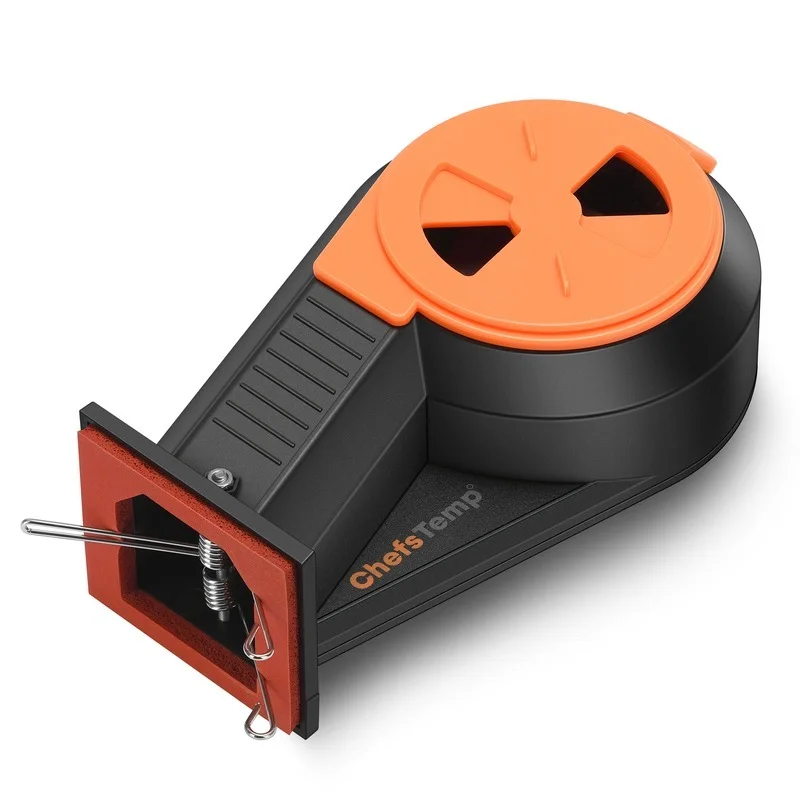
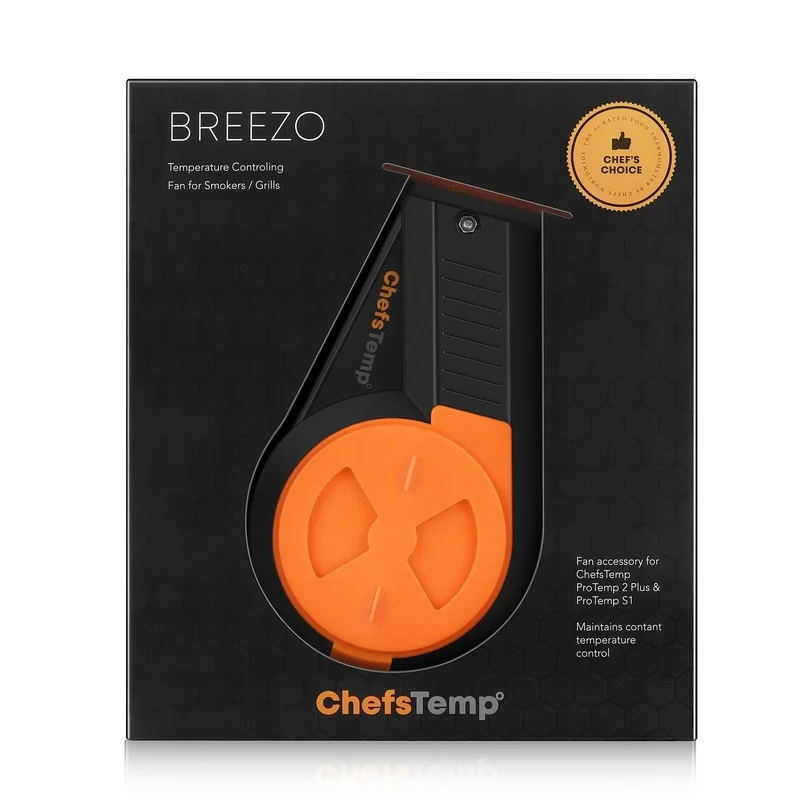
The ultimate smart fan that delivers precise, hands-free temperature control for your charcoal smokers, grills, and cookers.
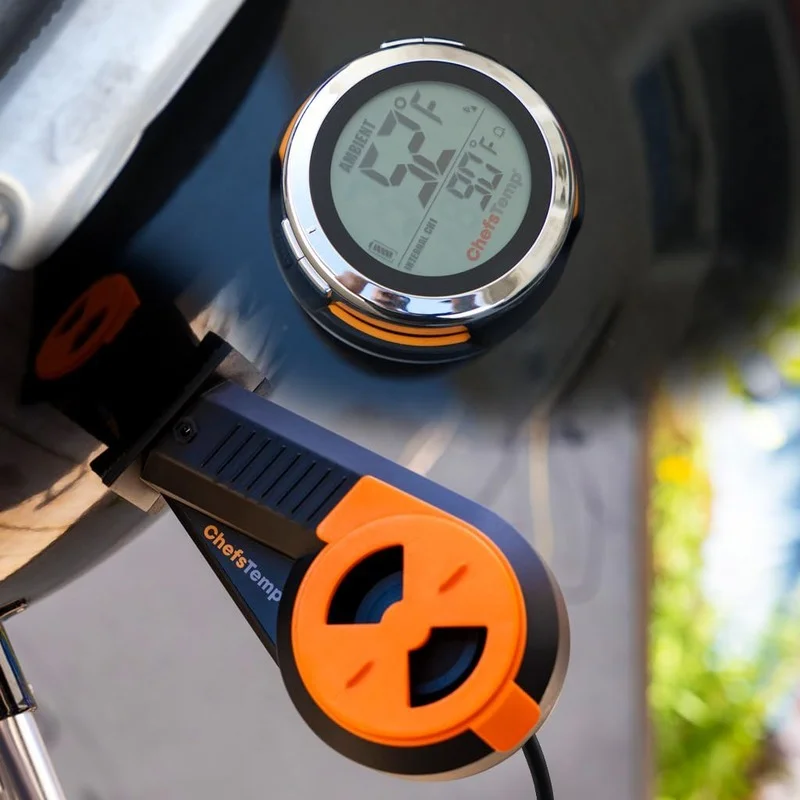
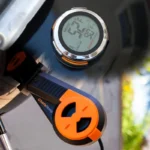
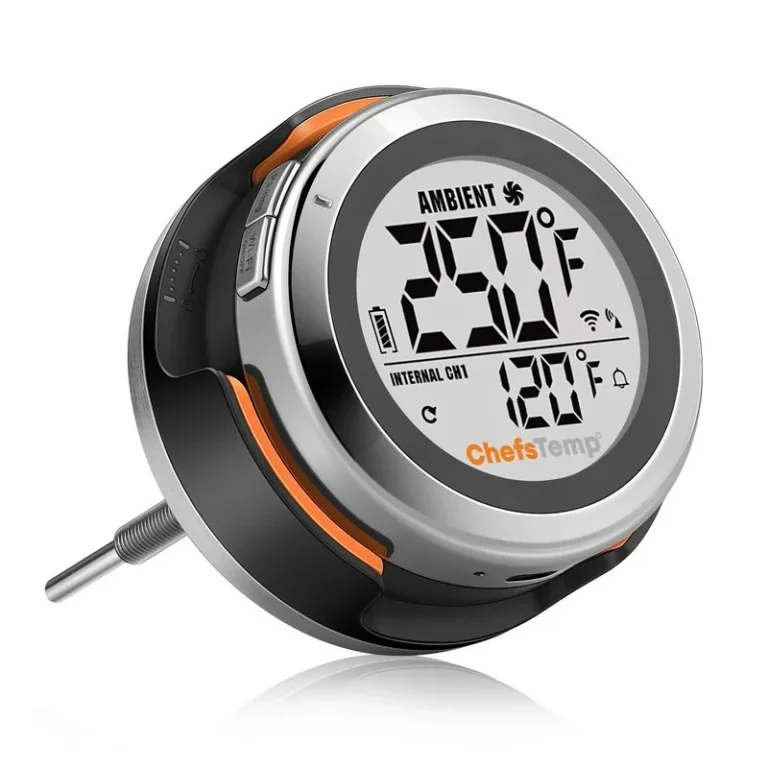
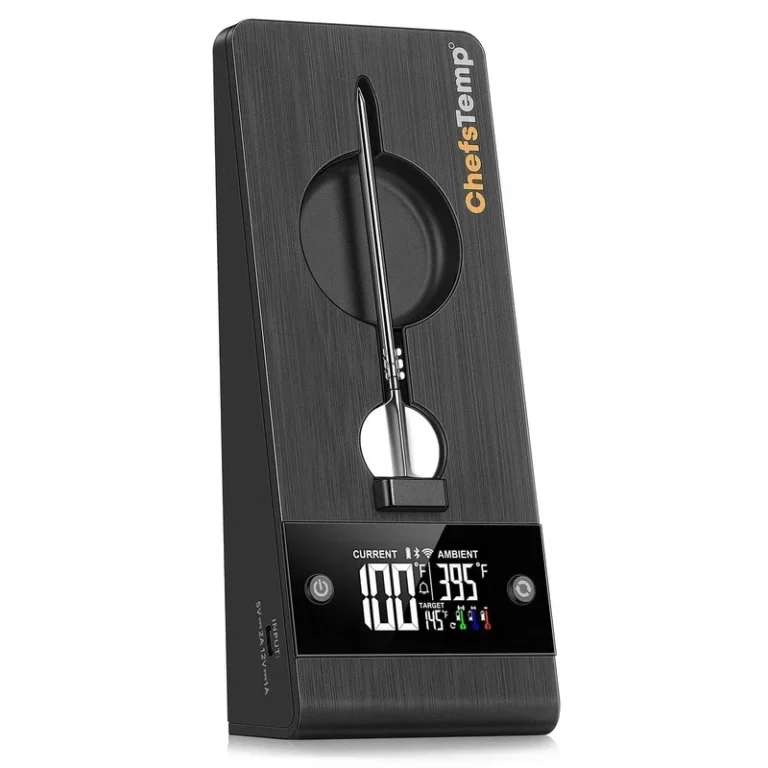
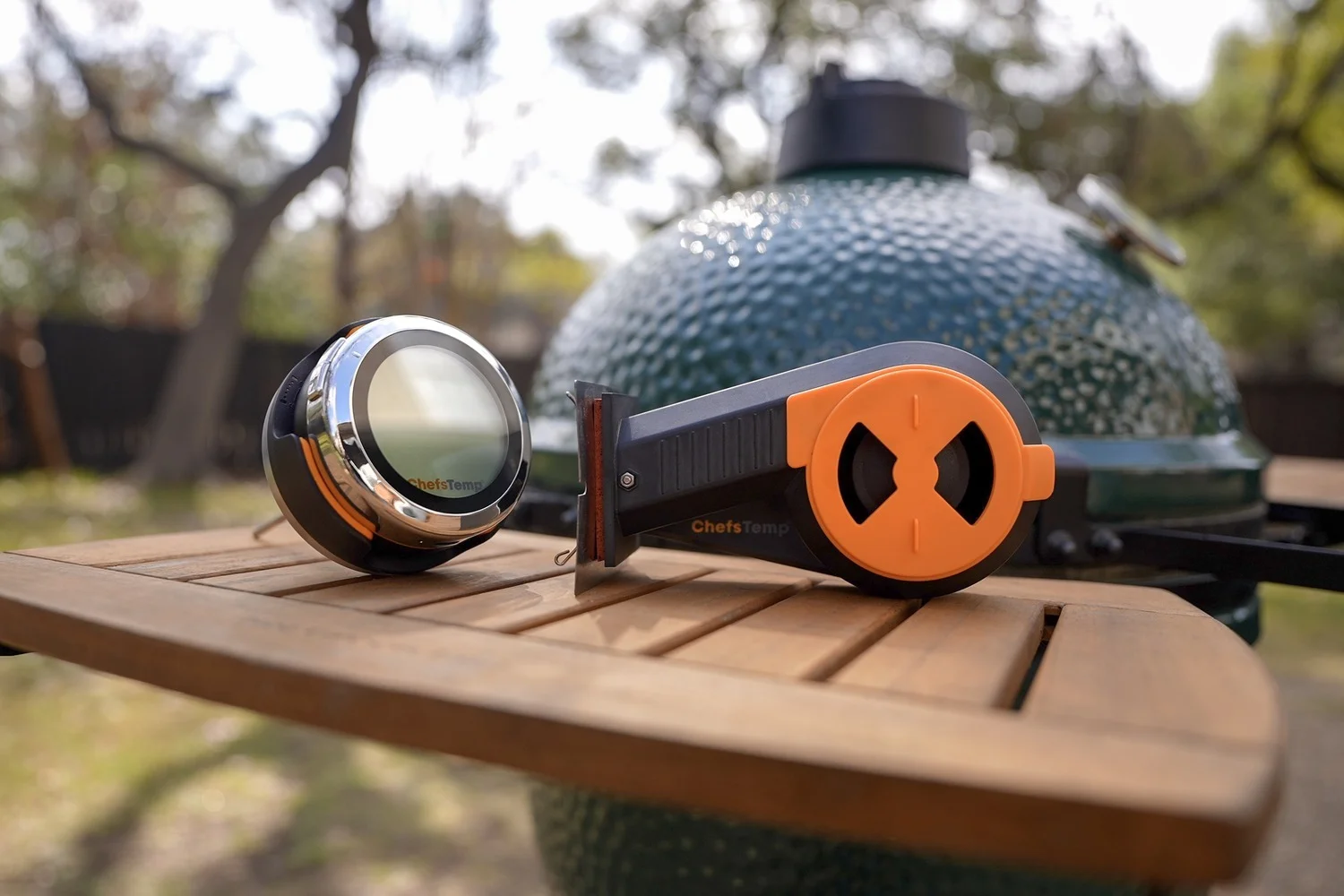
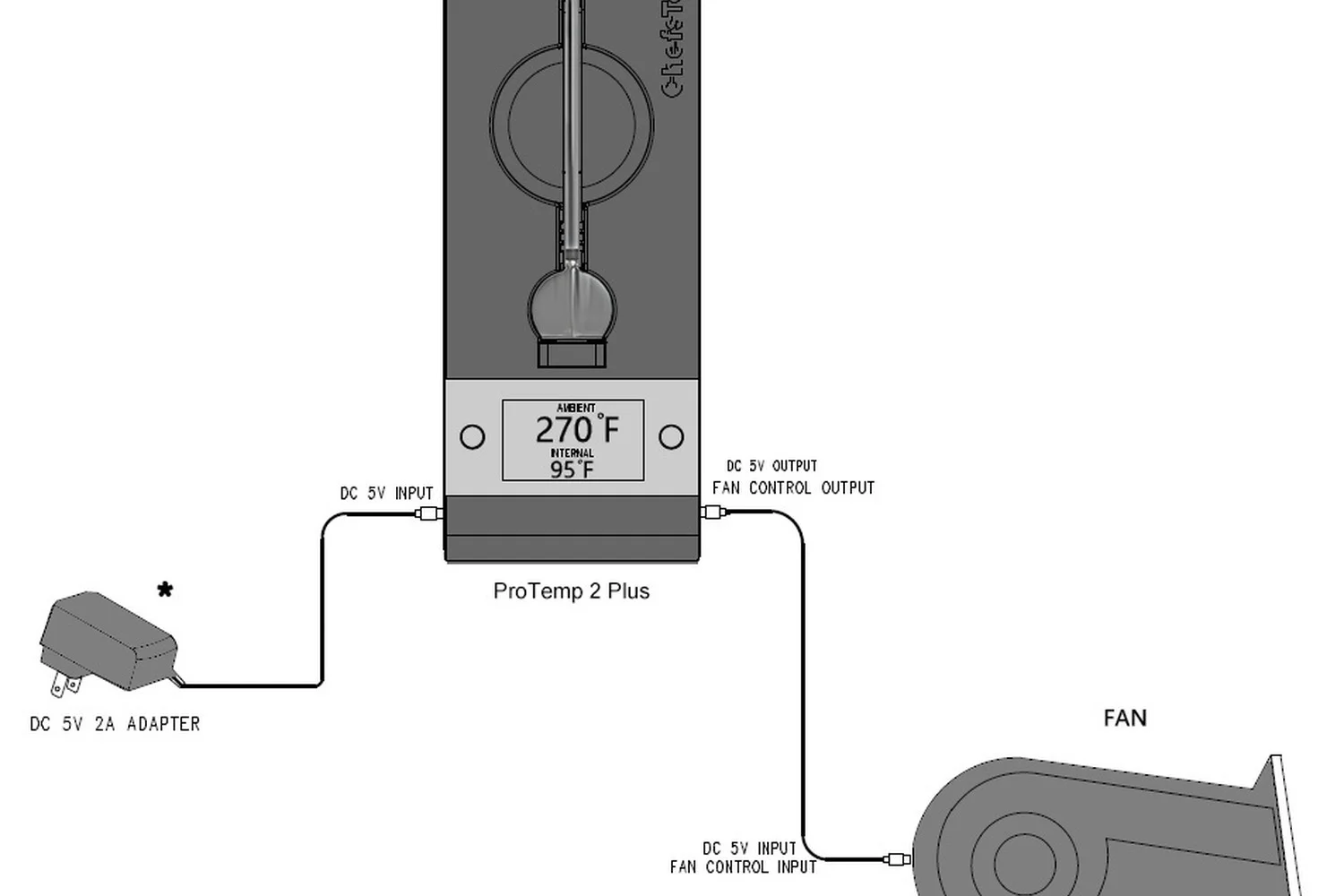
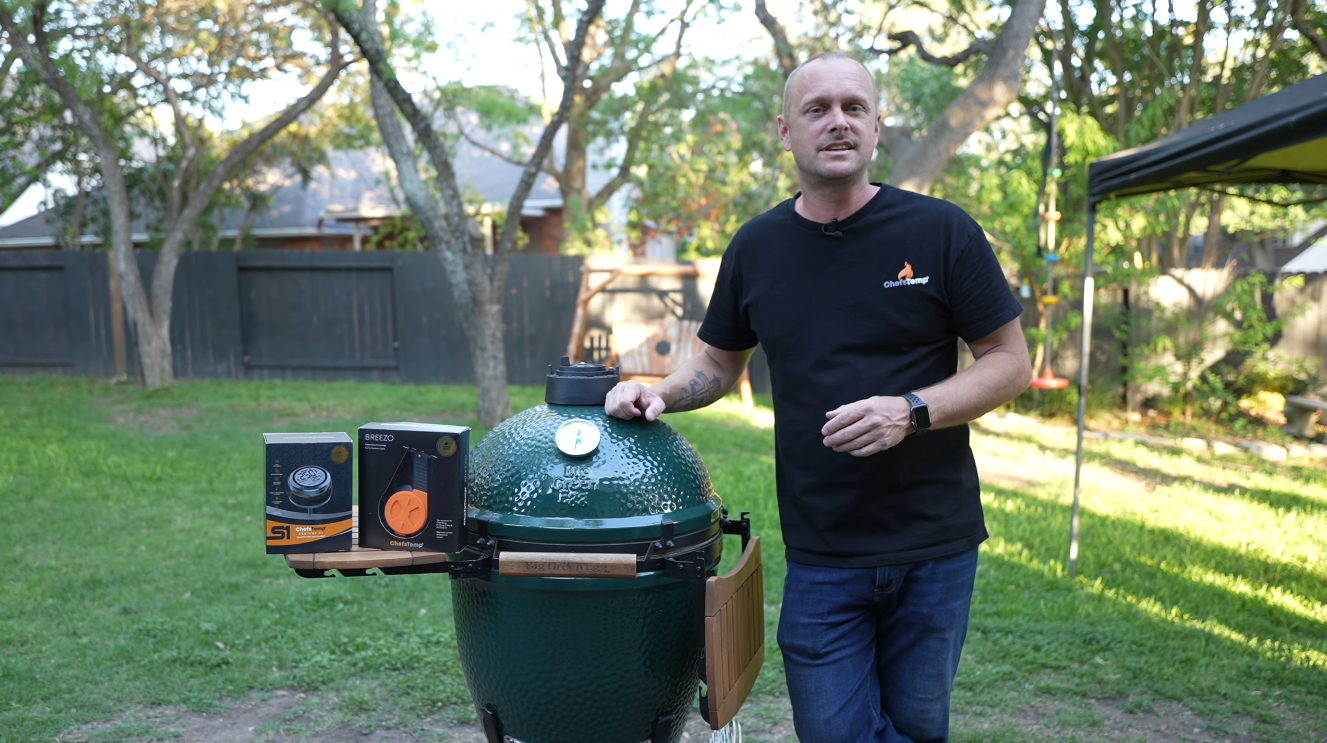
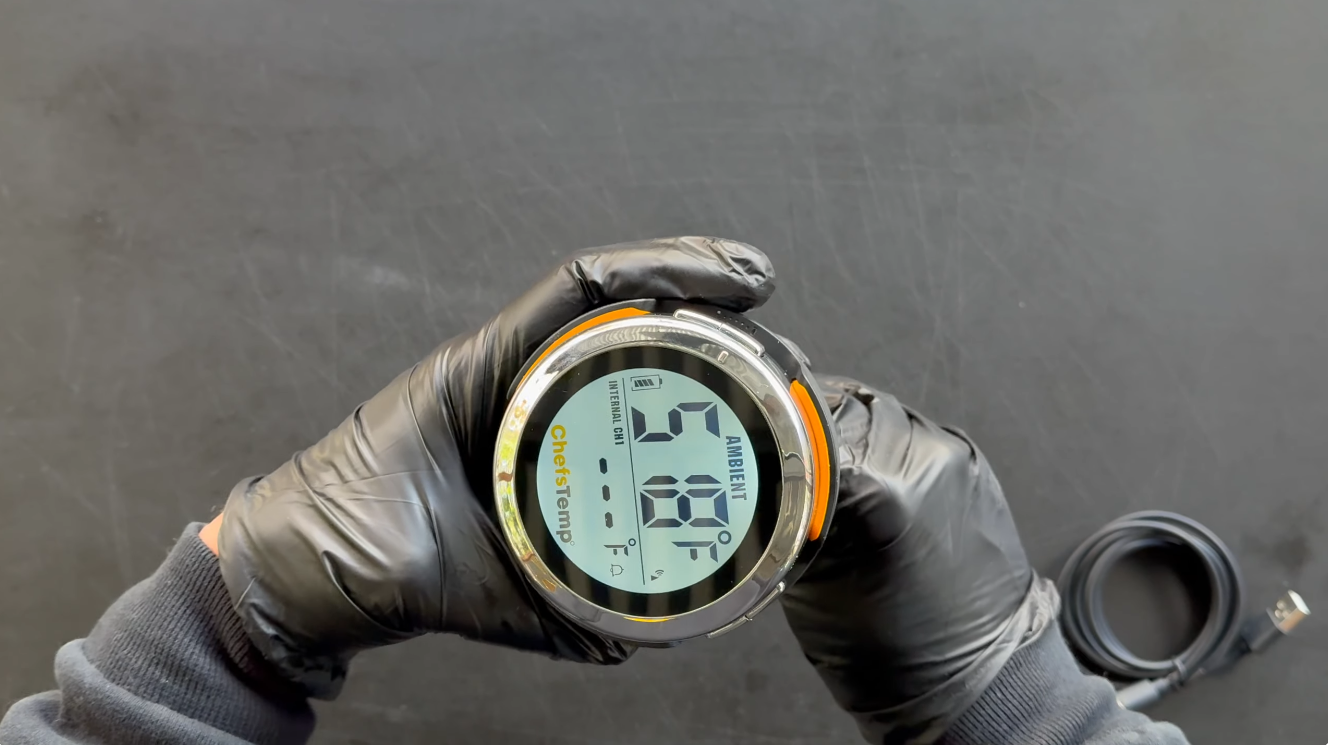
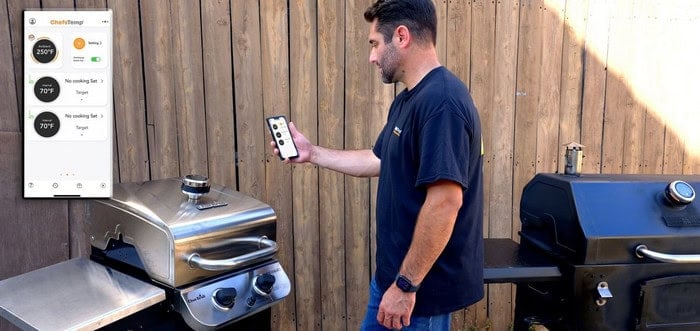
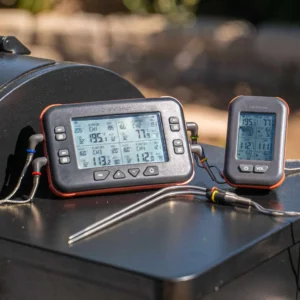
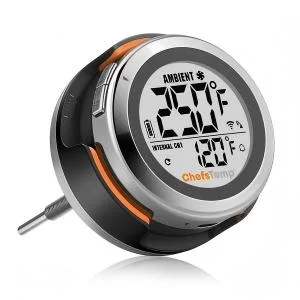
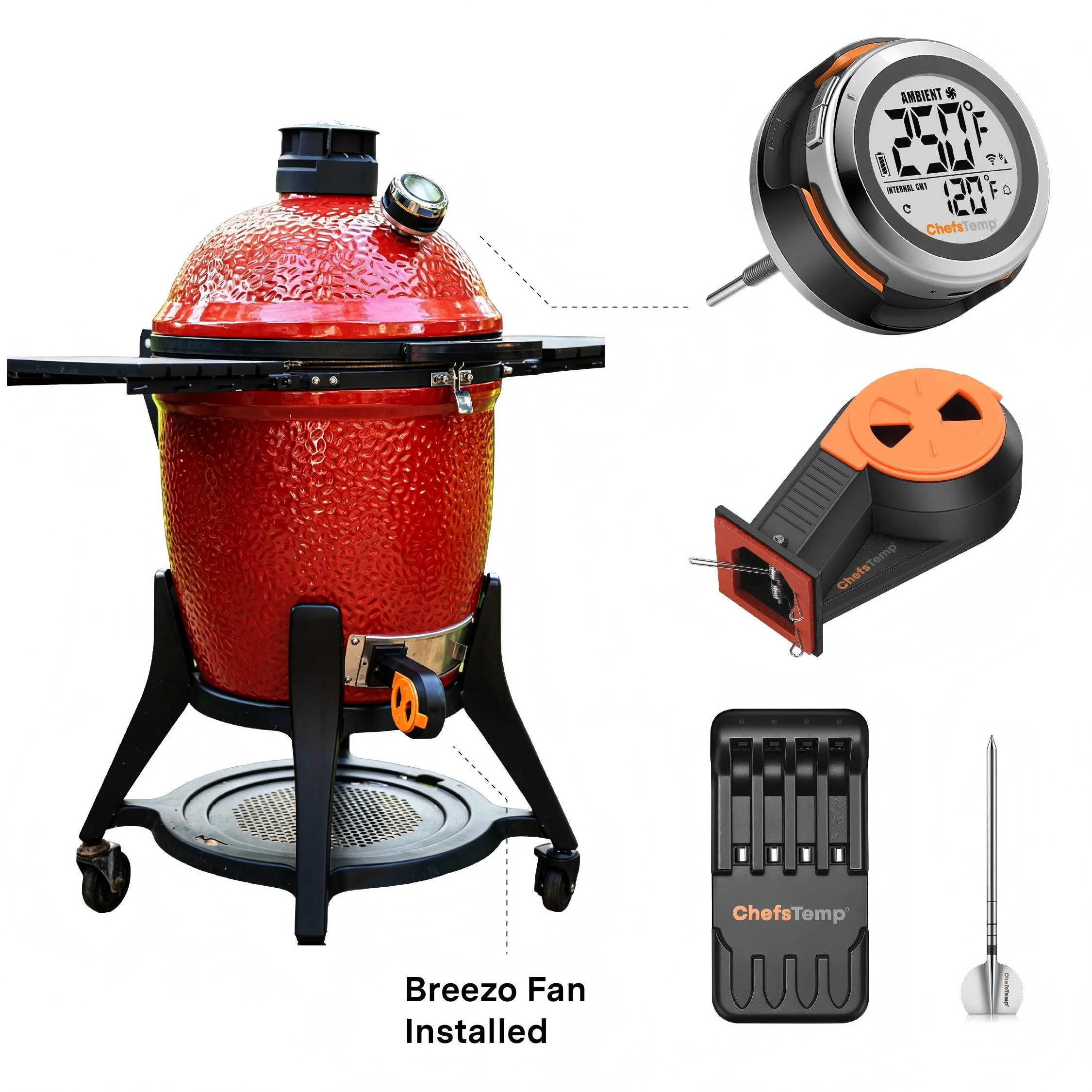
Tired of constantly tweaking vents and babysitting your cook? Breezo automates airflow for you. It wirelessly pairs with the ChefsTemp ProTemp S1 (or connects via the included USB-C cable to the ProTemp 2 Plus), letting you simply set your target pit temperature in the app — then relax while Breezo maintains rock-steady temps from start to finish.
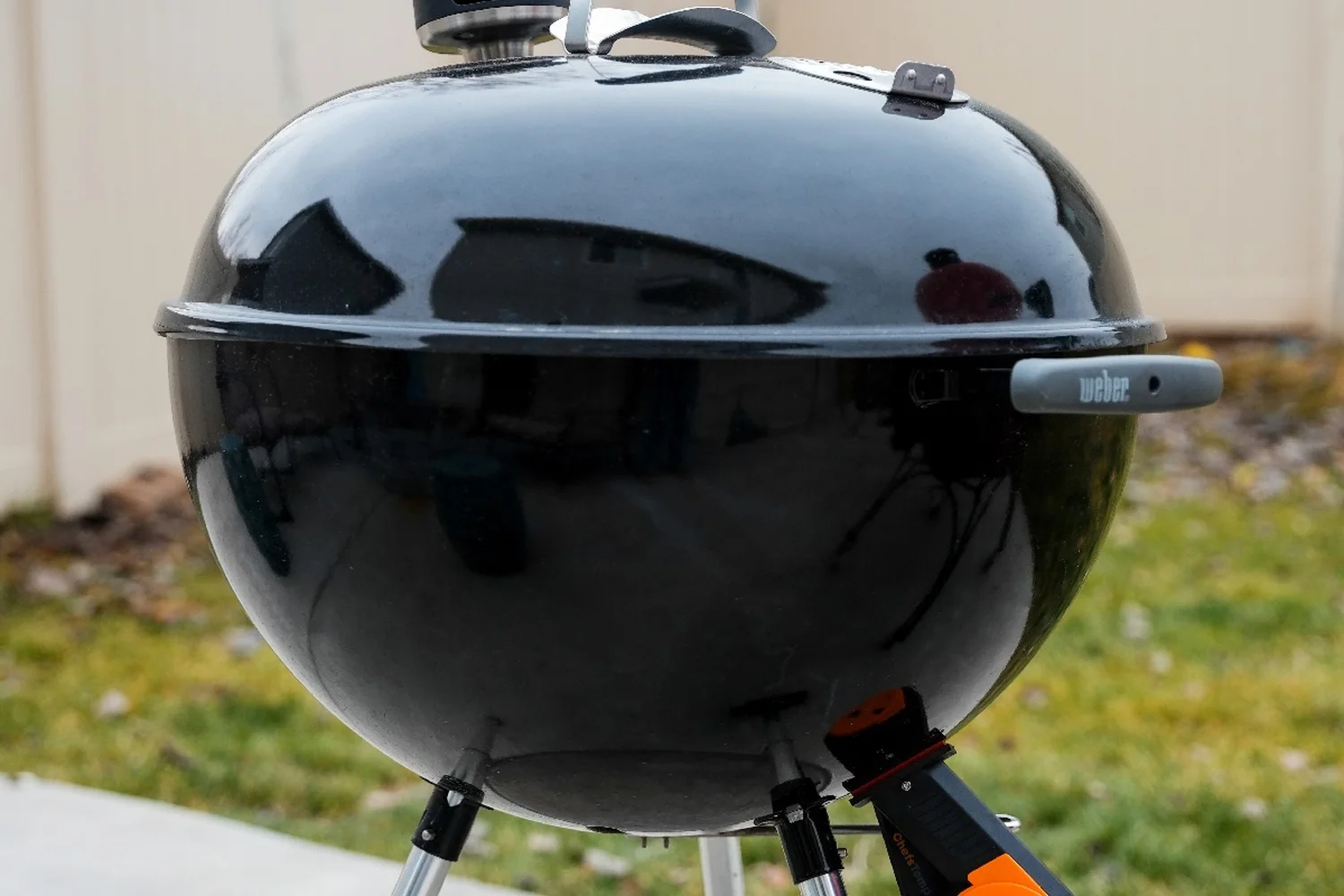
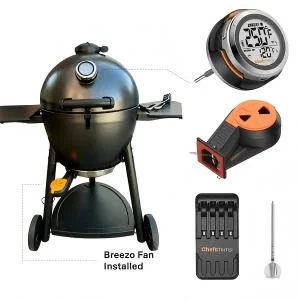
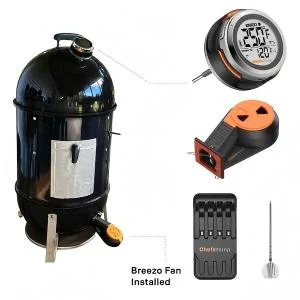
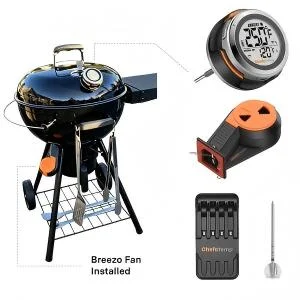
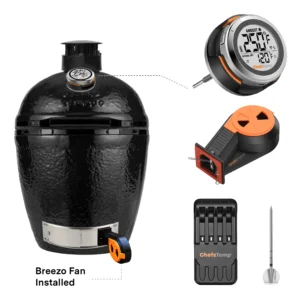
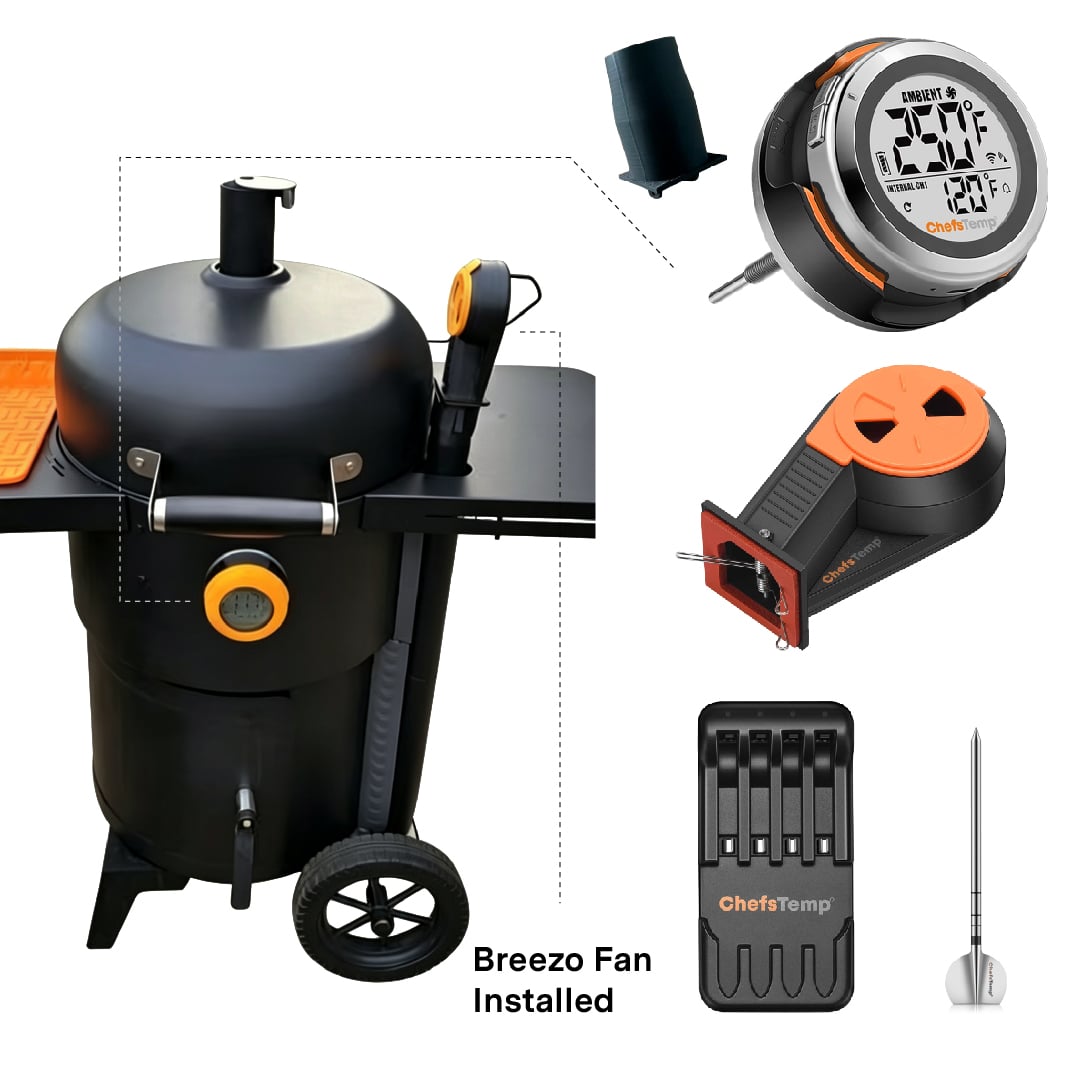
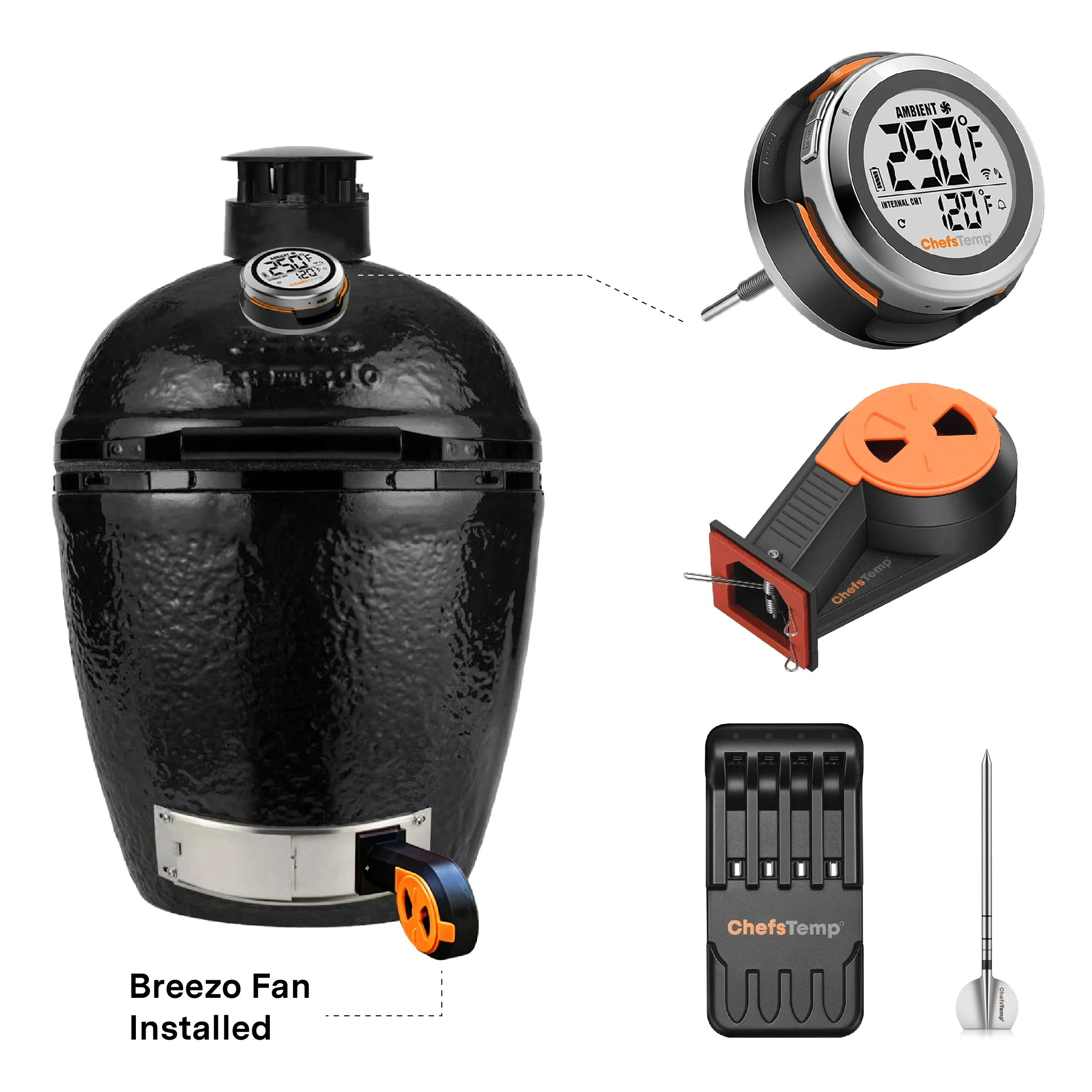
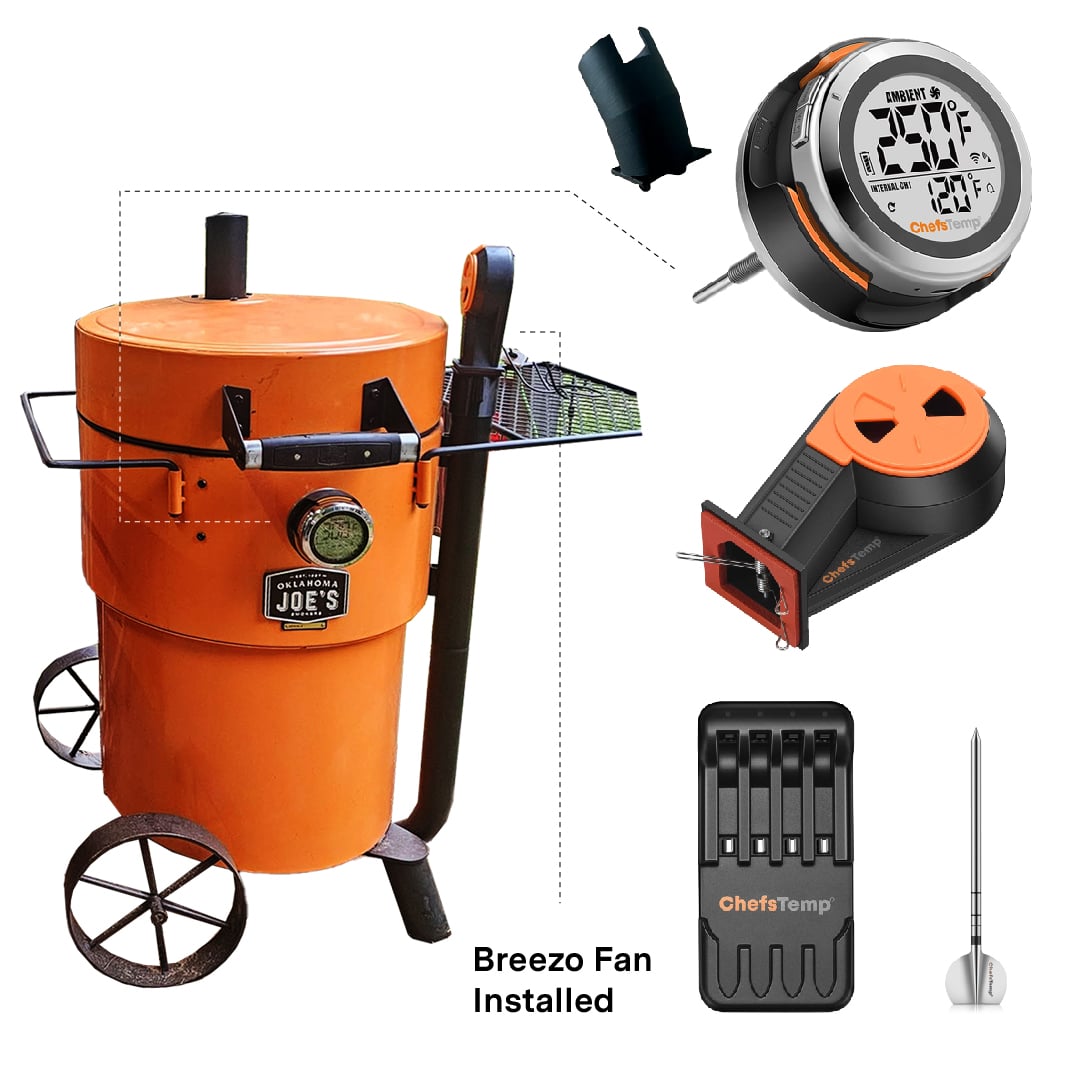
Need more flexibility? Set a timer for manual mode whenever you want. The included Kamado-style mounting plates and high-temperature tape make installation straightforward on most popular setups (Big Green Egg, Kamado Joe, Weber Smokey Mountain, Pit Barrel, and many more). Upgrade to effortless, consistent results every single time — no more temperature swings, no more guesswork. Get Breezo and take your low-and-slow cooking to the next level.
Made to Fit Most Smokers
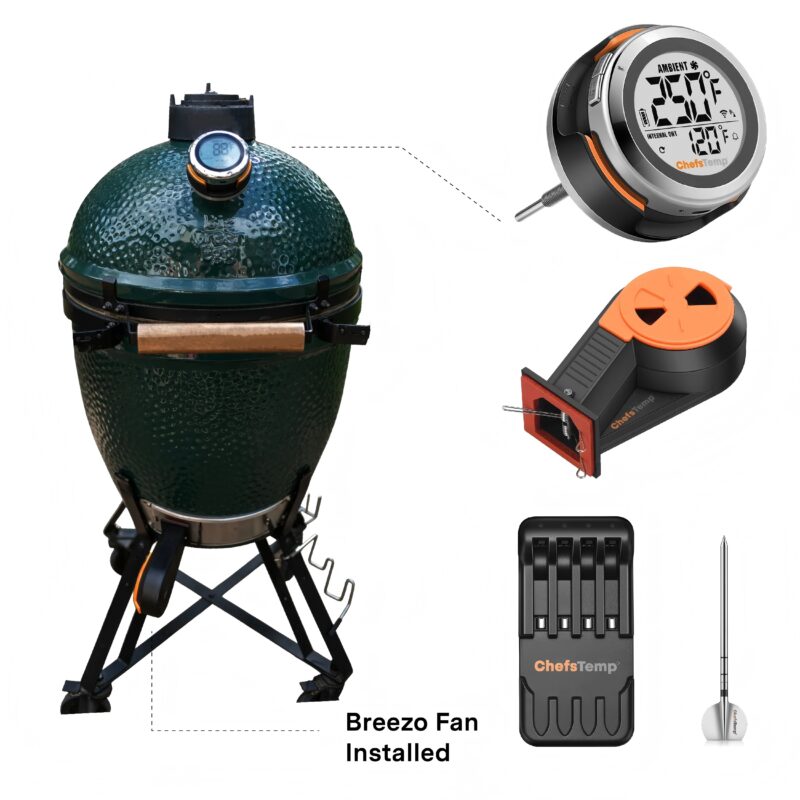
Models that fit directly with the Kamado Mounting Plates(package included)
Kamado Joe Classic II, Kamado Big Joe III, Primo XL 400 grill, Pit Barrel Cooker, Pit Boss Kamado, Cypress Ceramic Kamado Bayou Classic grill, Big Green Egg, vision grills Series classic, Primo Oval large, Primo smoker, Pit Boss ceramic kamado, Broil King Keg 2000, CharGriller Akorn cooker.
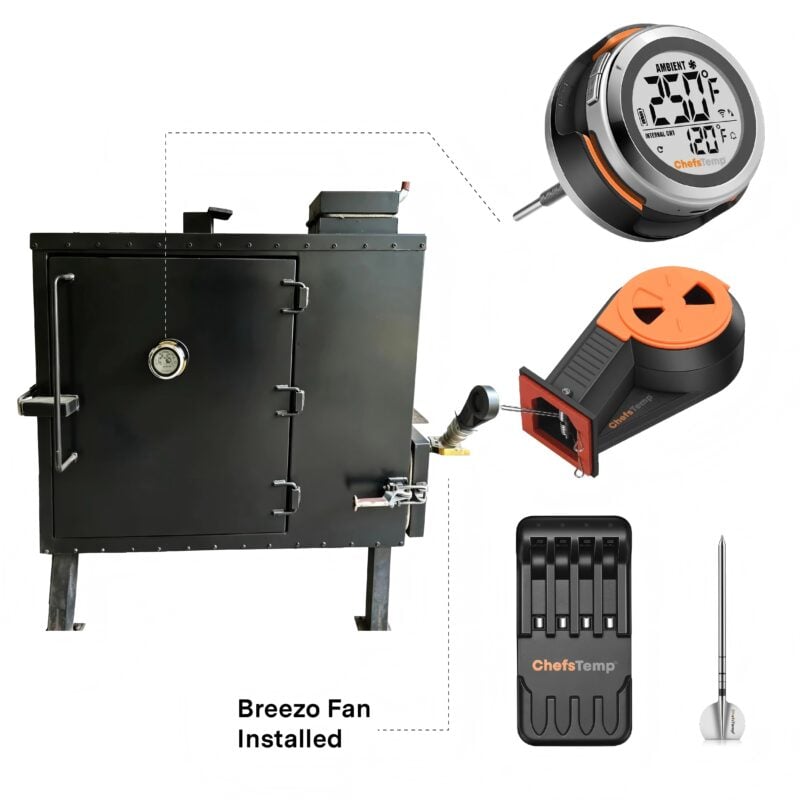
Use one vent hole to insert the Breezo Fan, cover the other holes with high-temperature aluminum foil tape(package included): Komodo Kamado, Char-Griller Offset Smoker, Broil King Keg 5000.
Other solutions
Drill a 1.25-inch hole to which you can directly attach the Breezo fan and use high-temperature aluminum foil tape to cover any gaps.
For big offset smokers
You could cut a stainless steel plate to fit the opening in your smoker and then drill a 1.25″ hole in it in which to attach the Breezo through.
Compatibility: ProTemp S1 and ProTemp 2 Plus (Not compatible with 1st generation – ProTemp Plus).
Target Temperature Range: 122°F-600°F (50°C-315°C);
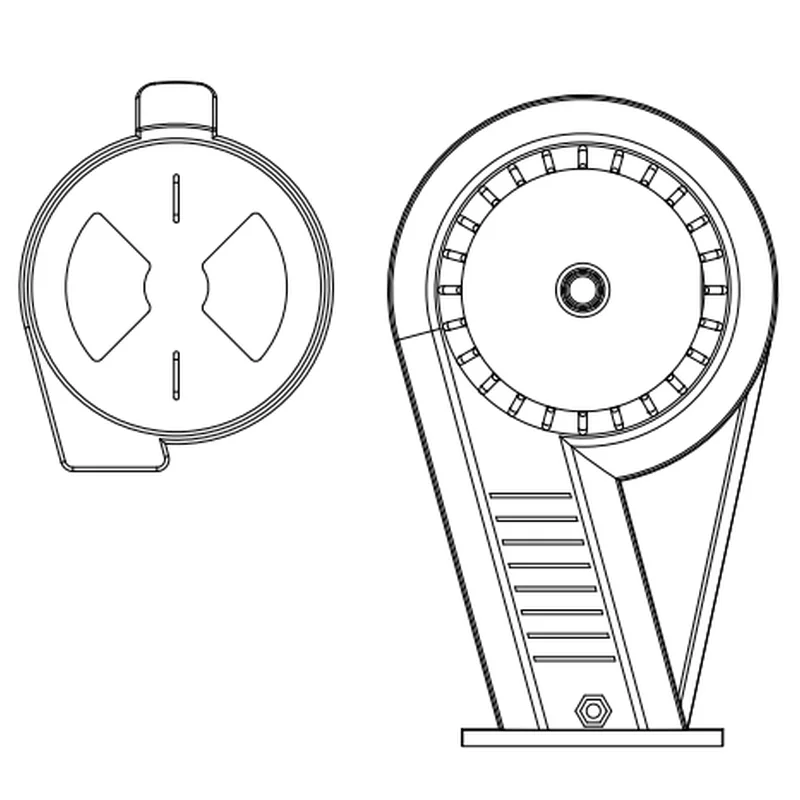
Opening: 1.49*0.94 inches (38*24mm);
Power: 5V DC powered (No built-in battery, requires external power supply);
Heat-resistant up to: 302°F (150°C);
Package Included:
1* Breezo Fan;
1* Fan Spring;
2* Kamado Style Mounting Plates (1 Pc 90*76 mm/3.5*3 inch and 1 Pc 79*70 mm/3.1*2.8 inch);
1* USB-C to USB-C Cable;
1* 5V 3A DC Power Adapter;
1* Aluminum Foil Tape Required;
Not included: ProTemp 2 Plus or ProTemp S1.
See Breezo V2 Fan Tutorials
Playlist
6 Videos
FAQ
What are the outdoor operating temperature limits for the S1 thermometer and Breezo Fan?
For optimal performance and longevity, we recommend placing both the S1 thermometer and the Breezo control fan in environments where the temperature stays within safe operating limits.
Minimum temperature: Avoid prolonged exposure below 32°F (0°C), as this may significantly reduce battery life and affect overall functionality.
Maximum temperature: The fan is heat-resistant up to 302°F (150°C), while the S1 thermometer is rated for up to 140°F (60°C).
Given that winter temperatures can dip below the recommended minimum, and high-heat cooking zones may exceed safe limits, we advise using the product in a protected or temperature-controlled setting to ensure reliable operation. Proper placement and shielding will help extend the life of your device and maintain accurate performance.
Why do I need the Breezo Fan for my S1? I have a pellet grill or gas grill. Do I need the Breezo Fan?
The Breezo Fan is specifically designed for charcoal grills. If you are using a pellet or gas grill, you likely don’t need it. The temperature-controlling fan works by automatically managing air intake, saving you the time and effort of frequent adjustments. Additionally, it helps maintain a steadier ambient temperature and keeps it closer to your target temperature for more consistent cooking results.
Can the Breezo Fan be installed on my cooking device?
The Breezo Fan should replace your smoker’s vent system. Locate the vent on your smoker and, if it has an existing opening or hole, position the Breezo Fan to block it, sealing any gaps with high-temperature tape. You can also check the product description above for common models and recommended mounting methods.
The Breezo Fan is designed for precise temperature control in charcoal grills, smokers, and cookers, automating airflow to maintain your desired cooking temperature. It is not necessary for pellet or gas grills, as it is specifically tailored for charcoal-based systems. The Breezo Fan is highly versatile and compatible with most charcoal grills and smokers. Below is a list of common models and installation methods:
1. Models with Included Mounting Plates (No Additional Mounting Kit Required): For these models, the Breezo Fan can be installed directly using the two Kamado-style mounting plates included in the package. Simply replace the existing vent system by positioning the Breezo Fan over the vent and sealing any gaps with the provided high-temperature flue tape. Including:
Kamado Joe Classic II, Kamado Big Joe III Primo XL 400 Grill, Primo Oval Large, Primo Smoker Pit Barrel Cooker Pit Boss Kamado, Pit Boss Ceramic Kamado Cypress Ceramic Kamado Bayou Classic Grill Big Green Egg Vision Grills Series Classic Broil King Keg 2000
2. Models with Direct Fit (No Adapters Needed): For these models, the Breezo Fan can be inserted directly into the existing vent opening, and any additional vent holes should be sealed with high-temperature flue tape (included). Including:
3. Smokers with Round Vent Holes: For these models, simply insert the Breezo Fan into one of the round vent holes and cover any remaining holes with the included high-temperature flue tape. Including:
For grills or smokers without a suitable vent opening, you can drill a 1.25-inch hole to attach the Breezo Fan directly, then seal any gaps with high-temperature flue tape.
For large offset smokers, consider cutting a stainless steel plate to fit your smoker’s opening, then drill a 1.25-inch hole to attach the Breezo Fan.
5. Mounting Kit Requirements: In most cases, the included Kamado-style mounting plates and high-temperature flue tape are sufficient for installation. If your device is listed above under direct-fit or Kamado mounting plate-compatible models, no additional mounting kit is necessary. However, for specific setups, an optional Breezo Fan Mounting Kit may be required.
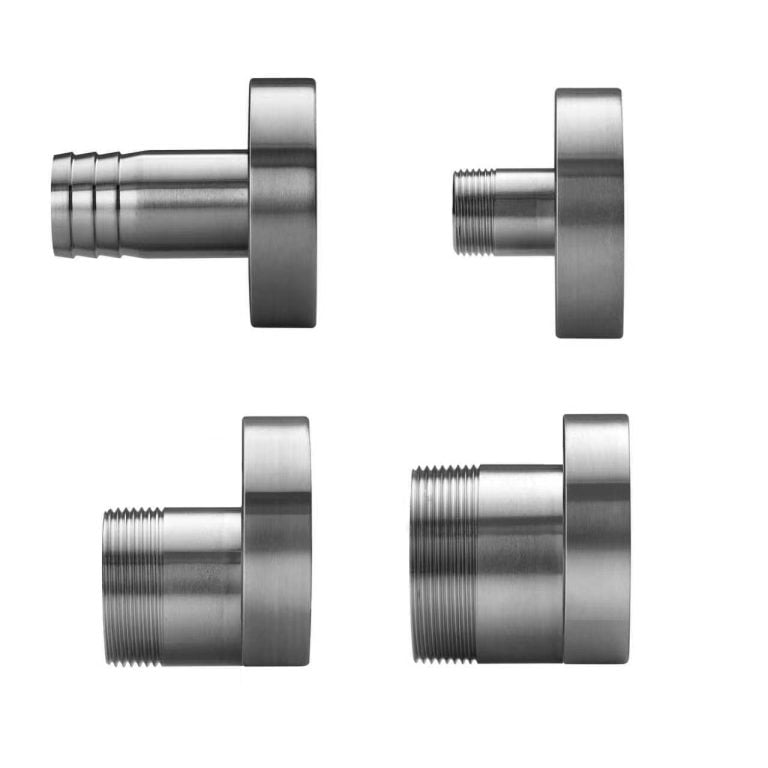
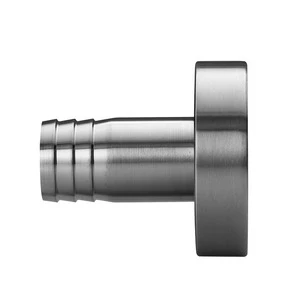
3/4″ Threaded Breezo Fan Mounting Kit: Designed to screw into a 3/4″ ball valve
1.5″ Threaded Breezo Fan Mounting Kit: Designed to screw into a 1.5″ ball valve (Suitable for OCGF Smoker)
2″ Threaded Breezo Fan Mounting Kit: Designed to screw into a 2″ ball valve
If the listed answers haven’t addressed your concerns, please join our Facebook community group and post your questions there—we’re confident they’ll be addressed quickly!
https://www.facebook.com/groups/chefstempofficial
Does the Breezo Fan have a built-in battery, or does it need to be connected to a power source?
No, the Breezo Fan does not have a built-in battery. You need to power it using a power bank or connect it to a power source.
We recommend that you use the 5V 2A DC Adapter and Type-C charging cable included in the package to power Breezo Fan.
Why does the fan need a charging cable for power supply? Isn’t it wireless?
The Breezo Fan is designed to sit close to the fire source for optimal airflow, so we deliberately avoided including a built-in rechargeable battery. High heat near the fire could cause a battery to overheat, leading to potential safety risks. Instead, it uses a detachable charging cable for power, keeping the fan free of heat-sensitive components and significantly safer during use.
Does Breezo Fan waterproof?
Breezo Fan is not waterproof. Please ensure it stays dry at all times. Water exposure may cause malfunction or permanent damage, so handle with care around liquids.
App keeps showing my Breezo is disconnected, or my fan doesn’t working.
1. Please follow these steps below to check first:
Make sure you have used the original charging plug and cable (if using a power bank, please connect it with a C-to-C charging cable, and do not use fast charging or any charging plug exceeding 20W).
Make sure your S1 displays temperature numbers properly.
2. Turn off the fan switch on the App, then connect the Breezo to the charging cable to power it on, press the button on the Breezo to turn on the fan, and then press it twice to turn off the fan. If the Breezo can be controlled by pressing the button, this indicates that the Breezo can be powered on.
3. Turn on the fan switch on the App to check if the Breezo can be turned on.
Manually Pair: If the Breezo still cannot be controlled through the App, this indicates that the Breezo may not be connected to the S1, and you need to manually pair them:
Connect the Breezo to the charging cable to power it on, and press and hold the button on the Breezo for 4 seconds until the Breezo rotates slightly. It indicates that the Breezo has been reset and paired with S1.
Press the button on Breezo twice to stop the Breezo, and then use the fan switch on the App to control the Breezo.
If the above steps still cannot solve the problem, please let us know the details and take a video of connecting and opening Breezo, send it to our support e-mail: [email protected], and we will analyze and solve it for you.
My fan does not respond when pressing the Power Button.
If the fan button does not respond, please confirm you are using the included power adapter and cable. For power banks, please use Type-C to Type-C cable, and avoid fast-charging adapters or those exceeding 20W.
If it still fails, please shoot a short video of the issue and reach our support team: [email protected]
The target temperature has been reached, the Breezo has paused, but the temperature keeps rising.
Reduce the opening of the Breezo’s damper and air outlet. This allows the temperature to naturally decrease when the Breezo is not blowing air. When using the Breezo, you need to close the top vent much smaller than you normally do without it.
My Breezo is running but the cooking equipment will never reach the target temperature.
Fully open the Breezo’s damper, and open the air outlet a bit wider to ensure unrestricted airflow.
My fan does not stop after reaching the target temperature.
Please confirm that the firmware of your S1 and Breezo Fan has been upgraded to the latest version. Ensure that the app is also the latest version. After completing the firmware update, it is recommended to delete all devices and reconnect to check for any issues. How to Update Firmware on ProTemp S1 & Breezo Fan | Step-by-Step Guide
❤️For best results, we recommend keeping the top vent nearly closed and allowing the Breezo fan to add the necessary air to maintain your desired temperature. Opening the top vent too much can lead to overshooting your target temperature, especially at lower temperatures used for smoking. For higher-temperature grilling, such as searing, you may open the vent slightly more to accommodate the increased airflow needs. These settings work well across various grill sizes.
My fan is unable to perform firmware updates, or fails to upgrade the firmware.
To ensure a successful firmware update for your Breezo V2 fan, please follow the steps outlined in this video: 📺Firmware Update Guide. Please also make sure your app is updated to the latest version.
Here’s a step-by-step checklist that may help:
Use the original charger to power the fan.
Turn on and run the fan.
Open the app and go to the firmware update section. If an update is available, proceed with the upgrade.
After the update completes, fully close the app and reopen it.
Return to the firmware page to confirm the update was successful.
If it still shows the old version, try logging out of your app account and logging back in before retrying the update.
🔧 If the issue persists:
Try resetting the S1 unit.
Disconnect and reconnect the S1 unit.
📌 Important: If your Breezo was purchased before April 8, it is a V1 model, which does not support firmware updates. You can continue using it normally without updating.
This and the Chefs Temp thermometer to control it makes smoking meats so much easier. no adjusting the vents during the smoke. Amazingly precise. once I got the initial vent adjustment zeroed in the temp held exactly where i set it.
This works great and makes the Big Green Egg even better. If your looking for a temperature controller with fan for your komodo type grill this is the one to go with.
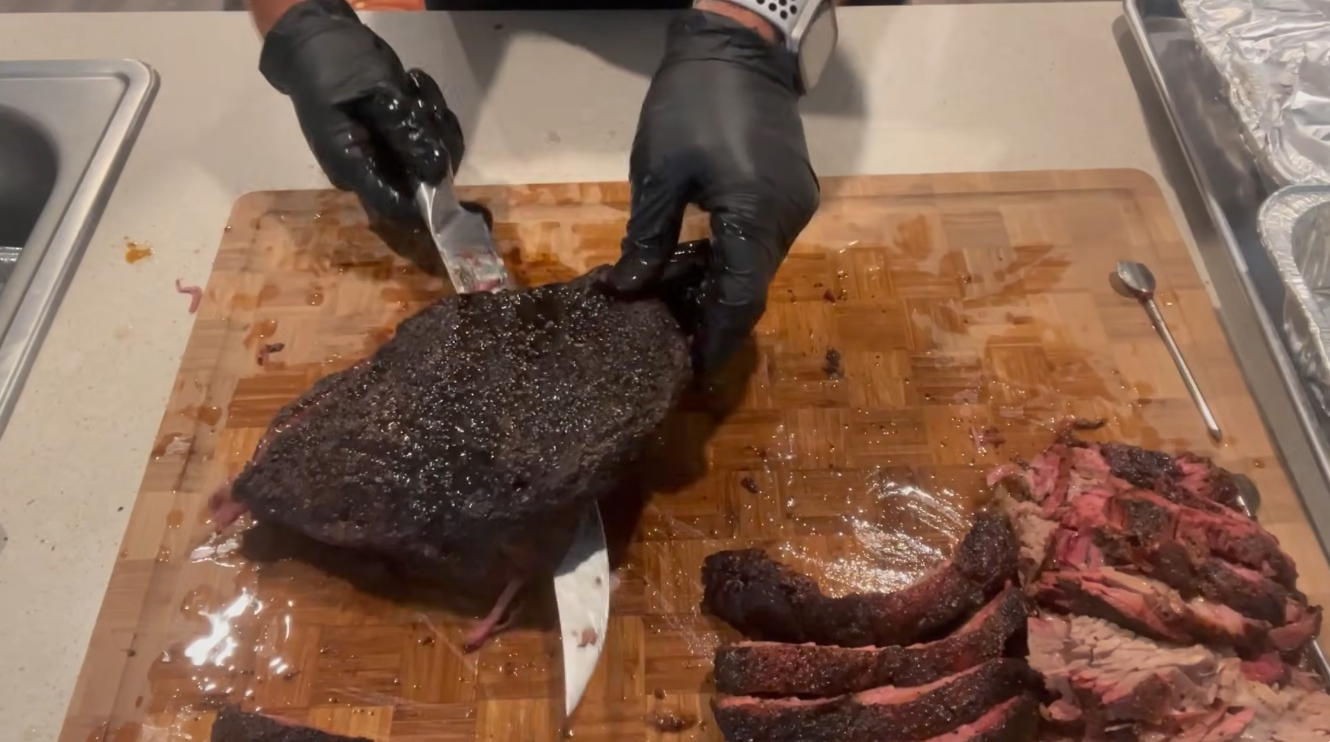
I am smoking a brisket as well speak and the ProS1 and Breezo are working perfectly. Temp has stayed a constant 203. We will know in 10hrs if is was worth it.
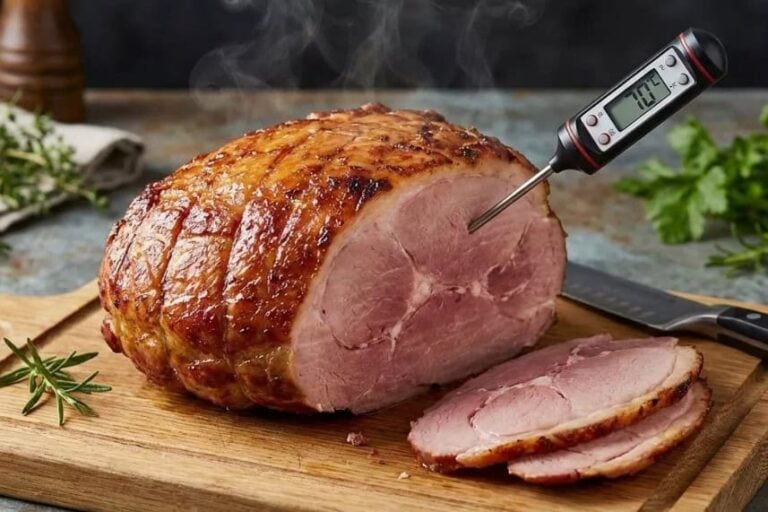
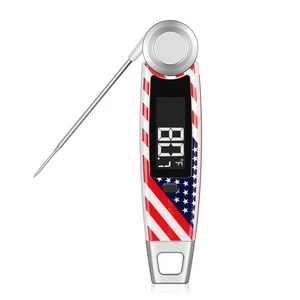
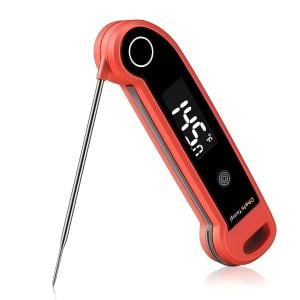
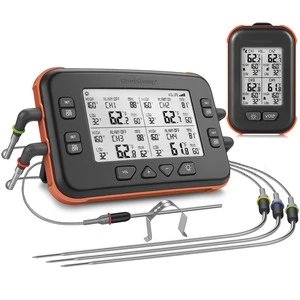
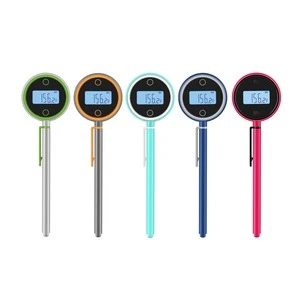
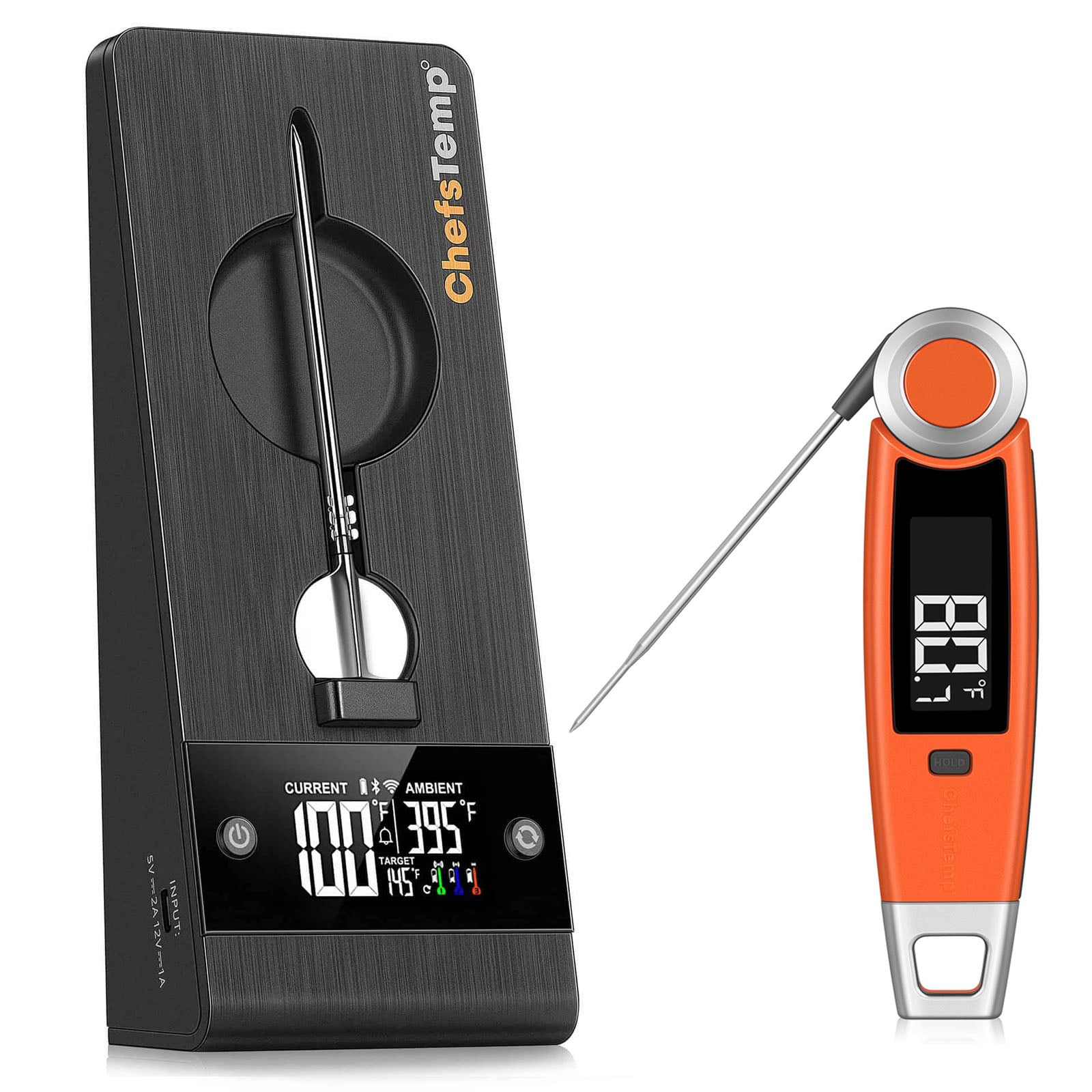
Recognized as a top choice for precision meat thermometers — perfect for turkey, BBQ, and everything in between.
AllRecipes
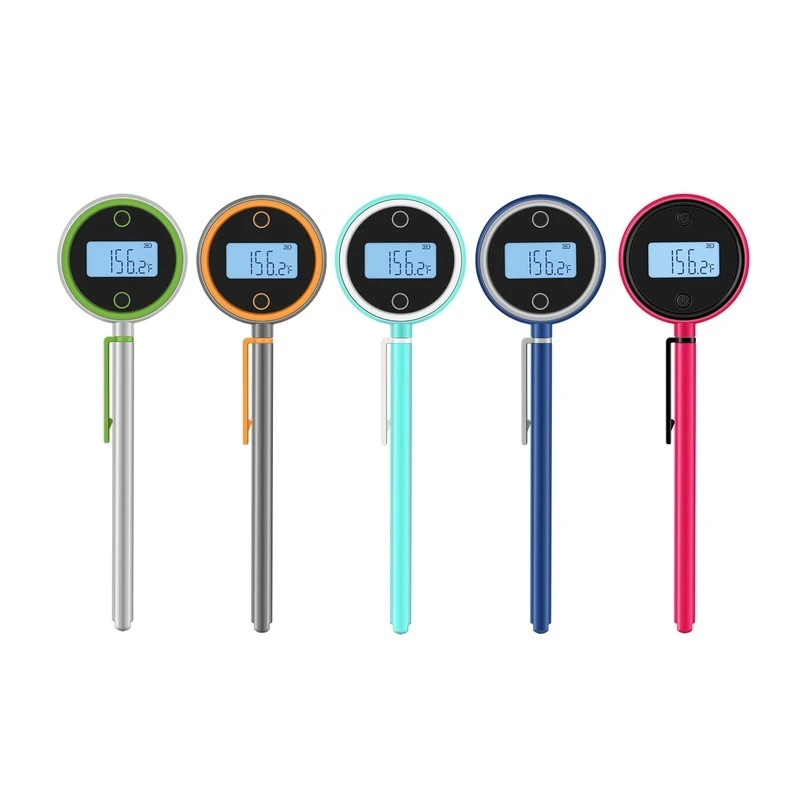
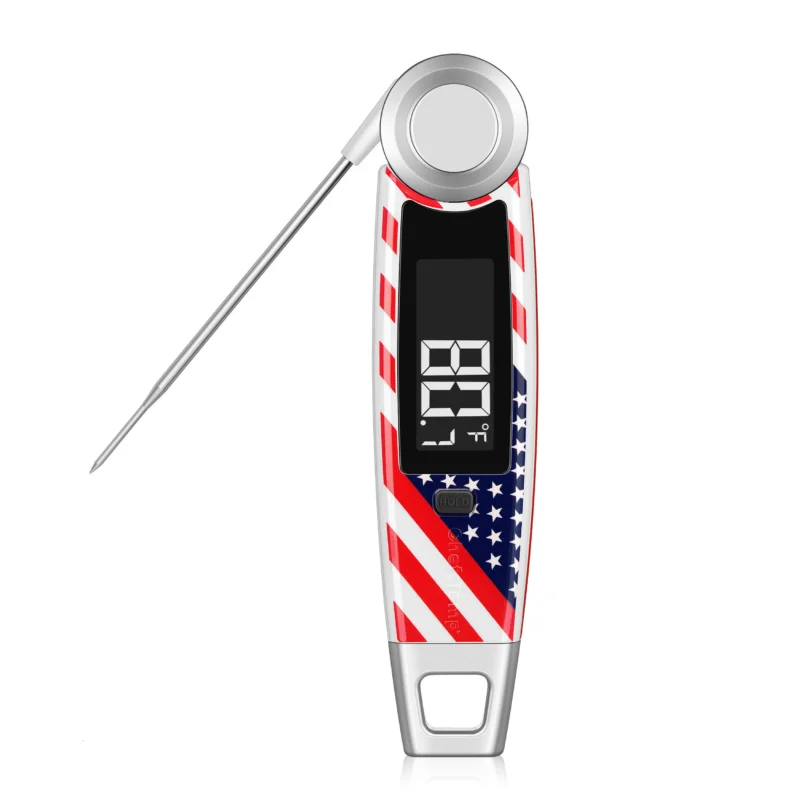
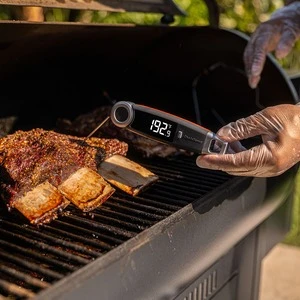
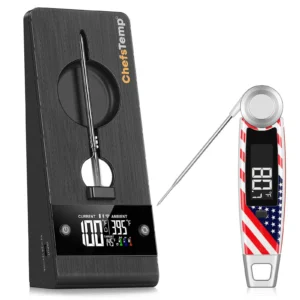
ChefsTemps's Finaltouch X10 delivers temperature results in under a second with a precision of 0.5°F, one of the fastest readings you'll find in a meat thermometer.




















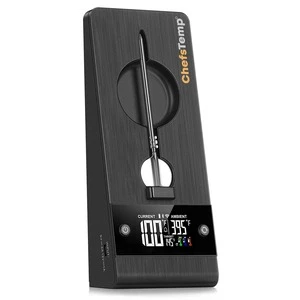
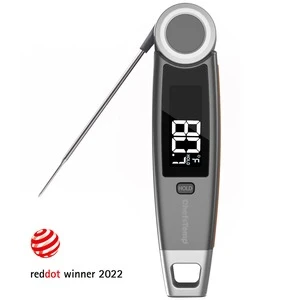
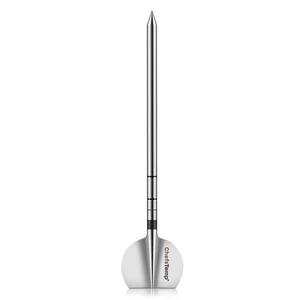
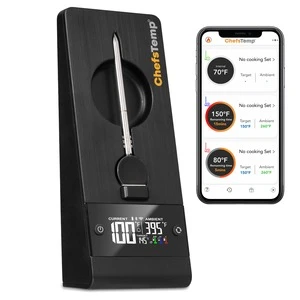
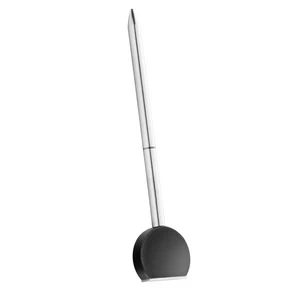
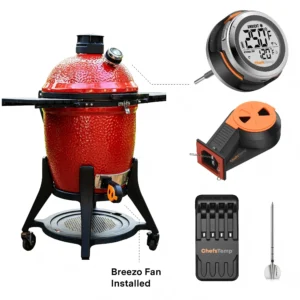
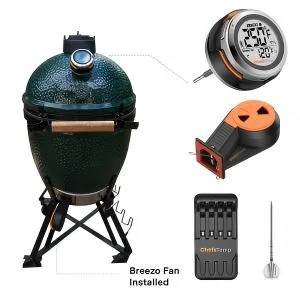
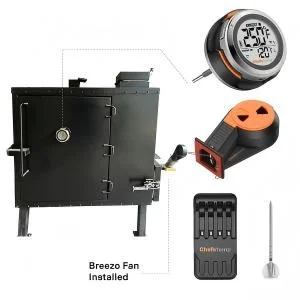















D4oaks –
This and the Chefs Temp thermometer to control it makes smoking meats so much easier. no adjusting the vents during the smoke. Amazingly precise. once I got the initial vent adjustment zeroed in the temp held exactly where i set it.
Joseph S. –
Used first time yesterday. Kept my ceramic grill at the correct temp for a 6 hr smoke for ribs.
Kindle Customer Pete McCullagh –
Working as advertised. Only issue is lack of mount for Akorn Kamado. I modified existing plate to fit.
Mike –
This works great and makes the Big Green Egg even better. If your looking for a temperature controller with fan for your komodo type grill this is the one to go with.
keith –
I am smoking a brisket as well speak and the ProS1 and Breezo are working perfectly. Temp has stayed a constant 203. We will know in 10hrs if is was worth it.
Steffanie Labrador –
Breezo fan works great for temp control on my smoker. Sturdy construction.