Q: Does the ProTemp S1 fit my XXX model grill or smoker?
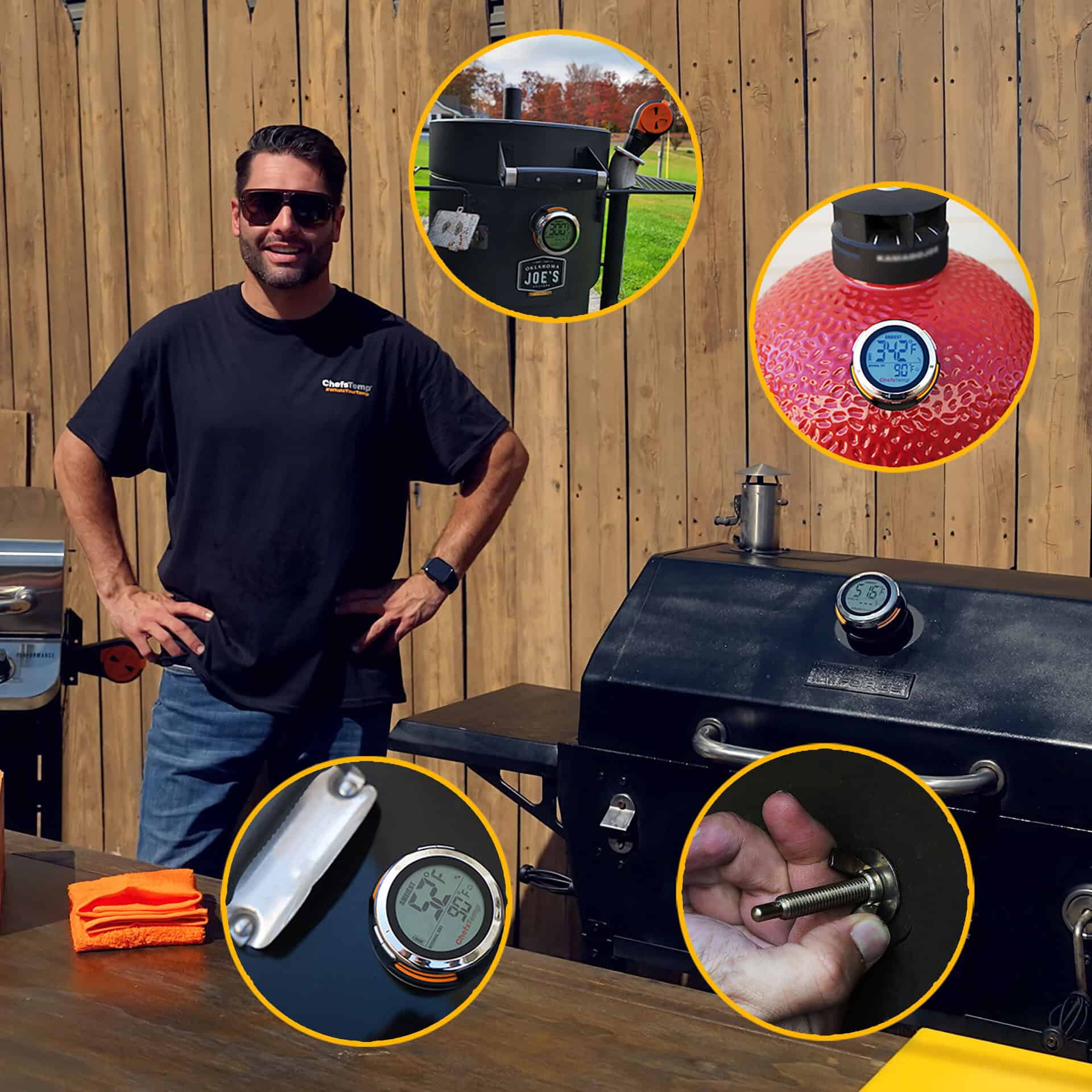
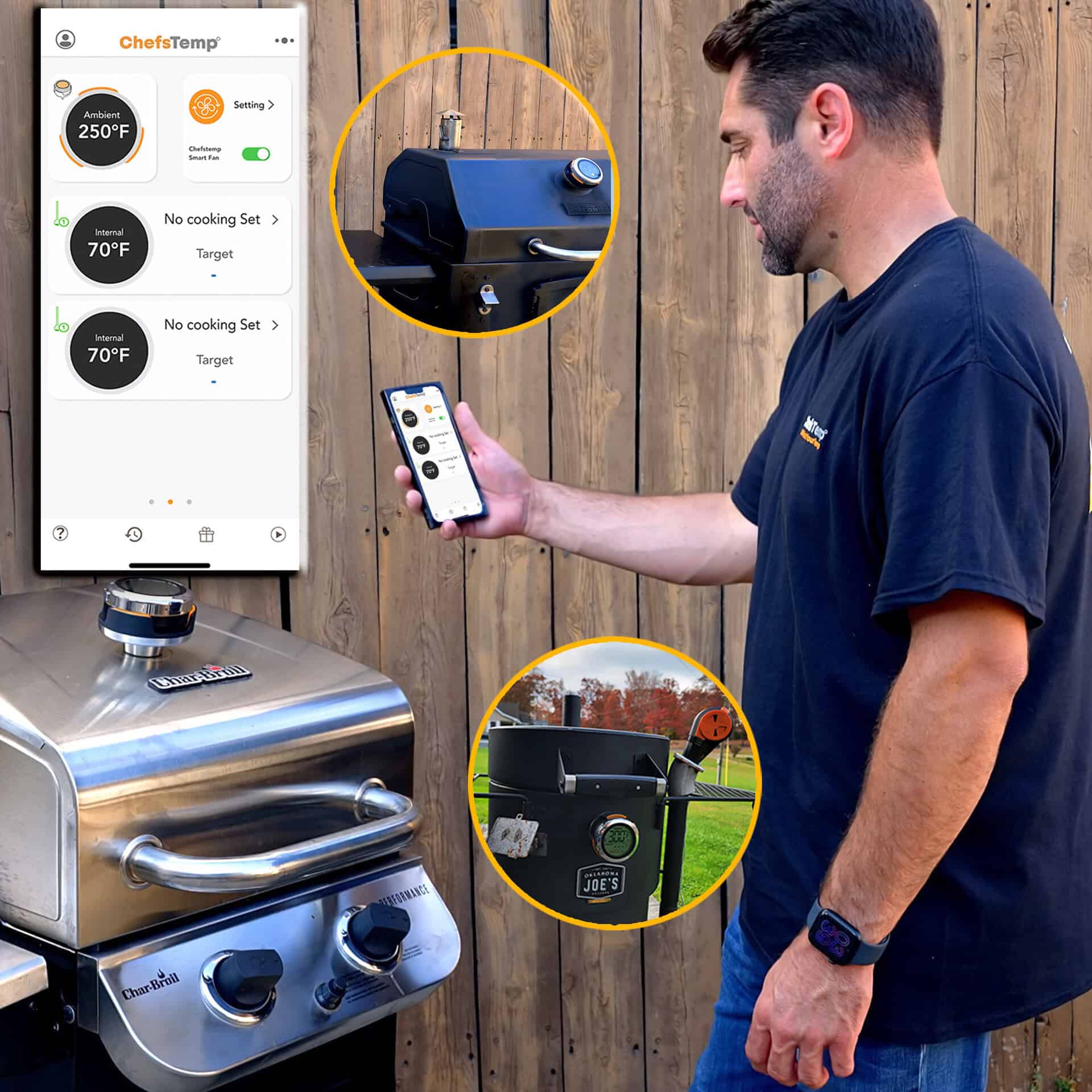
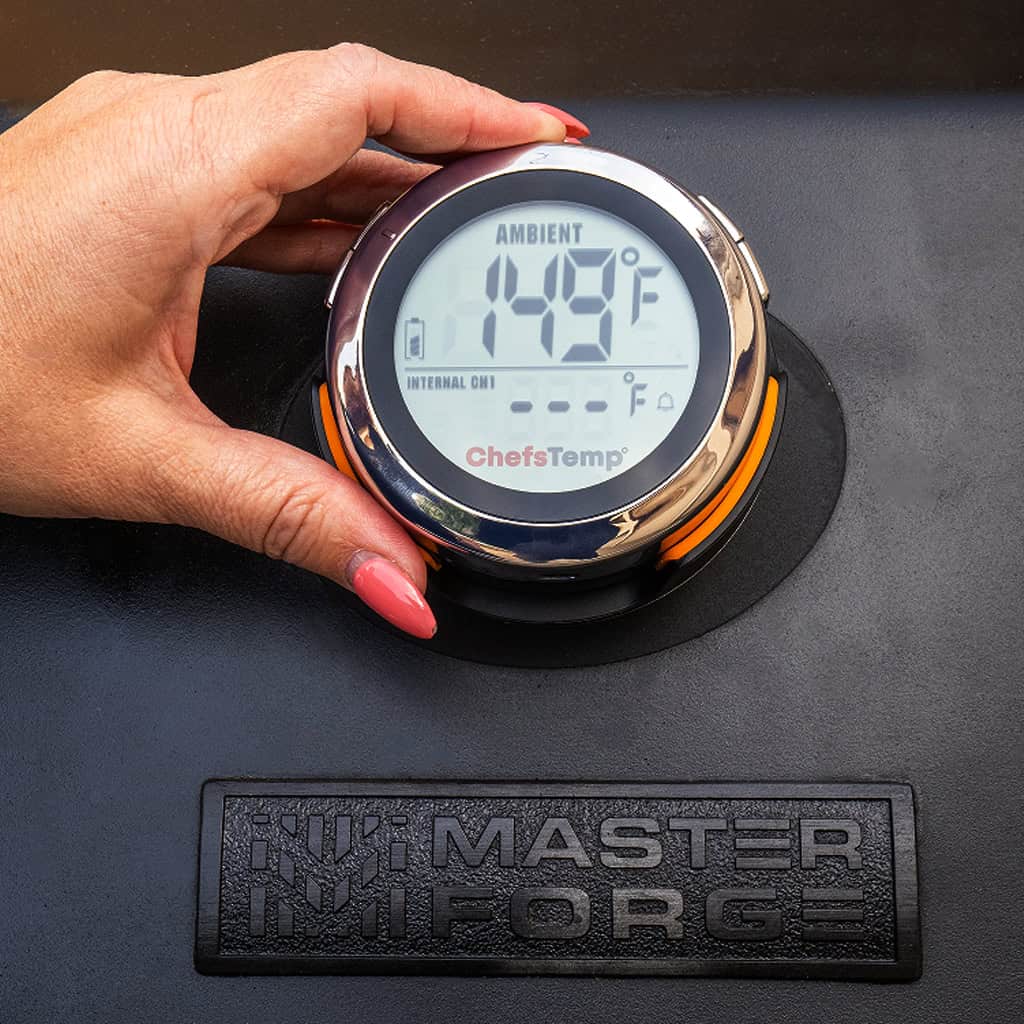
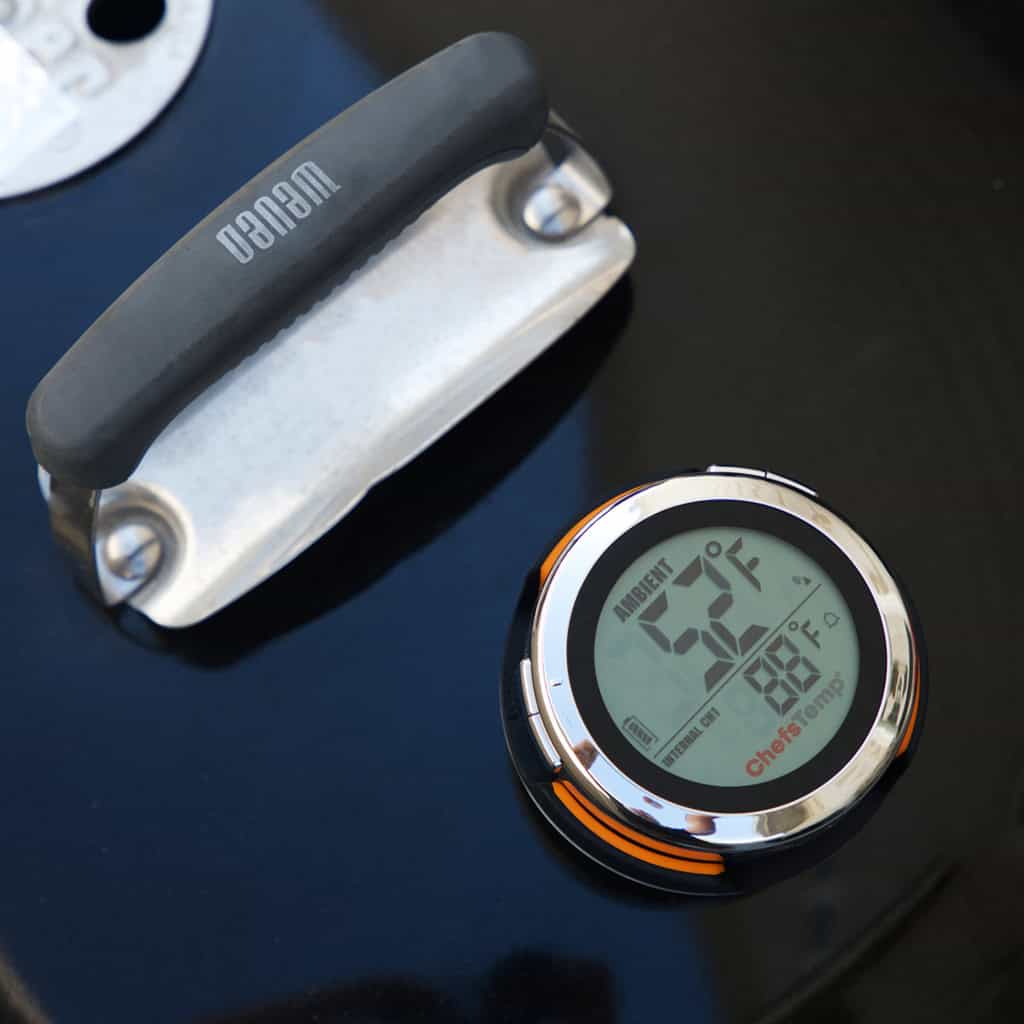
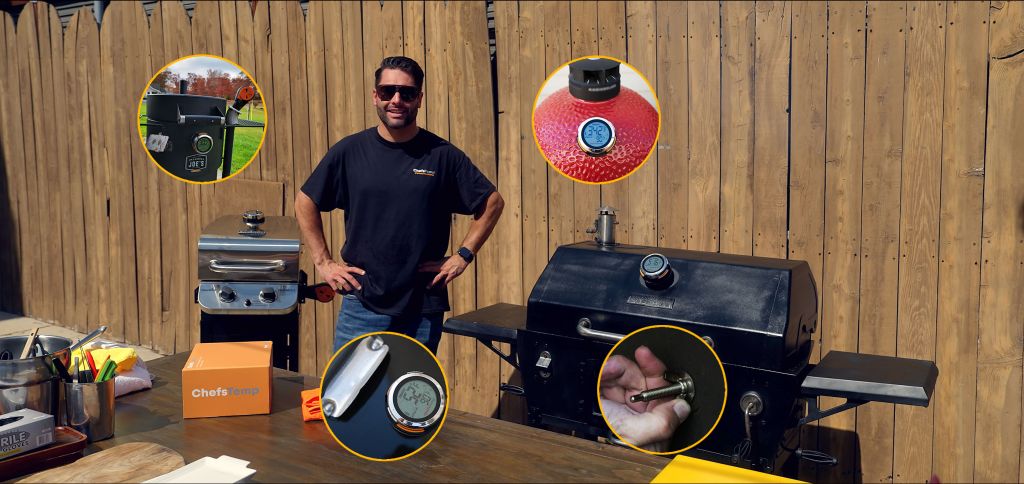
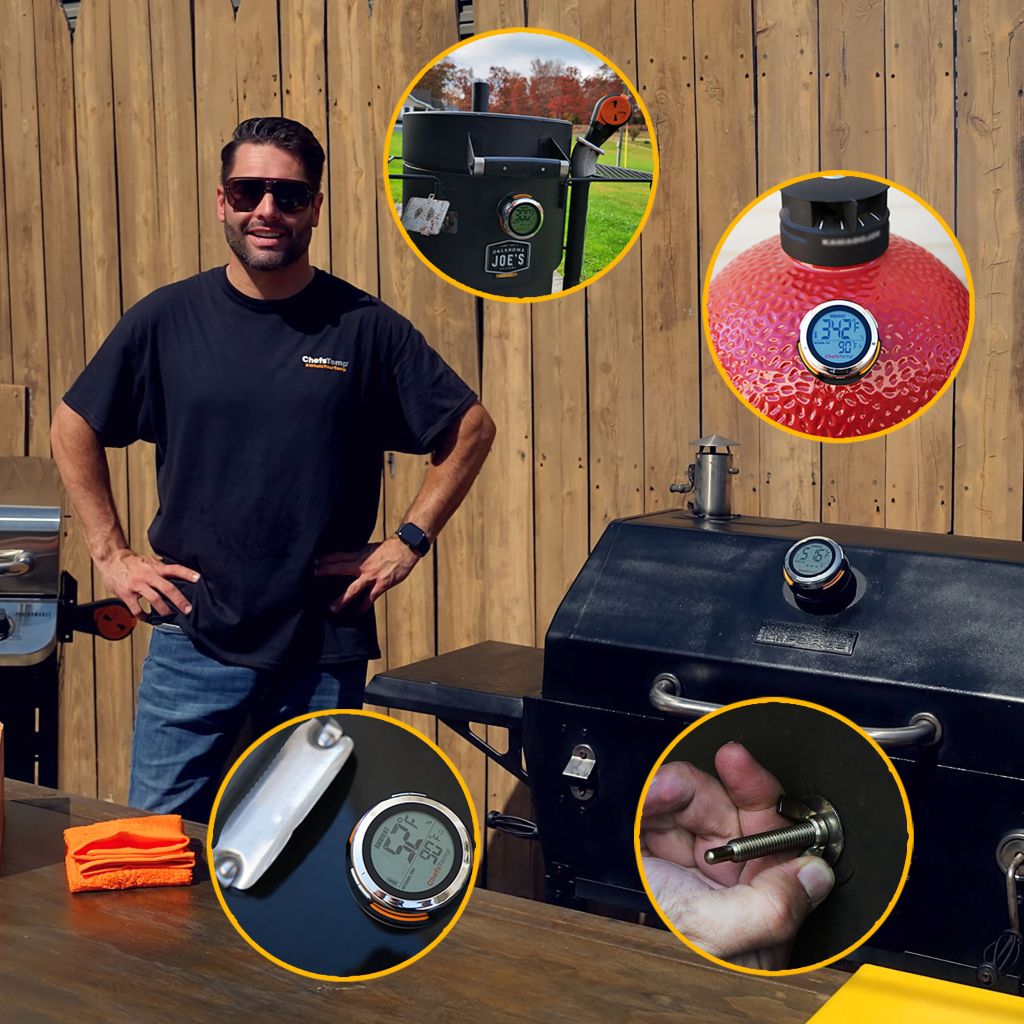
A: The ProTemp S1 is designed to fit almost all grills and smokers on the market. Simply remove your existing gauge thermometer and replace it with the S1, or drill a new hole if needed(do not drill ceramic).
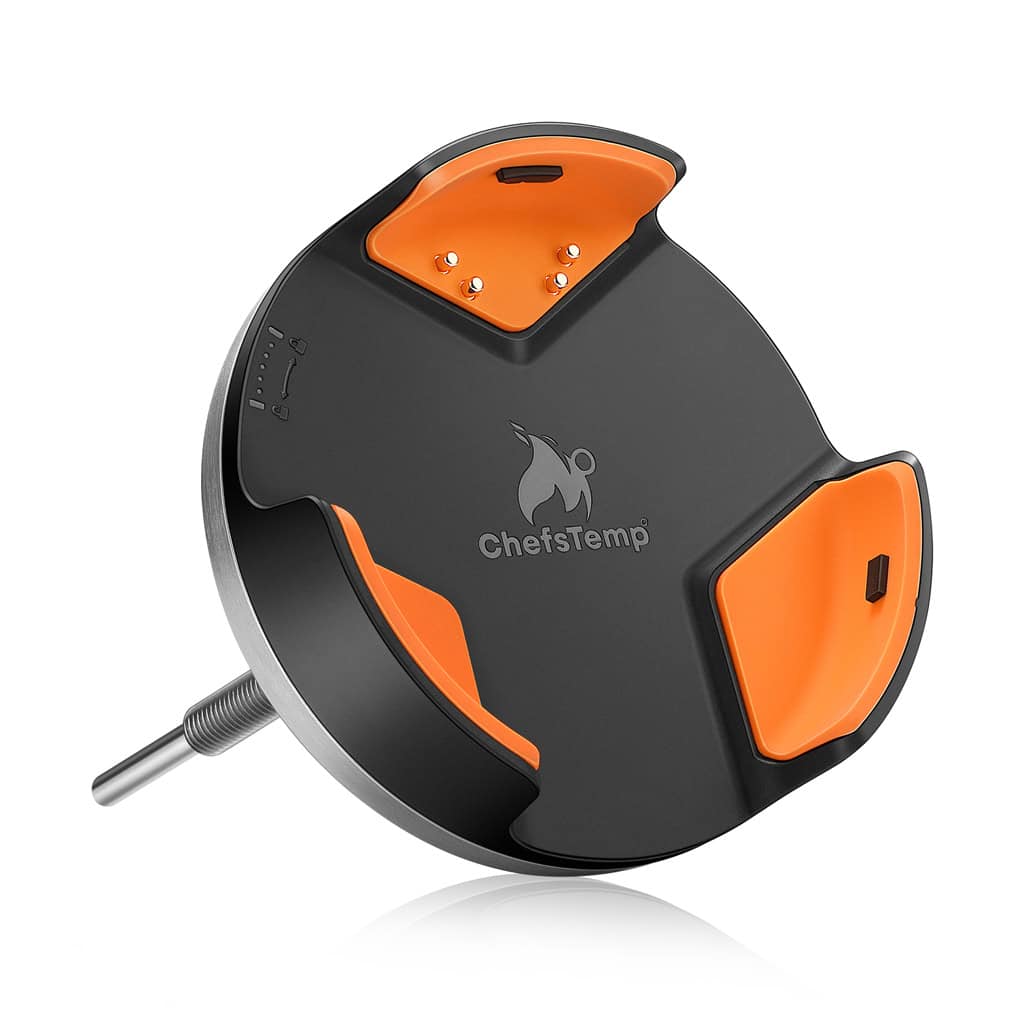
There are 4 different variants of the ProTemp S1.
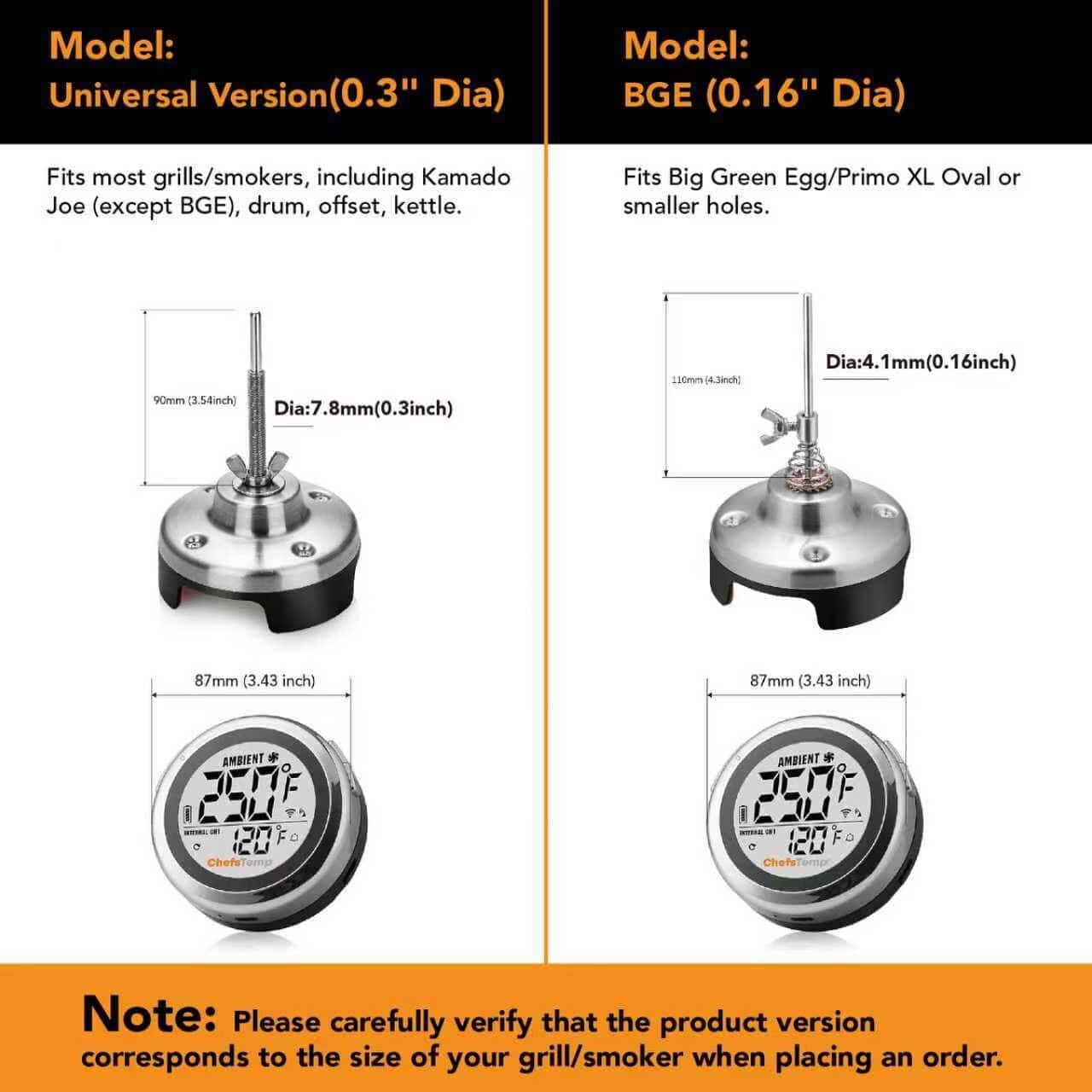
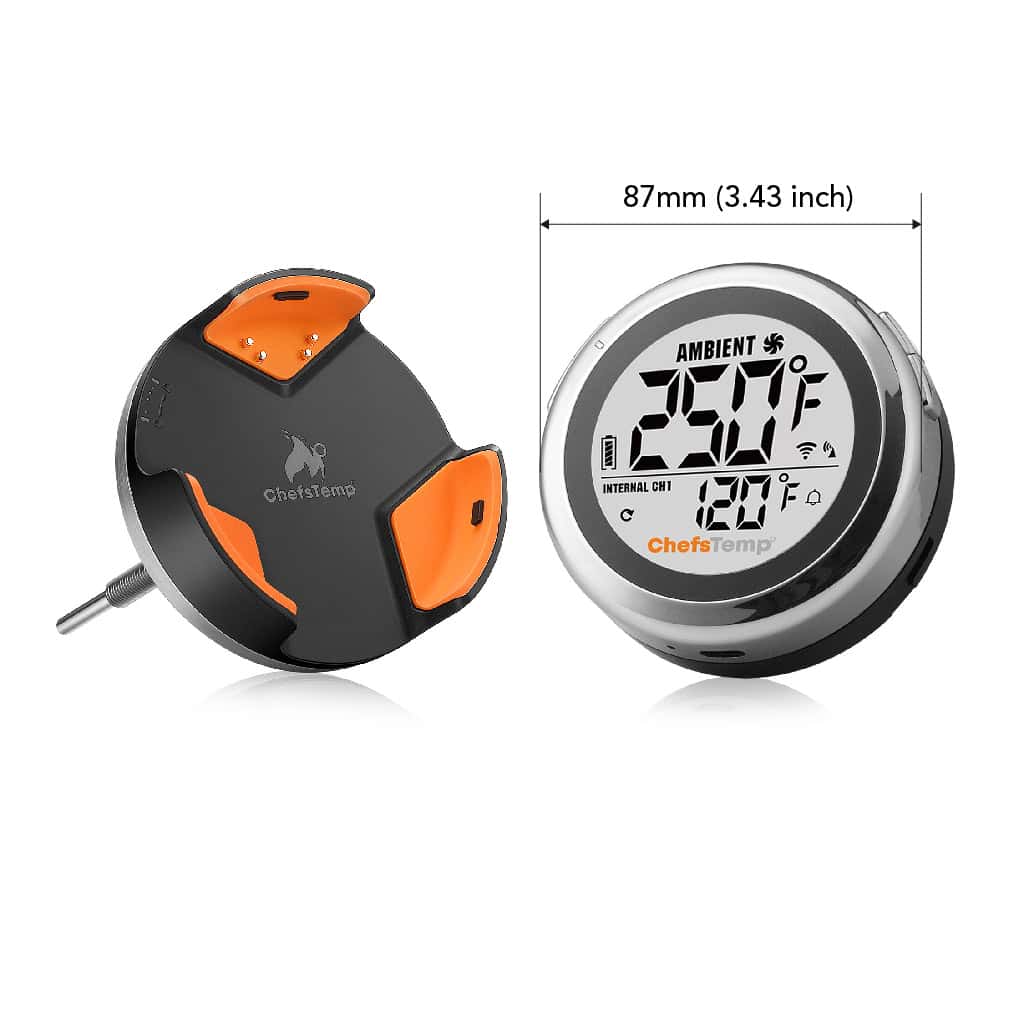
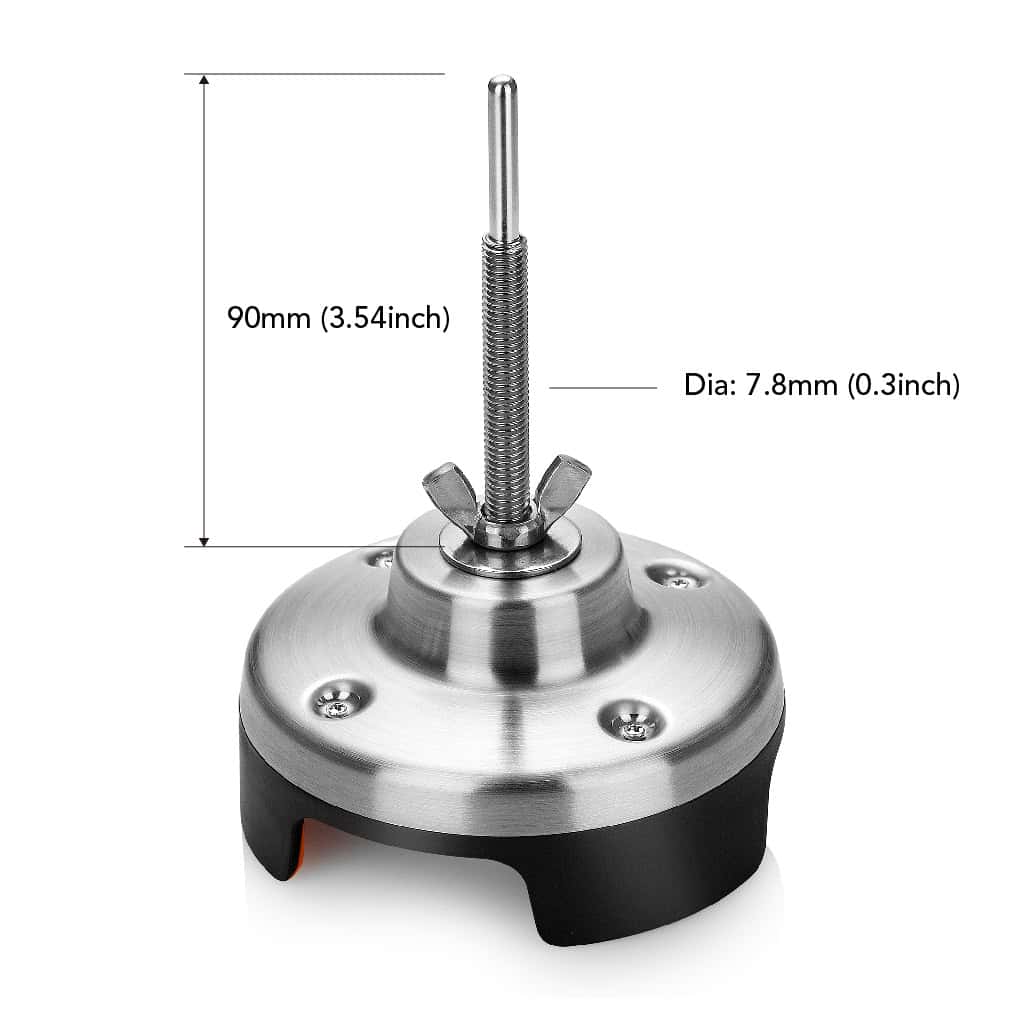
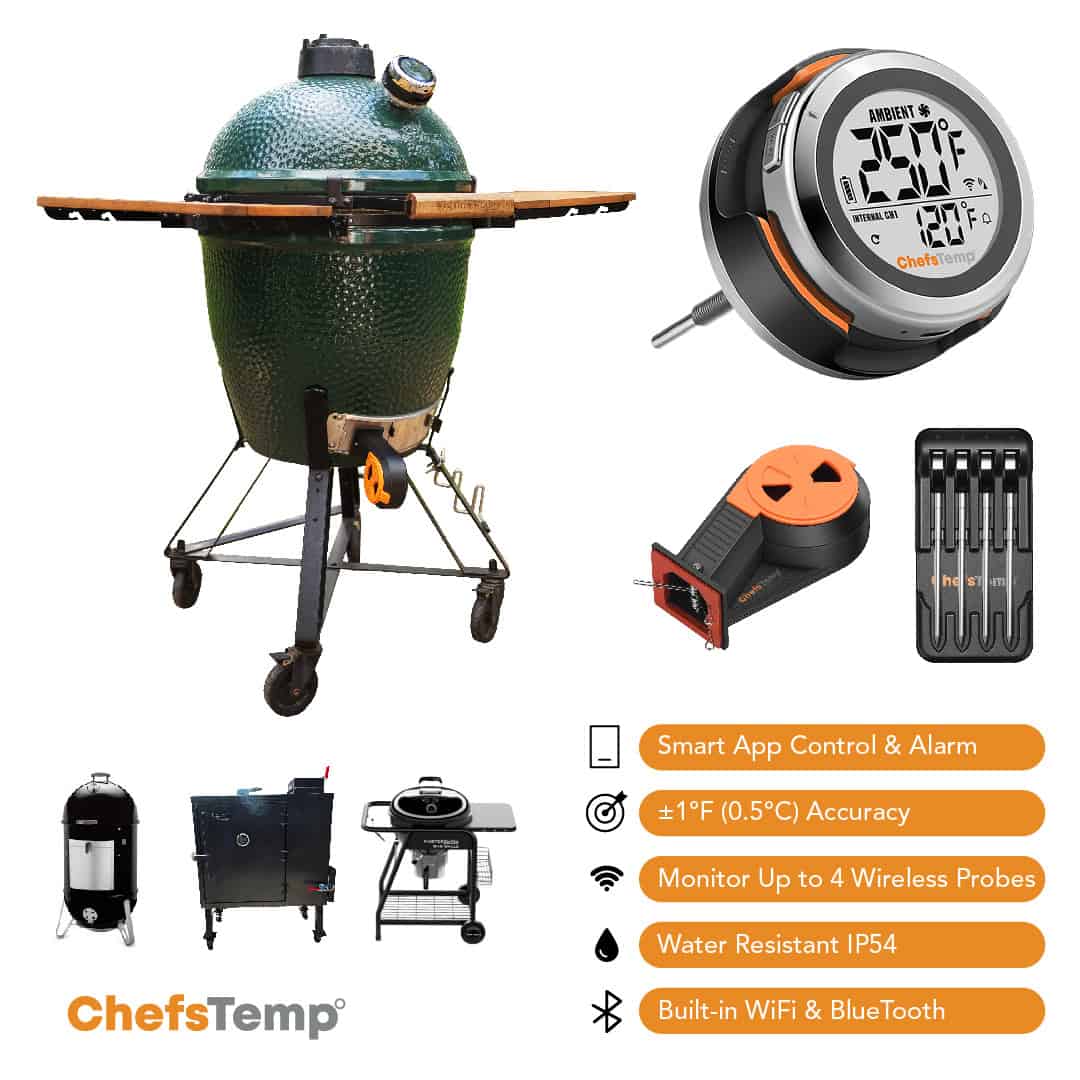
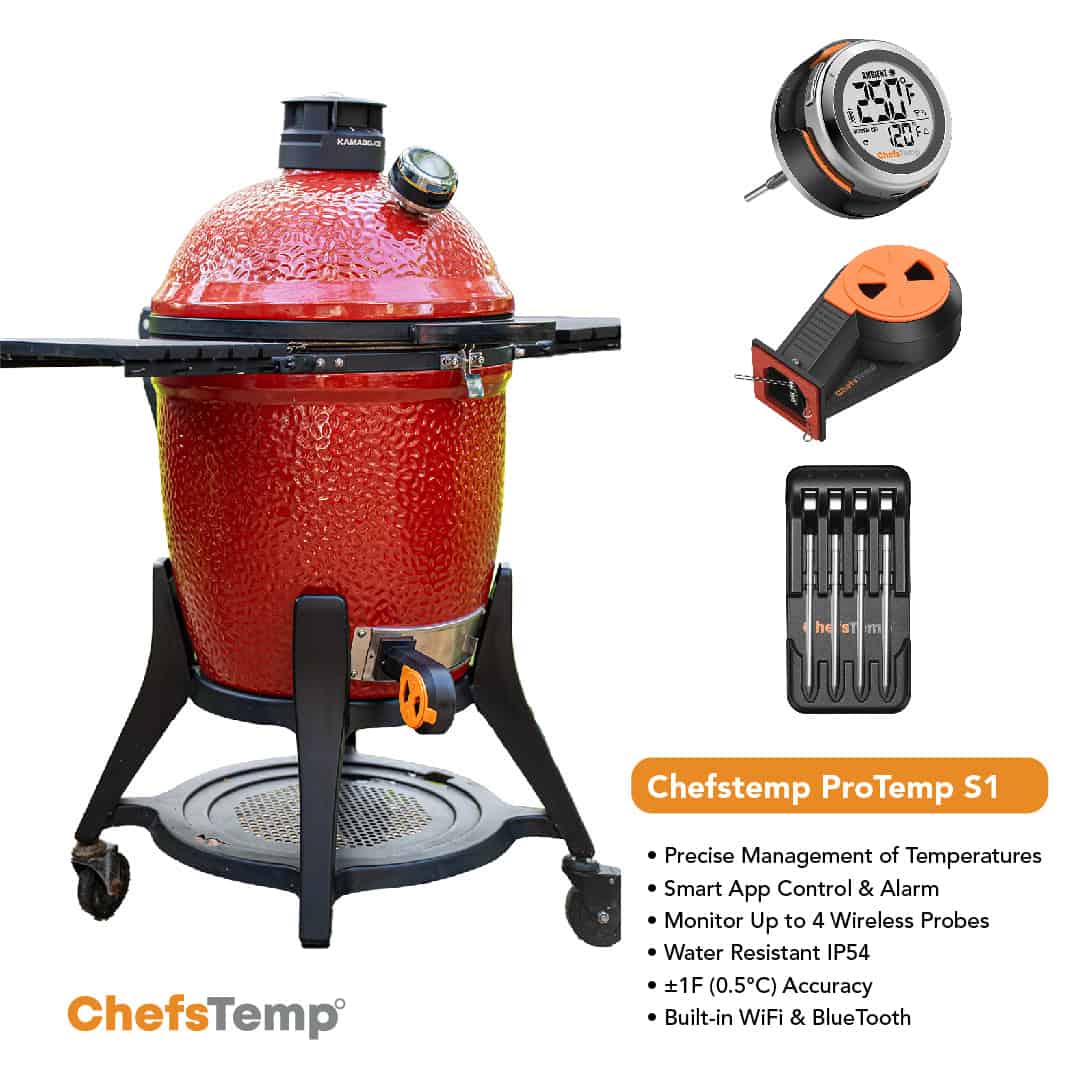
Universal Version: This model has a base stem diameter of 7.8 mm (0.3 inches) and is compatible with most grills and smokers, including Weber, Kamado Joe (except Big Green Egg), drum, offset, and kettle grills. It’s ideal if your grill’s gauge hole is approximately 0.3 inches or larger.
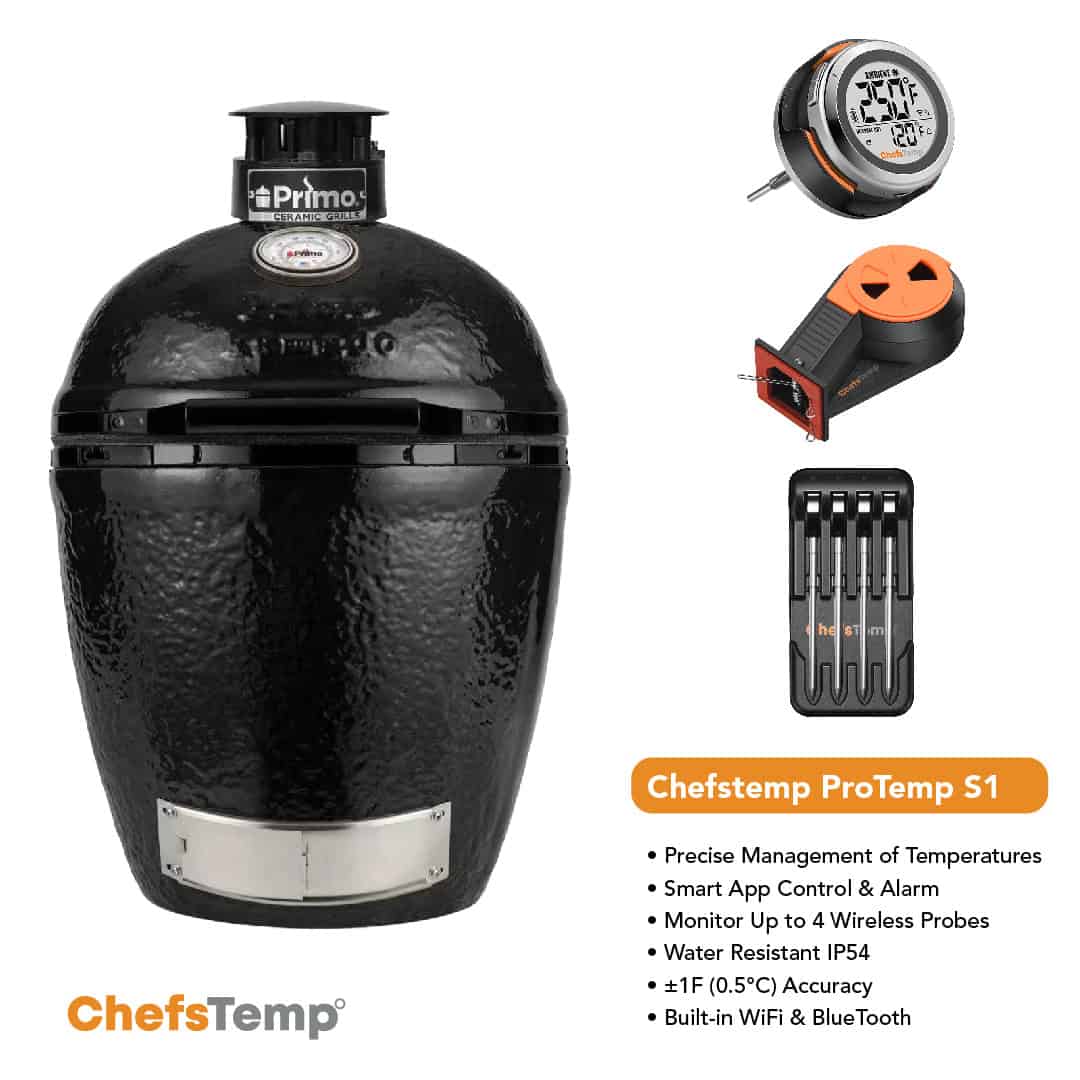
BGE Version: Designed specifically for Big Green Egg grills or other grills with smaller gauge holes like Primo Oval XL, this version has a thinner base stem diameter of 4.1 mm (0.16 inches). It’s perfect for Big Green Egg, Primo Oval XL, or similar grills with smaller ports (For the Primo XL series, since the thermometer hole diameter may vary depending on the production year, it is recommended to measure the diameter of the thermometer hole before purchasing the ProTemp S1).
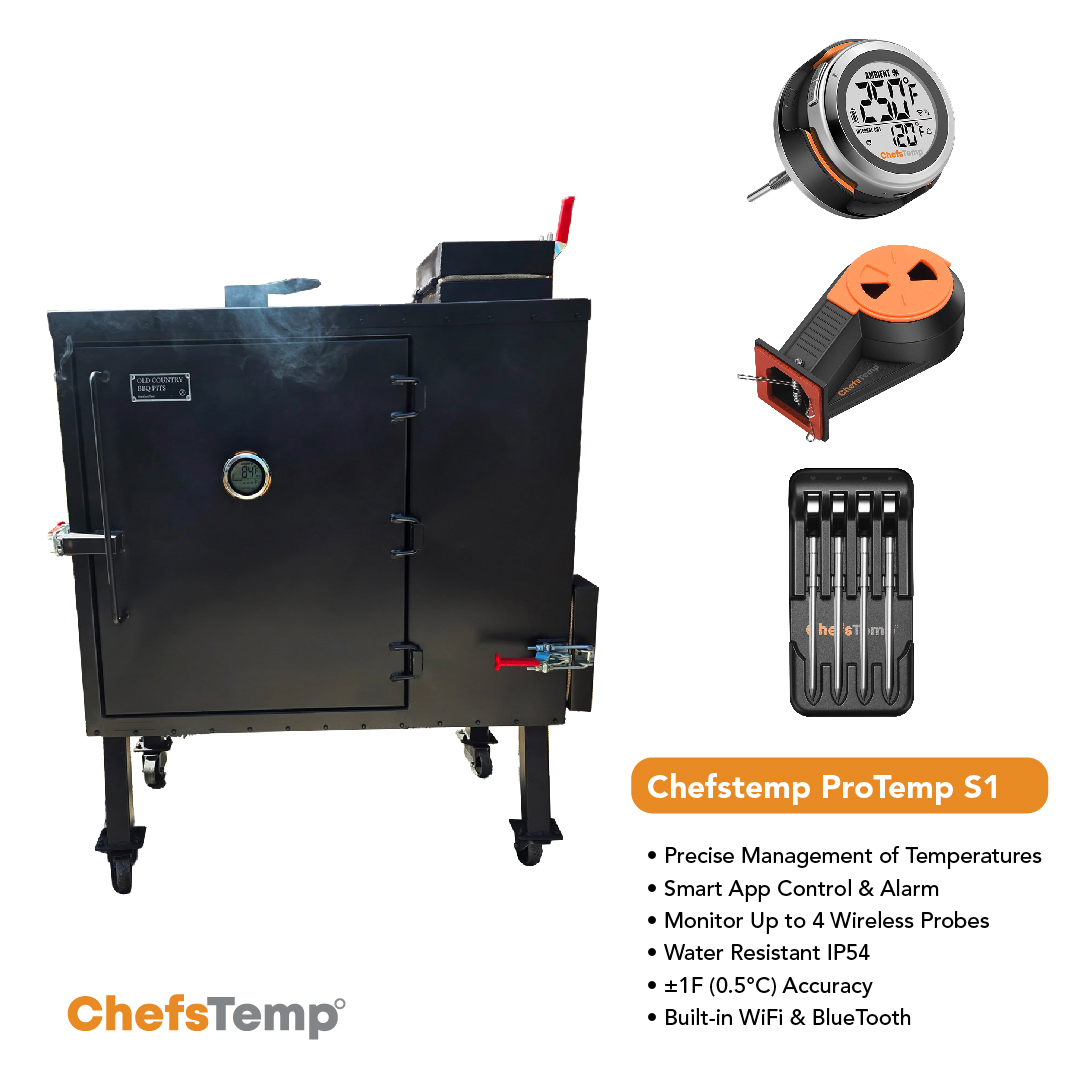
5.5” Special Edition: Its base stem diameter is the same as the Universal Version, at 7.8 mm (0.3 inches), but its stem length is longer, at 5.5 inches, making it suitable for devices where the thermometer is farther from the food, like Old Country Gravity Fed smoker.
1.5″ Short Stem Edition: Retaining the same base stem diameter as the Universal Version, at 7.8 mm (0.3 inches). This model features a shorter 1.5-inch stem. The reduced length ensures better compatibility with grills requiring limited internal clearance, preventing interference with lid operation. It’s particularly well-suited for certain gas grills, such as the Weber Genesis and Napoleon Prestige PRO series.
We recommend measuring the gauge hole on your grill to ensure the perfect fit before choosing a version.
Q: Does the ProTemp S1 include the temperature fan or wireless probe?
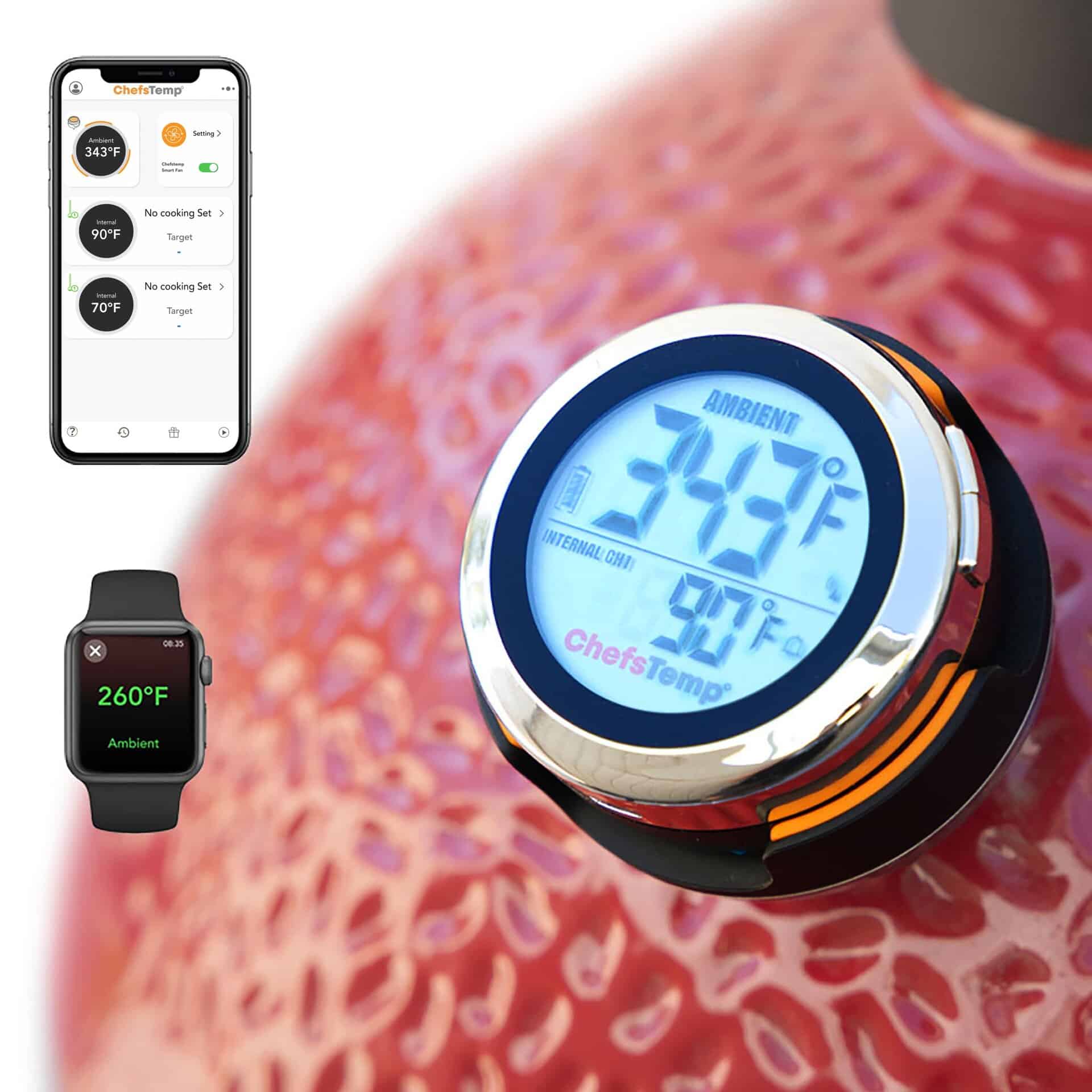
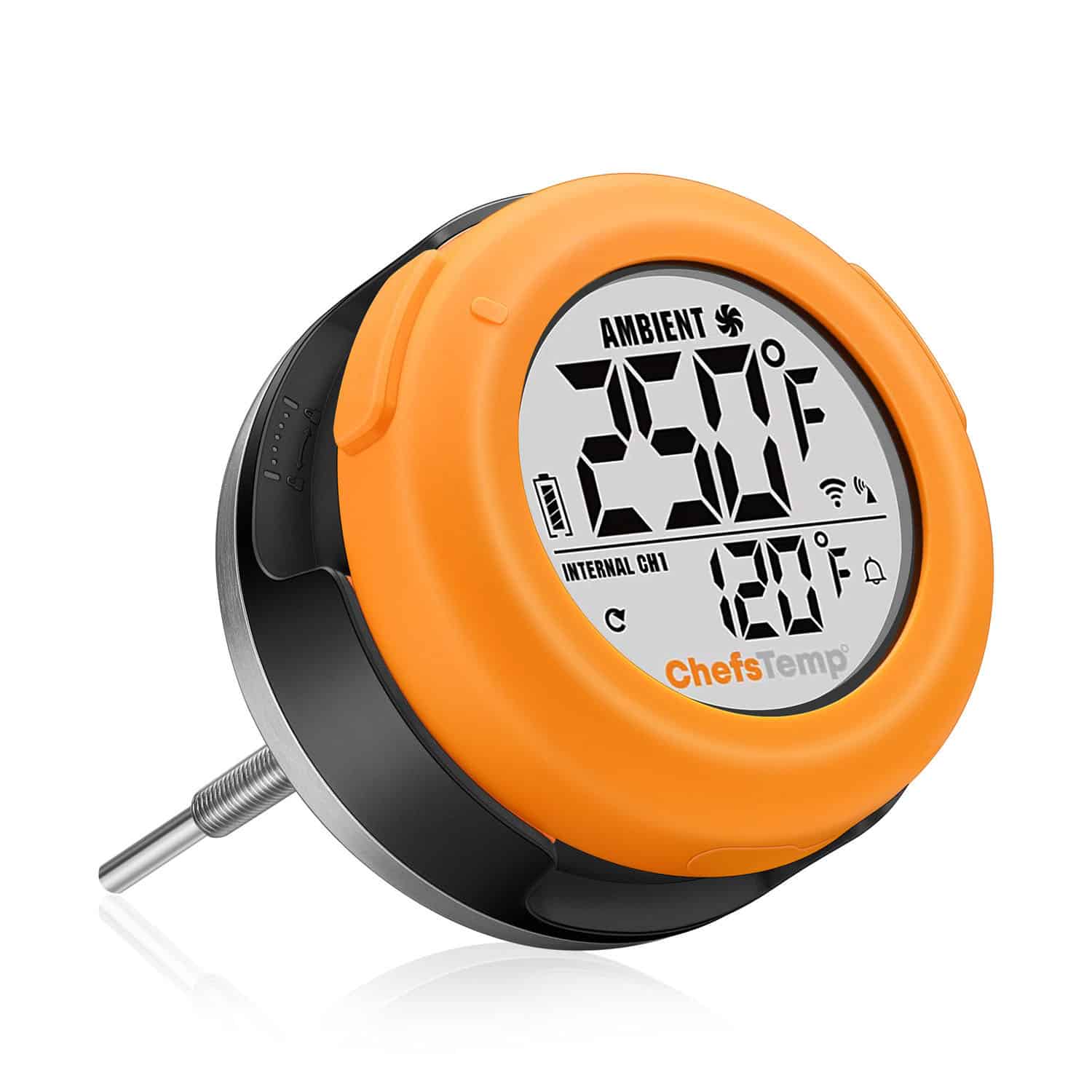
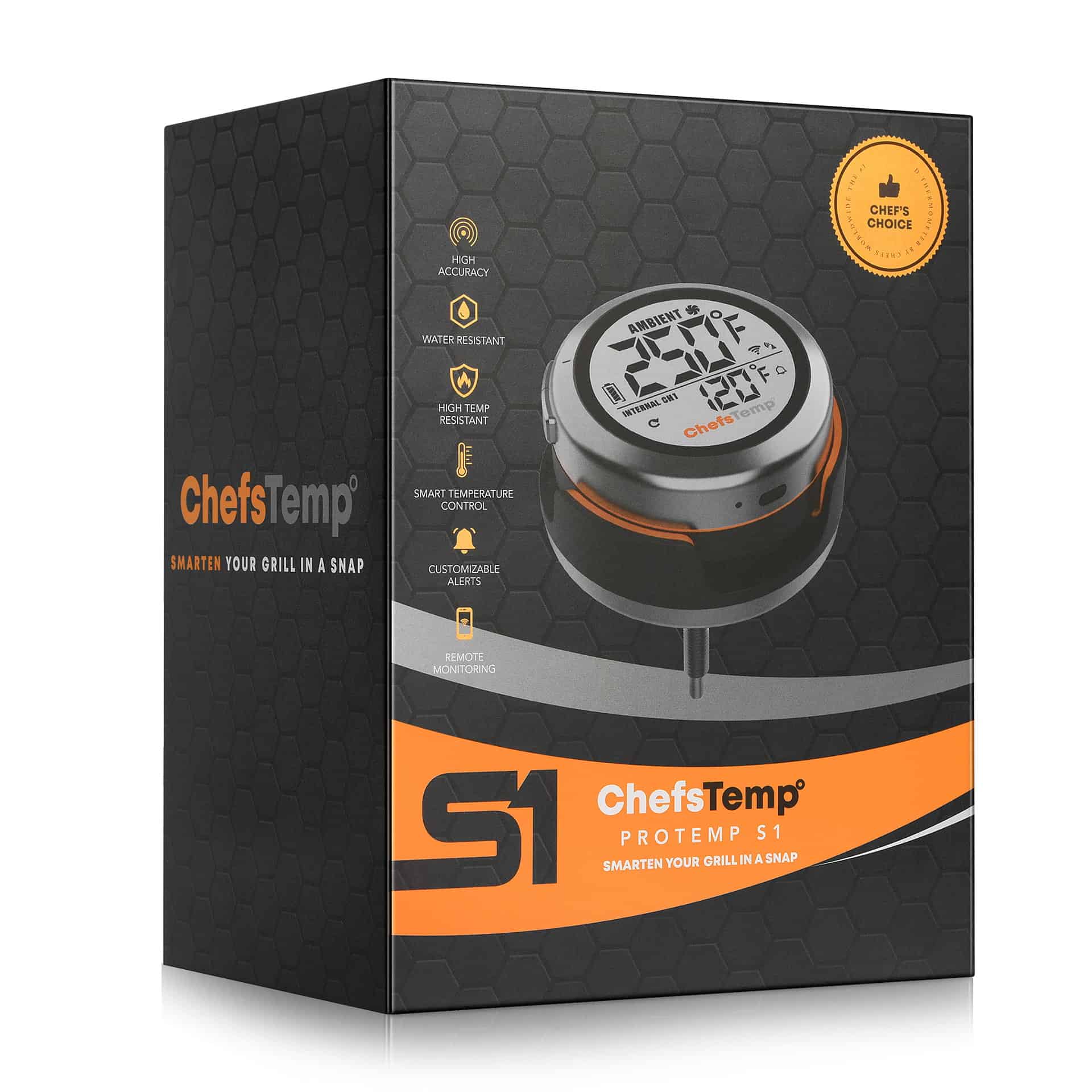
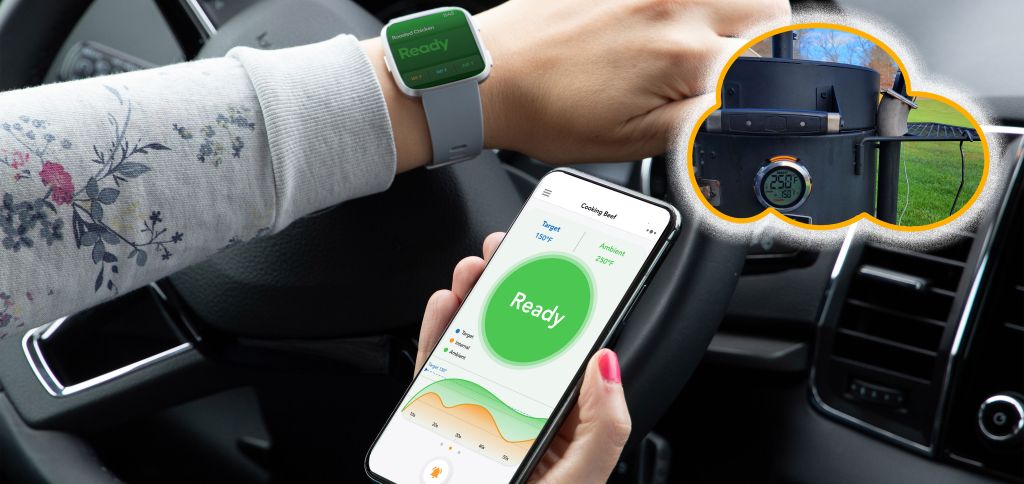
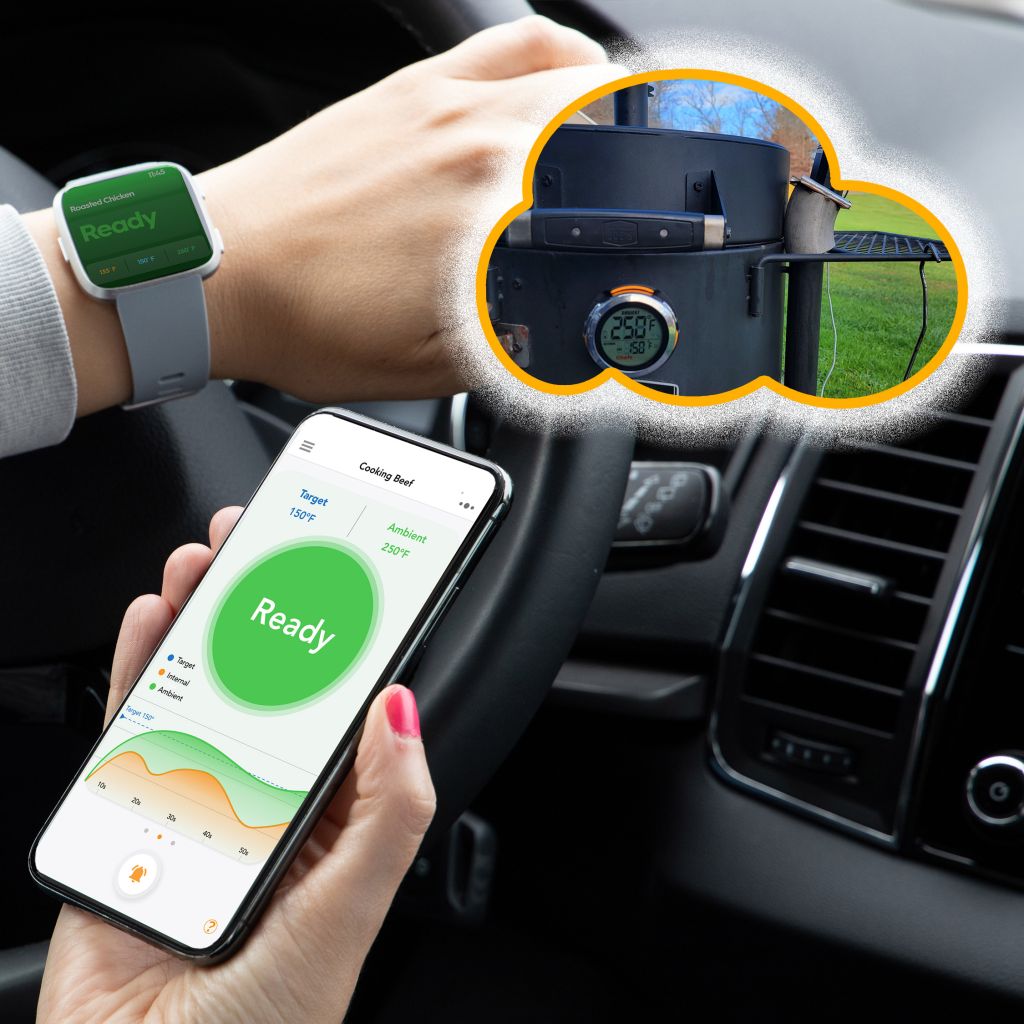
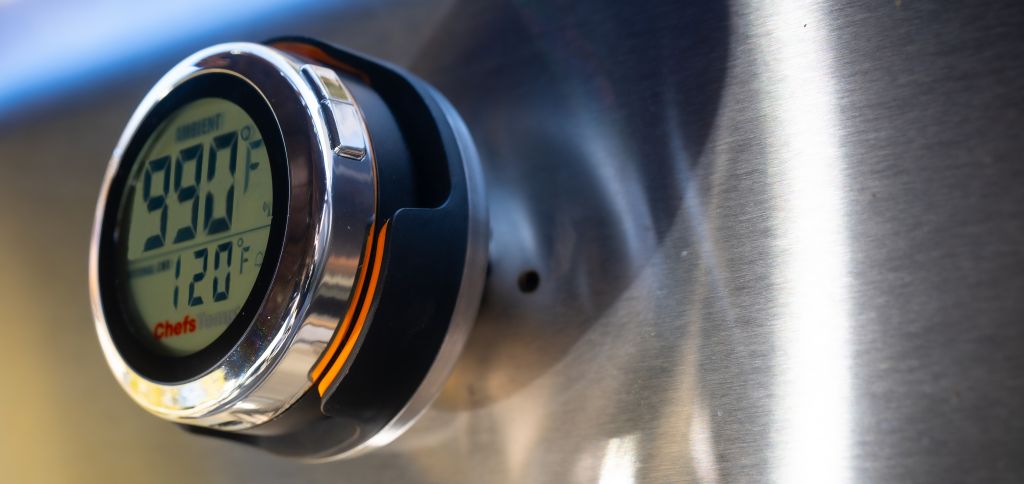
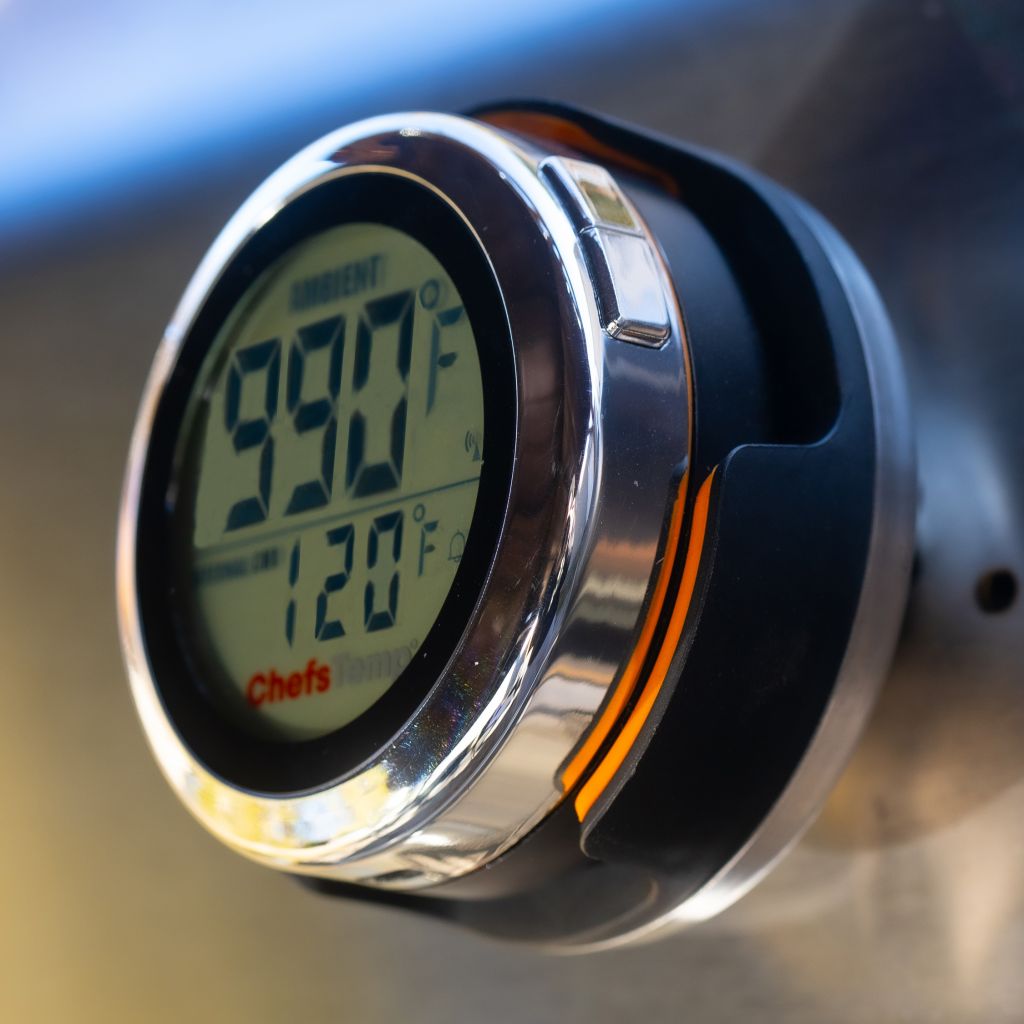
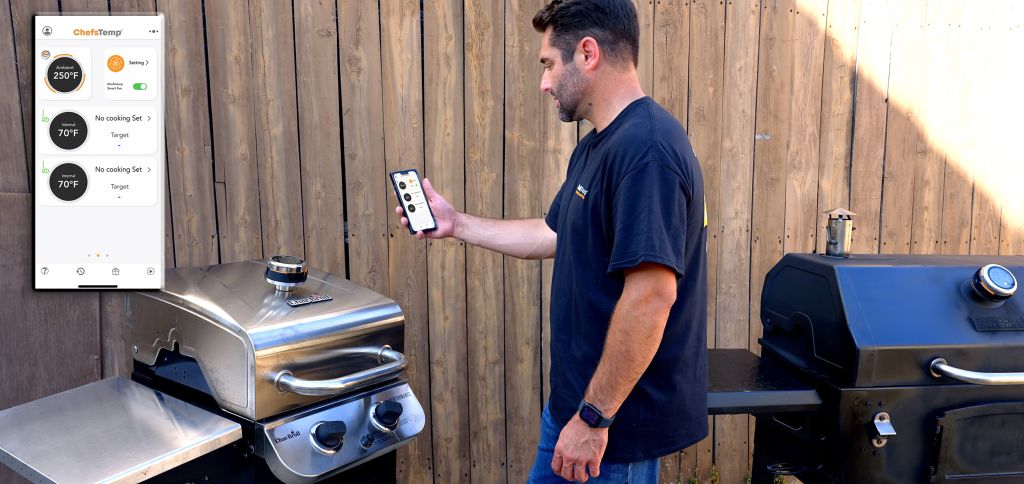
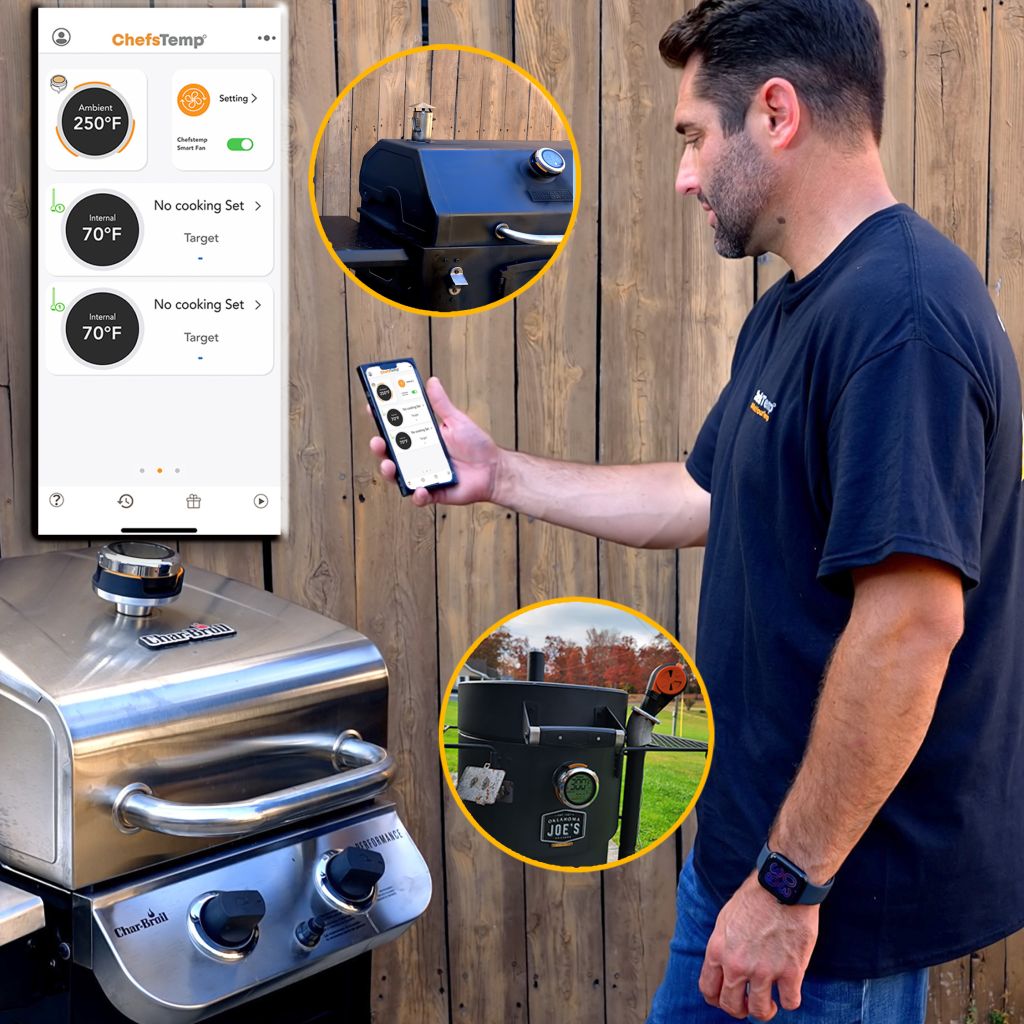
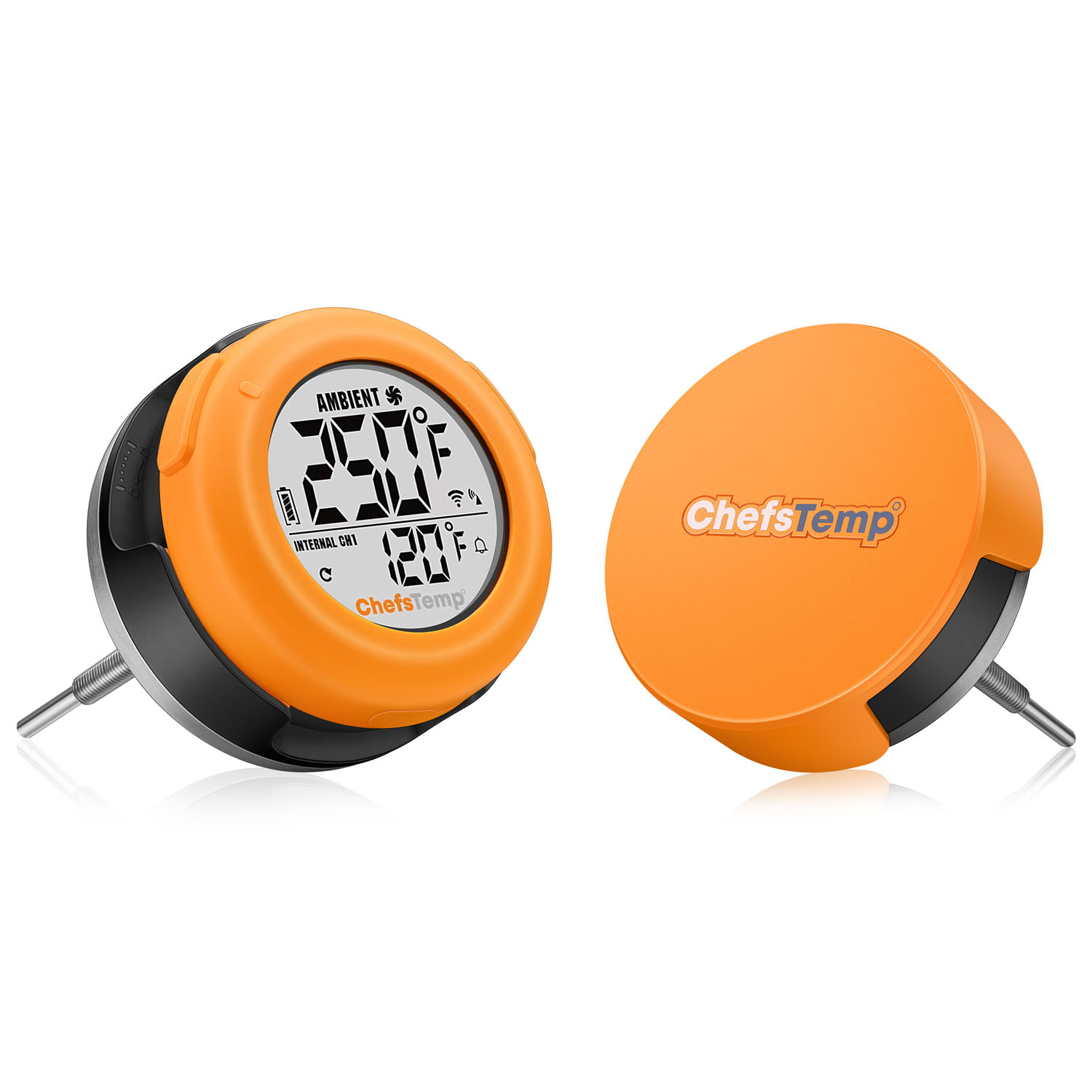
A: No, the ProTemp S1, priced at $99.99 USD, does not include the wireless probe or Breezo Fan. The ProTemp S1 is a smart, accurate, digital grill thermometer hub that works with an app to remotely monitor your grill’s temperature and set high and low-temperature alerts.
Q: Can I buy one ProTemp S1 and an additional base unit to use the main display unit with both?
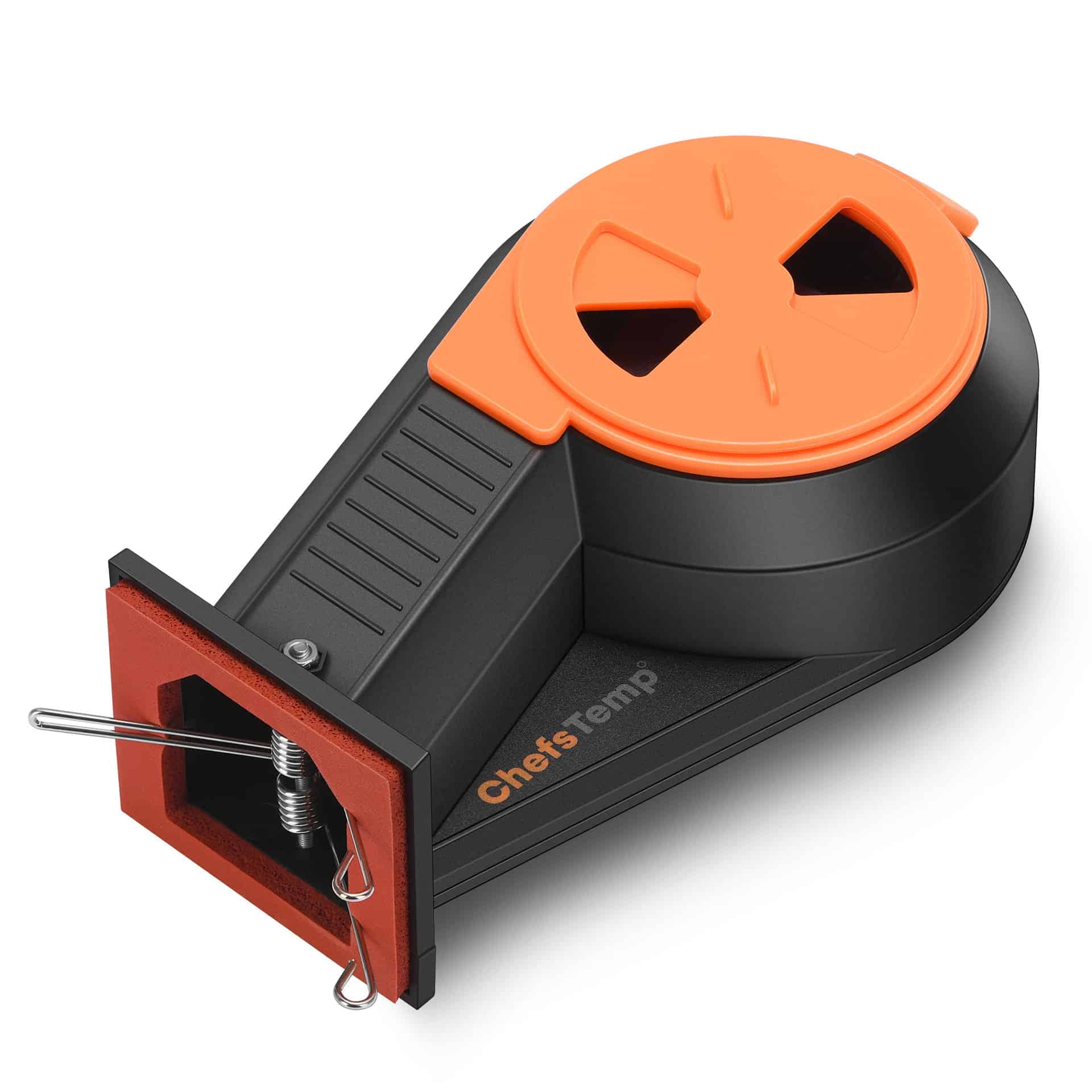
A: Yes, this is one of our best features! You can use one main display unit to mount with different base units. If you have a large grill and want to mount the base units in different locations, this feature helps you save money.
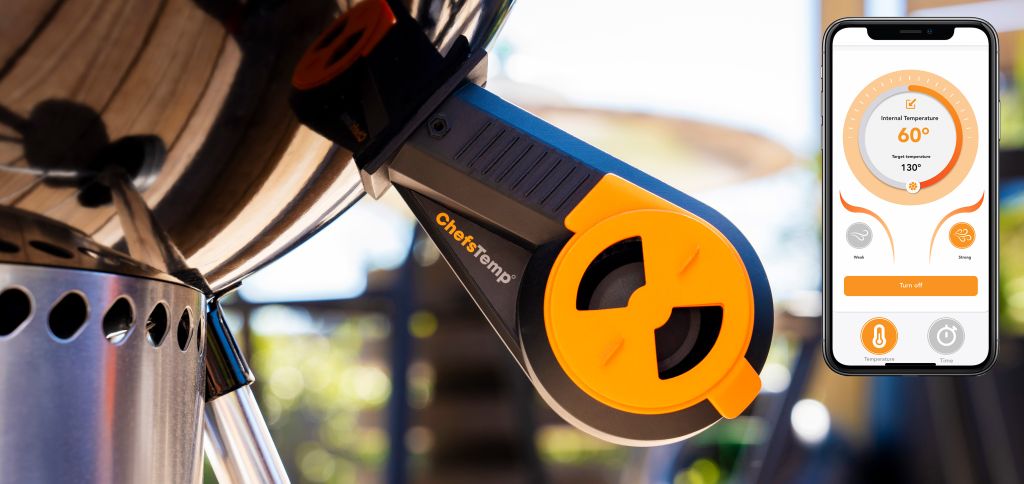
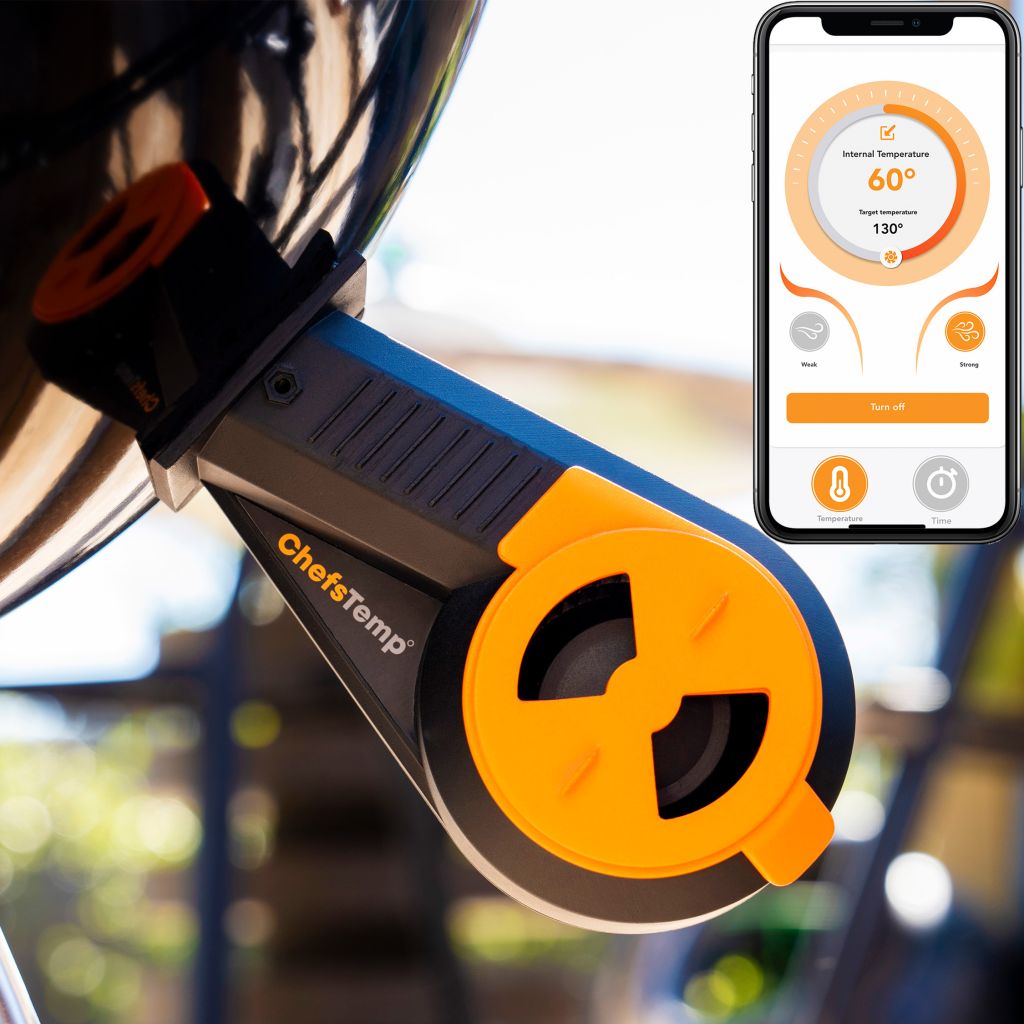
Q: Why do I need the Breezo Fan? I have a pellet grill or gas grill. Do I need the Breezo Fan?
A: The Breezo Fan is specifically designed for charcoal grills. If you are using a pellet or gas grill, you likely don’t need it. The temperature-controlling fan works by automatically managing air intake, saving you the time and effort of adjusting it frequently. Additionally, it helps maintain a steadier ambient temperature and keeps it closer to your target temperature
Q: Why do I need this gadget if I’m already a pitmaster and skilled at temperature and fire management?
A: It saves time and effort, letting you focus on other tasks. Even experts can go from good to great with consistent, hassle-free temperature control.
Q: Can I buy several ProTemp S1 units and monitor them with the same app?
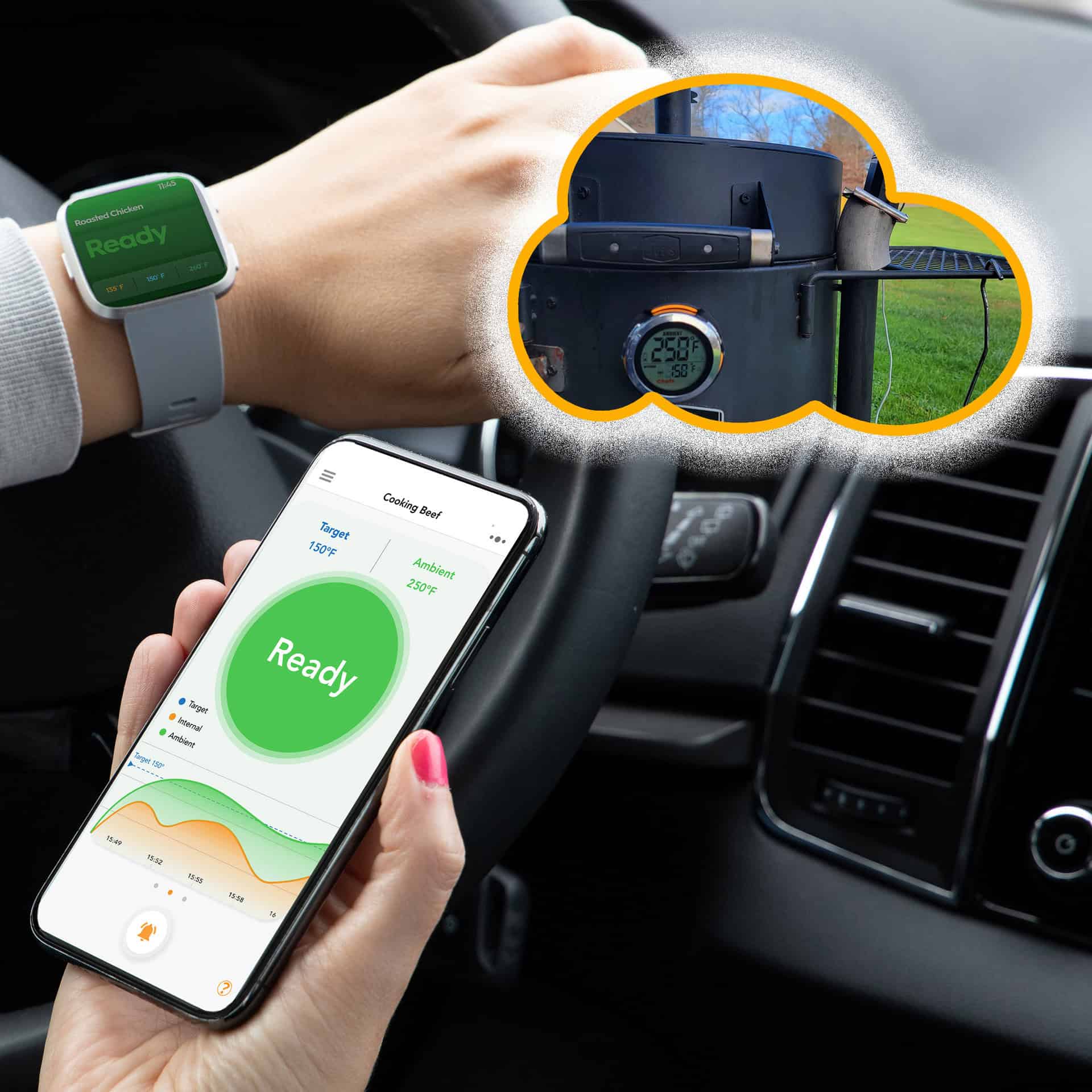
A: Yes, you can monitor up to 3 ProTemp S1 units within one app. With just a simple swipe on the screen, you can easily switch between different devices.
Q: I have a ProTemp Plus/ProTemp 2 Plus. Can I monitor it together with the ProTemp S1?
A: Yes, you can monitor both ChefsTemp devices simultaneously. Simply find the “Add Device” option in the app and follow the steps to pair. Once successfully added, you can easily switch between different devices with a simple swipe on the screen.
Q: Does the Breezo Fan have a built-in battery, or does it need to be connected to a power source?
A:No, the Breezo Fan does not have a built-in battery. You need to power it using a power bank or connect it to a power source.
Q: Why do I have to register an APP account?
A: The purpose of creating an account is to facilitate seamless usage of the device among family members through a single account. Additionally, registering an account enables access to cloud storage services.
Our product utilizes Wi-Fi for cloud data transmission, ensuring seamless connectivity and allowing users to access their temperature data remotely. This is the unique aspect of our thermometer that sets it apart from other Bluetooth-based wireless meat thermometers. To maintain access to cloud data features, account registration is necessary.
Please rest assured that we prioritize the privacy and security of our customers’ personal information. We have stringent measures in place to ensure that your data remains confidential and is not disclosed to any third parties. And our app will not send advertising messages.
Q: Bluetooth won’t connect/Bluetooth connection is stuck on C-1.
A: If your S1 is unable to connect to Bluetooth or is stuck on C-1 during pairing, please follow these steps to resolve the issue:
- 1. Check App Permissions: Make sure the ChefsTemp app has all required permissions—especially location access—permanently enabled on your device. Otherwise, you’ll need to reconnect each time you exit and reopen the app.
- 2. Clear Existing Connections: Ensure all previous connections are removed from the ChefsTemp app. Then, reconnect by following our tutorial video: How to Pair Your ProTemp S1 with Bluetooth and Wi-Fi | Step-by-Step
- 3. Reset the S1: Press the RESET button next to the charging port.
- 4. Test with LightBlue App: If the issue persists, download the LightBlue app and check for “ProTemp S1 Base” in the device list.
Q: Can not connect the ProTemp S1 to Wi-Fi.
A: Please watch our tutorial video to ensure you’re following the correct Wi-Fi setup process: How to Pair Your ProTemp S1 with Bluetooth and Wi-Fi | Step-by-Step.
If you are still stuck on the Wi-Fi connection step, please check the following tips:
- 1. Confirm the Wi-Fi icon on your S1 screen is solid (not flashing). A missing icon indicates Wi-Fi is off, while a flashing icon suggests an unstable connection.
- 2. Check App Permissions: Make sure the ChefsTemp app has all required permissions—especially location access—enabled on your device.
- 3. Check Wi-Fi Settings: Ensure your Wi-Fi is on a 2.4GHz network. If 5GHz Wi-Fi only, simply create a guest 2.4GHz Wi-Fi network in the router app, making it easier for smart devices to join.
- 4. Password and SSID: Use the orange magnifying glass to auto-detect the SSID, and double-check that the Wi-Fi password is entered correctly, as spell-check may alter it.
- 5. Router Settings: Disable fast roaming (e.g., 802.11r) on your router, as it may prevent the S1 from connecting.
Q: Can not charge the ProTemp S1.
A: When charging your S1, a charging animation will appear on the battery icon. A flashing, fully charged icon indicates the S1 is completely charged. A fully charged S1 provides at least 40 hours of usage. For optimal charging, use the original charging cable with a power source not exceeding 20W.
If your S1 isn’t fully charging or has a short battery life, try the following:
- 1. Use a different power supply and charging cable, then recharge the device.
- 2. Ensure your S1 firmware is updated to the latest version.
Q: The ambient temperature is not correct.
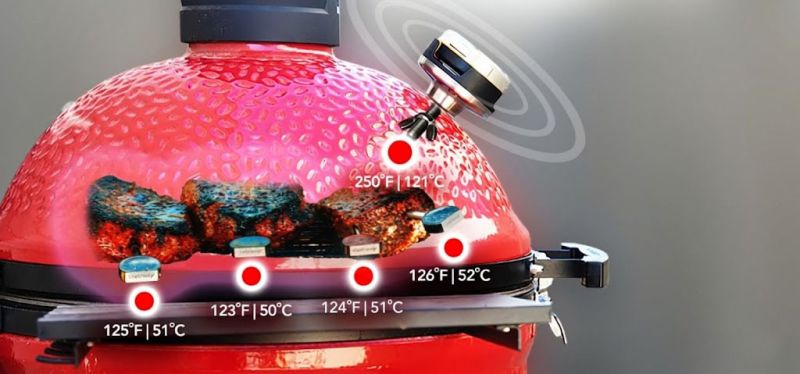
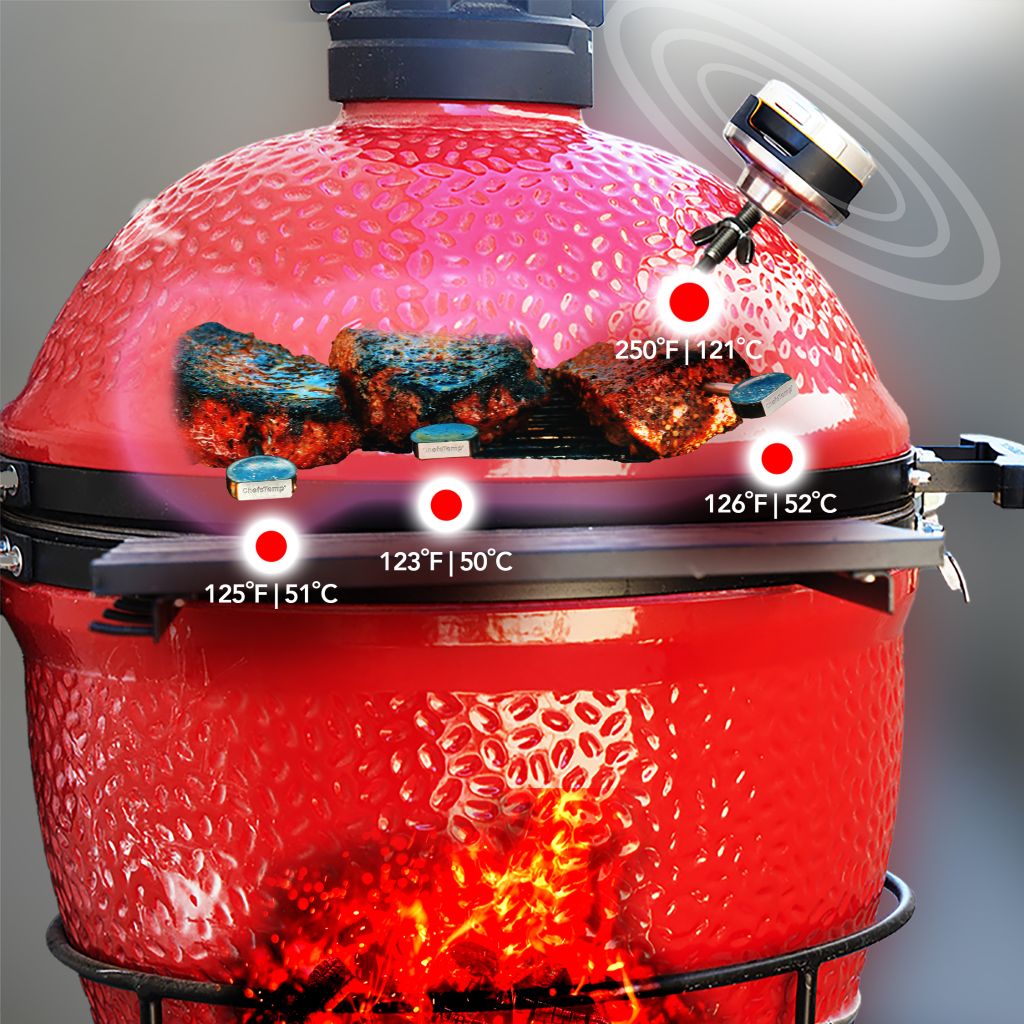
A: The ProTemp S1 is designed to replace the original grill thermometer, providing reference temperature data. Since temperature differences within various areas of the grill/smoker can be significant, sometimes varying by over 100°F, we recommend installing the ProTemp S1 in the original thermometer port for more accurate readings.
If your grill/smoker does not have a thermometer port, you may need to create one and position the ambient probe of ProTemp S1 closer to the meat for more accurate temperature measurements.
If there are still issues, please contact our customer service via phone or email for support.


.jpg)





1.jpg)






Ros Morrison (verified owner) –
A MUST BUY for the homecook or professional. Absolutely, a fan of this. Really a game changer with breezo fan. Can REST and cook. App can be a bit slow, and it needs to have a not in depth ability to control sensor from phone, but as far as functionality, 5 stars. I have 4 stars because of what i mentioned