
1.jpg)
4-in-1 Charger for Wireless Probes (Original & New) — Replacement Accessory for ProTemp S1 (Cannot Be Used Standalone!)
€15.54
- This product only includes one ChefsTemp 4 in 1 Probe Charger and does not contain any probes!
- Can be used to charge our Original and New Generation wireless probes.
- Type-C charging cable connection (charging cable not included in the package)
product features
This product only includes one ChefsTemp 4 in 1 Probe Charger and does not contain any probes!
This accessorie is designed specifically for use with the ProTemp S1 and ProTemp Plus Series. Please note, the Charger and Wireless Probe(s) are only compatible with these models. Do not purchase this accessories unless you own a ProTemp S1 or ProTemp Plus Series.
To verify if your probe is charging correctly on the 4-in-1 Charger, please check the following:
- Charging Indicator: A blue light will appear at the corresponding charger slot when the probe is charging. The light will turn off once the probe is fully charged, indicating it’s ready for at least 30 hours of use.
- Probe Orientation: Ensure the probe is inserted correctly, with its tail making full contact with the metal plate in the charger’s slot.
If you are not sure if the probe has been fully charged or if it is unable to be charged, please go to My Connections >> My Paired Probes >> Tap your probe to check its battery.
If the issue persists, please try these steps:
- Download the LightBlue app and check if “Probe” appears in the device list. Each charged probe should display as a separate entry.
- Record a short video showing the probe charging and send it to [email protected]. We’ll review it promptly and resolve the issue.
Please fully charge your probes before each cook, full in just 10-15 minutes. (Note: Overcharging can shorten battery lifespan. Since the probe has no power button, it will naturally discharge slowly when not in use. If the battery is fully depleted, simply recharge it to 100% before your next cook.)
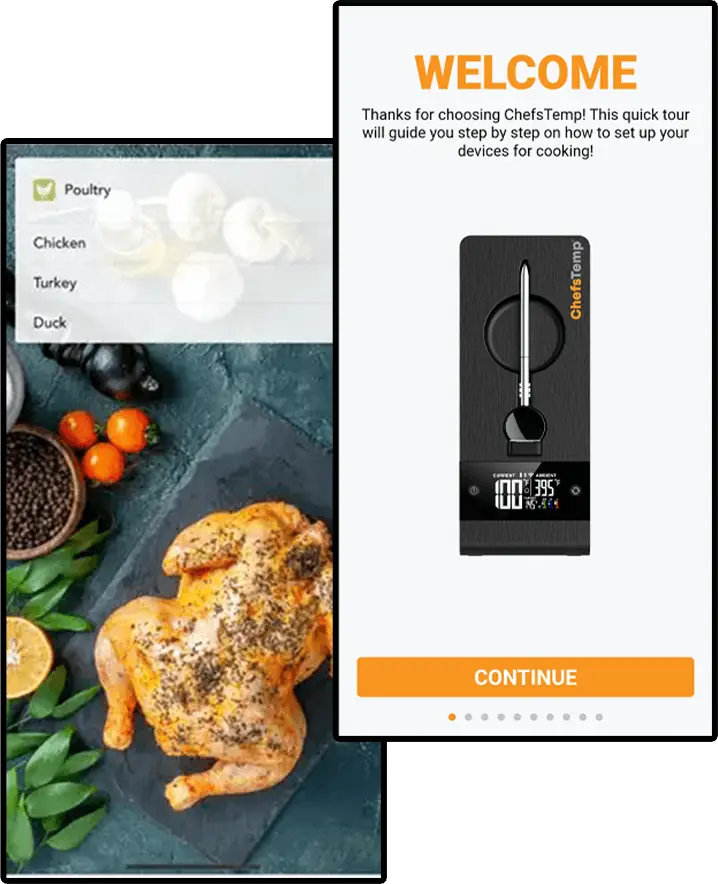
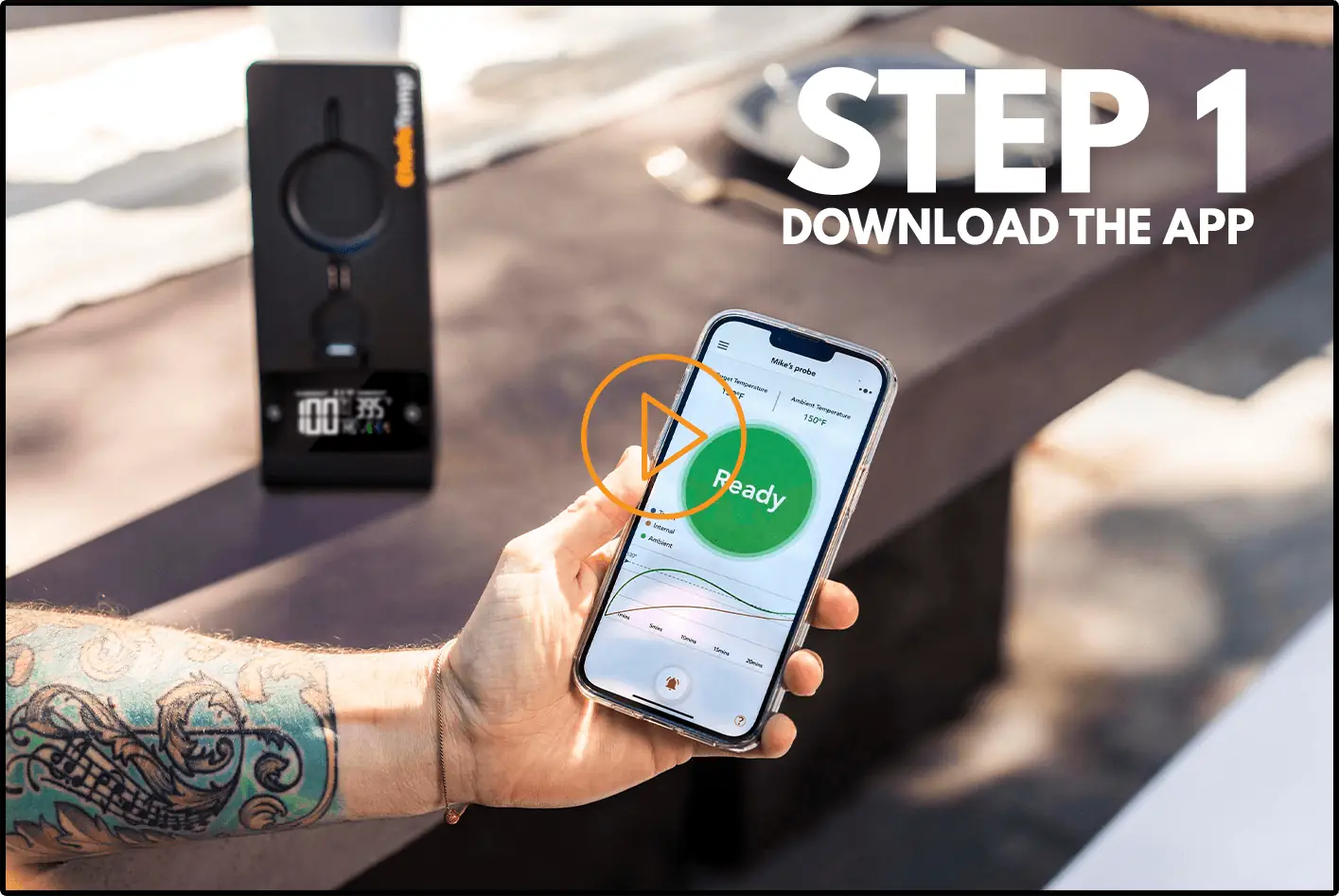
For a quick fix, please delete all connections in the app, exit and restart your app, reconnect your S1, fully charge your probes and then re‑add them. Additionally, in this step-by-step tutorial, we walk you step-by-step through:
- Checking the Bluetooth connection between the probe and base
- Diagnosing Wi-Fi signal issues from the base to your phone/router
- Simple fixes like charging, repositioning, and avoiding interference
If it still fails, please send a video of the issue (showing app, devices/probes, and disconnections) to our support e-mail: [email protected], we will help you further.















Reviews
There are no reviews yet.