


Breezo V2 BBQ Temperature Control Fan
$79.99
Adding These Options
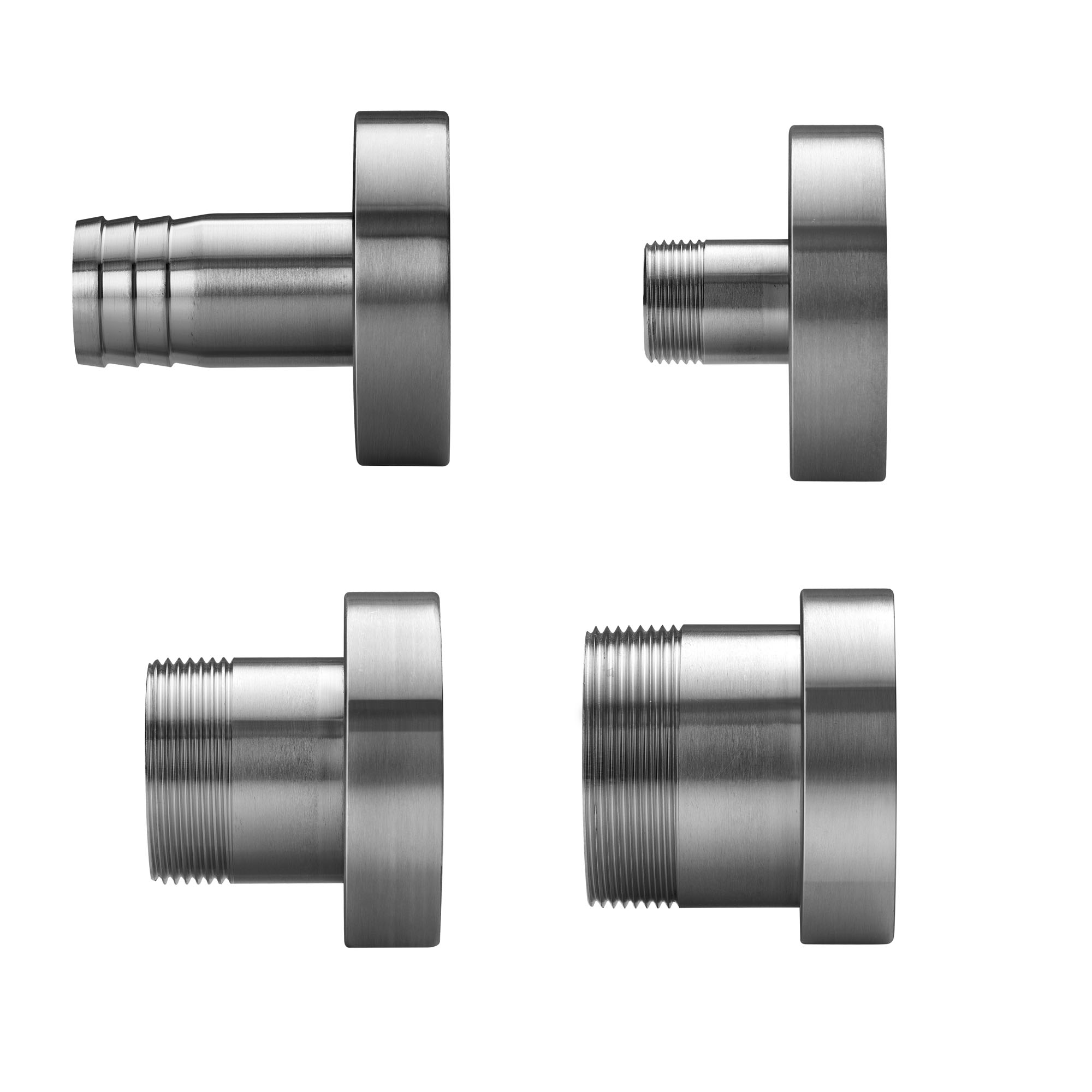
Breezo Fan Mounting Kit
$13.99 $18.99Price range: $13.99 through $18.99
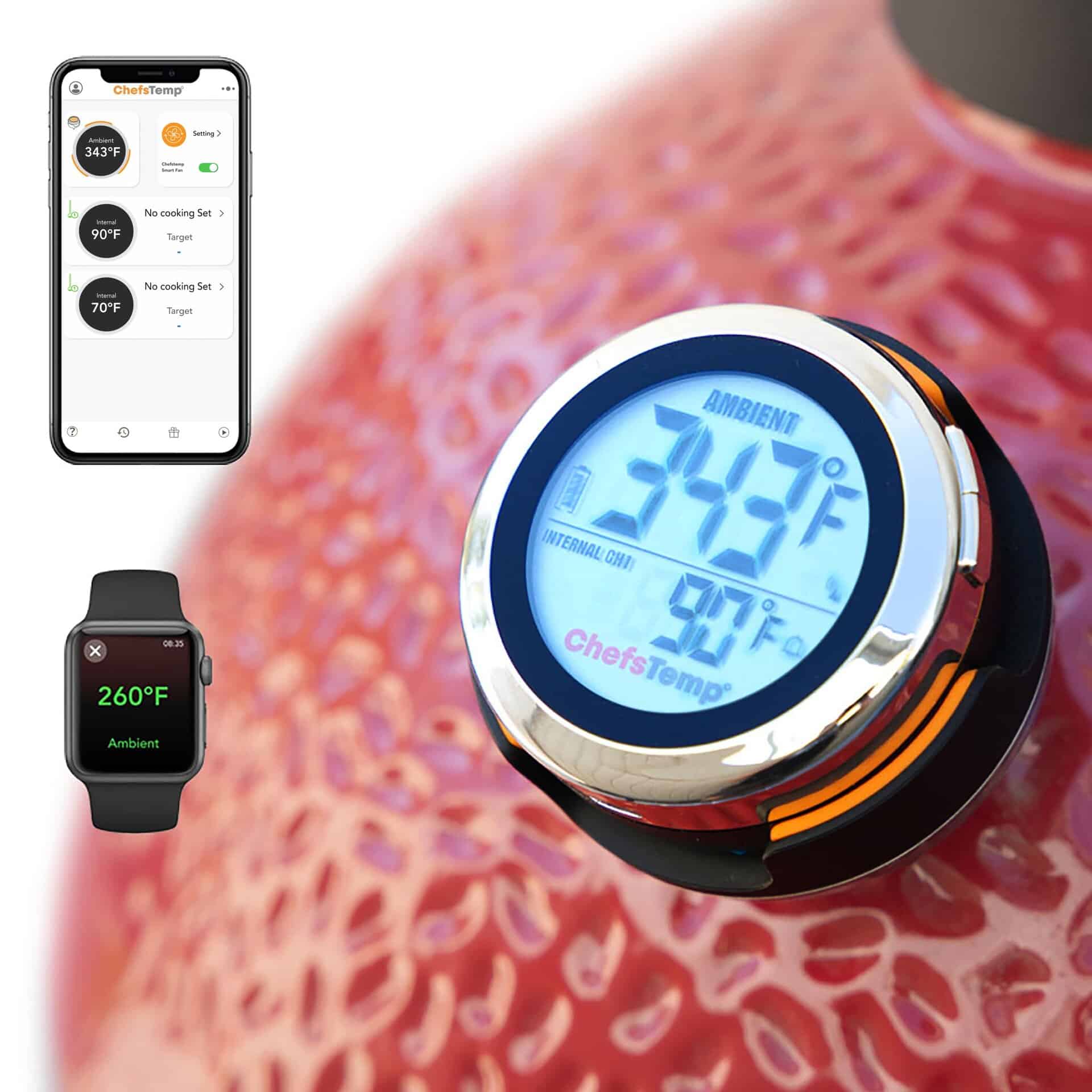
ProTemp S1 Patented Smart Grill Gauge Thermometer Hub
$99.99 $117.98Price range: $99.99 through $117.98
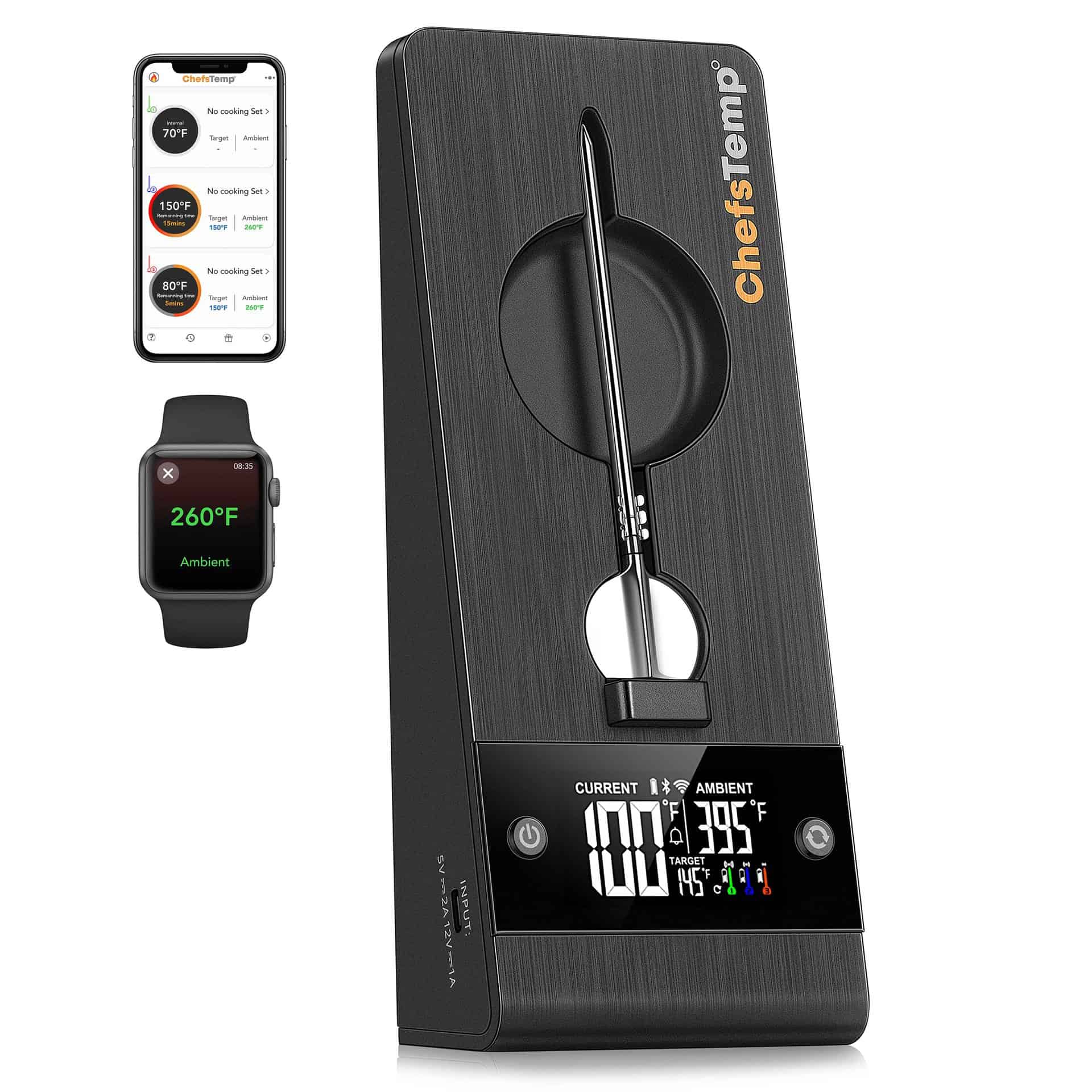
ProTemp 2 Plus – Needle Probe Wireless Meat Thermometer with Temperature Controller
$149.99 $267.99Price range: $149.99 through $267.99

Breezo Fan Mounting Kit
$13.99 $18.99Price range: $13.99 through $18.99

ProTemp S1 Patented Smart Grill Gauge Thermometer Hub
$99.99 $117.98Price range: $99.99 through $117.98

ProTemp 2 Plus – Needle Probe Wireless Meat Thermometer with Temperature Controller
$149.99 $267.99Price range: $149.99 through $267.99




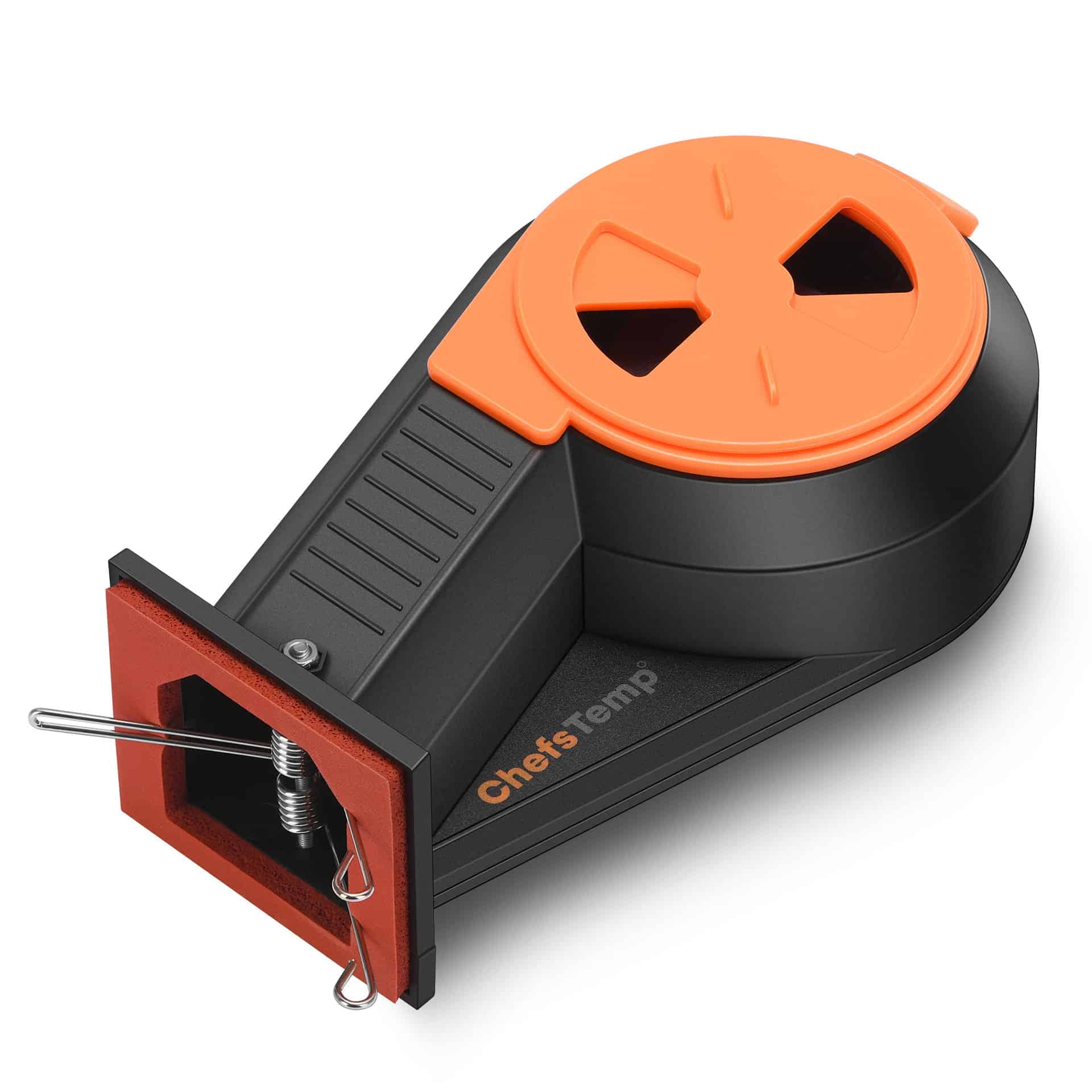
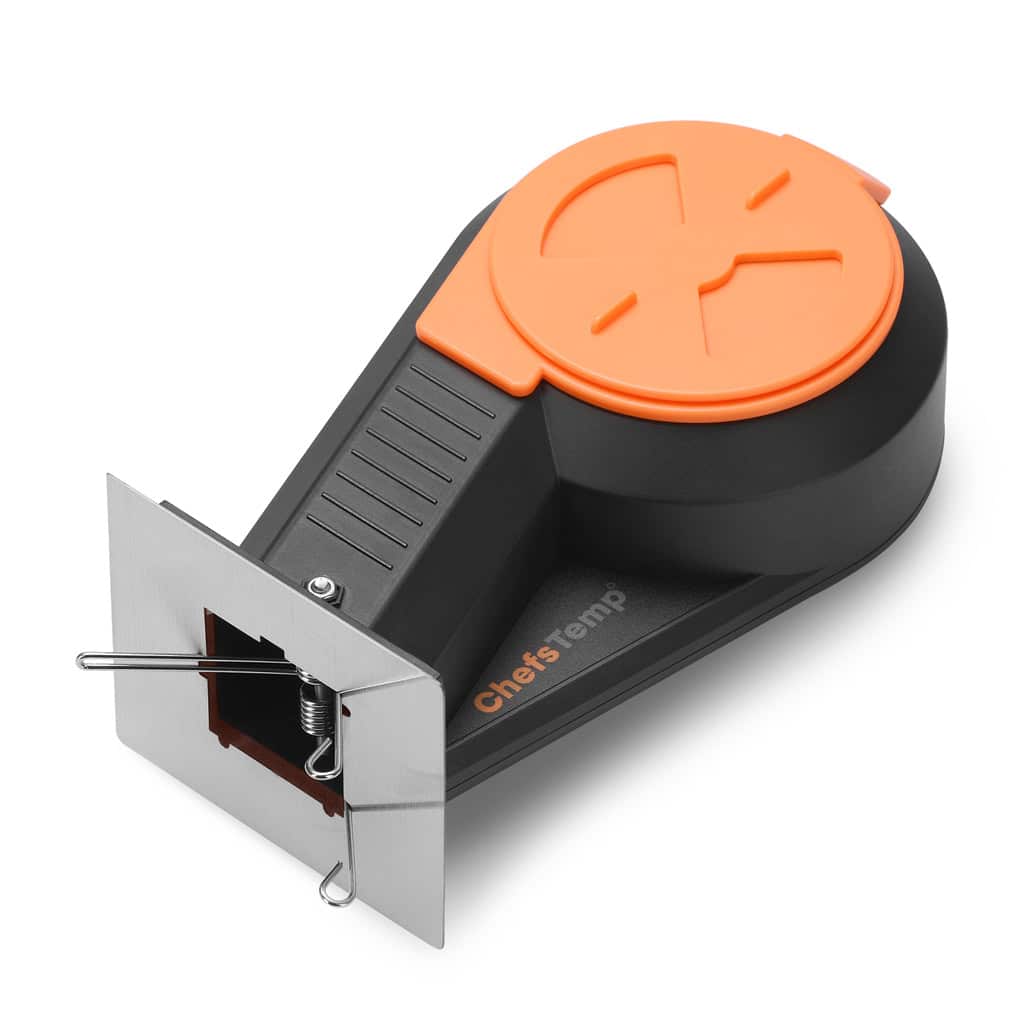
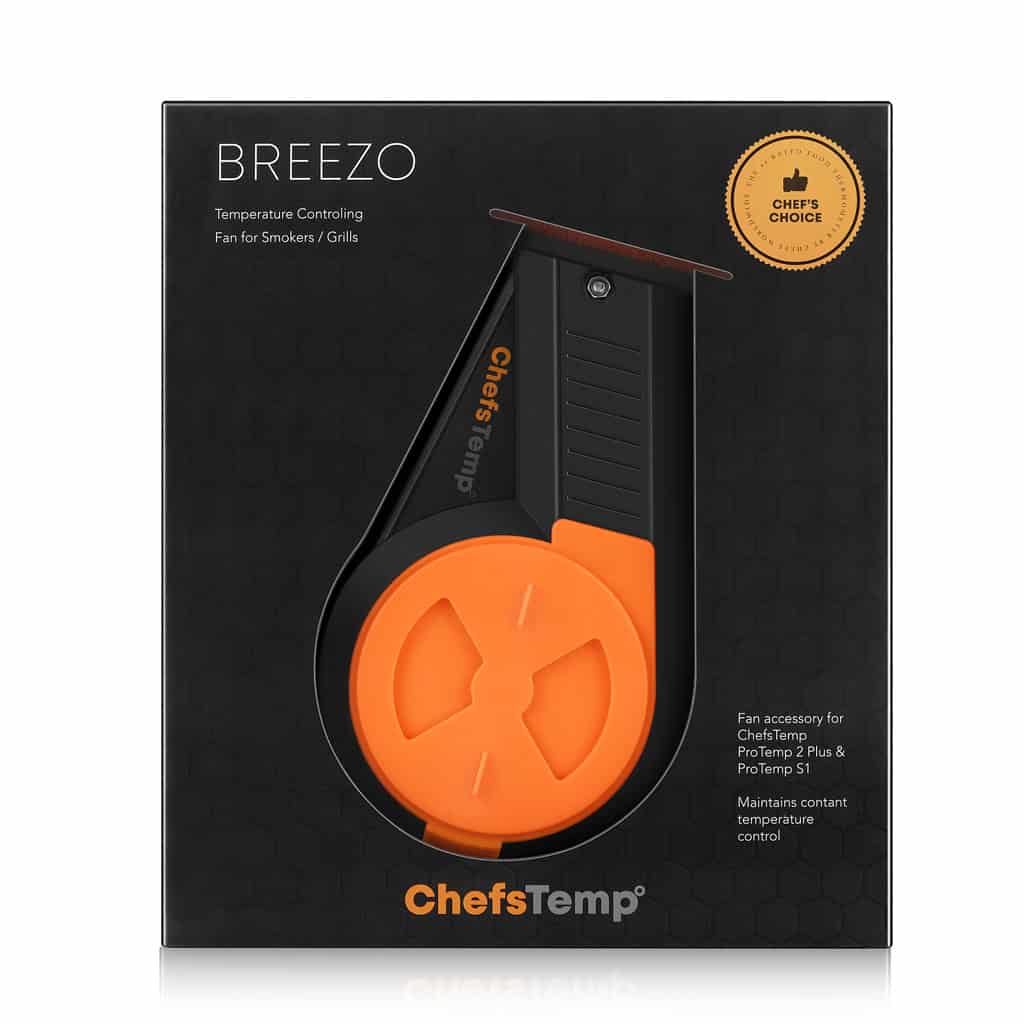
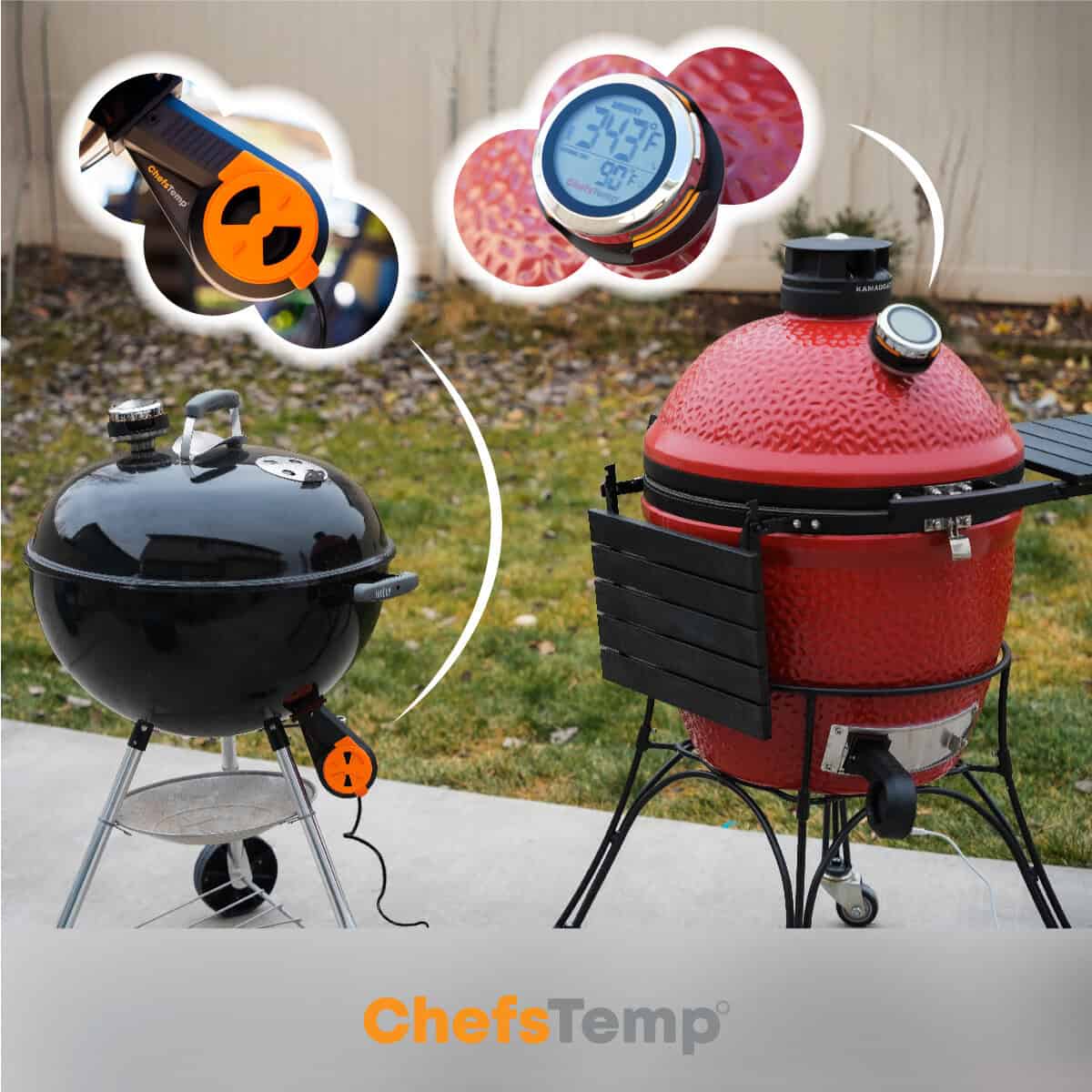
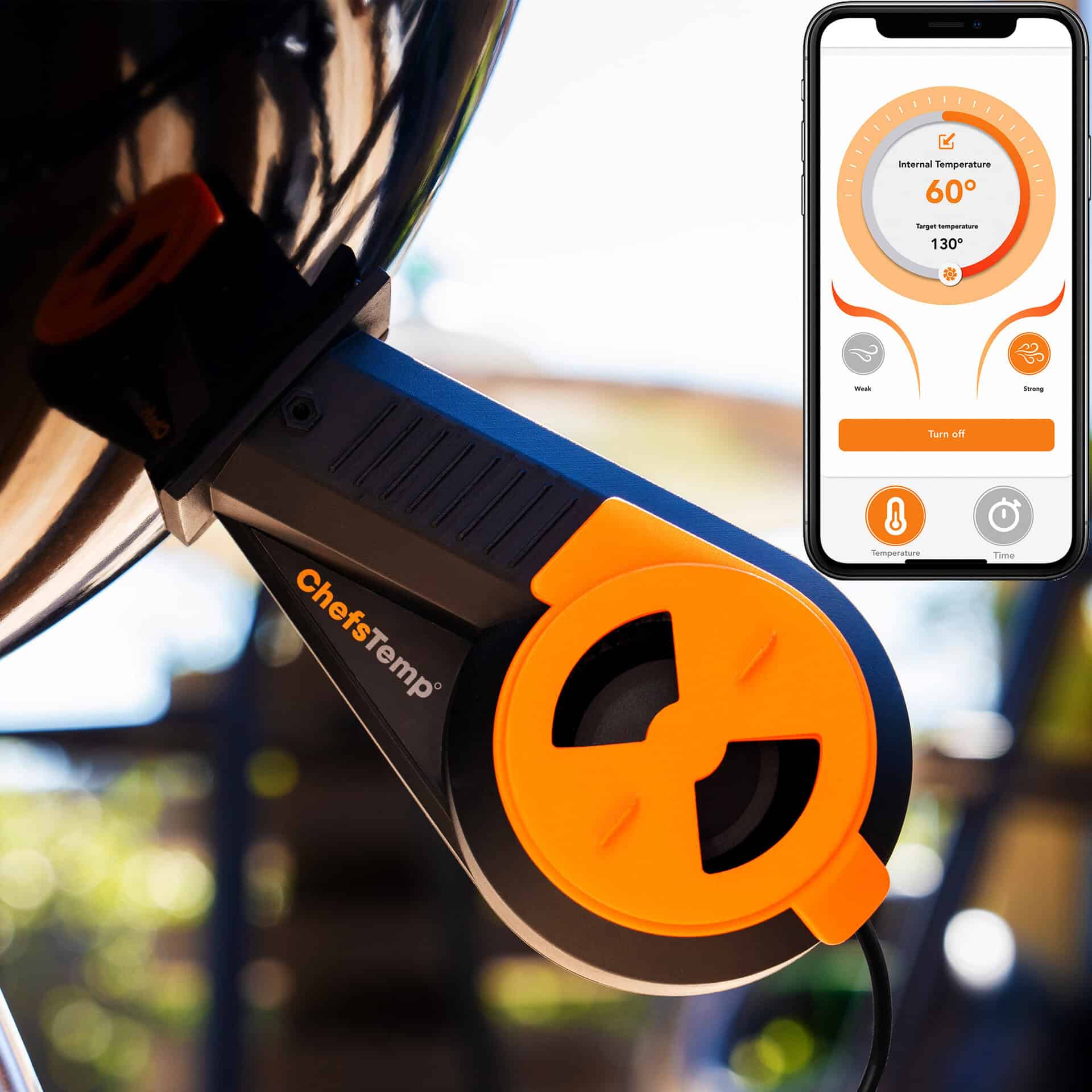
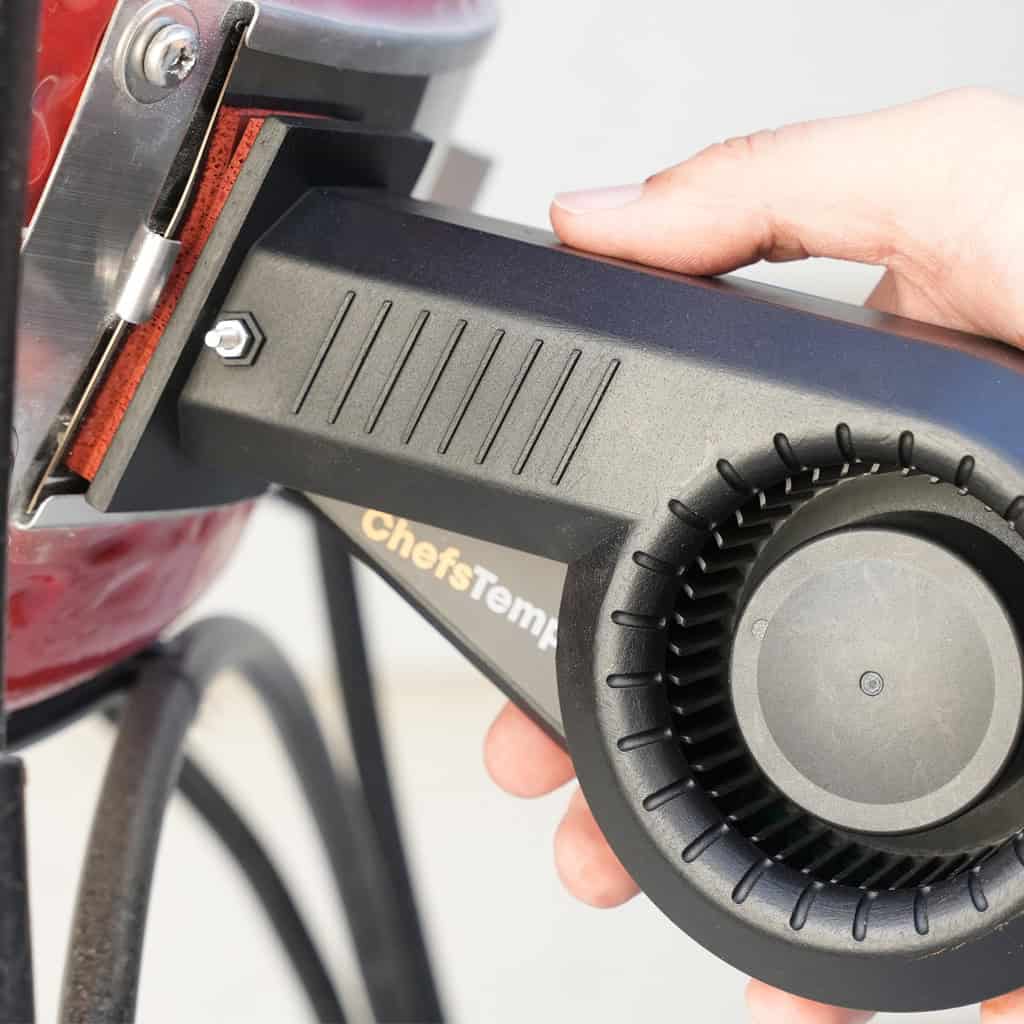
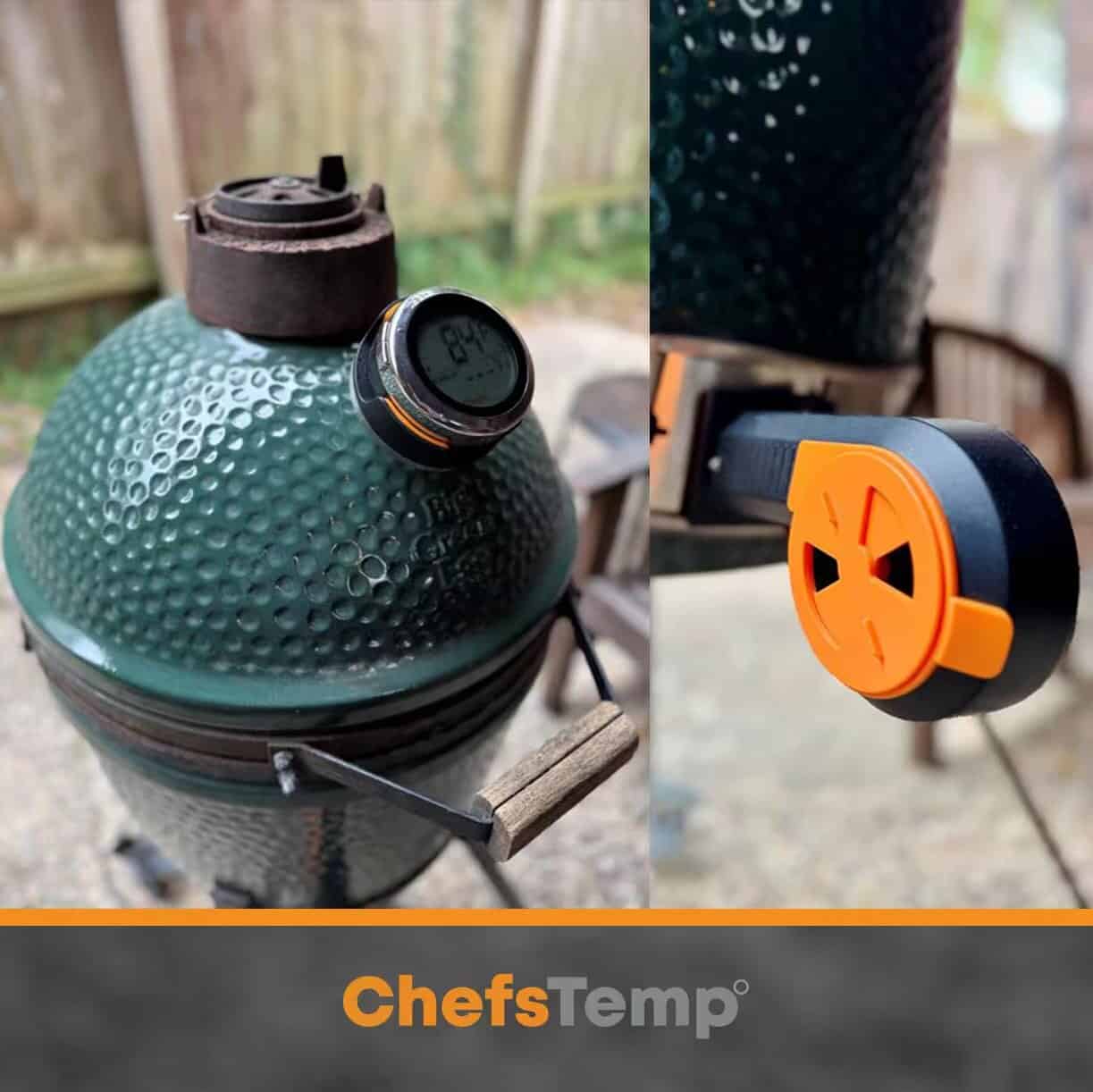
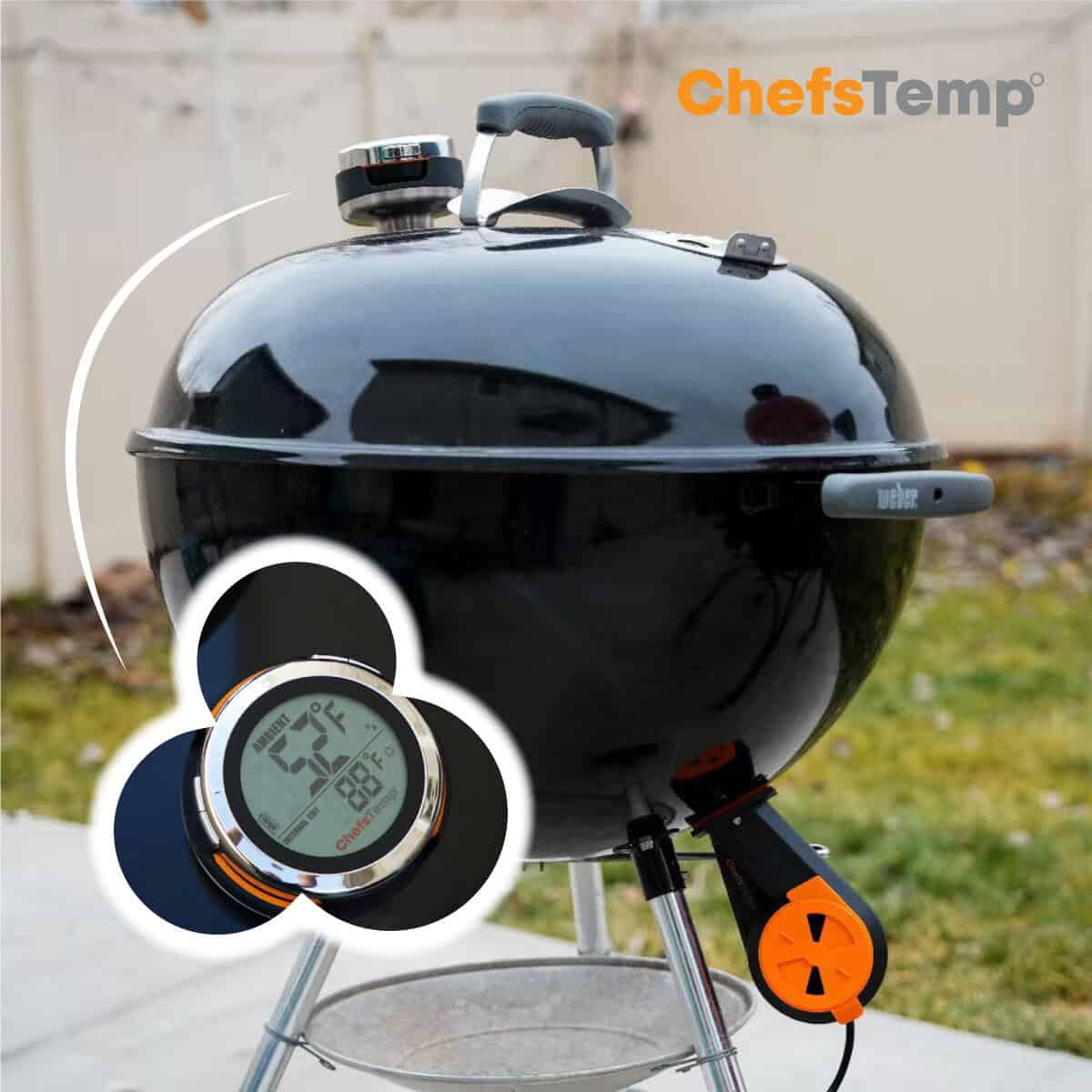
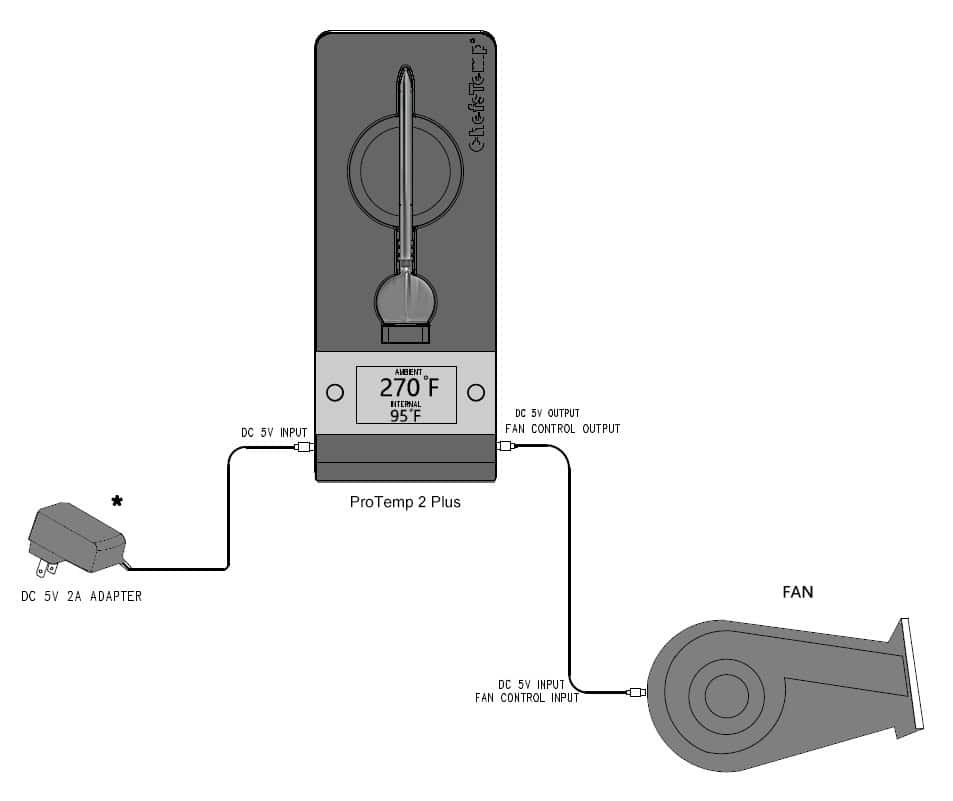
Introducing Breezo — the ultimate smart fan that delivers precise, hands-free temperature control for your charcoal smokers, grills, and cookers. Tired of constantly tweaking vents and babysitting your cook? Breezo automates airflow for you. It wirelessly pairs with the ChefsTemp ProTemp S1 (or connects via the included USB-C cable to the ProTemp 2 Plus), letting you simply set your target pit temperature in the app — then relax while Breezo maintains rock-steady temps from start to finish. Need more flexibility? Set a timer for manual mode whenever you want. The included Kamado-style mounting plates and high-temperature tape make installation straightforward on most popular setups (Big Green Egg, Kamado Joe, Weber Smokey Mountain, Pit Barrel, and many more). Upgrade to effortless, consistent results every single time — no more temperature swings, no more guesswork. Get Breezo and take your low-and-slow cooking to the next level. Compatibility: ProTemp S1 and ProTemp 2 Plus (Not compatible with 1st generation – ProTemp Plus) Made to Fit Most Smokers:
-
- Models that fit directly with the Kamado Mounting Plates(package included): Kamado Joe Classic II, Kamado Big Joe III, Primo XL 400 grill, Pit Barrel Cooker, Pit Boss Kamado, Cypress Ceramic Kamado Bayou Classic grill, Big Green Egg, vision grills Series classic, Primo Oval large, Primo smoker, Pit Boss ceramic kamado, Broil King Keg 2000, CharGriller Akorn cooker.
- Models that fit directly without any adapters: Weber Summit Kamado, Weber Smokey Mountain, Backwoods Chubby 3400.
- Smokers that have round vent holes: Use one vent hole to insert the Breezo Fan, cover the other holes with high-temperature aluminum foil tape(package included): Komodo Kamado, Char-Griller Offset Smoker, Broil King Keg 5000.
- Other solutions: Drill a 1.25-inch hole to which you can directly attach the Breezo fan and use high-temperature aluminum foil tape to cover any gaps.
- For big offset smokers: You could cut a stainless steel plate to fit the opening in your smoker and then drill a 1.25″ hole in it in which to attach the Breezo through.
- For Weber Kettle: See instruction video here: Monitor YOUR Weber Kettle from Anywhere (You need to drill a 1.25″ hole to install the Breezo)
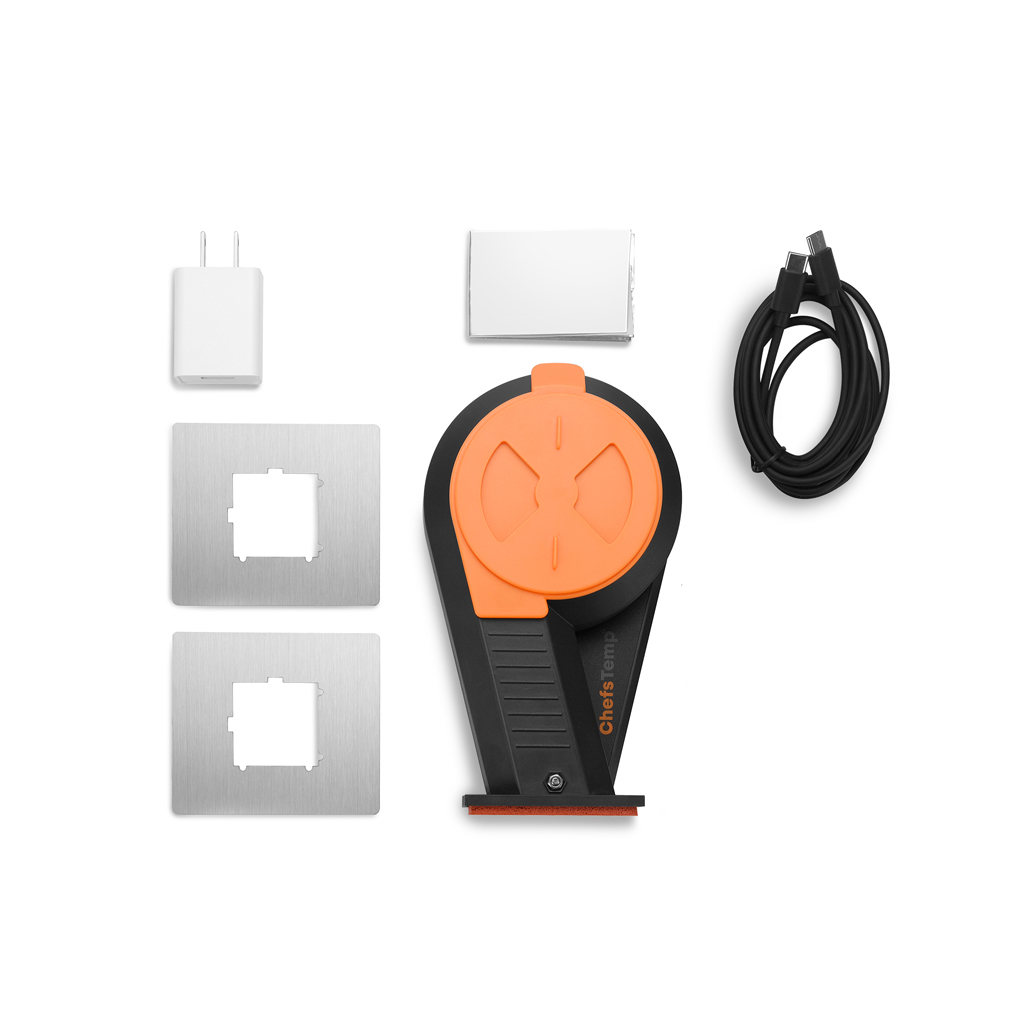
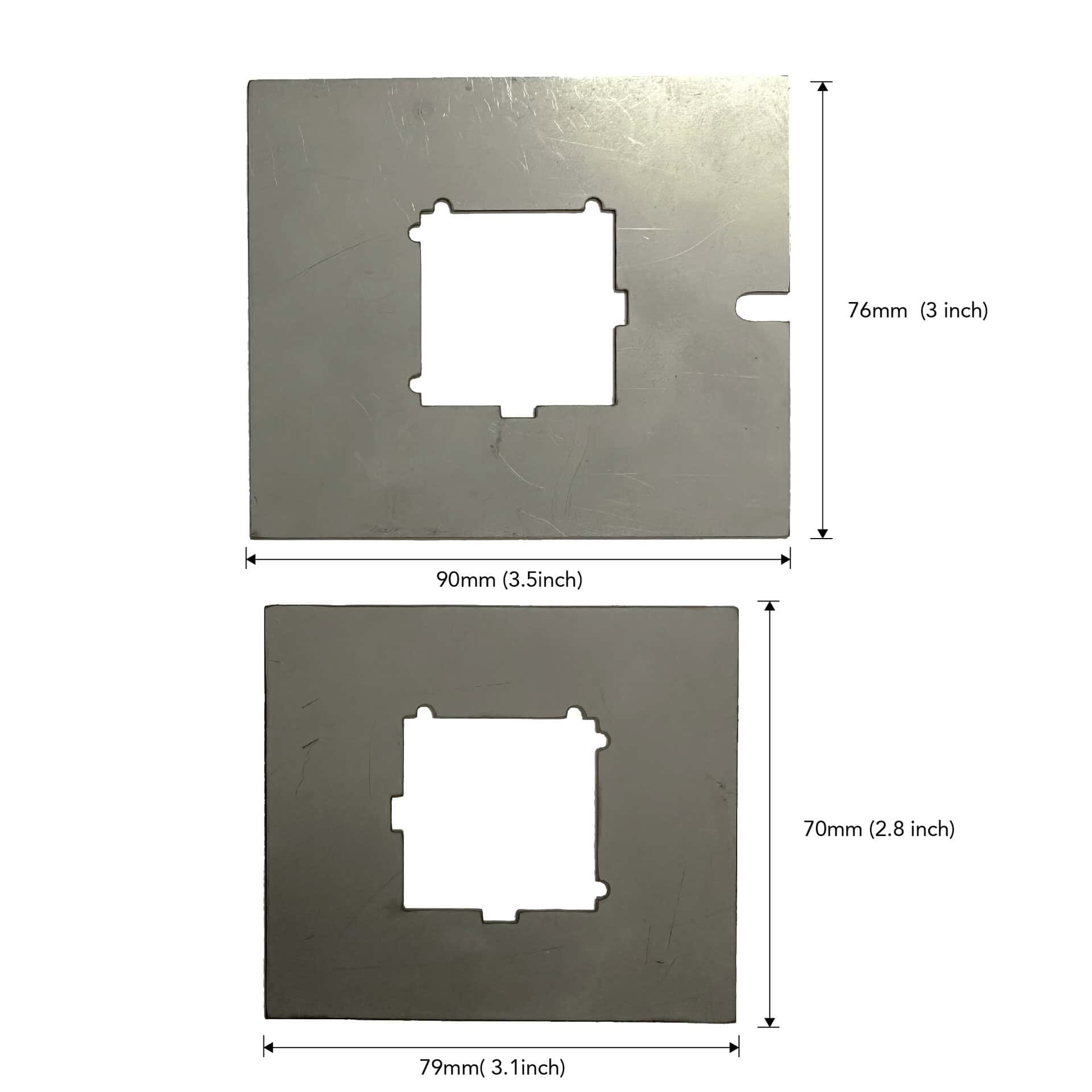
Specifications: Target Temperature Range: 122°F-600°F (50°C-315°C) Opening: 1.49*0.94 inches (38*24mm) Power: 5V DC powered (No built-in battery, requires external power supply) Heat-resistant up to 302°F (150°C) Package Included: 1* Breezo Fan 1* Fan Spring 2* Kamado Style Mounting Plates (1 Pc 90*76 mm/3.5*3 inch and 1 Pc 79*70 mm/3.1*2.8 inch) 1* USB-C to USB-C Cable 1* 5V 3A DC Power Adapter 1* Aluminum Foil Tape Required but not included: ProTemp 2 Plus or ProTemp S1

ProTemp S1 and Breezo Fan wiring
Tutorial Video:
Please confirm that the firmware of your S1 and Breezo Fan has been upgraded to the latest version. Ensure that the app is also the latest version. After completing the firmware update, it is recommended to delete all devices and reconnect to check for any issues. How to Update Firmware on ProTemp S1 & Breezo Fan | Step-by-Step Guide
❤️For best results, we recommend keeping the top vent nearly closed and allowing the Breezo fan to add the necessary air to maintain your desired temperature. Opening the top vent too much can lead to overshooting your target temperature, especially at lower temperatures used for smoking. For higher-temperature grilling, such as searing, you may open the vent slightly more to accommodate the increased airflow needs. These settings work well across various grill sizes.
Please see our video instructions on:
1. How to Master Temperature Control on Big Green Egg or Kamado Joe with ProTemp S1 & Breezo
2. Adjusting Exhaust Vent & Damper for Perfect Grill Temps | ProTemp S1 & Breezo
To ensure a successful firmware update for your Breezo V2 fan, please follow the steps outlined in this video: 📺Firmware Update Guide. Please also make sure your app is updated to the latest version.
Here’s a step-by-step checklist that may help:
- Use the original charger to power the fan.
- Turn on and run the fan.
- Open the app and go to the firmware update section. If an update is available, proceed with the upgrade.
- After the update completes, fully close the app and reopen it.
- Return to the firmware page to confirm the update was successful.
If it still shows the old version, try logging out of your app account and logging back in before retrying the update.
🔧 If the issue persists:
- Try resetting the S1 unit.
- Disconnect and reconnect the S1 unit.
📌 Important: If your Breezo was purchased before April 8, it is a V1 model, which does not support firmware updates. You can continue using it normally without updating.
4 reviews for Breezo V2 BBQ Temperature Control Fan
You must be logged in to post a review.


1.webp)











Stefan Fransen –
I bought this to control my BGE Large. The first cook was a mess. The temperature kept running away. The more I closed the top vent, the more air escaped from the bottom vent, which only fueled the fire further. On top of that, the fan kept pulsing well above my set temperature. I set it to 120 °C, but readings went up to 145 °C, which made no sense. I ended up removing the Breezo and finishing the cook manually.
After that, I realized the real issue was uncontrolled air escaping from the bottom vent. I fixed this by cutting a piece of BGE gasket seal to size, about half the original length, and installing it. On the second cook, I immediately noticed little to no smoke escaping from the bottom vent. The fan behavior also improved significantly. It now shuts off completely when reaching temperature, possibly due to an update.
For the second cook, I set the temperature to 120 °C, left the top vent slightly open, and set the fan cover to the first opening. The fan stopped at 120 °C, which caused a small overshoot to 126 °C. After that, the cook stayed stable between 120 °C and 122 °C, which I am very happy with.
Rating: 4/5.
The product works well after the fix, but I had to come up with the solution and materials myself. Please improve the fan control logic. Right now it seems to have only three behaviors: on, off, and pulsing at a fixed interval.
ChefsTemp –
Thank you so much for the detailed review and for sharing how you solved the bottom vent leak — that’s a great fix!
We’re really glad the second cook turned out stable at 120–122°C. Your feedback about the fan control logic (especially the pulsing behavior) is very valuable and has already been passed to our team for the next firmware improvements.
Thanks again for helping us improve — we truly appreciate it!
lennart (verified owner) –
I have to say, the Breezo V2 is an excellent device! At first, I was a bit skeptical because of the price, but it has definitely proven its value.
When it first arrived, I did run into some issues with the Bluetooth connection. However, I reached out to their support team, and they were fantastic, within 24 hours they released a patch that solved the problem completely.
This week I tested it with my Green Egg, and I managed to keep it locked at 200°C (about 392°F) for a full 4 hours without any fluctuation. The temperature control was rock solid, which made the cooking process stress-free and enjoyable.
Overall, I’m really impressed. Great performance, excellent support, and totally worth the investment!
ChefsTemp –
We’re thrilled the Breezo V2 held rock steady at 200°C for 4 hours and that our support team got the Bluetooth fix sorted so quickly for you.
Your kind words mean a lot — thanks for choosing us and enjoy many more stress-free cooks!
rlorans –
Here is my review of the ChefsTemp S1 and the Breezo fan with the temp probes after using it for a few weeks, it does a great job maintaining temperature, probe connectivity, fan connectivity etc.
I enjoy the idea of having a wireless battery powered controller and it is easy to use — Great Fan
marcalphin (verified owner) –
What a fantastic addition to my Akorn Kamado style smoker. Once installed it’s a breeze to set the temp from the S1 /app and it does all of the work for you maintaining a very consistent temperature to help you be more hands free when you want to smoke and also do other things. Very pleased with this purchase.