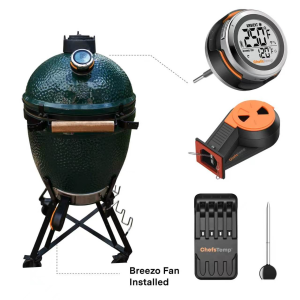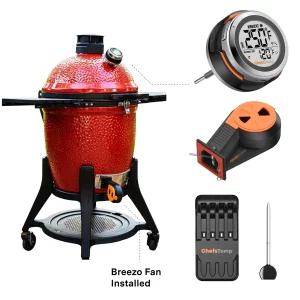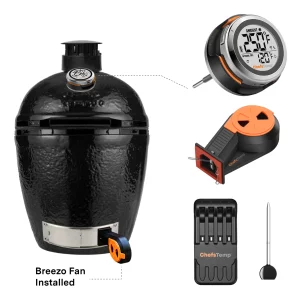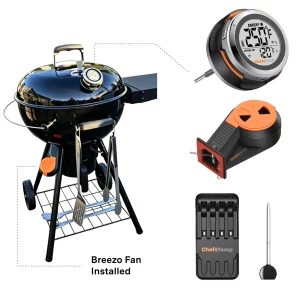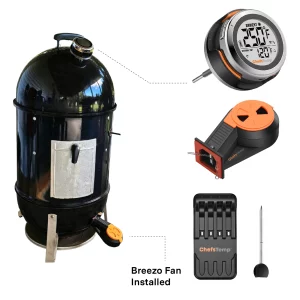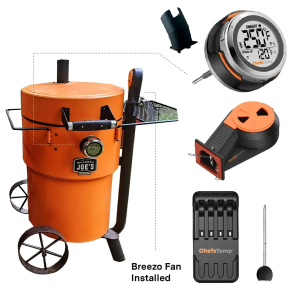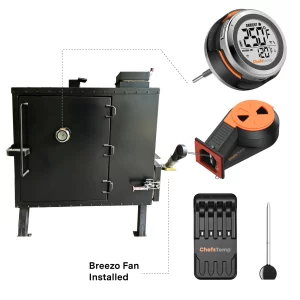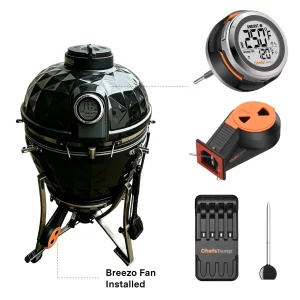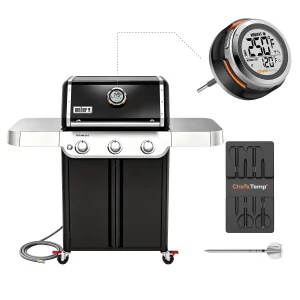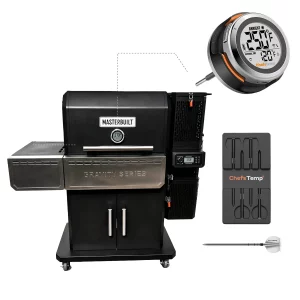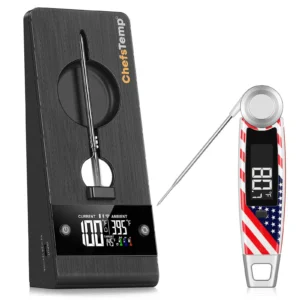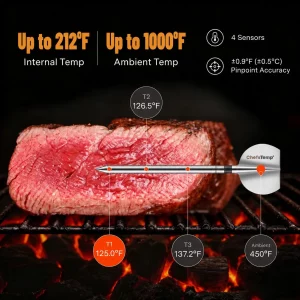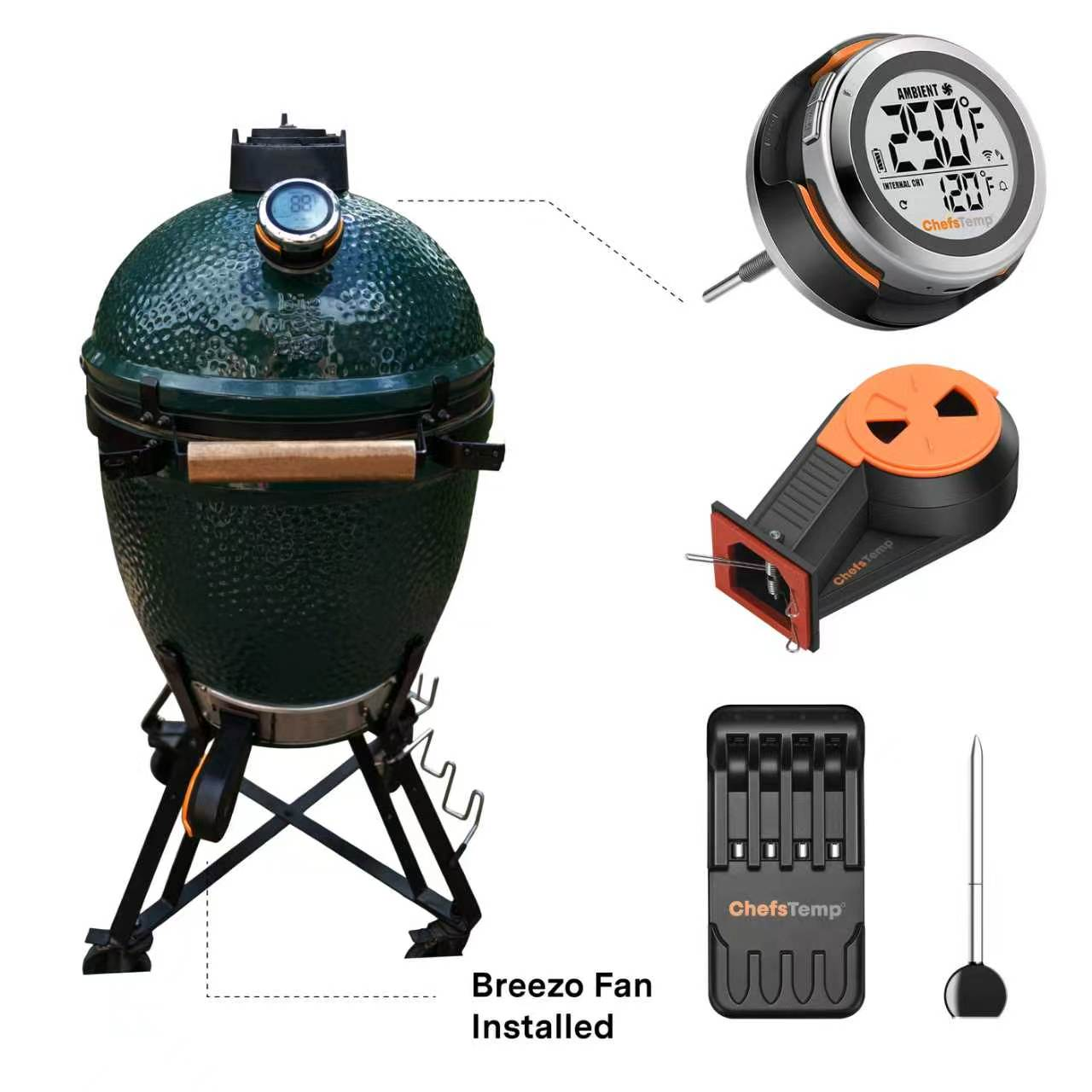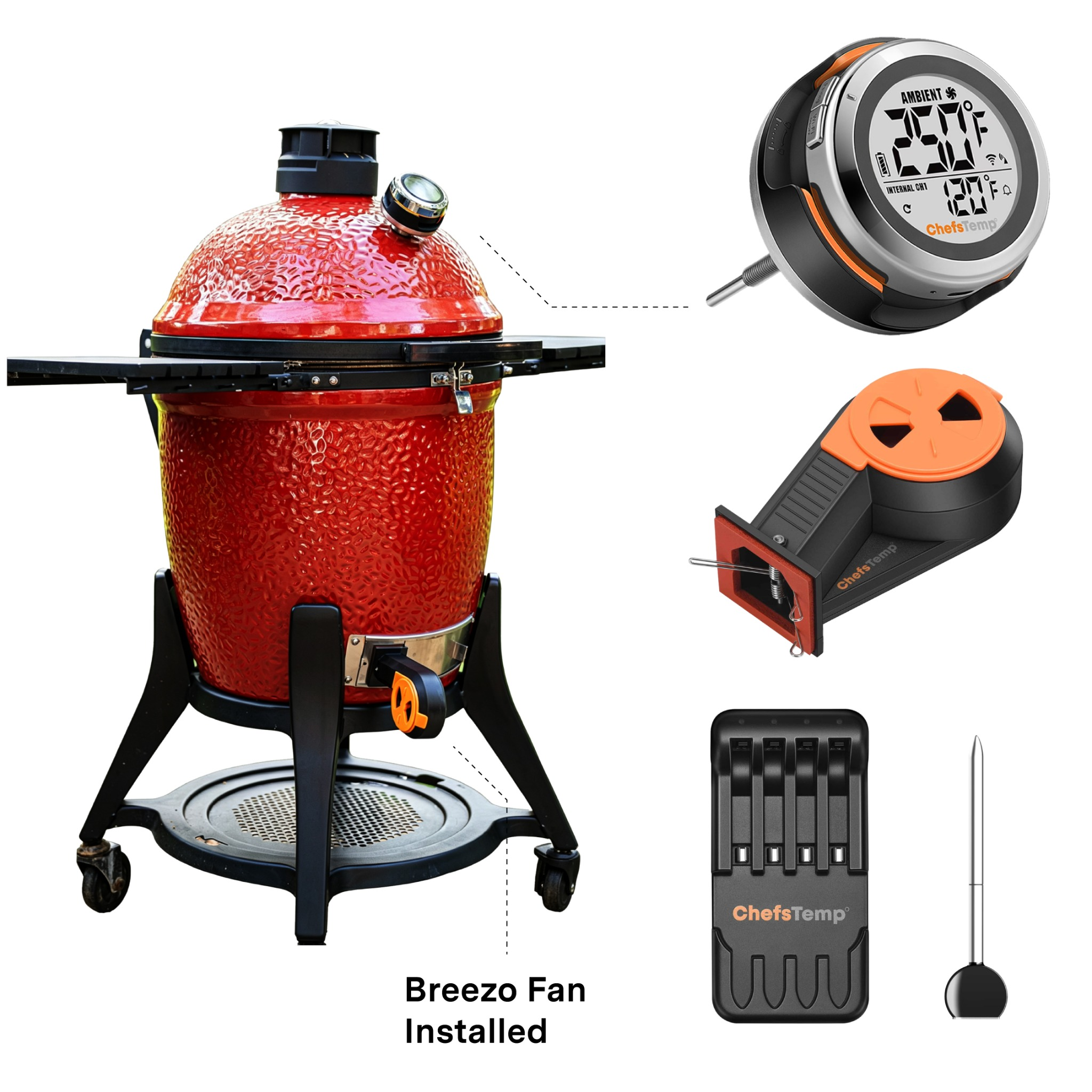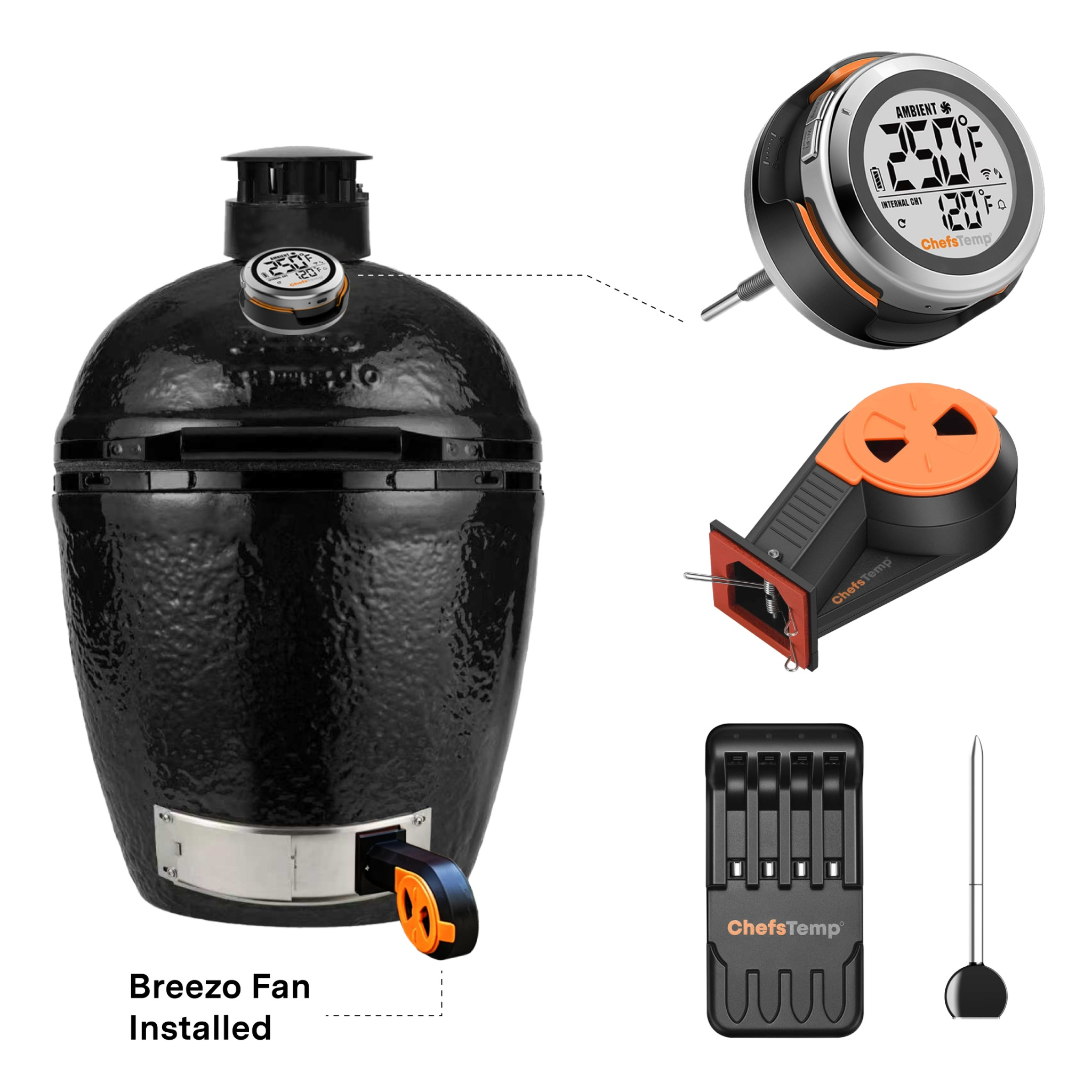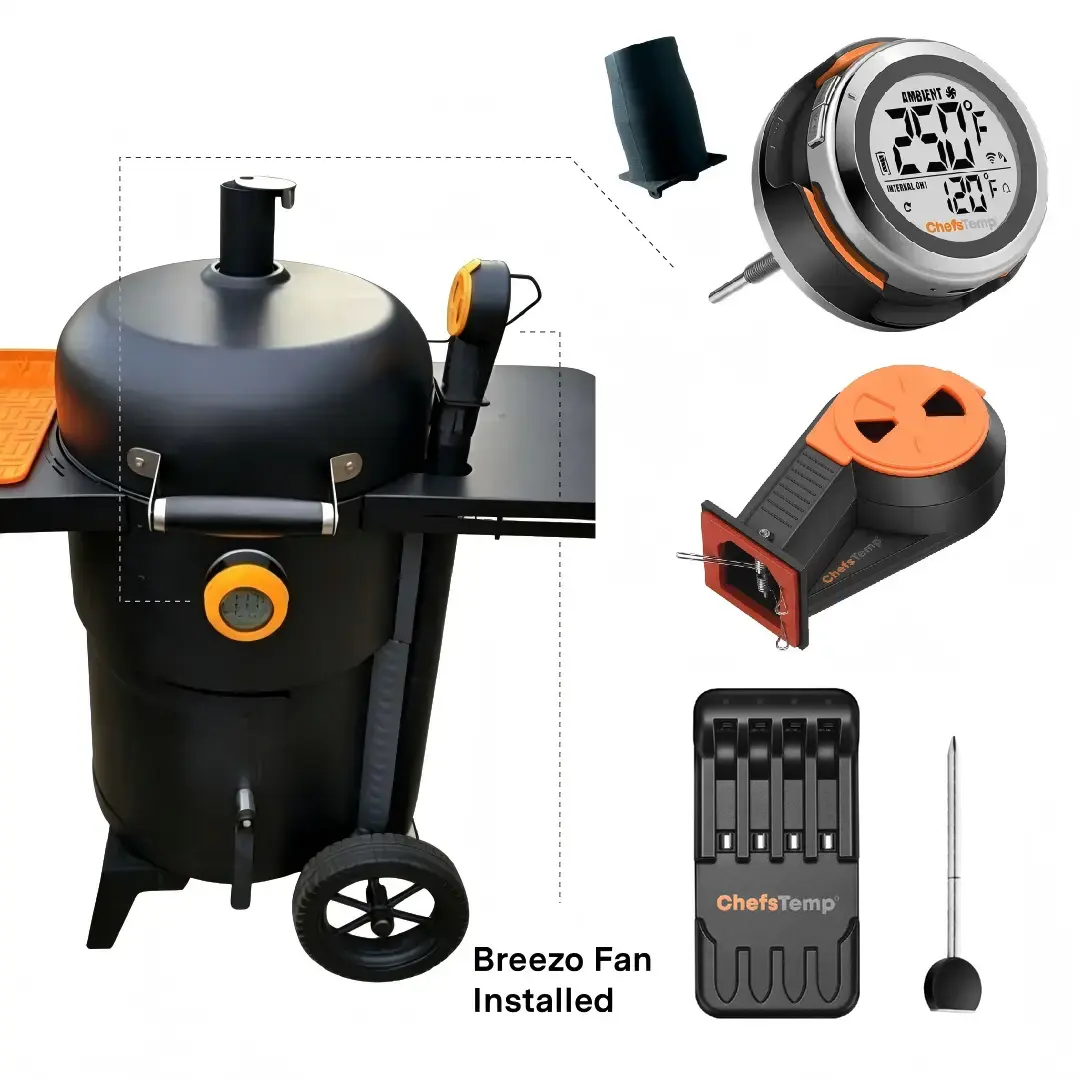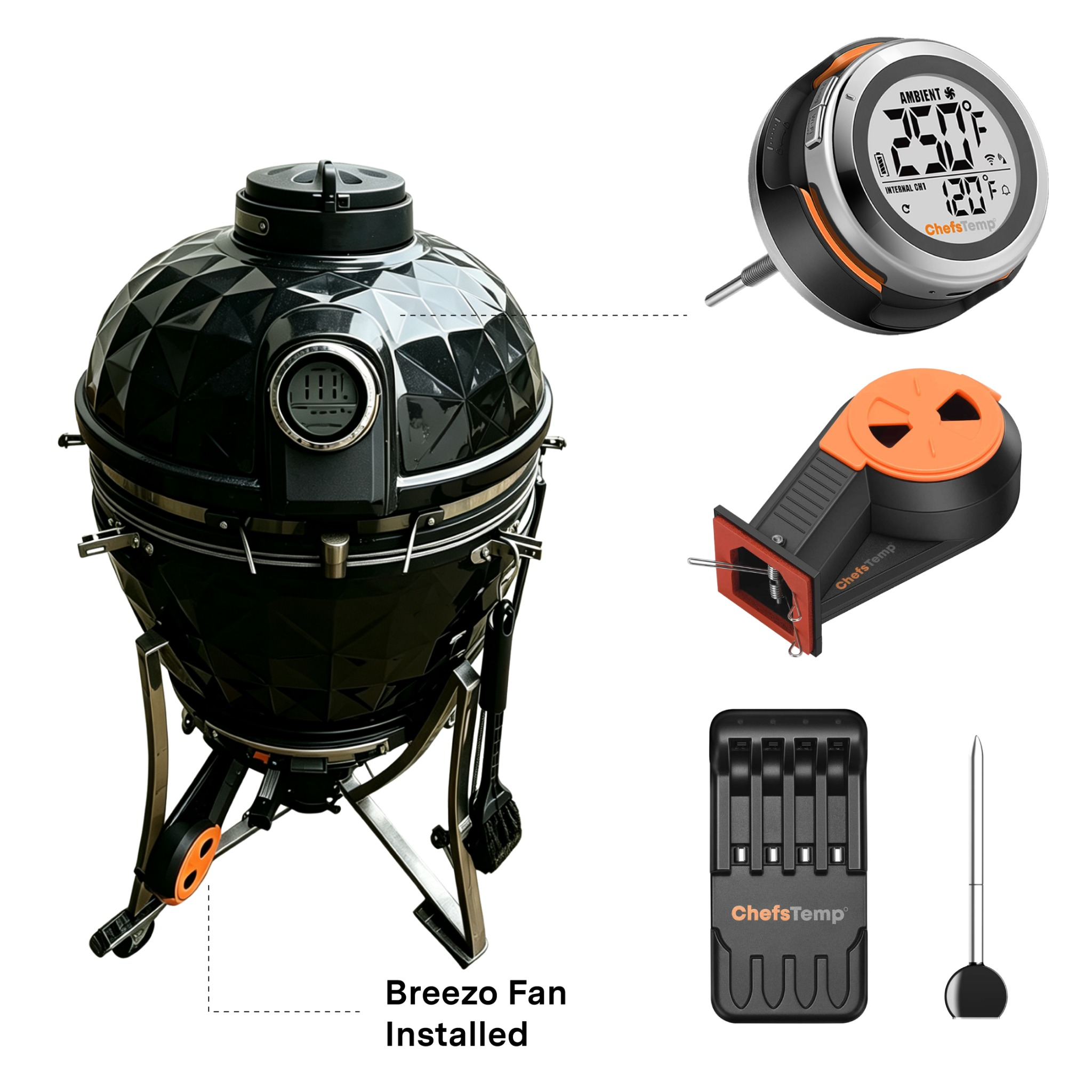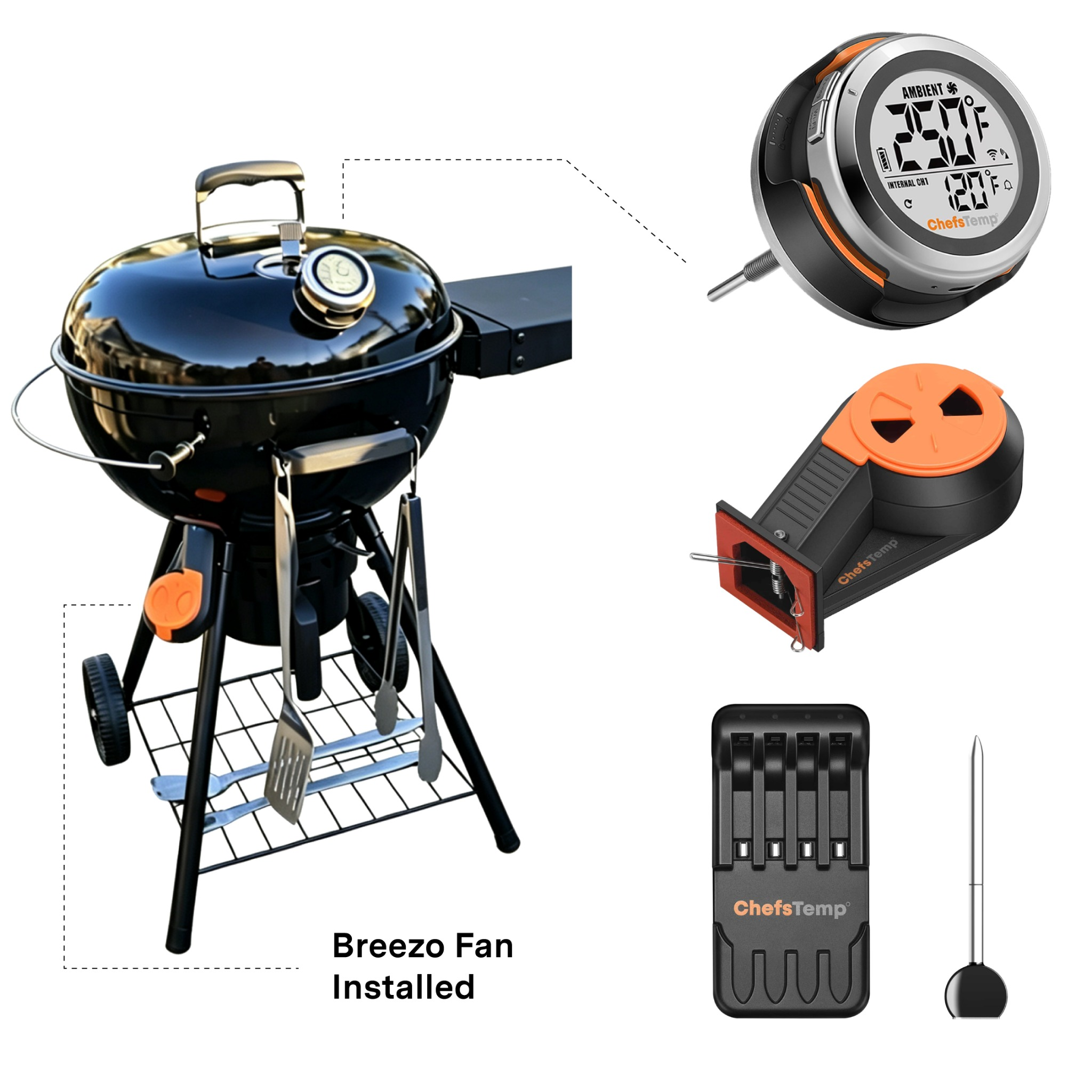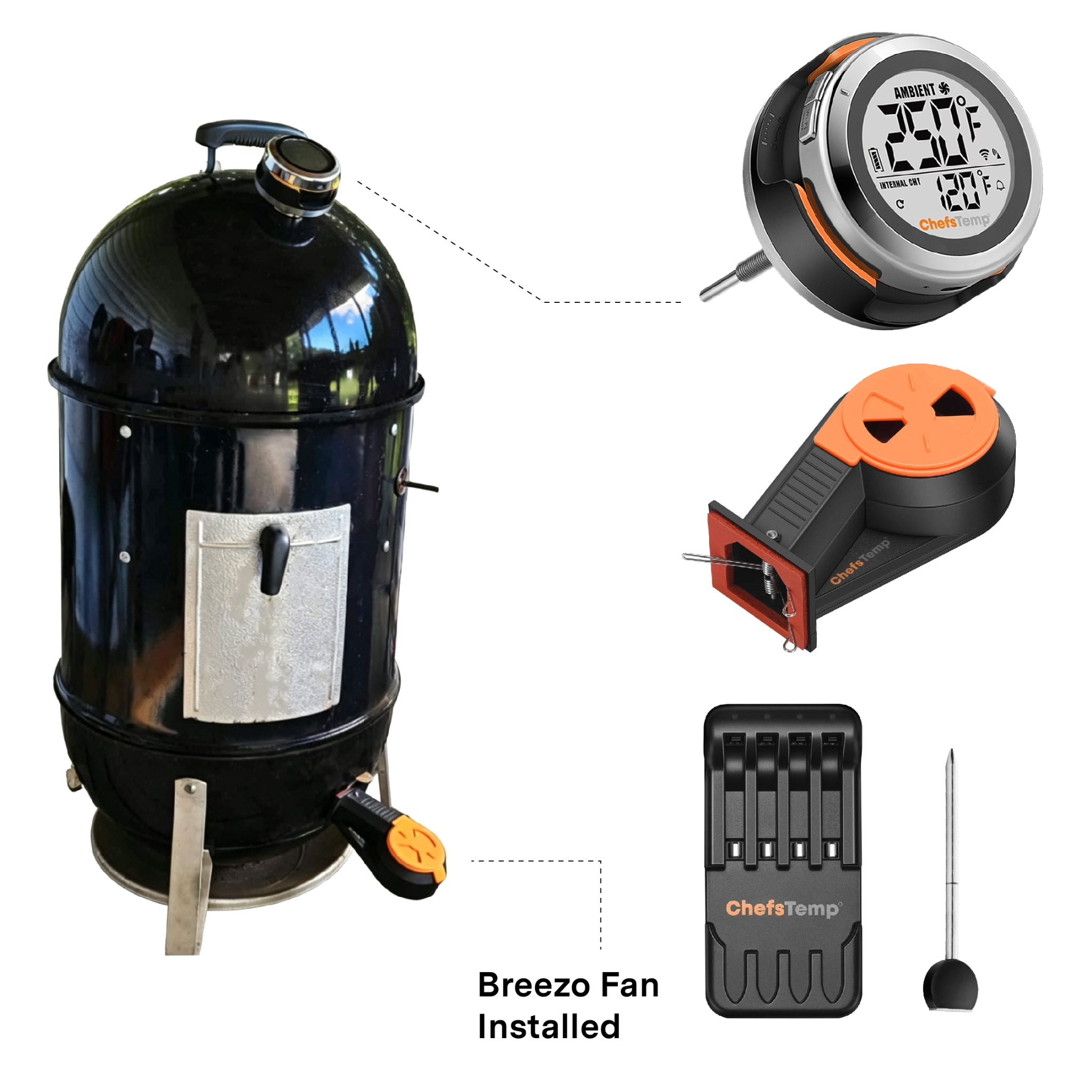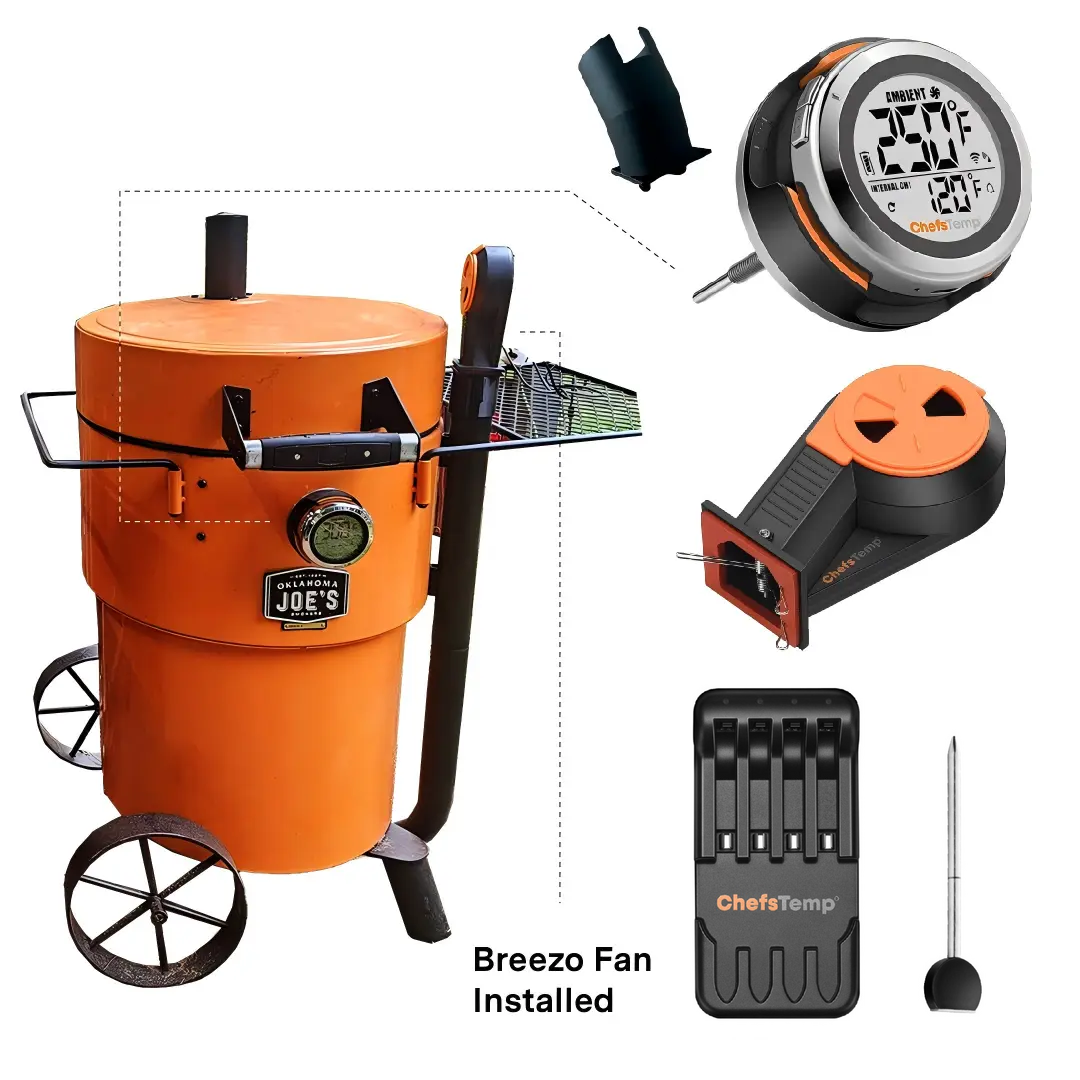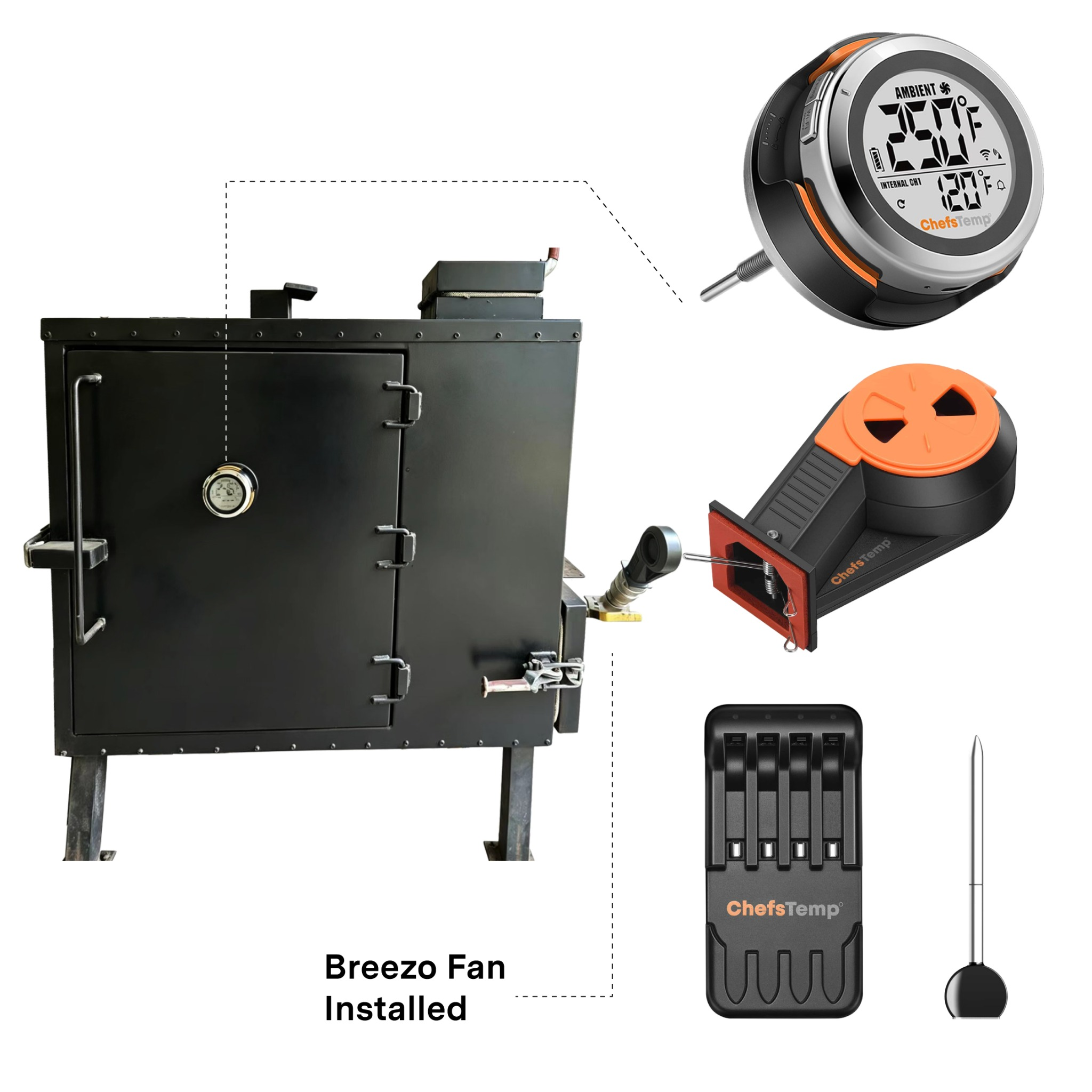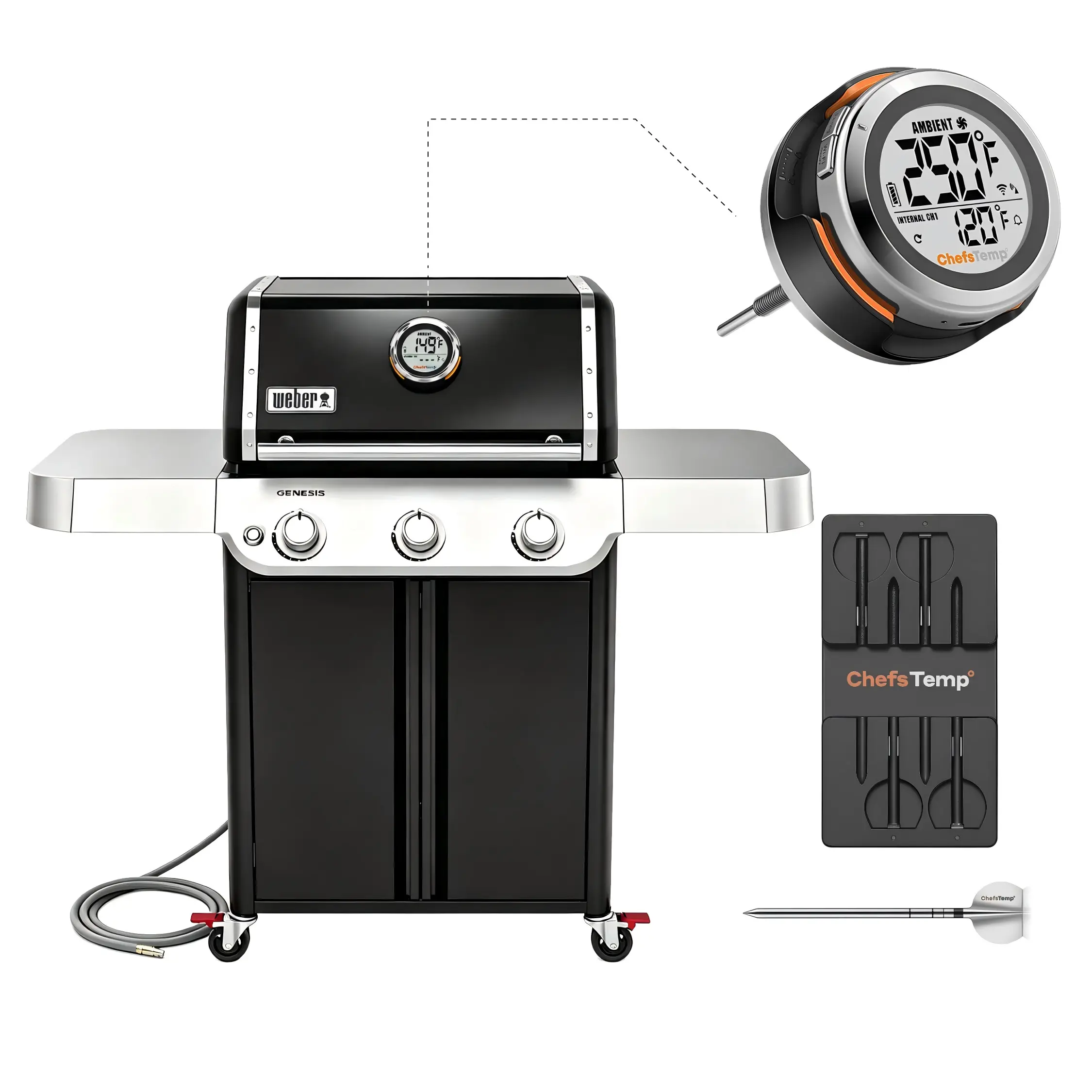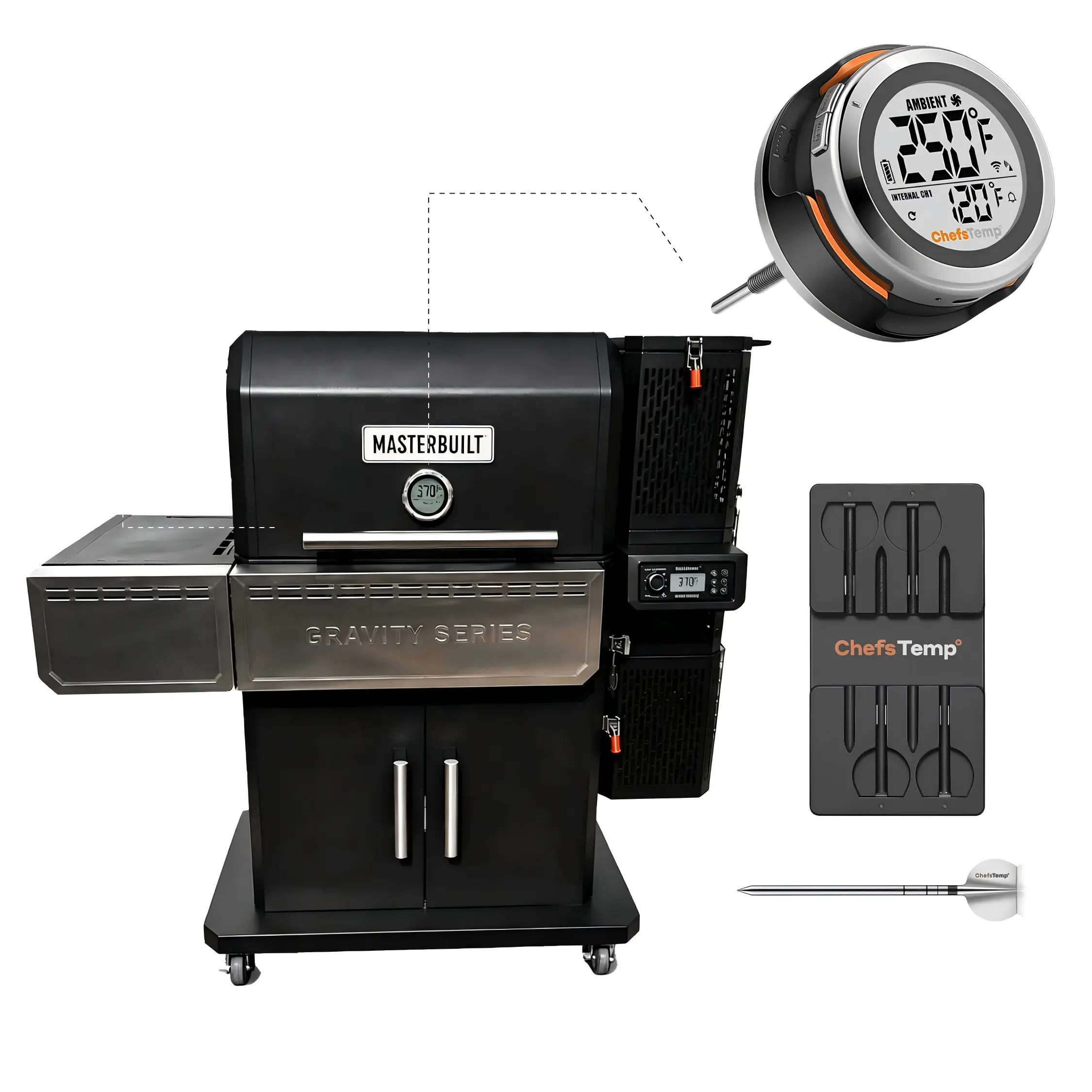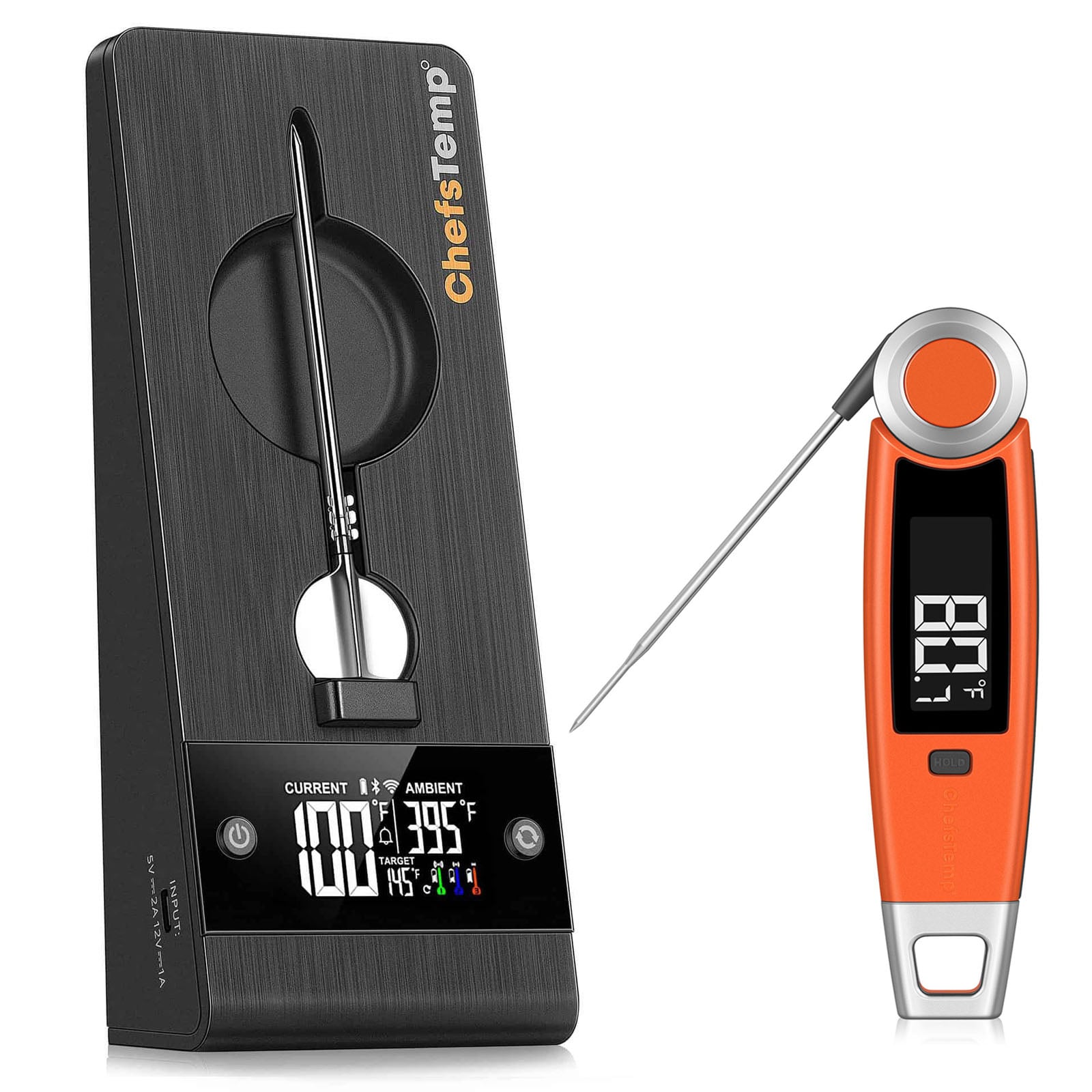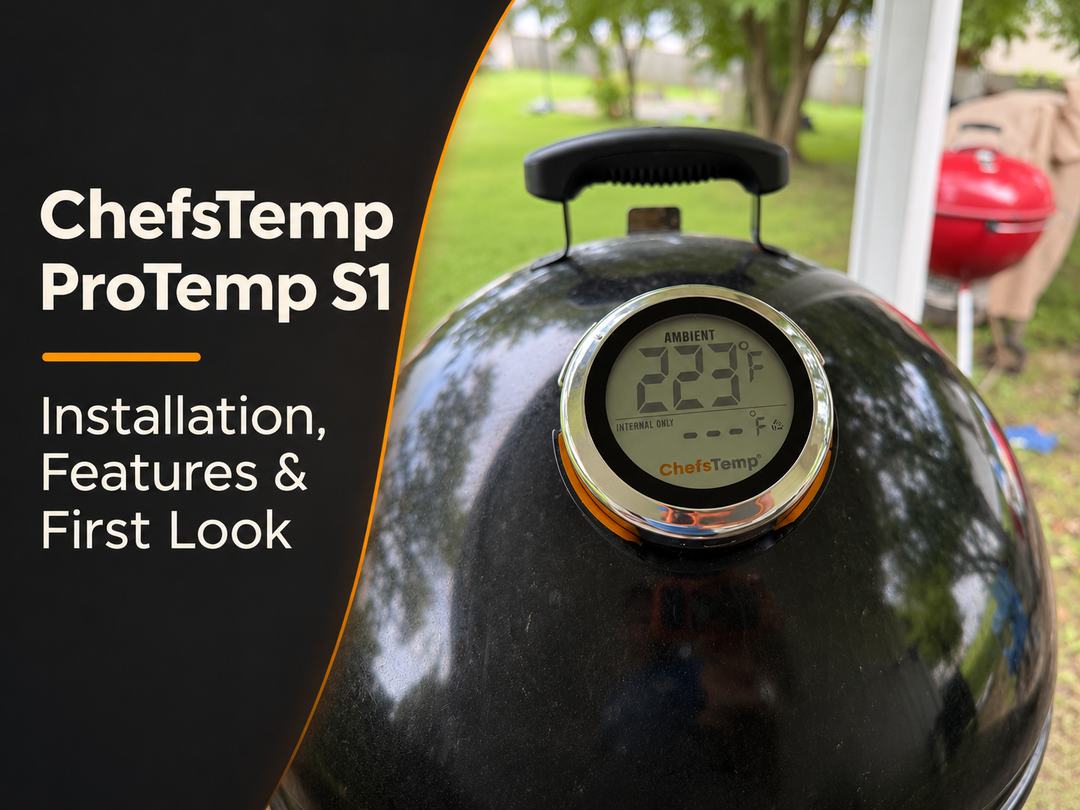
If you’re replacing the dial thermometer on your grill with the ChefsTemp ProTemp S1, start with the lid. The diameter of the existing thermometer opening determines which stems can fit, and the room behind the lid determines how far a stem can extend. Once you’ve chosen the right base, you can read the grill temperature on the S1 display, follow it on your phone, and add a wireless meat probe or a Breezo fan if your setup calls for one.
1. What the ProTemp S1 Measures
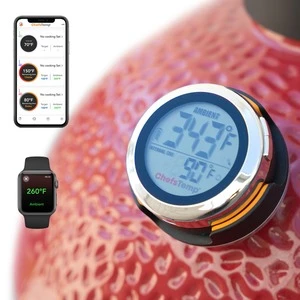
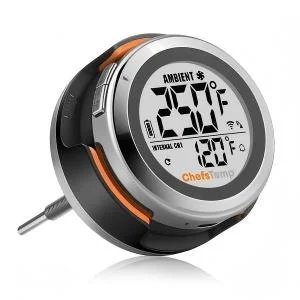
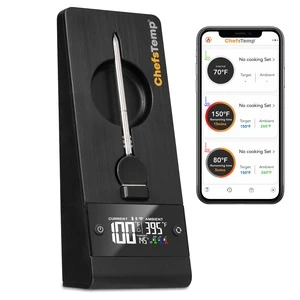
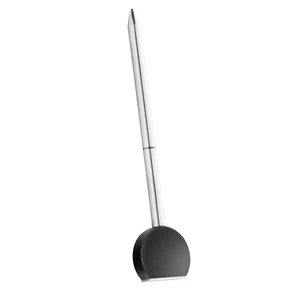
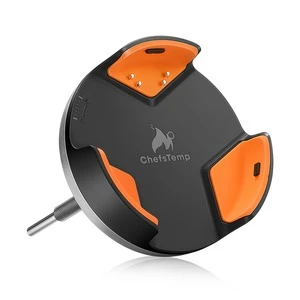
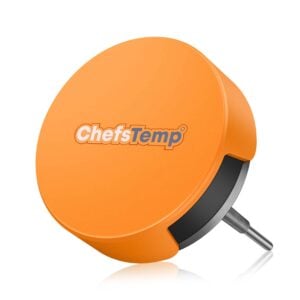
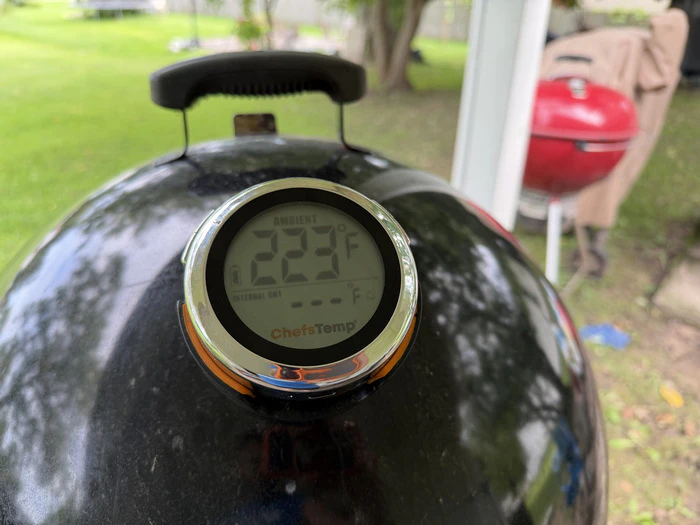
The S1 has two main parts. The base mounts through the grill lid and holds the stem that measures the air around it. The display sits on the outside of the grill and detaches from the base. That gives you a reading at the grill without opening the lid, plus a way to follow the temperature from the ChefsTemp app.
Think of the reading as the temperature at the installed stem. On a smoker, the air near the lid and the air at the cooking grate can be different. If you’re comparing two readings, note where each sensor sits before assuming the difference comes from the thermometer. To see the temperature inside the food, use a compatible wireless meat probe.
2. Choose the Right S1 Base and Install It
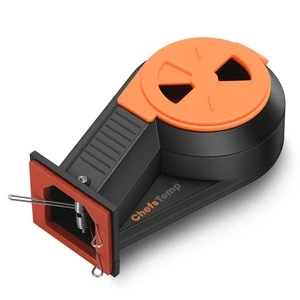
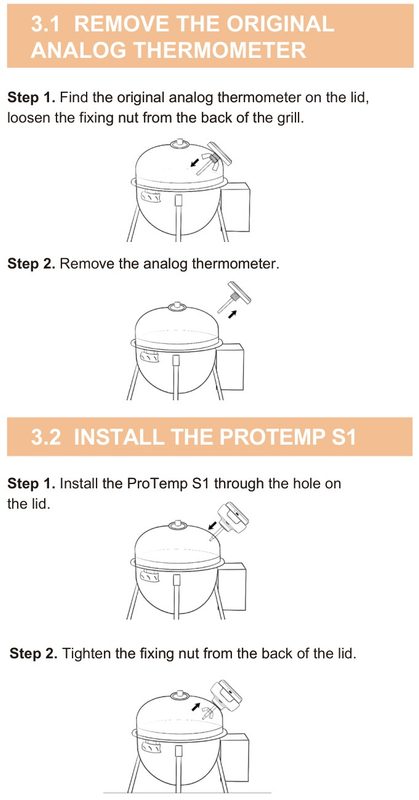
Look up the exact grill model, then check the mounting point on your own cooker. With the grill cool, locate the retaining nut behind the original dial. Once the original gauge is out, measure the clear opening it leaves. Then check the space behind that opening, including any rack, heat shield, or lid hardware a stem could contact when the lid closes.
| S1 version | Stem diameter | Stem length | What to check |
|---|---|---|---|
| Universal | 7.8 mm | 3.54 in | An opening that accepts the stem and enough space behind the lid for standard reach. |
| Big Green Egg | 4.1 mm | 4.3 in | A narrower factory opening and a mounting surface that suits the BGE hardware. |
| Short Stem | 7.8 mm | 1.5 in | A standard-width opening with limited clearance behind the lid. |
| Special Edition | 7.8 mm | 5.5 in | A cooker that calls for more reach, with a clear path for the longer stem. |
A short stem can solve a clearance problem, but it still requires the same diameter opening as the Universal. The BGE stem is thinner and also extends farther than the Universal. Check both measurements, even if you already know the grill brand. The S1 Setup Finder lists model-specific base and mounting guidance.
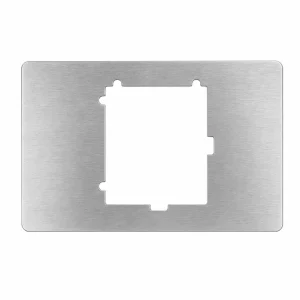
For a compatible factory opening, the basic sequence is to remove the original dial, insert the S1 base through the opening, and secure it from the inside using the hardware supplied with that version. The Universal and BGE bases use different mounting hardware. Check that the base sits securely, close the lid slowly to check clearance, then attach the display. If your model requires a different mounting method, follow the model-specific instructions. Use a compatible existing opening on ceramic lids.
3. Connect the App and Set a Pit-Temperature Alert
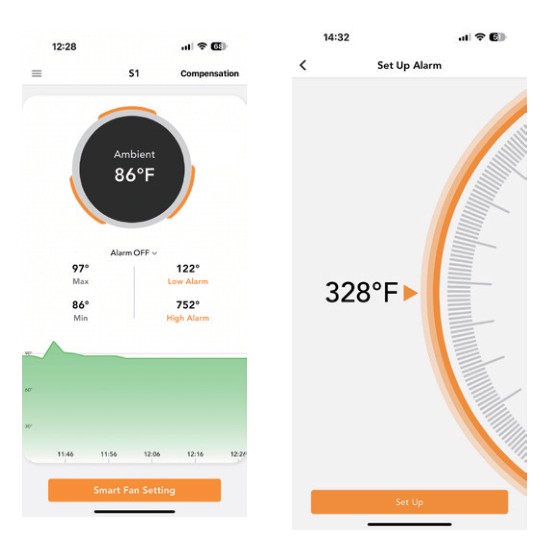
Power on the S1 and pair it in the ChefsTemp app while you’re near the grill. If you want to check the cooker when you’re out of Bluetooth range, connect the S1 to a 2.4 GHz Wi-Fi network. Open the S1 device screen and check that it shows a live ambient reading before you start the cook.
The S1 screen shows the current reading, recent minimum and maximum readings, and the Low Alarm and High Alarm settings. Tap the alarm you want to change, set the threshold, and confirm it. Choose limits that leave room for normal swings. For example, if you’re cooking around 250°F and want to know when the pit drifts well away from that point, you could start with alerts at 225°F and 275°F. Adjust the window to suit your cooker and the cook.
4. When to Add a Breezo Fan or Wireless Meat Probe
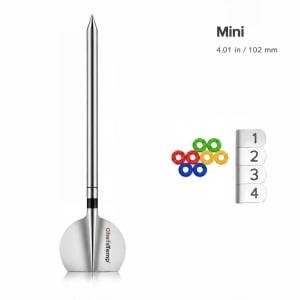
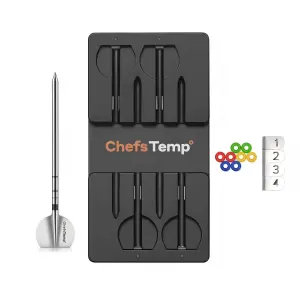
Start with what you want to see or control. The standard S1 package includes the display and base. Wireless meat probes and the Breezo fan are separate accessories unless you choose a bundle that includes them.
- See what the pit is doing. The S1 alone shows the grill temperature at the stem and lets you set an alert when it moves outside your chosen range.
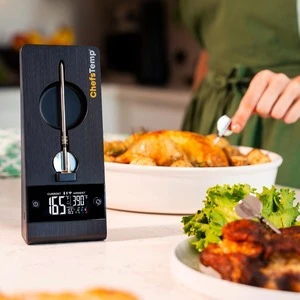
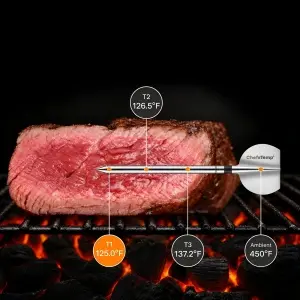
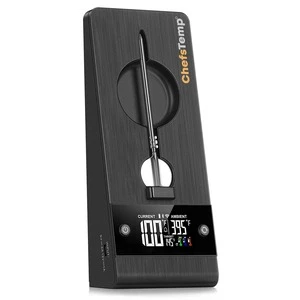
- Track the food as well. Pair a compatible wireless meat probe to see the food’s internal temperature alongside the pit reading. The two readings answer different questions, especially on a longer cook.
- Automatically adjust airflow. On a compatible charcoal grill or smoker, pair a Breezo fan with the S1 so the system can adjust intake airflow toward your selected pit temperature. Check the fan mounting point and adapter requirements separately from the S1 lid fit.
Related Posts

ChefsTemp ProTemp 2 Plus: What’s in the Box?
The ChefsTemp ProTemp 2 Plus pairs a wireless meat probe with a charging stand that also displays your tempera...

Monitoring the First Burn on a Lone Star Grillz El Fuego Trio with ChefsTemp
Before the first brisket or rack of ribs, a new grill needs its first firing. That session also lets you learn...
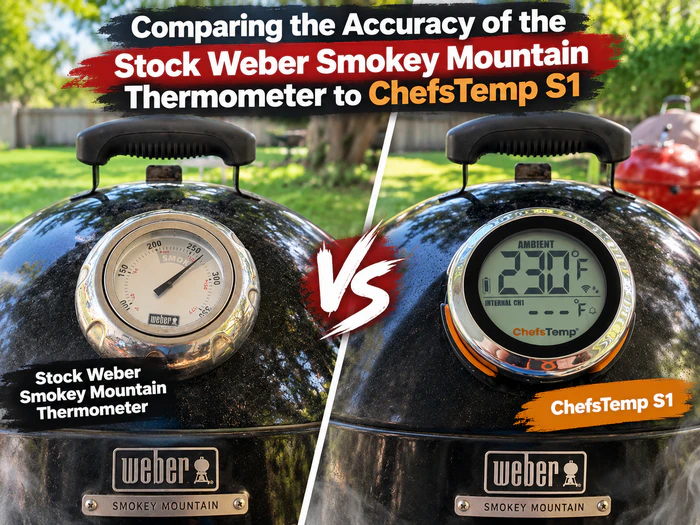
Comparing the Accuracy of the Stock Weber Smokey Mountain Thermometer to ChefsTemp S1
The Issue
The Weber Smokey Mountain is a popular and versatile cooker, but it has one major flaw - the stock ...

How to Smoke Brisket Overnight on a Weber Smokey Mountain: True User Experience
You can smoke brisket overnight on a Weber Smokey Mountain (WSM) without checking the smoker every few minutes...
Can Salmon Be Undercooked? The Real Risks and How to Stay Safe
Can salmon be undercooked? Learn the exact temperature rule, spot the warning signs fast, and fix an undercooked fillet before it ruins dinner.
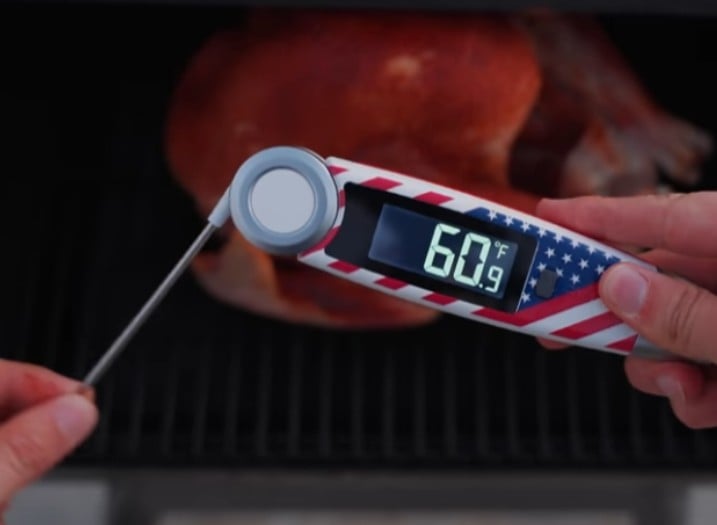
Best Thermapen Alternatives: 6 Instant-Read Thermometers Tested
Thermapen is fast, but is it worth? We tested 6 instant-read Thermapen alternatives for speed, accuracy, and value. Find your best match here.
From Traditional to Digital Thermometers – What Is the Future of Meat Thermometers?
Is an electronic meat thermometer a reality? Yes, it is a reality. Meat thermometers ensure the safety of cook...
Reasons Why You Should Upgrade to the Best Instant Read Thermometer
A kitchen without an instant-read thermometer is incomplete. When it comes to creating a succulent pot roast o...
How Do You Know Your Ribs Are Done?
The summers are on the way, and we know many of you are planning to make this Memorial Day or Independence Day...
Is Your Steak Properly Done? Get it Right with a Remote Thermometer
Many passionate grillers began where you are now. Their first attempts were unsuccessful and disappointing. Th...
Things You Should Never Do with an Instant Read Meat Thermometer
An instant-read meat thermometer is needed to tell if your meat is cooked to the proper internal temperature. ...
Steak Temperature Guide: All Information You Need for a Perfect Steak
Steaks are not your everyday meal. They are the most costly cuts of meat you can order at a restaurant of any ...